
How accurate are BLE beacons? Four methods, and why results vary
How accurate are BLE beacons? Proximity, RSSI trilateration, fingerprinting and angle of arrival compared, why accuracy varies, and what to ask BLE vendors.
How accurate are BLE beacons? The short answer
How accurate are BLE beacons? It depends far more on the method than on the beacon. Simple proximity tells you the nearest gateway or room. Signal-strength (RSSI) trilateration typically lands within a few metres. Fingerprinting can do somewhat better in a well-surveyed building. Angle of arrival (AoA), using Bluetooth direction finding, is where published specs claim sub-metre accuracy, with more expensive receivers.
So a vendor quoting "1 m accuracy" and another quoting "room level" may both be honest; they are describing different systems. This guide explains the four methods, why results vary so much between buildings, and what to ask before you buy.
The four ways BLE estimates location
| Method | How it works | Typical accuracy (hedged) | Infrastructure |
|---|---|---|---|
| Proximity / zone | The tag is placed in the zone of the gateway that hears it best | The zone: a room, bay or aisle | One gateway per zone |
| RSSI trilateration | Signal strength at several gateways is turned into distances, then a position | About 2–5 m | Overlapping gateways, typically every 10–15 m |
| Fingerprinting | Signal patterns are surveyed point by point, then live readings are matched to the survey | About 1–3 m in a well-surveyed site | Gateways plus a survey and re-surveys |
| Angle of arrival (AoA) | Locators with antenna arrays measure the direction of each signal and combine angles | Sub-metre claims | Dedicated AoA locators, mounted and calibrated precisely |
There is also the reverse set-up, where fixed beacons broadcast and a phone or tag listens and works out its own position. That is common for visitor wayfinding with a "blue dot". The same methods and limits apply.
Proximity and zones: often all you need
If a gateway sits in each room, the system reports the room. Accuracy is then a question of correctness, not metres: how often is the tag shown in the right room? Signals pass through walls, so a tag near a doorway can flip between neighbouring rooms. Good systems smooth this with rules, such as requiring a stronger signal for several seconds before changing zone.
For finding equipment, counting assets per room or knowing which floor something is on, zone-level presence is usually enough and costs least. The Bluetooth beacon tracking page explains how zone names in your data match rooms on a map.
Why BLE accuracy varies so much
- RSSI is noisy. The same tag at the same spot can read several decibels apart from one second to the next.
- Reflections. Metal racks, machines and glass bounce signals, so strength no longer tracks distance.
- People. The human body absorbs 2.4 GHz signals. A badge worn on the chest reads differently facing towards or away from a gateway.
- Orientation and mounting. A tag inside a metal toolbox or flat against a cart behaves differently from one in open air.
- Gateway density and geometry. Too few gateways, or gateways in a straight line, give poor positions whatever the maths.
- Broadcast interval. A tag that broadcasts rarely gives fewer samples, so the system must choose between smooth positions and fast updates.
- Filtering choices. Heavy smoothing hides noise but adds lag; a moving forklift appears where it was a few seconds ago.
What to ask BLE vendors
- 1Which method?
Proximity, RSSI, fingerprinting or AoA. The answer sets the realistic range before any number is quoted.
- 2Which percentile?
Average error hides bad cases. Ask for the 50th and 90th percentile, or for room-level correctness as a percentage.
- 3In what building?
An empty office and a full warehouse give very different results. Ask for figures from a similar site.
- 4At what update rate and battery life?
Accuracy measured at ten updates a second will not hold when tags broadcast every five seconds to save battery.
- 5How many gateways or locators?
Ask for the count per floor area, and what changes when racks or walls move.
- 6Does it detect floors?
Multi-floor sites need the correct floor first. Signals leak through ceilings and atria.
- 7Can we pilot it?
Run a short test in your hardest area with your own assets, and measure the result yourself.
How to measure accuracy in a pilot
A vendor demo shows what a system can do. A pilot shows what it does in your building. Keep the test simple and repeatable:
- 1Mark test points
Choose 20 to 30 spots across the area, including corners, doorways, metal-heavy aisles and busy corridors. Note each spot’s true room and position.
- 2Place real tags on real assets
Put tags where they will live: on carts, inside toolboxes, on badges worn by people.
- 3Record what the system reports
Log the reported zone or position at each point for several minutes, at the update rate you plan to use.
- 4Score it two ways
For zones, the share of readings in the right room. For coordinates, the error at the 50th and 90th percentile.
- 5Repeat at a busy time
Run the test again during a full shift, when people and goods change the signals.
Write the gateway layout and tag settings down next to the results, so a later change can be compared fairly.
Matching accuracy to the job
| Question you need answered | Accuracy that usually suffices |
|---|---|
| Which floor or wing is it on? | Zone level |
| Which room is it in? | Zone level with a gateway per room, plus smoothing |
| Which aisle or bay? | A few metres: RSSI with dense gateways, or fingerprinting |
| Which shelf or workstation? | Sub-metre: AoA, or another technology such as UWB |
If the job needs tens of centimetres, BLE may not be the right tool. The BLE vs UWB vs Wi-Fi comparison covers the alternatives.
Showing BLE positions on a floor plan
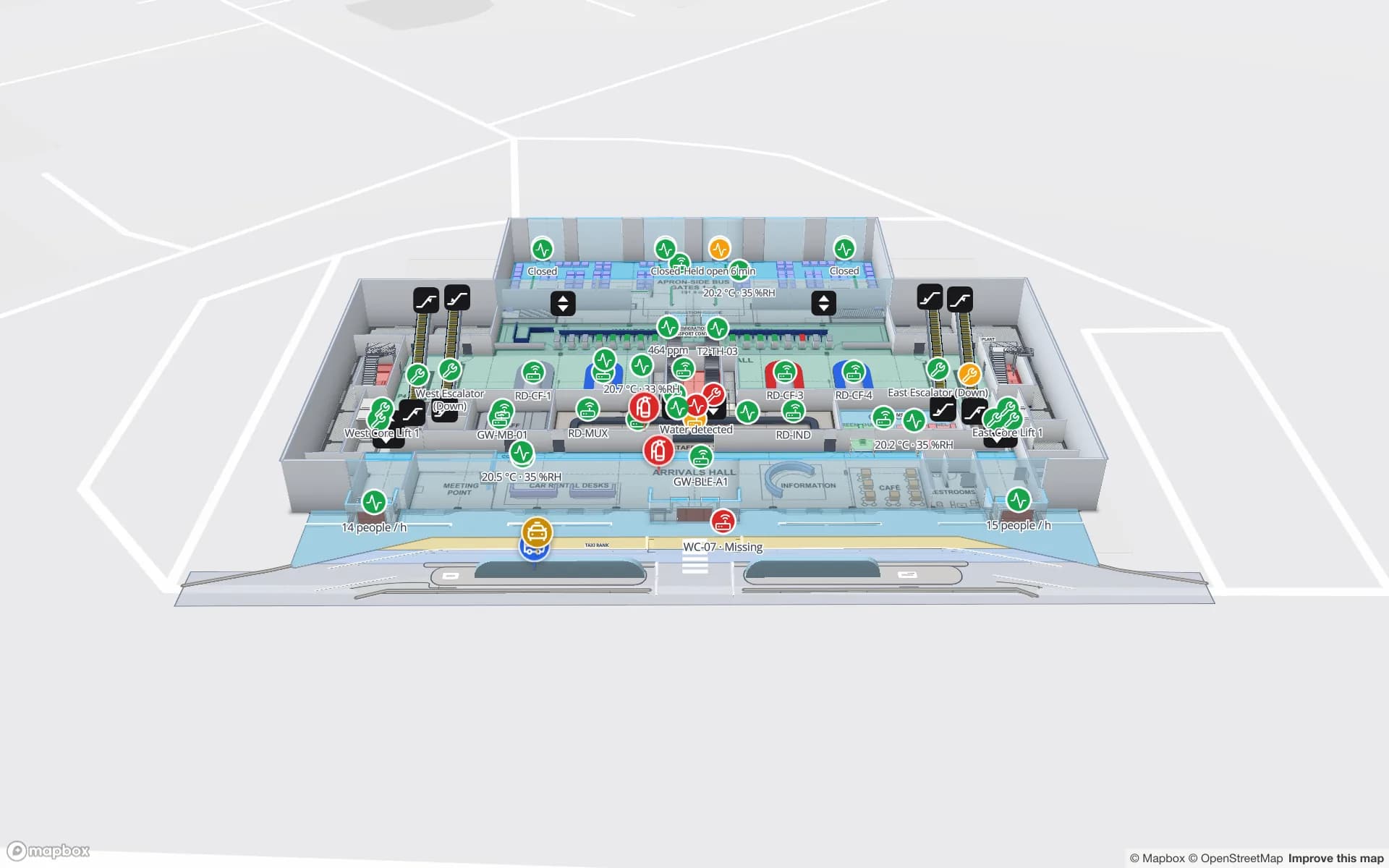
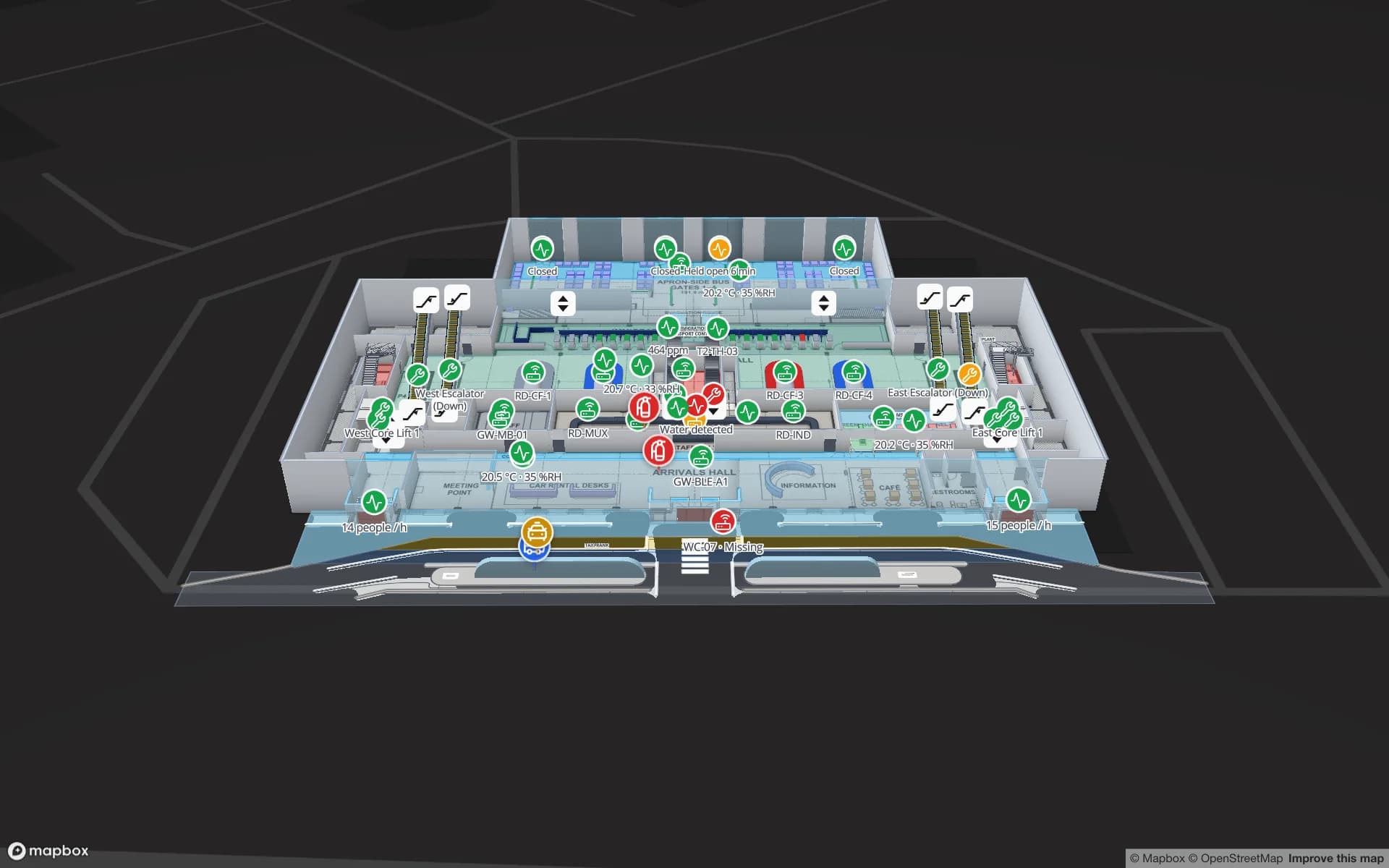
Spatial Map does not compute BLE positions, so it does not set your accuracy. It shows what your gateway software or RTLS engine reports: room presence when a zone name matches a room on the map, or live markers at the coordinates your system sends, on the right floor of a 3D floor plan. Seeing positions against walls and racks is a quick way to judge a pilot: markers inside walls or in the wrong room are easy to spot. See BLE asset tracking and RTLS software.
For visitor-facing "blue dot" navigation, accuracy needs are different again; the airport and mall wayfinding guide discusses them.
Quick answers
Can BLE beacons give centimetre accuracy? Not in typical deployments. Published AoA systems claim sub-metre accuracy; centimetre-level tracking is usually the domain of UWB.
Does adding more beacons improve accuracy? Up to a point. Better geometry and overlap help RSSI methods, but beyond a certain density, noise and reflections dominate.
Why does my tag jump between rooms? Signals pass through walls, so a tag near a boundary can be heard well in two rooms. Smoothing rules and gateway placement reduce this.
Try the platform your data belongs on.
Spatial Map turns spreadsheets, sensor streams, and CAD drawings into one live 3D facility view — nothing to install, seven-day free trial.
Keep reading
- Deep-diveDoes GPS work indoors? Why it fails and what works insteadGPS barely works inside buildings: the signals are too weak and bounce off everything. Here is why, how indoor positioning options compare, and why each one still needs an indoor map.
- Deep-diveHow far can RFID be read? Read ranges by type, and what shortens themPassive UHF reads metres away, HF and NFC centimetres, active RFID tens of metres. Typical ranges by type, why real ranges are shorter, and how to test your own.
- Deep-diveOpen source digital twin software: the stacks behind a building twinOpen-source digital twins are built from parts: a map or 3D engine, an IoT platform and an application on top. This guide sorts the well-known projects by layer, checks their licences and shows where an MIT-licensed indoor twin fits.