
Indoor wayfinding for airports and malls: what actually works
Wayfinding for airports and malls: what signage, kiosks, web maps and blue-dot apps each do well, typical positioning accuracy, and why stale maps fail first.
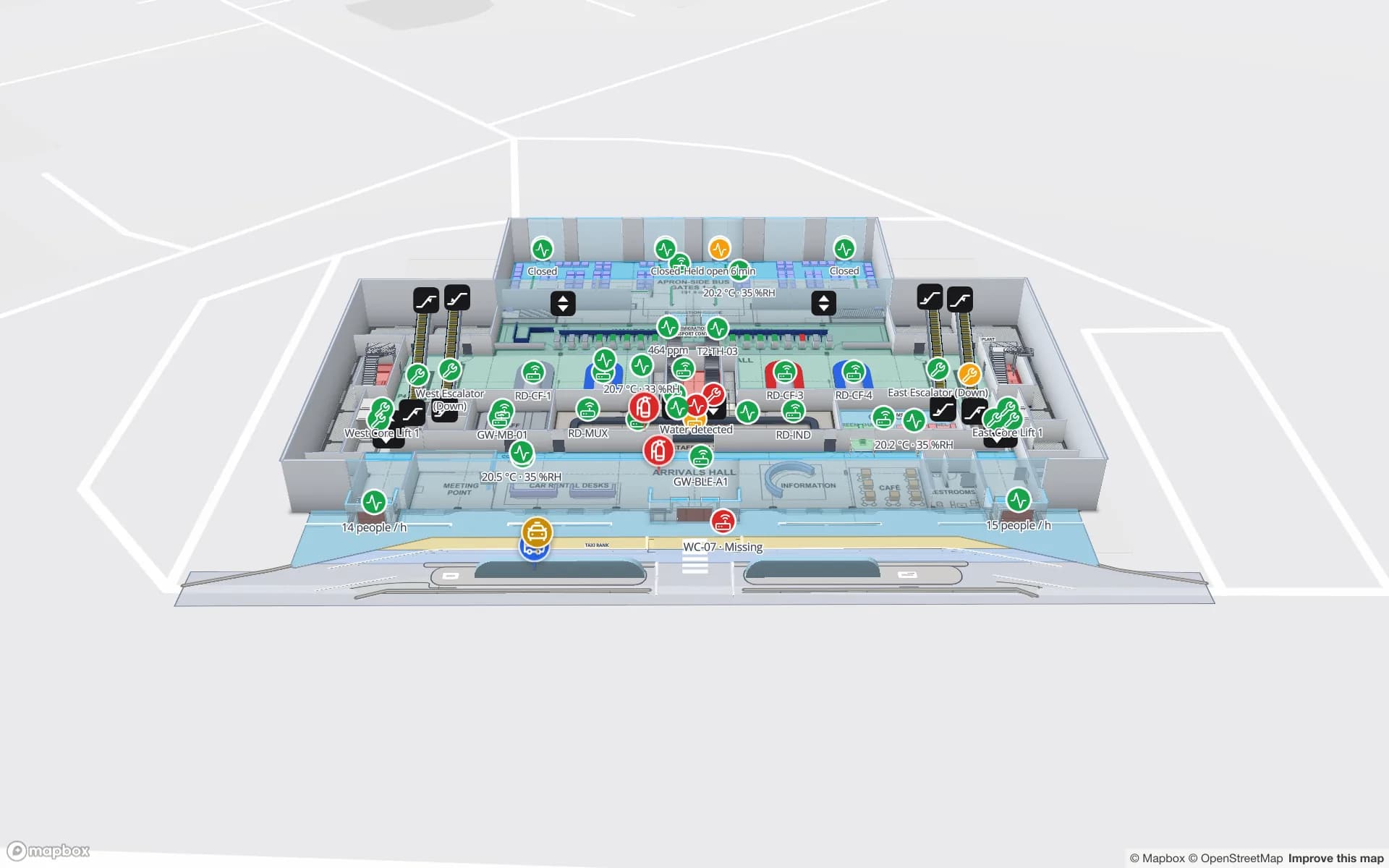
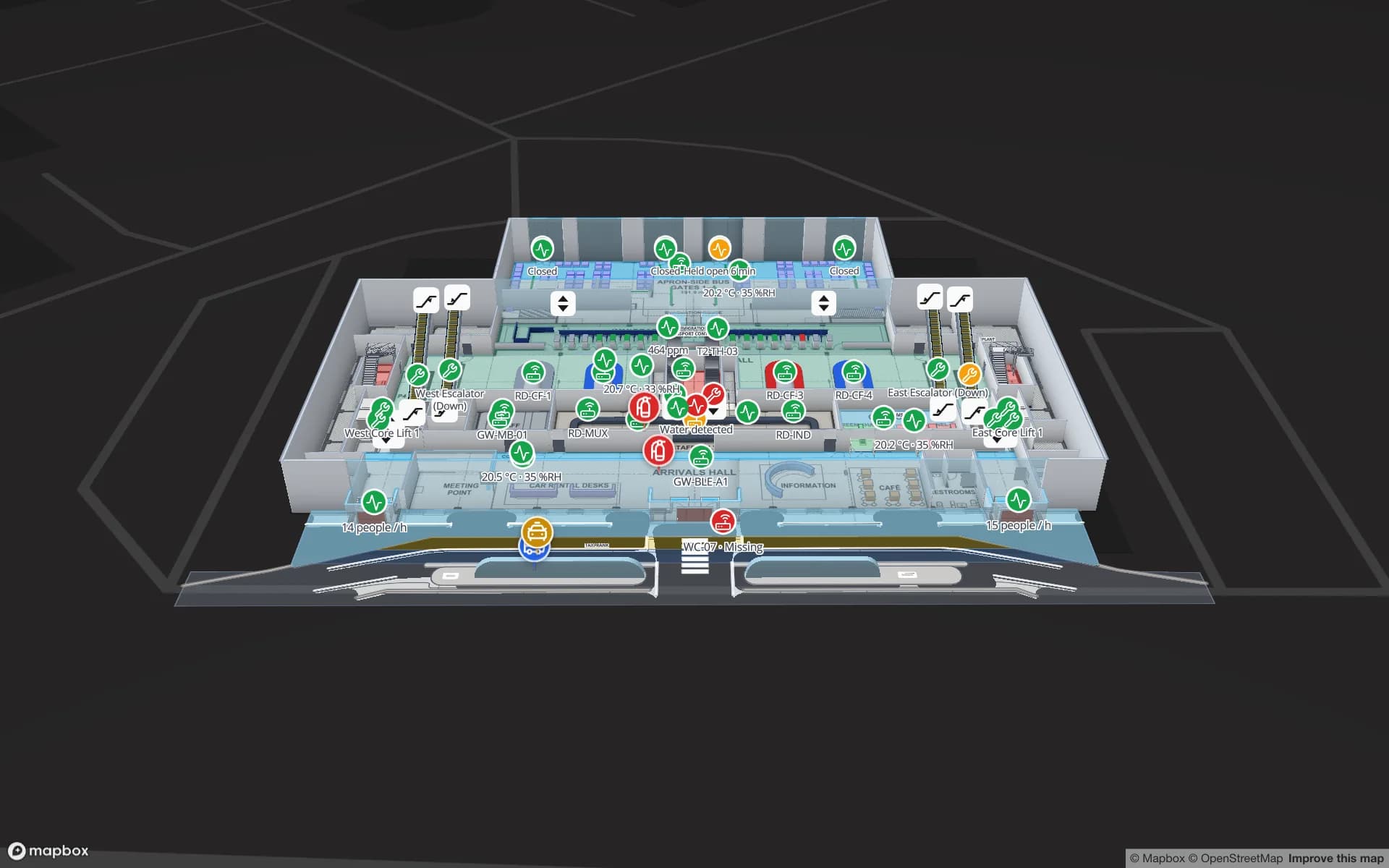
What actually helps people find their way
Airports and malls are the two places people most often get lost indoors, and both have tried everything: signs, directories, kiosks, apps, blue dots. The honest summary from those projects is unglamorous — good signage and an up-to-date map do most of the work; technology helps at the edges, and only if the map behind it is right.
The four layers of wayfinding
| Layer | Good at | Weak at |
|---|---|---|
| Static signage | Main flows: gates, exits, toilets, transport | Specific destinations, changes, multi-language detail |
| Directories and kiosks | Search for a shop or service; “you are here” is fixed | Directions beyond the next floor; queues at the kiosk |
| Web map / share link | No install, works from a QR code | No position unless the user taps where they are |
| App with blue dot | Live position and turn-by-turn on the phone | Install rate, positioning infrastructure, upkeep |
Airports: time pressure and changes
- Walking times matter more than distance. “Gate B32 — 12 minutes” is the most useful sentence in a terminal.
- Changes are constant. Gate changes, closed security lanes, lifts out of service — the map must reflect them the same hour.
- Airside and landside are different worlds. Routes must respect security and border boundaries.
- Accessibility is not optional. Step-free routes and assistance points need to be first-class destinations.
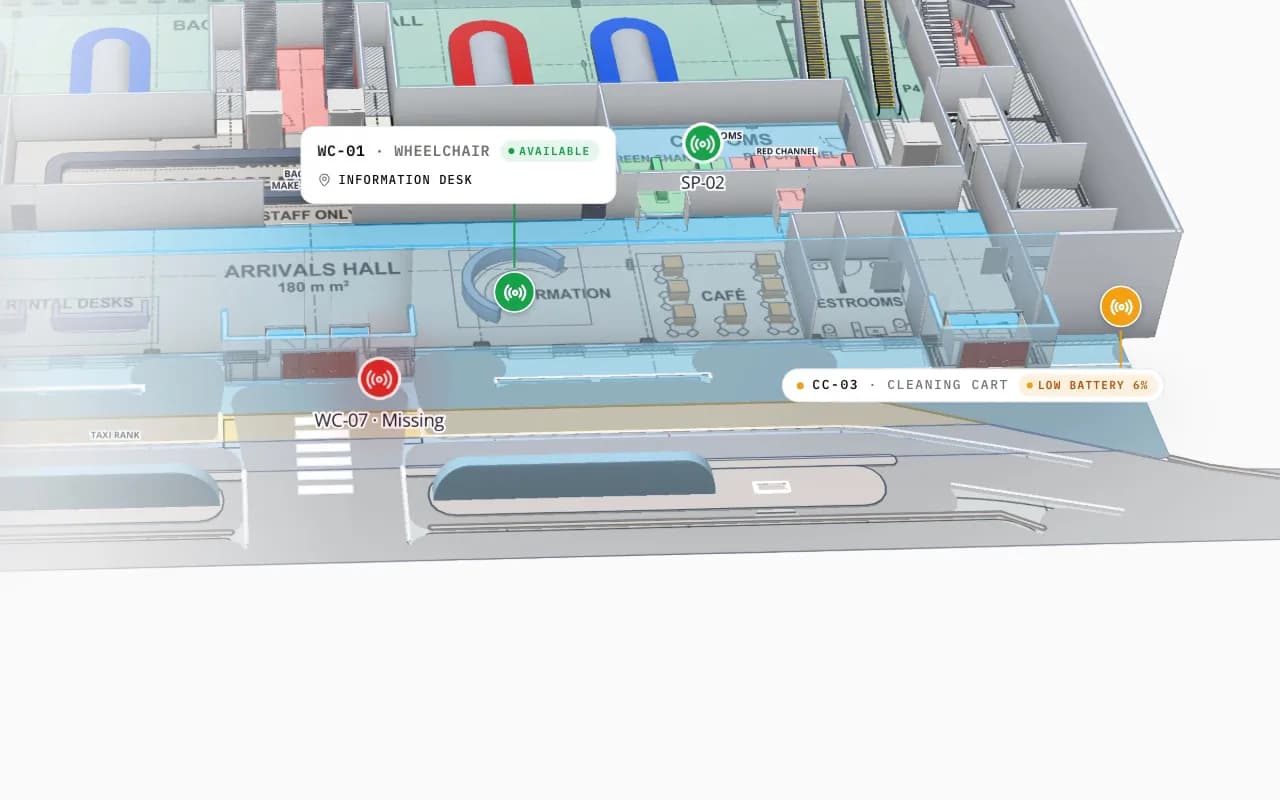
Malls: tenants, offers and many entrances
- Units change every month. If the tenant data is not tied to the map, the map is wrong within a season.
- Many entrances, many car parks. “Where did I park?” is as common a question as “where is the shop?”.
- Multi-floor is the norm. Directions that stop at the escalator are half an answer.
- Operations need the same map. Security, cleaning and maintenance work on the same floors as shoppers.
Blue dot: what the options really give you
GPS does not work reliably indoors, so a blue dot needs its own infrastructure. Typical accuracies below are for good conditions; real buildings vary.
| Technology | Typical accuracy | Needs |
|---|---|---|
| BLE beacons | A few metres | Beacons every few metres to tens of metres, batteries, an app |
| Wi-Fi RTT (802.11mc) | Around 1–2 m | Compatible access points and phones |
| UWB | Tens of centimetres | UWB anchors and UWB-capable phones or tags |
| Camera / visual positioning | Varies; can be under a metre | A visual map of the building and the phone camera |
A practical checklist
- 1Map the building properly
Every floor, door, lift and escalator at real-world scale, with names that match your tenant and asset data.
- 2Own the updates
Decide who changes the map when a unit, gate or lift changes — ideally operations, in a browser, the same day.
- 3Start with links, not apps
A web map from a QR code on signs reaches everyone; an app reaches only frequent visitors.
- 4Give staff the same map
Control rooms, security and cleaning teams are daily users and the best testers.
- 5Add positioning where it pays
Large terminals and complex malls; budget for maintenance, not just installation.
Where Spatial Map fits
Spatial Map is the map layer. Its viewer and share links include a Navigate button: walking directions on one floor, routed around walls and through doors, with no route drawing — see the indoor navigation system and the turn-by-turn directions guide. Lifts and escalators can be marked out of service so staff see them greyed out.
Multi-floor routes, step-free profiles and blue-dot positioning in your own app or kiosk are built on the same map as a custom development project, with positioning hardware from our hardware page. For the building itself, see airport indoor mapping and shopping mall indoor mapping.
Try the platform your data belongs on.
Spatial Map turns spreadsheets, sensor streams, and CAD drawings into one live 3D facility view — nothing to install, seven-day free trial.
Keep reading
- IndustryRFID in the Middle East: retail, logistics and cold chainRetail estates, re-export logistics hubs and cold chains in extreme heat drive RFID in the Gulf. What each gains, the usual traps, and region-specific checks.
- IndustrySupply-chain visibility inside the plant: lines, WIP, racks and docks on one live mapSupply-chain dashboards follow the truck to the dock door, then go blind inside the plant. A live indoor map of lines, stations, racks and docks closes that gap. Here is how to build one, using our Summit Assembly Plant demo as the worked example.
- IndustryStadium and venue operations on a live 3D map: gates, seats, concourses and crewsOn match day, gates, stewards, concessions and guest services each watch a different screen. A live 3D map of the bowl and concourses is where they agree on location. Here is how our Crown Park Stadium demo is built — 30,513 seats included — and how Lakeside Convention Center uses the same tools for events.