Qatar · Indoor mapping & wayfinding

Indoor mapping in Doha, Qatar for stadiums, museums and venues

In little more than a decade Doha gained World Cup stadiums, landmark museums, convention venues, a large airport terminal and a new city at Lusail. Those buildings now host league football, conferences, exhibitions and a steady stream of visitors who read a building in Arabic or English. Spatial Map turns their floor plans into a multi-floor 3D map in the browser that operations teams run with live data — and that visitors open from a link to find their way.

No credit card. Runs in the browser. Pro is $60/month for up to 4 facilities. Book a demo

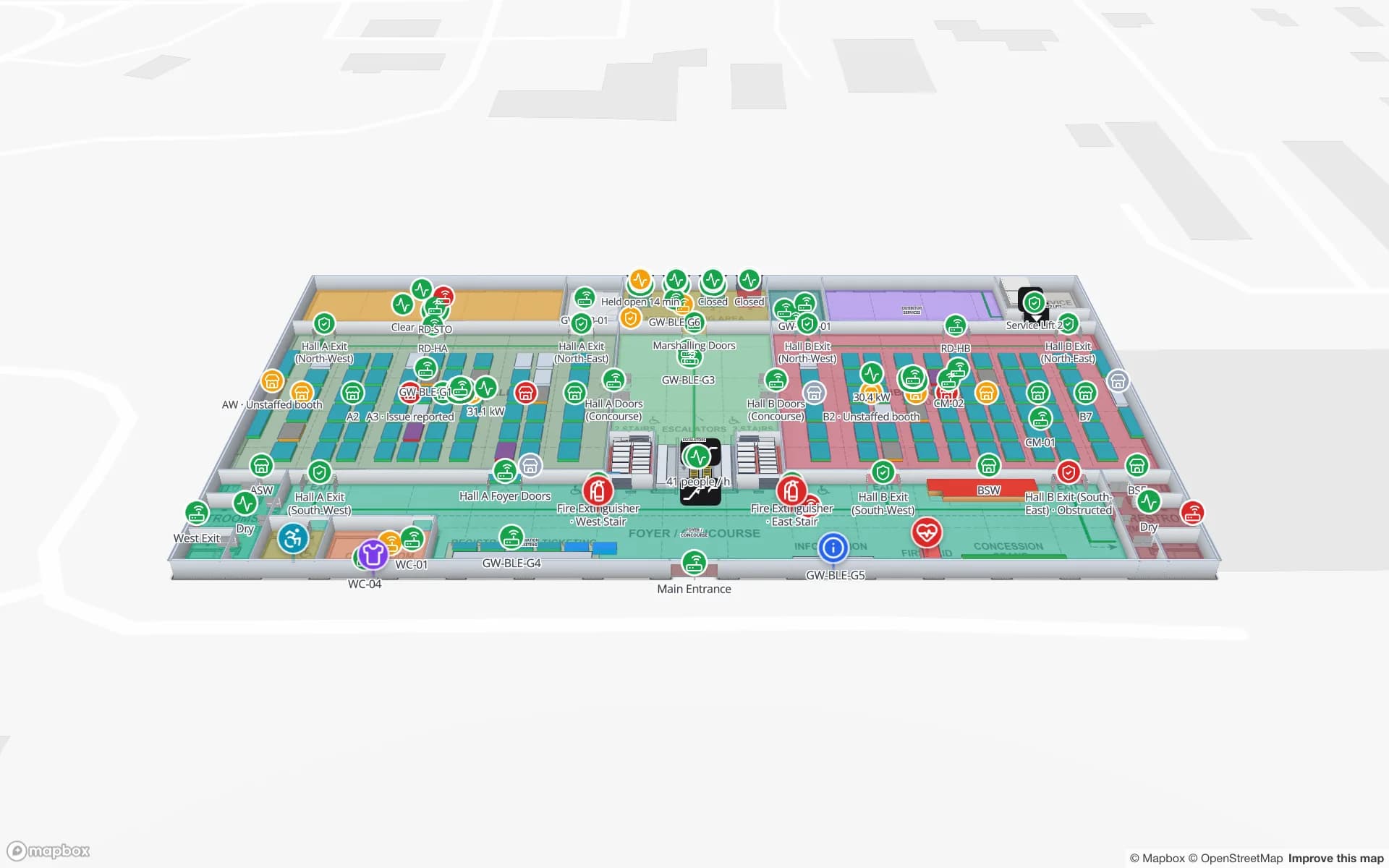
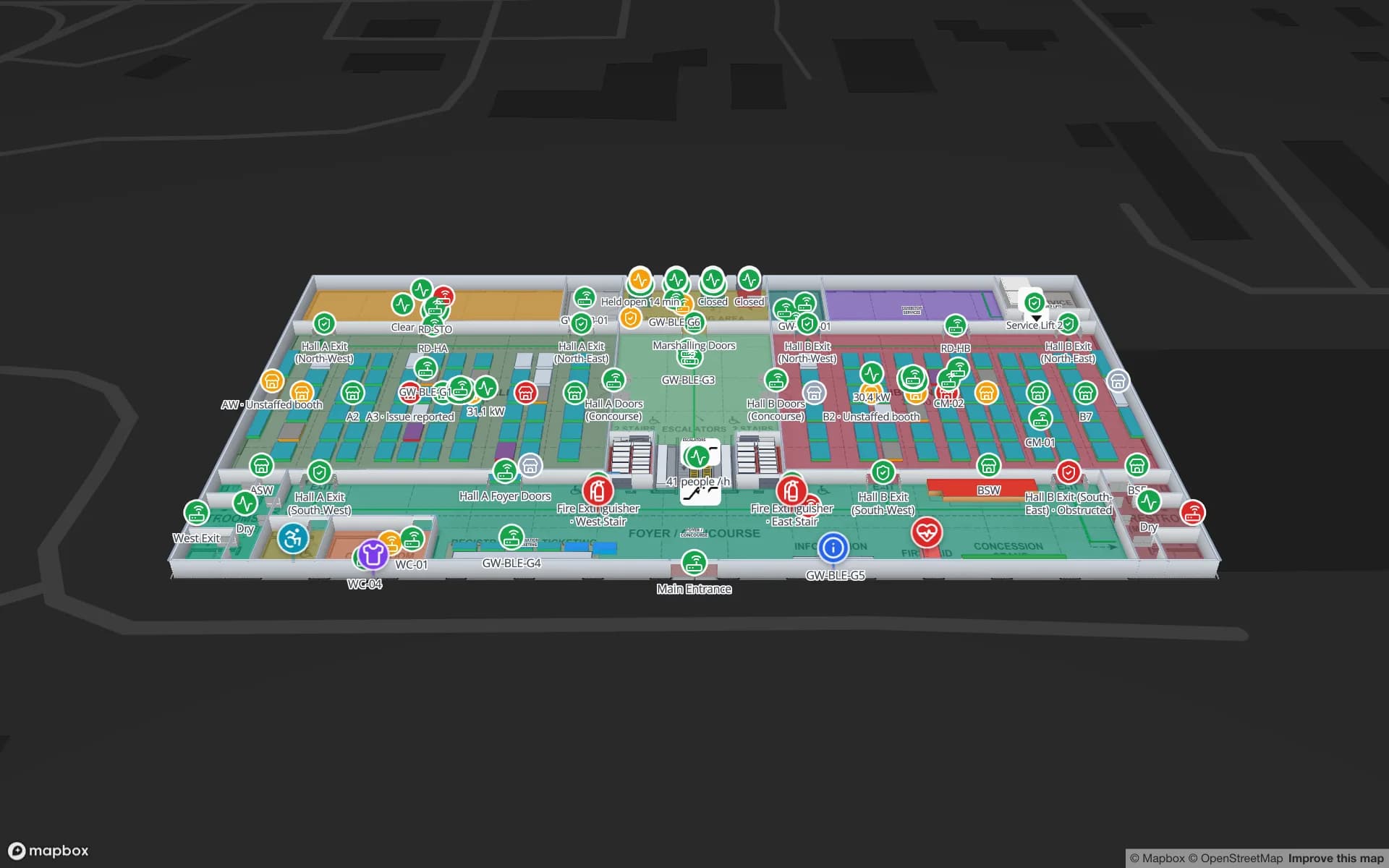
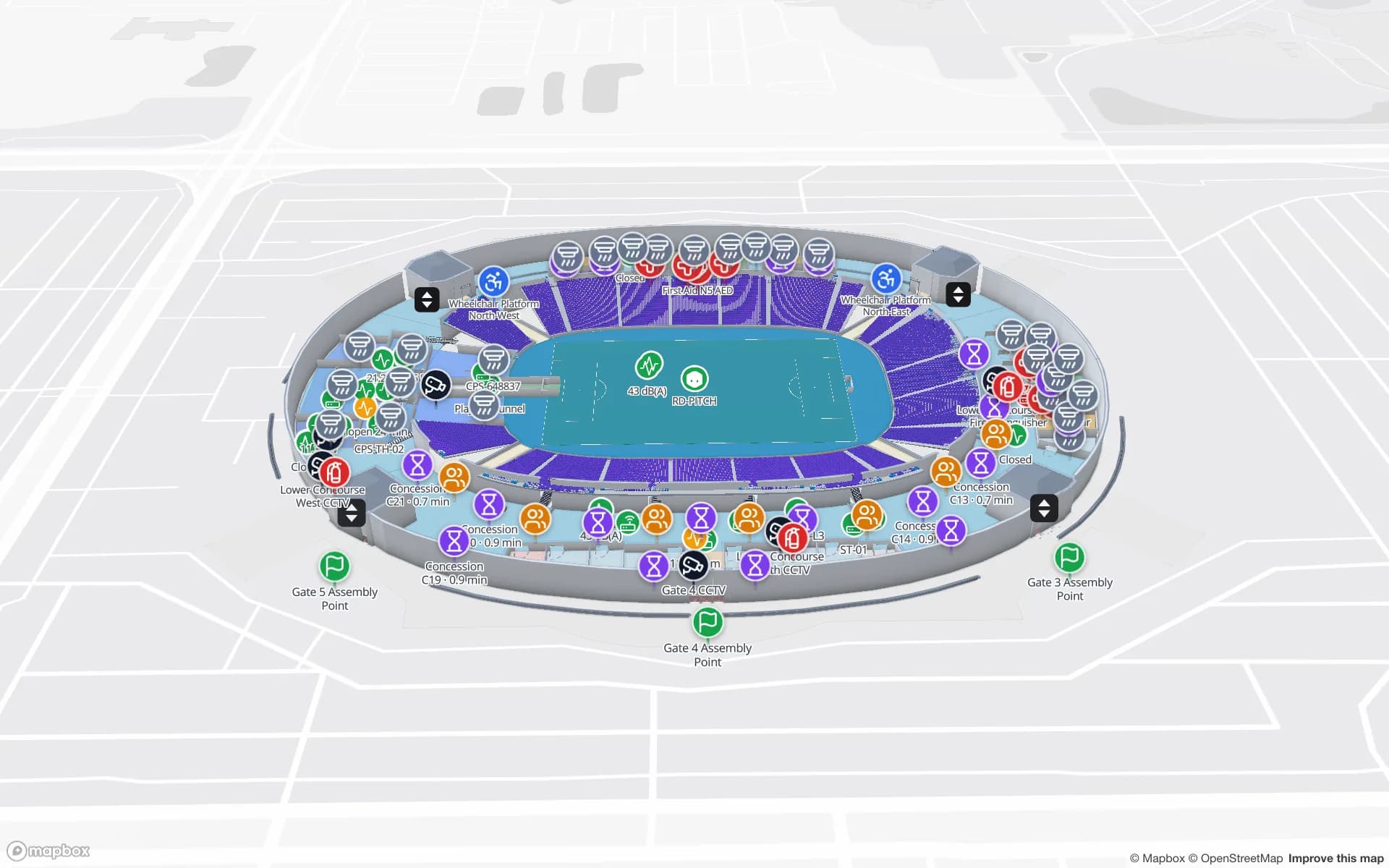
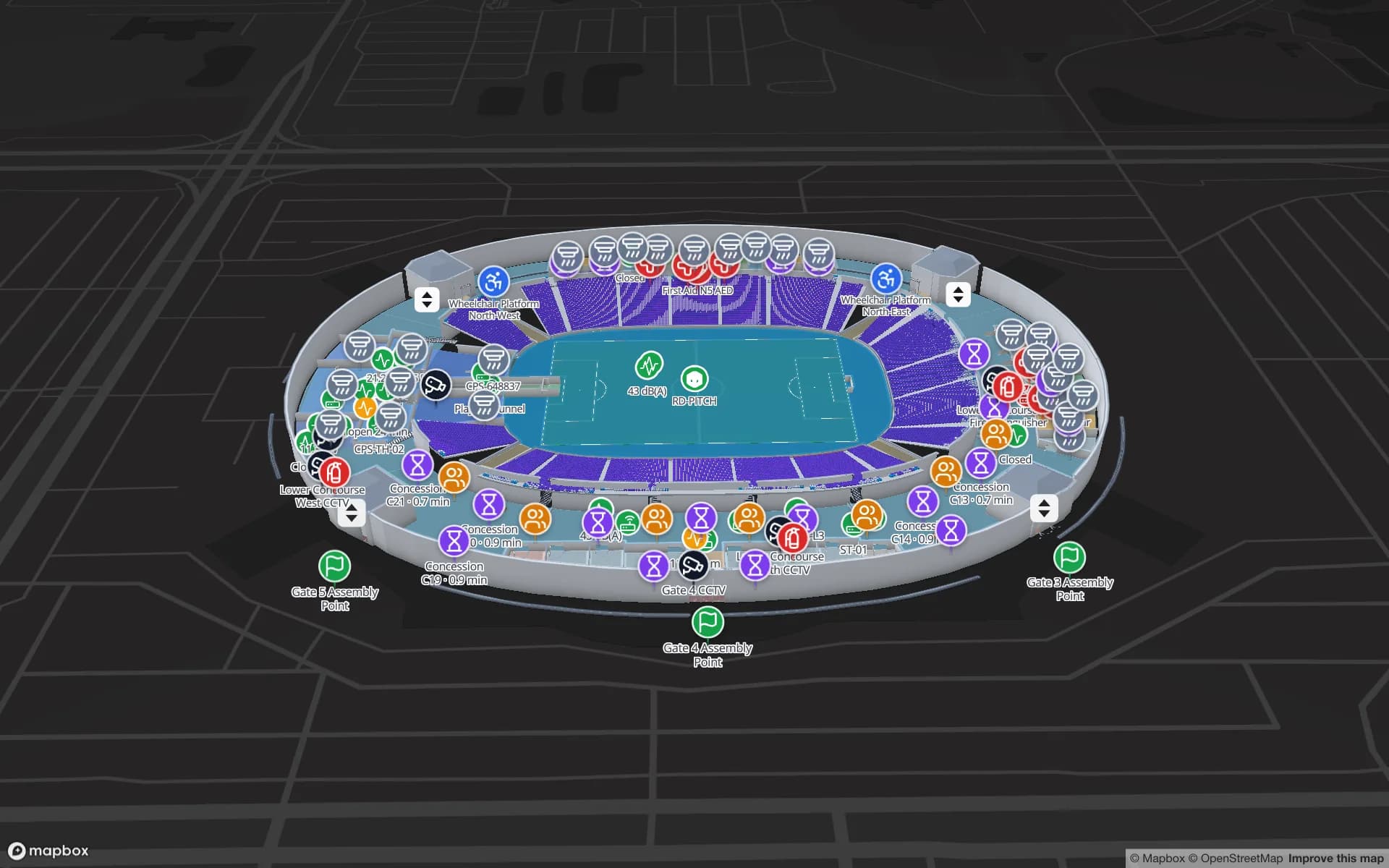
Crown Park Stadium, a stadium demo, in the Spatial Map 3D viewer with live device markers
Crown Park Stadium
Crown Park Stadium, a demo venue: 30,513 seats drawn as cells on two concourses, with gates, turnstiles and crowd counters live on the map.
Seats mapped in the Crown Park stadium demo
30,513
Floors of galleries in the Production Museum demo
3
App languages, including Arabic (right-to-left) and English
6
Apps for visitors to install
0

Venues built for events, now run every day

Qatar prepared eight stadiums for the 2022 FIFA World Cup and has kept hosting international tournaments since. Alongside them, Doha has major museums such as the National Museum of Qatar and the Museum of Islamic Art, purpose-built exhibition and convention venues, the Hamad International Airport terminal and mixed-use districts such as Lusail. The building phase is largely done; the work now is operating these venues well, event after event, with teams that change from one season to the next.

How floor plans become a 3D map in general is on our indoor mapping page. This page is about the Qatari venues that tend to need one, and the bilingual visitors who use them.
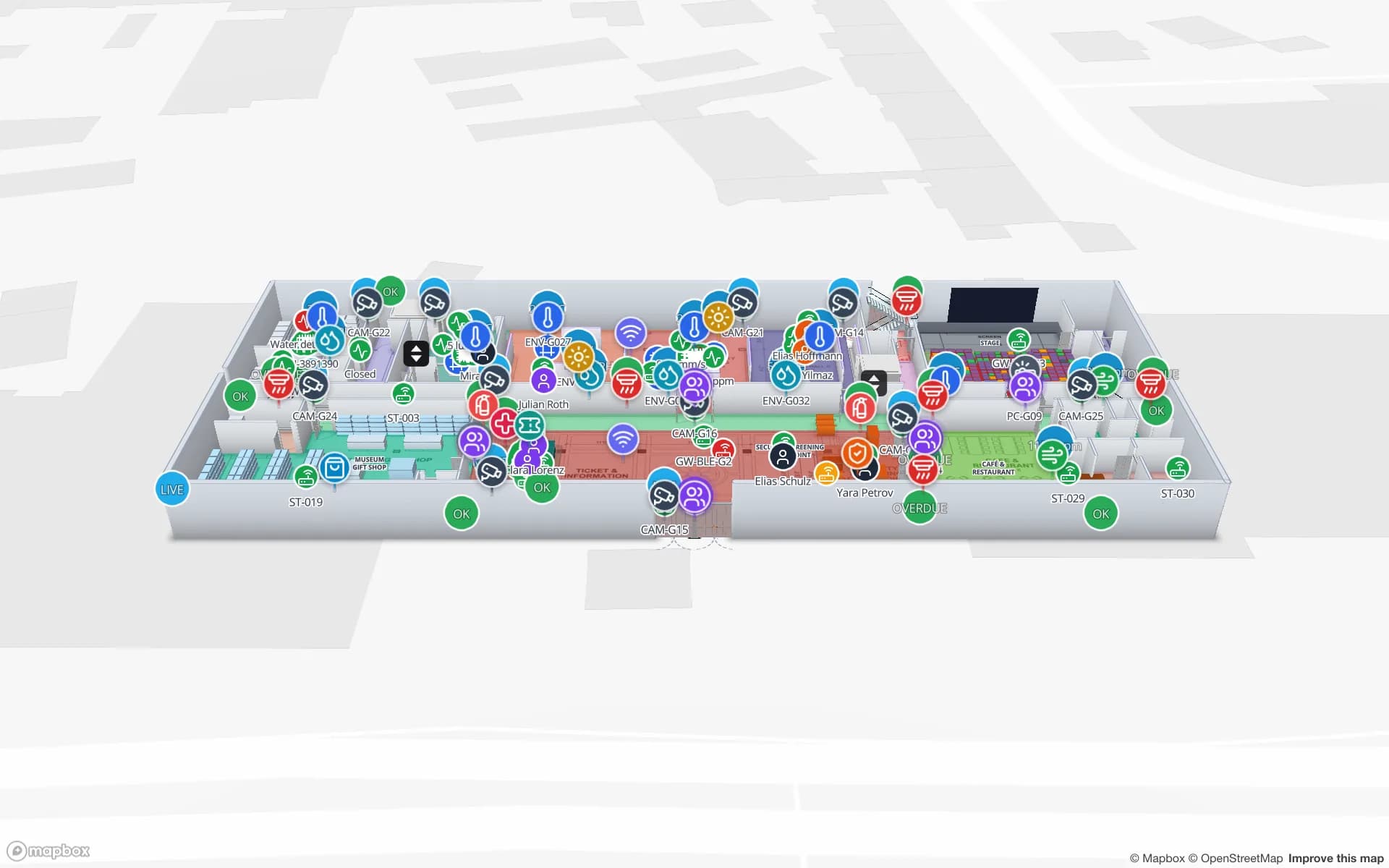
Stadiums after the World Cup

A stadium in legacy use is busy in bursts: a league match, a cup final, a concert, then quiet weeks of maintenance. Every event reshuffles the same building — which gates open, which stands are in use, where VIP suites, media positions and first-aid points sit. With the seating bowl, gates, concourses and back-of-house drawn once, each event becomes a set of table rows and colours rather than a new drawing.

The Crown Park demo draws 30,513 seats as cells on two concourses, with turnstile scans, crowd counters, row allocations and food and beverage sales on the same map. A read-only share link with an expiry gives a security contractor or event organiser exactly the floors and layers they need for that event, and stops working afterwards.

Museums and cultural venues

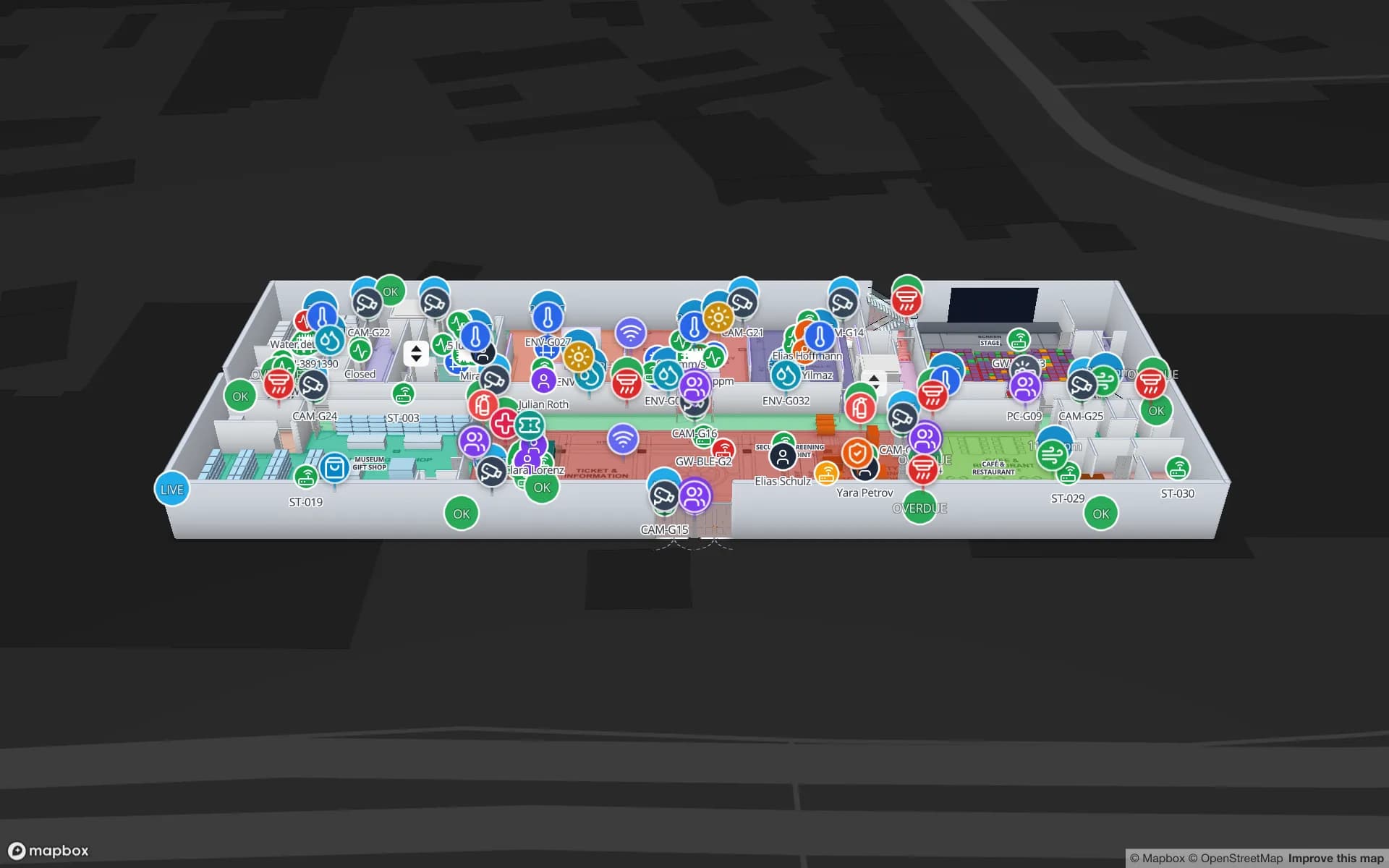
A museum needs two maps in one: the visitor’s map of galleries, facilities and exits, and the operator’s map of climate, cameras, staff posts and objects. In the three-floor Production Museum demo, galleries carry live occupancy and climate readings, objects carry RFID tags, audio guides are tracked by BLE, and safety equipment and staff sit on the same plan.

Visitors see only the public layers on their share link; conservation and security teams see the rest. Gallery and object names are your own text, so the map can follow the museum’s own Arabic and English captions word for word.

Convention venues and the airport terminal

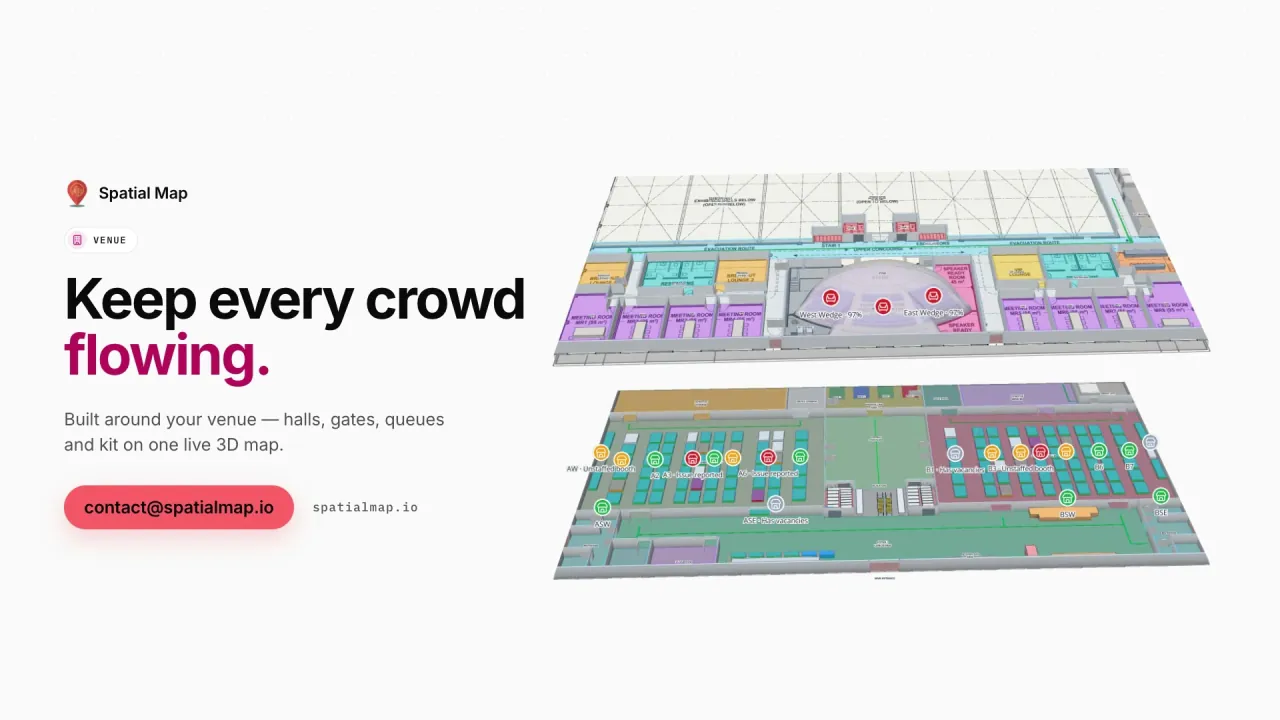
Doha’s convention and exhibition venues often run a plenary hall, dozens of breakout rooms and an exhibition floor at the same time. Delegates want the room for the next session; organisers want to know which rooms are already full. In the Lakeside demo, session rooms carry their bookings and live occupancy and the plenary auditorium its seating, so an overfull room shows on the map before the corridor outside it fills up.

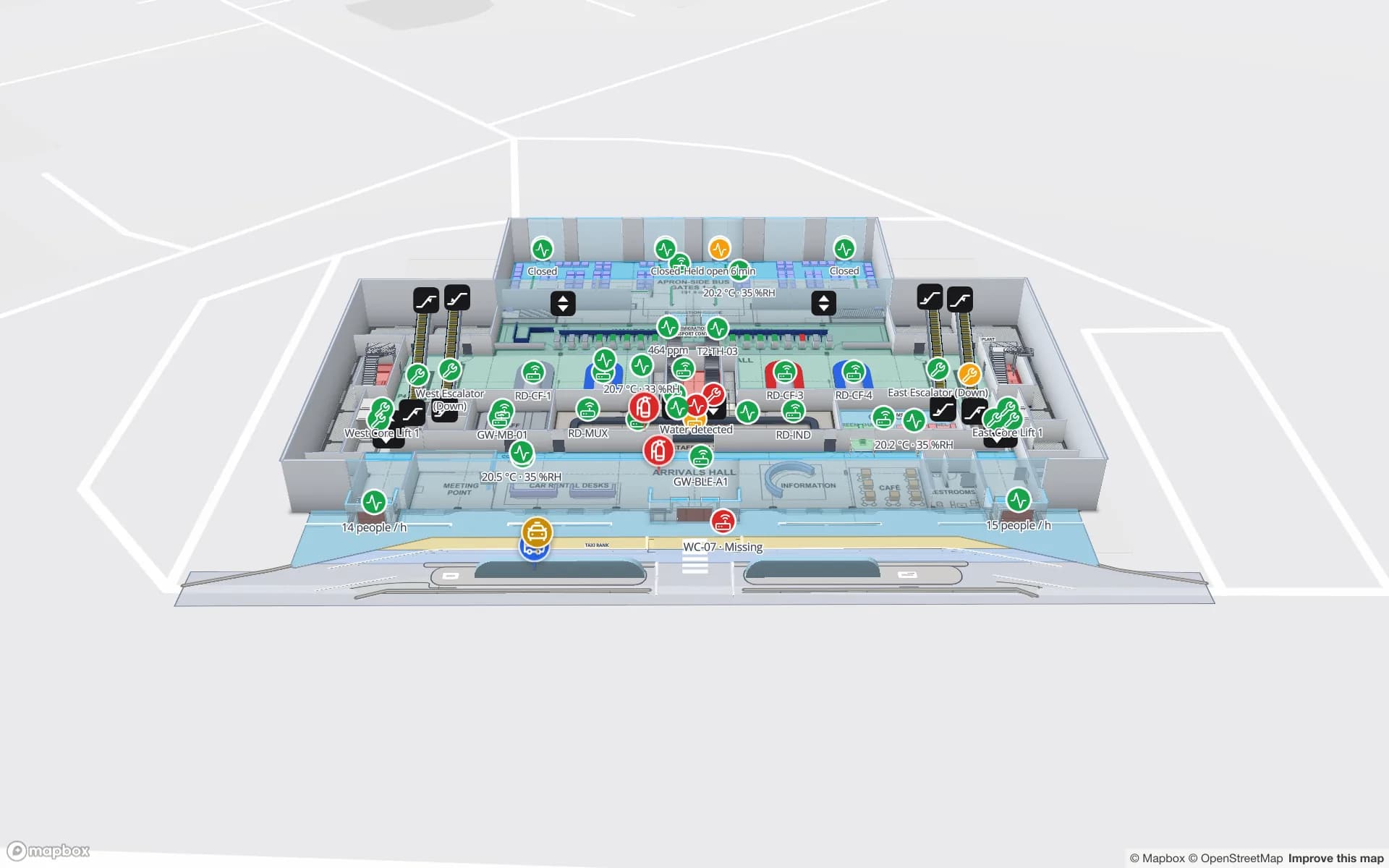
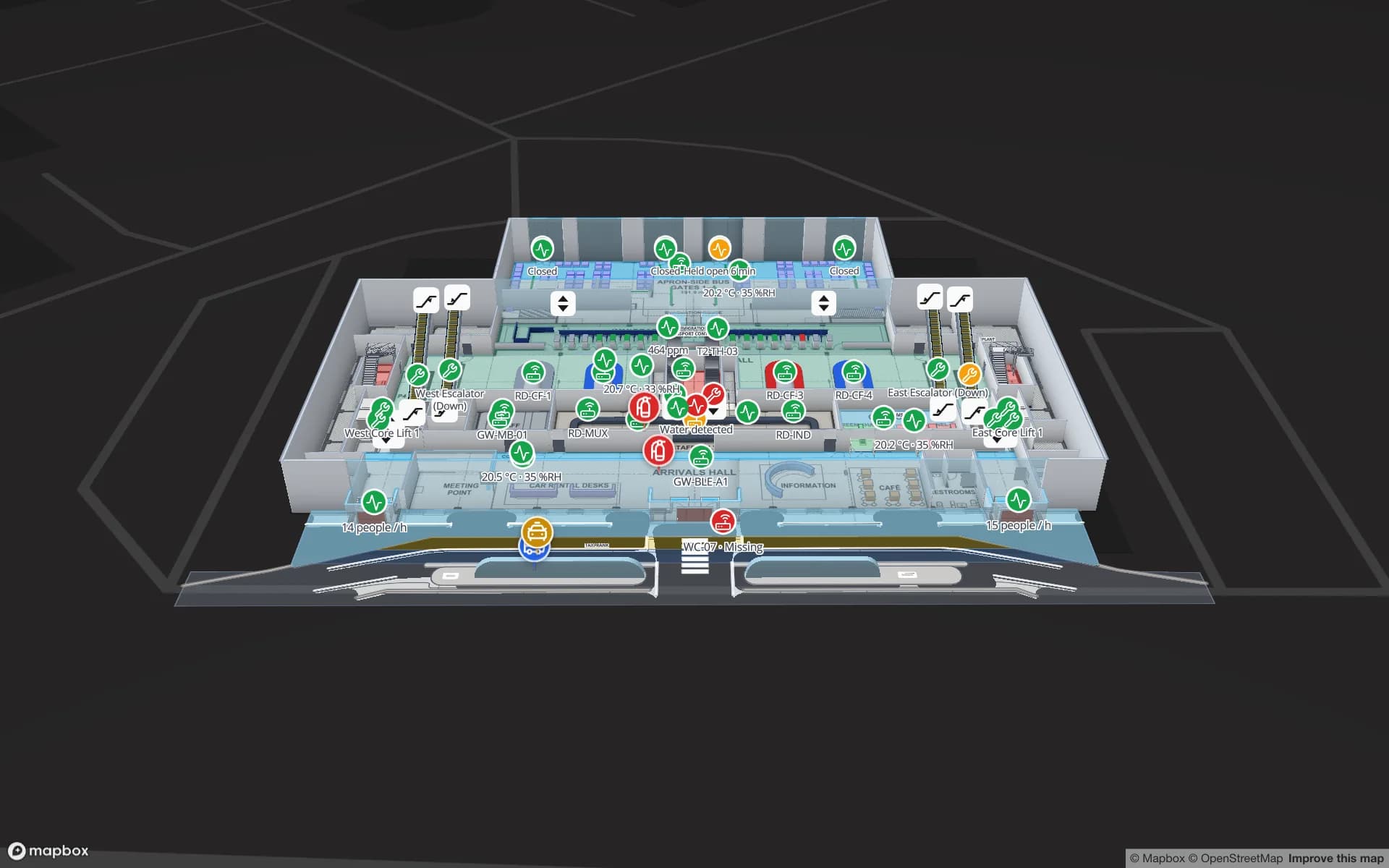
A terminal applies the same idea at a larger scale: check-in, security, immigration, piers, gates and lounges are drawn once, and throughput, crowding and departures sit on top, as in the Silverbay demo. Spatial Map maps the building and shows the data you feed it; it does not replace airport operational systems.

Lusail and mixed-use towers

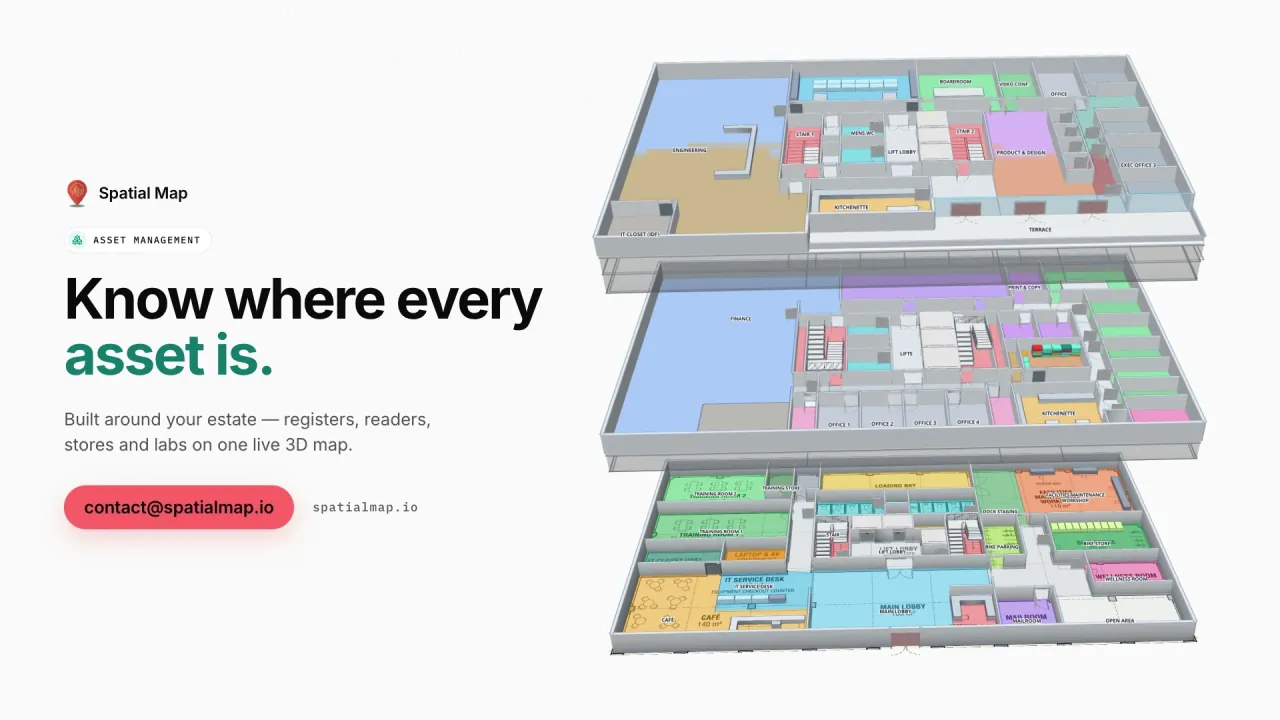
Lusail’s towers and boulevards combine retail podiums, offices, residences and hotels over shared car parks and plant rooms. For a facilities team, one 3D map that stacks every level — tenant units coloured by status, meeting rooms by occupancy, plant rooms by their latest readings — is easier to hand from one contractor to the next than a folder of drawings. Each building is a facility; group a district’s buildings into one solution so the estate team sees them side by side.

Bilingual wayfinding on a share link

The Navigate button builds a walking route around walls and through doors with turn-by-turn steps, in the viewer and on read-only share links. The share page follows the visitor’s browser language, so an Arabic phone gets the right-to-left interface and an English phone the English one; room, gate and gallery names can be written in both languages.

Routes stay on one floor. Stairs, lifts and escalators carry wayfinding icons and the visitor changes level with the floor switcher — so a stadium route runs from a gate to a stand entrance on the concourse, not from the car park to the seat. A share link behind a QR code at the gate or museum entrance needs no app and no account.

How Spatial Map does it

From venue drawings to a bilingual map

  1. 01

    Collect each level

    One DWG (AutoCAD R2004–R2018) or PDF per floor; PNG or JPG works for a quick start.

  2. 02

    Trace public and back-of-house

    Draw seating, gates, galleries, halls, doors, stairs, lifts and escalators, named in Arabic, English or both.

  3. 03

    Bind event and building data

    Connect turnstile, occupancy, climate and booking tables to the shapes with data links and style rules.

  4. 04

    Publish for each event

    Share read-only links with chosen layers, an expiry and Navigate, and revoke them afterwards.

What Qatari venues map

Legacy stadiums

Seating, gates and concourses drawn once, re-coloured for every match, concert or tournament.

Museums and cultural venues

Galleries over several floors with climate, objects, staff and a public visitor layer.

Convention and conference venues

Plenary seating, breakout rooms by occupancy and exhibition halls on one map.

Airport terminal

Check-in, security, piers and gates with crowding and throughput across floors.

Mixed-use towers in Lusail

Podium, office and plant levels stacked in 3D for the facilities and leasing teams.

See it on real demo facilities

Fictional names, real floor plans, live sensors, RFID, BLE tags and gateways — open any of them in the browser.

All 13 demo facilities

Indoor mapping in Qatar — questions we get

No. The bowl, gates, concourses and rooms are drawn once. What changes per event — gates in use, stands open, VIP and media areas — lives in tables, and style rules colour the shapes from them. Event-specific areas can also be added or edited with the drawing tools.

Yes, through a read-only share link with Navigate. The share page follows the phone’s browser language, with Arabic fully right-to-left. Routes stay on one floor; stairs, lifts and escalators are shown for changing level.

Yes. Create a share link with the floors and layers they need, an expiry after the event and an optional view cap. They need no account, and you can revoke the link at any time.

DWG from AutoCAD R2004 to R2018, PDF sheets (scale read from standard sheet sizes) and PNG or JPG images. DXF is not supported. A DWG is placed as a picture at real-world units and rooms are traced on top; automatic room detection is announced as coming soon.

No. We sell online and work with venues in Qatar remotely, by video call and through the contact form. Our team works in Arabic and English, among other languages.

The same everywhere, in US dollars: 7 days free for up to 5 facilities, then Pro at $60 per month or $600 per year for up to 4 facilities. Stadium estates and larger portfolios are scoped as custom services.

Map your stadium, museum or venue in Arabic and English.

Start a free trial and open the Crown Park and Production Museum demos, or send us your venue drawings and we will scope the whole building.