Saudi Arabia · Indoor mapping

Indoor mapping and digital twins for new Saudi buildings

Museums, stadiums, malls and logistics parks are being handed over across the Kingdom with a set of drawings and little else. Spatial Map turns those DWG and PDF sheets into a multi-floor 3D map in the browser that operations teams can run from on day one — and that visitors can use to find their way, in Arabic or English, from a link on their phone.

No credit card. Runs in the browser. Pro is $60/month for up to 4 facilities. Book a demo

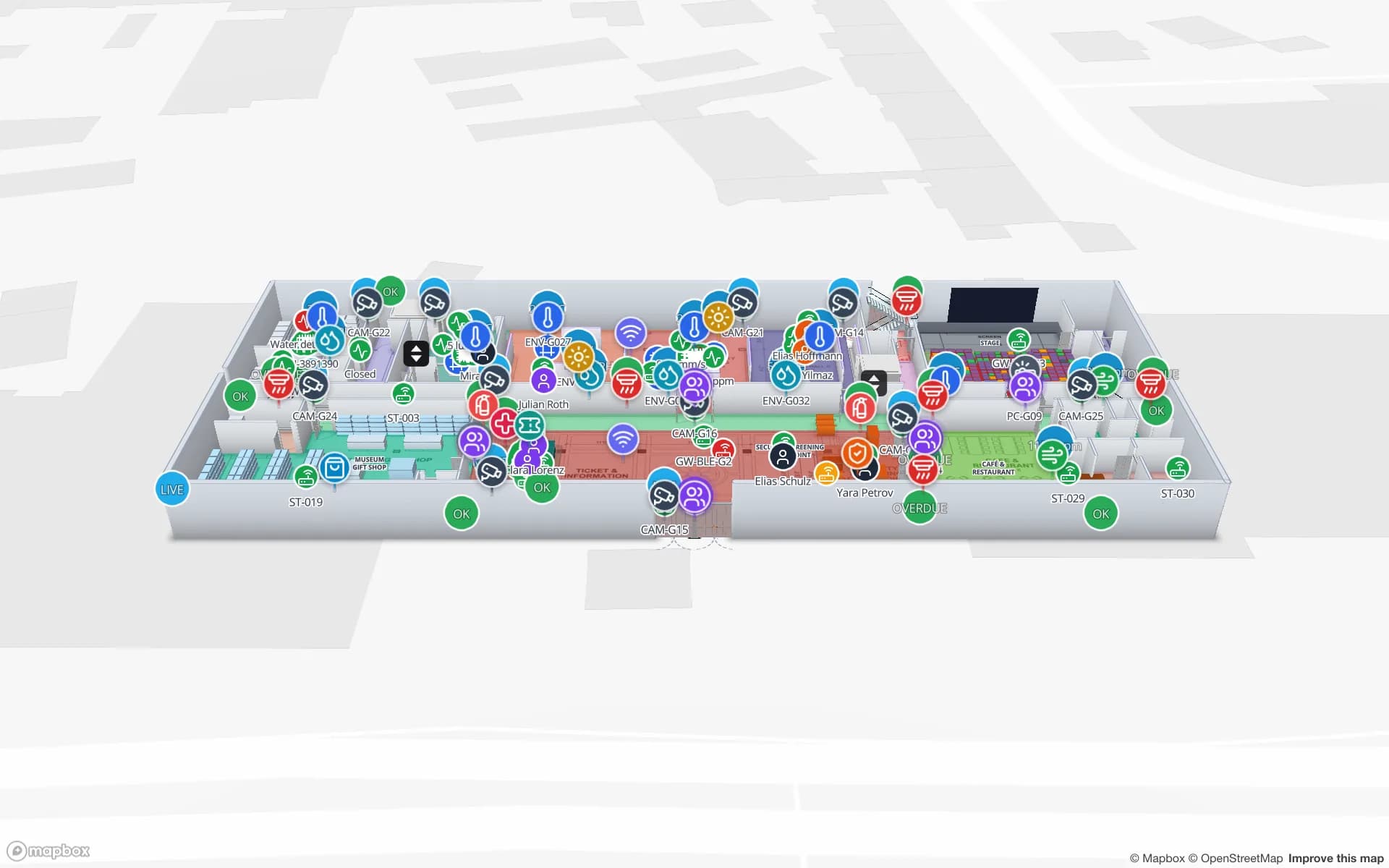
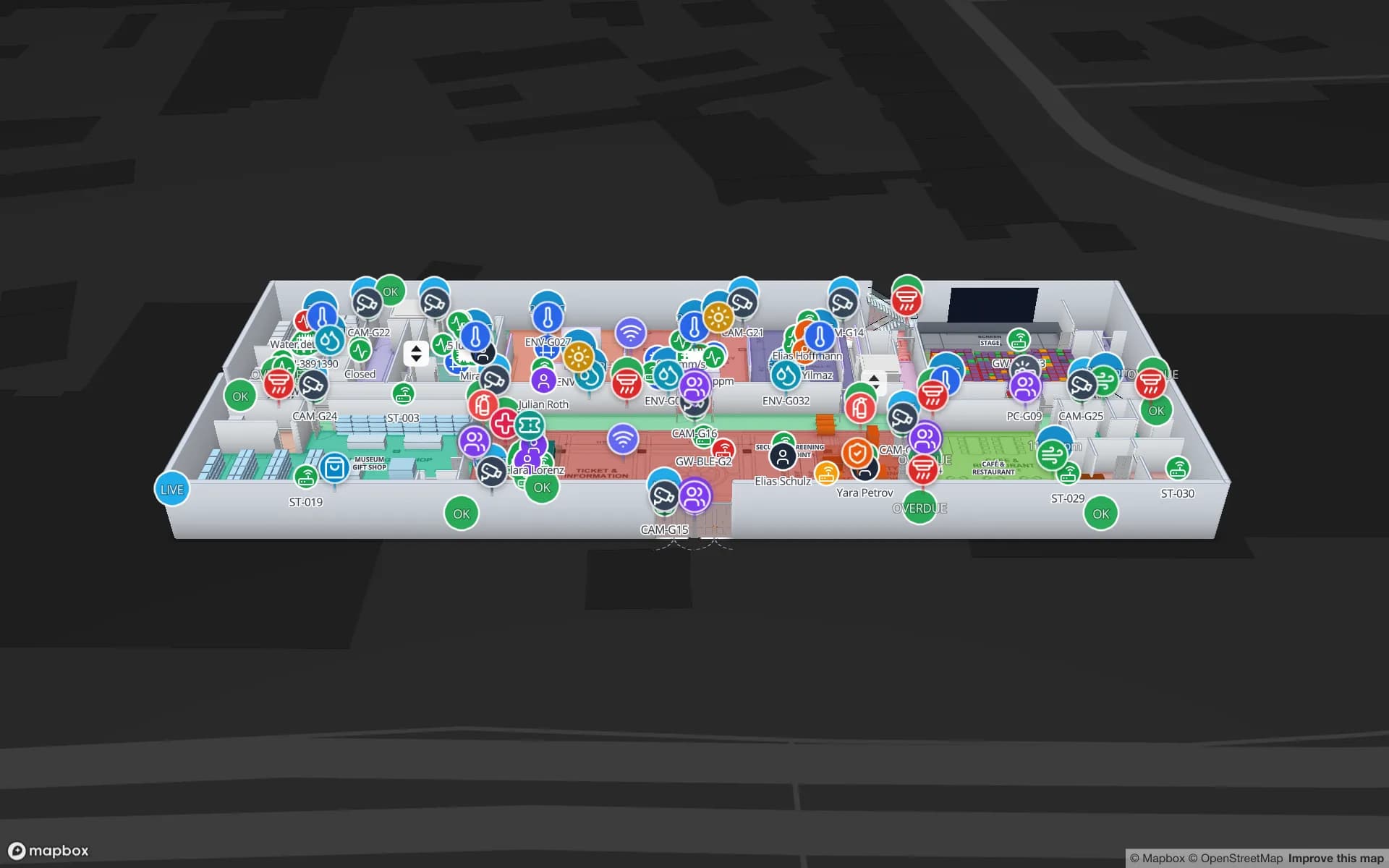
Production Museum, a three-floor museum demo, in the Spatial Map 3D viewer with live device markers
Production Museum
Production Museum, a three-floor demo venue: galleries, stairs and lifts in 3D, with visitor counters and climate sensors on the same map.
AutoCAD R2004–R2018 drawings or PDF sheets as the base
DWG · PDF
Floors in the Production Museum and Retail Mart demos
3
Arabic interface with full right-to-left layout
العربية
Free trial, up to 5 facilities
7 days

A build-out that needs maps, not just drawings

Vision 2030 has set off one of the largest building programmes anywhere: giga-project districts, new museums and cultural sites, stadiums for the 2034 World Cup, Expo 2030 venues, entertainment destinations, malls and logistics parks. Every one ends up with hundreds of drawing sheets and a new operating team that has never walked the building.

Our indoor mapping page explains the general approach. In Saudi projects the difference is timing: the map is most useful when it is built from the contractor’s drawings before opening, then handed to operations, rather than reconstructed years later.
From contractor drawings to a 3D map

Upload each floor as a DWG (AutoCAD R2004 to R2018) or a PDF. A DWG is placed as a picture at its real-world units; a PDF’s scale is read from standard sheet sizes. You then trace the parts that matter for operations — rooms and areas, walls (magic walls speed this up), doors, stairs, lifts and escalators, racks in back-of-house stores — and stack the floors in 3D.

  • Ask the contractor for one sheet per floor, saved in a supported AutoCAD version; DXF is not supported, so use DWG or PDF.
  • Name rooms the way operations will refer to them — those names are what live data matches against later.
  • Prefer to hand it over? Our team digitises drawings as a fixed-price custom service, quoted within 3 business days, in Arabic or English.

Handover: one map from fit-out to operations

During commissioning, a read-only share link with an expiry lets the main contractor, the fit-out contractor or the owner’s representative check the mapped floors without an account. At handover, the facility moves to the operating team’s workspace as it is: the room list becomes the backbone of the asset register, and RFID readers, BLE gateways and sensors are added later as data links on the same shapes.

That is how a map built for a contractor review ends up as the operating digital twin — see RFID and BLE tracking in Saudi Arabia for what usually comes next.

Arabic wayfinding for visitors

The Navigate button builds a walking route around walls and through doors, with turn-by-turn steps, in the viewer and on share links. A share page follows the visitor’s browser language, so a phone set to Arabic gets the Arabic, right-to-left interface. Room and exhibit names are your own text, so they can be written in Arabic, English or both.

Routes stay on one floor: stairs, lifts and escalators are shown with wayfinding icons and the visitor switches floors with the floor switcher. For a museum, mall or venue, a share link printed as a QR code at the entrance is often all the visitor needs — no app, no account.

Malls and logistics parks

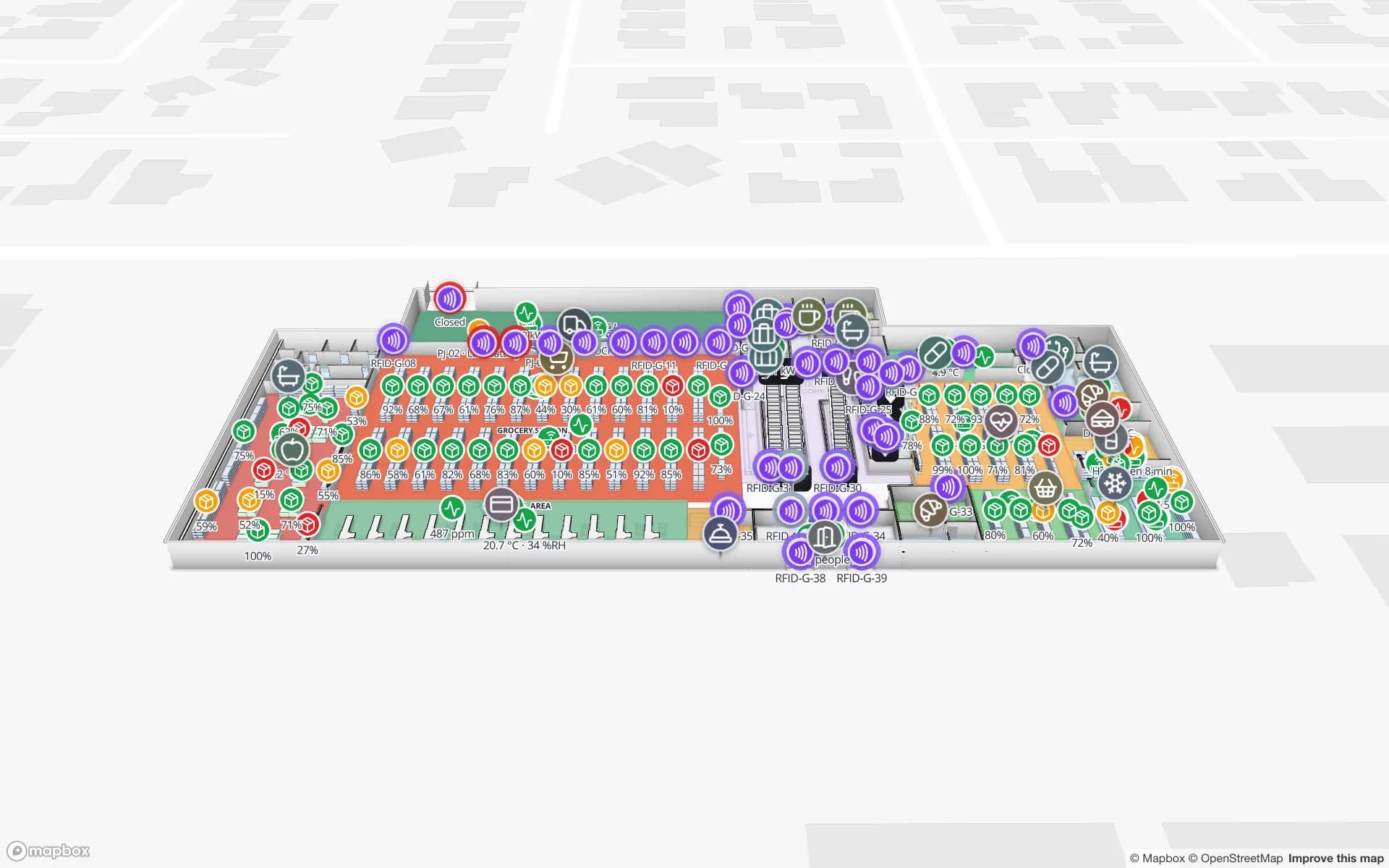
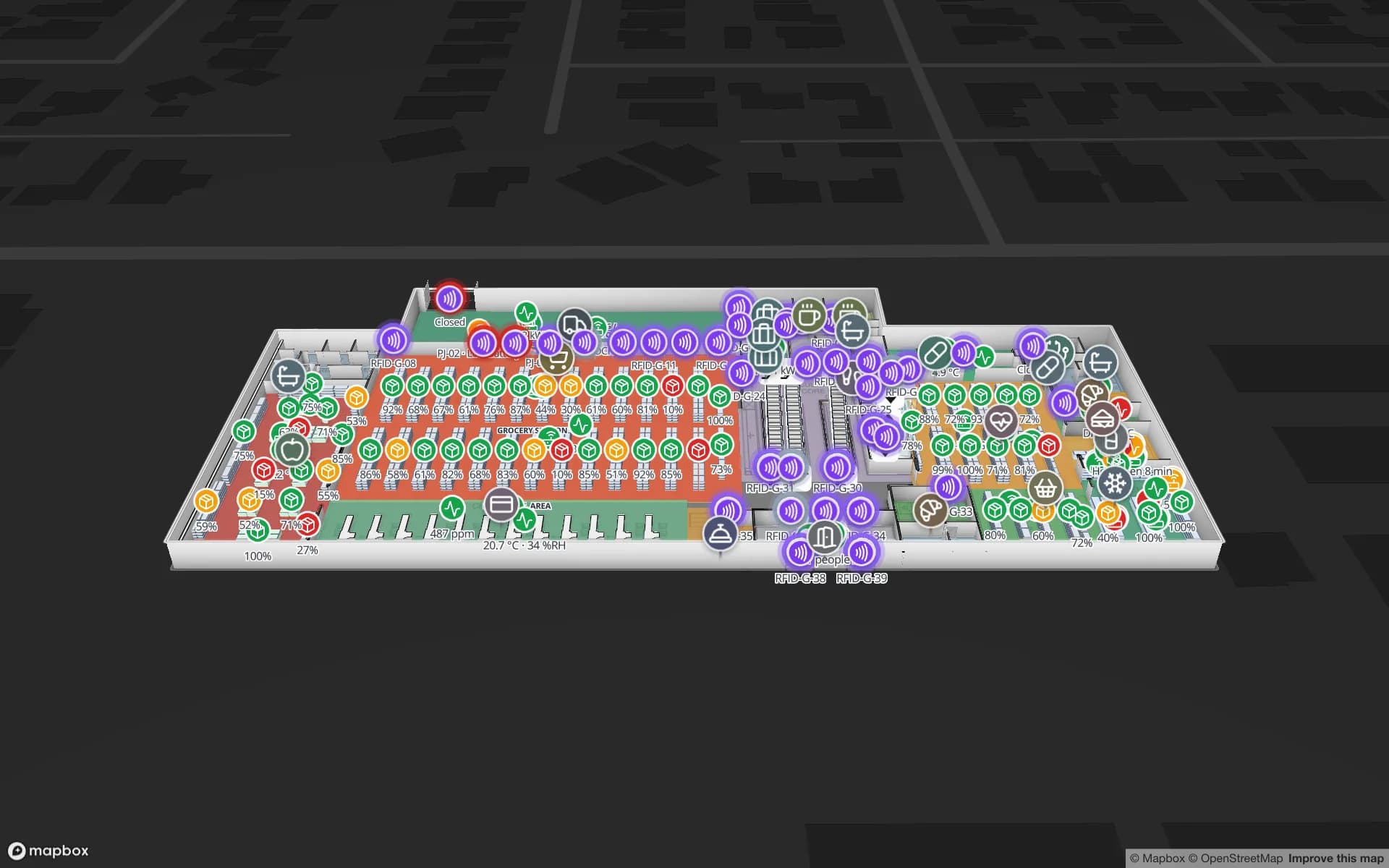
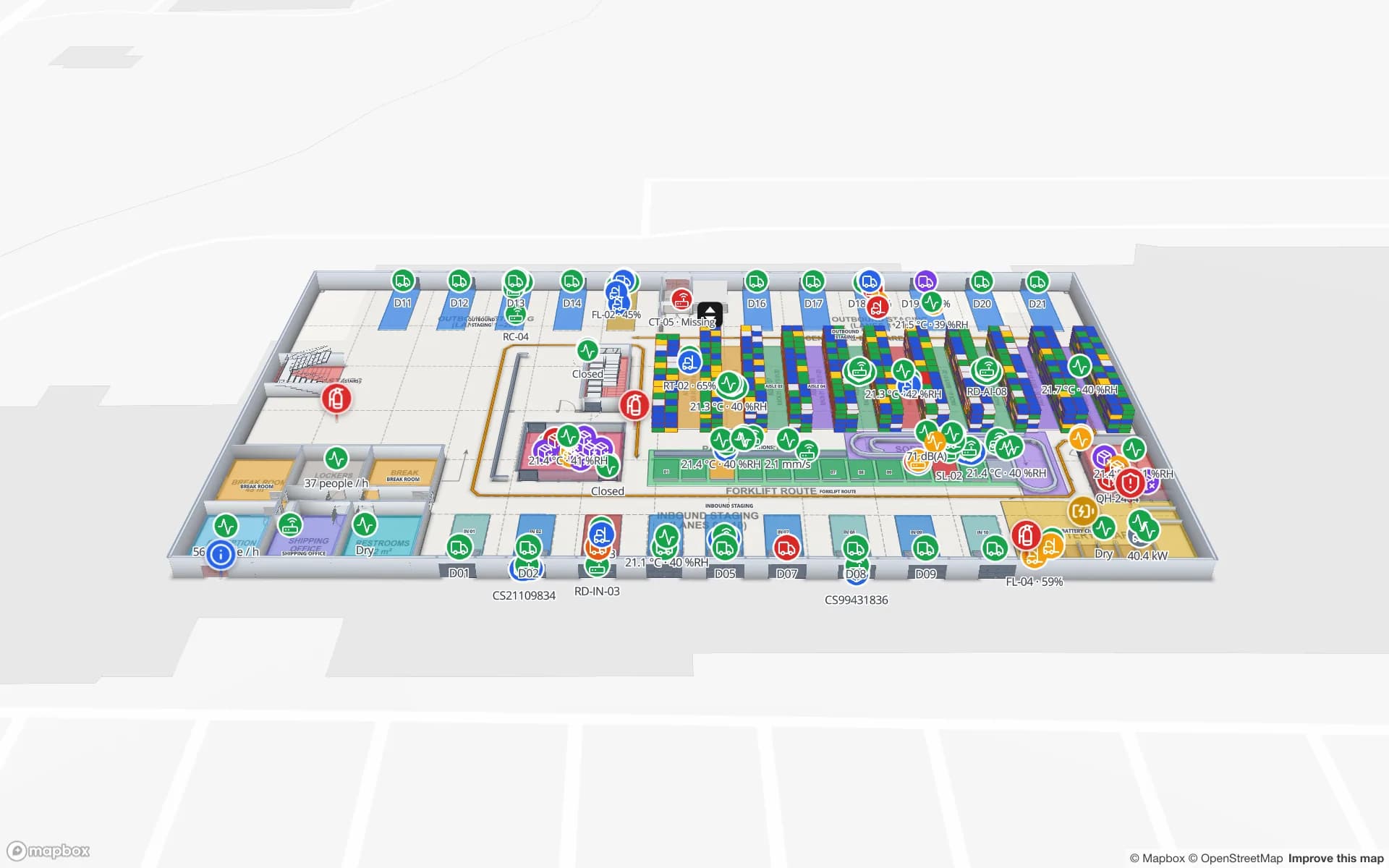
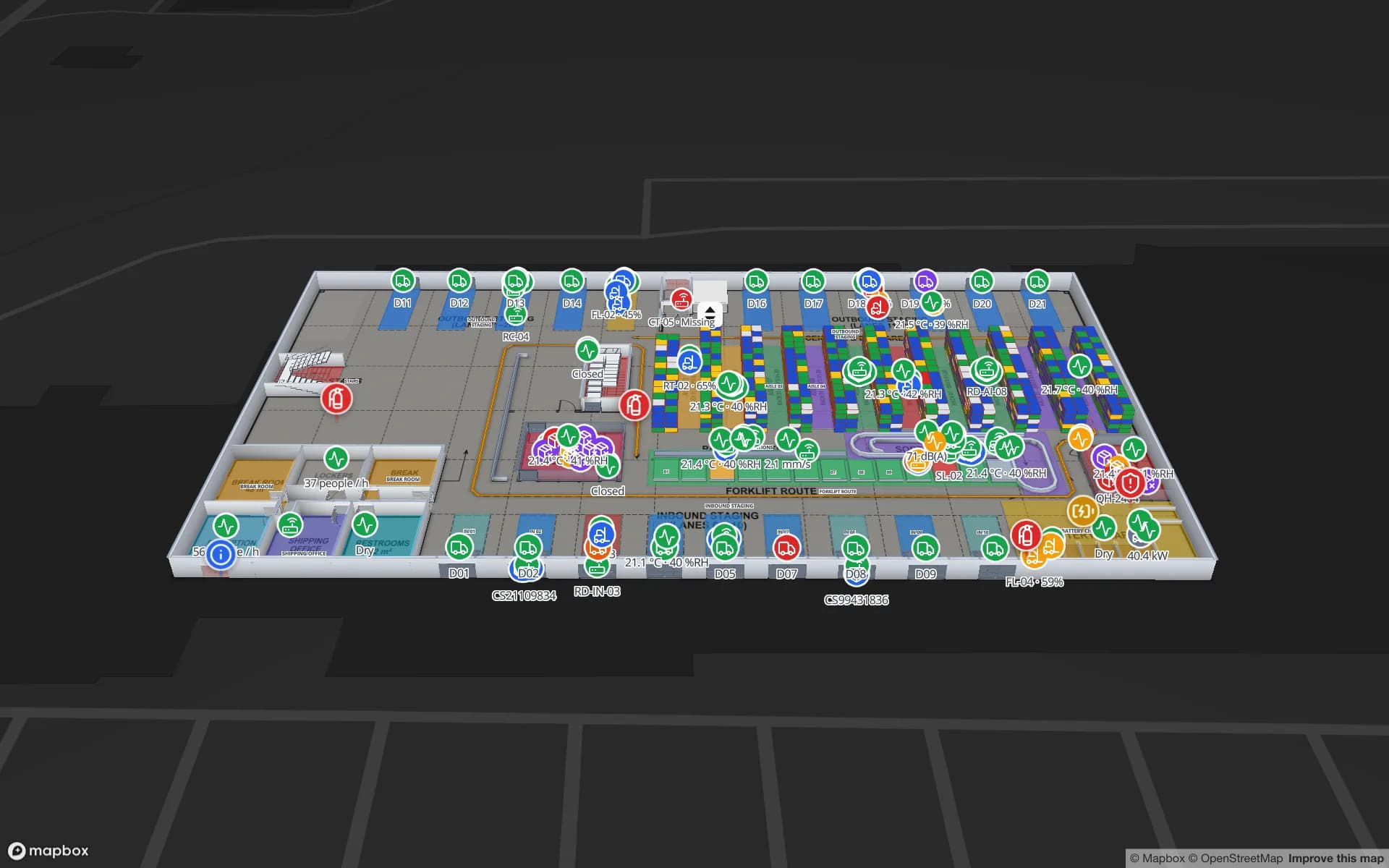
In a mall, tenant units drawn as areas can be coloured from a simple table — let, in fit-out, vacant — and service corridors and loading bays sit on the same map as the public levels. In a logistics park, each warehouse is its own facility, grouped into one solution so the park manager sees all of them together, with built-in reports exported to PDF or Excel.

How Spatial Map does it

From handover drawings to a working map

  1. 01

    Collect the sheets

    One DWG or PDF per floor from the contractor; PNG or JPG works for a quick start.

  2. 02

    Trace and stack

    Draw rooms, walls, doors, stairs, lifts and escalators, then stack the floors in 3D.

  3. 03

    Share for review

    Send expiring read-only links to contractors and the owner’s team before opening.

  4. 04

    Hand over and connect

    Operations adds RFID, BLE and sensor data as data links, and publishes visitor share links with Navigate.

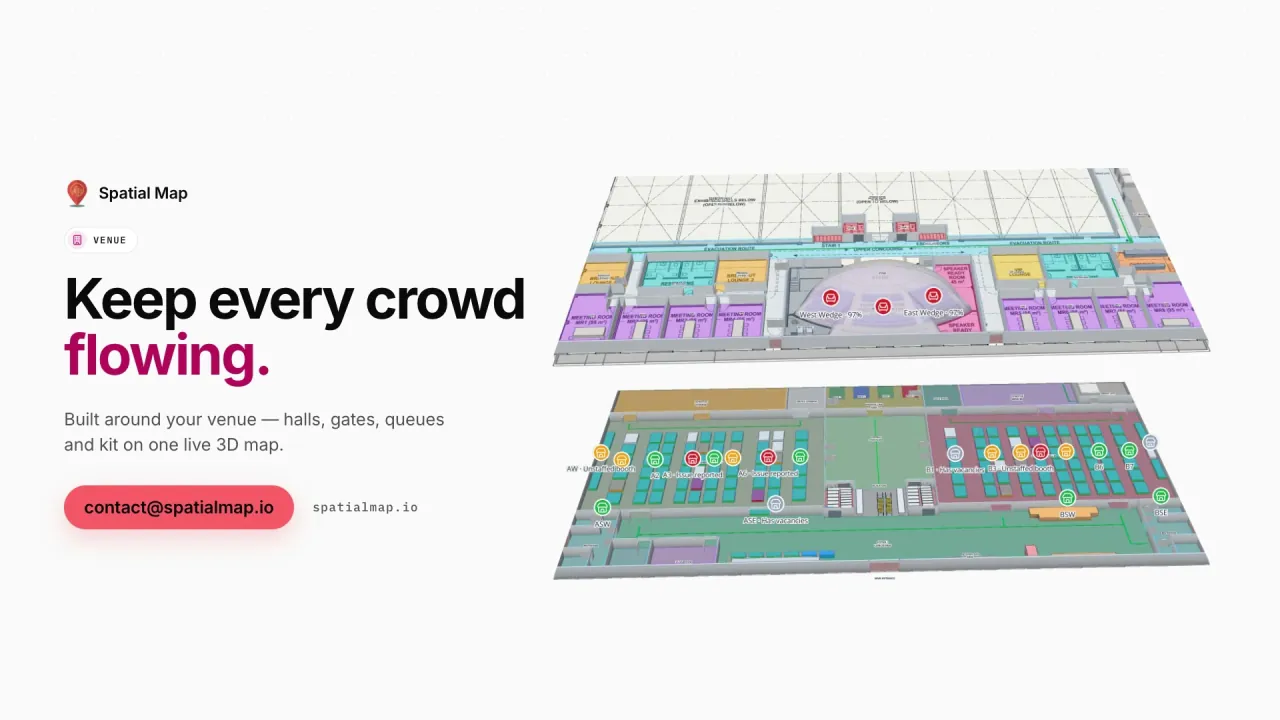
What Saudi teams map first

Museums and cultural venues

Galleries over several floors with visitor counters, climate sensors and Arabic labels for visitors.

Stadiums and event venues

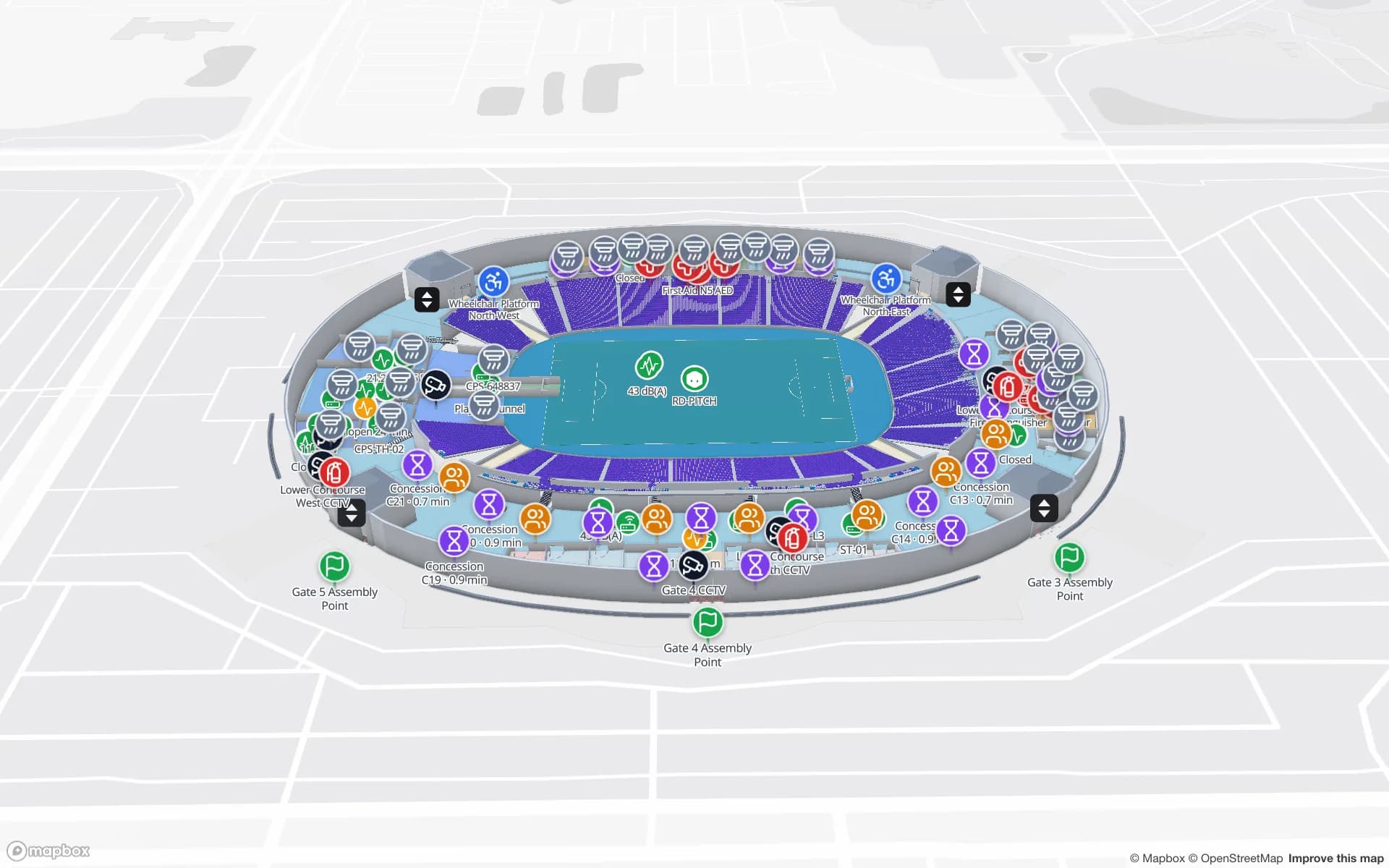
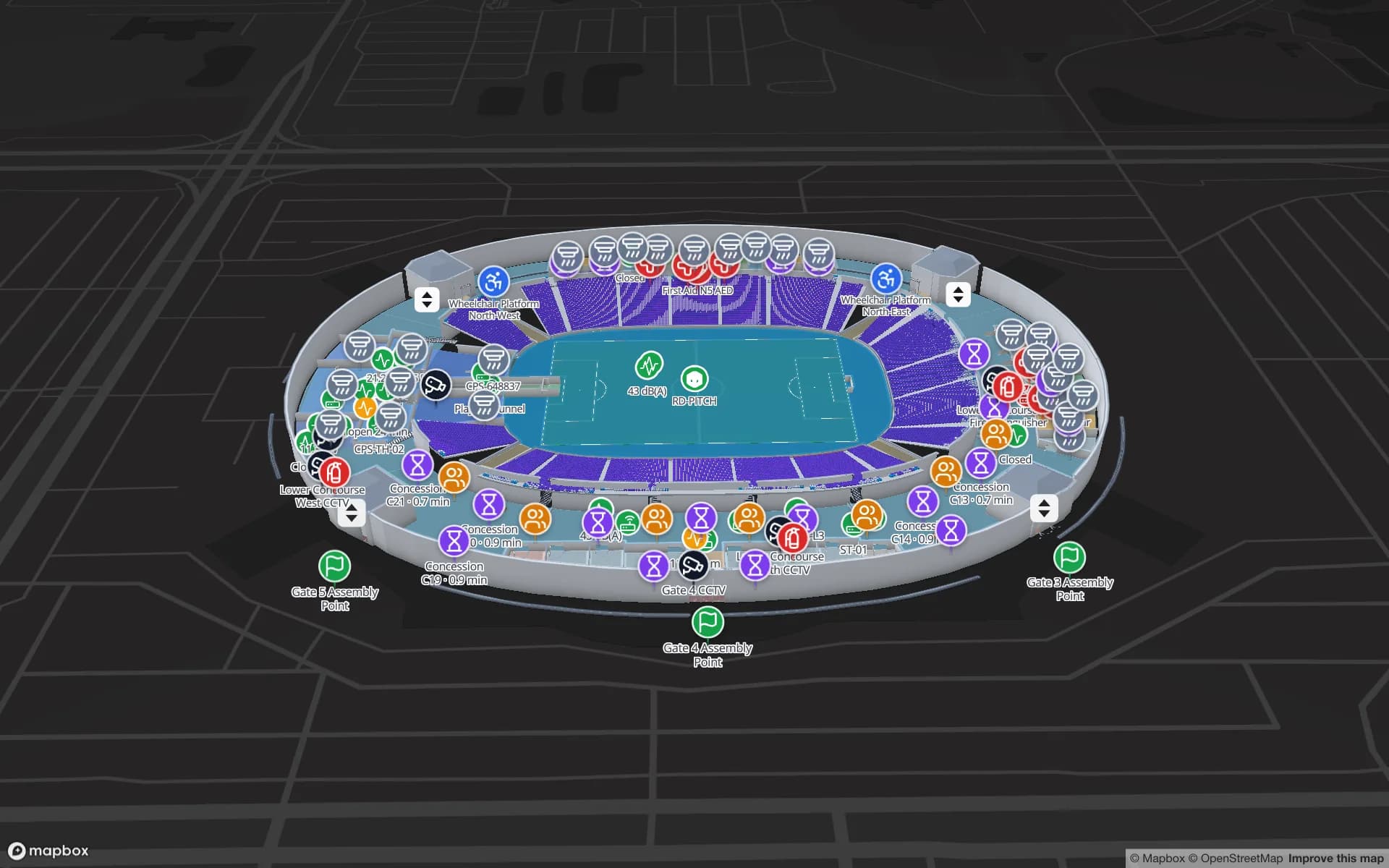
Seating bowls, concourses, gates and safety points mapped before the first event.

Malls and multi-floor retail

Levels joined by escalators and lifts, tenant units coloured by status, service routes behind the scenes.

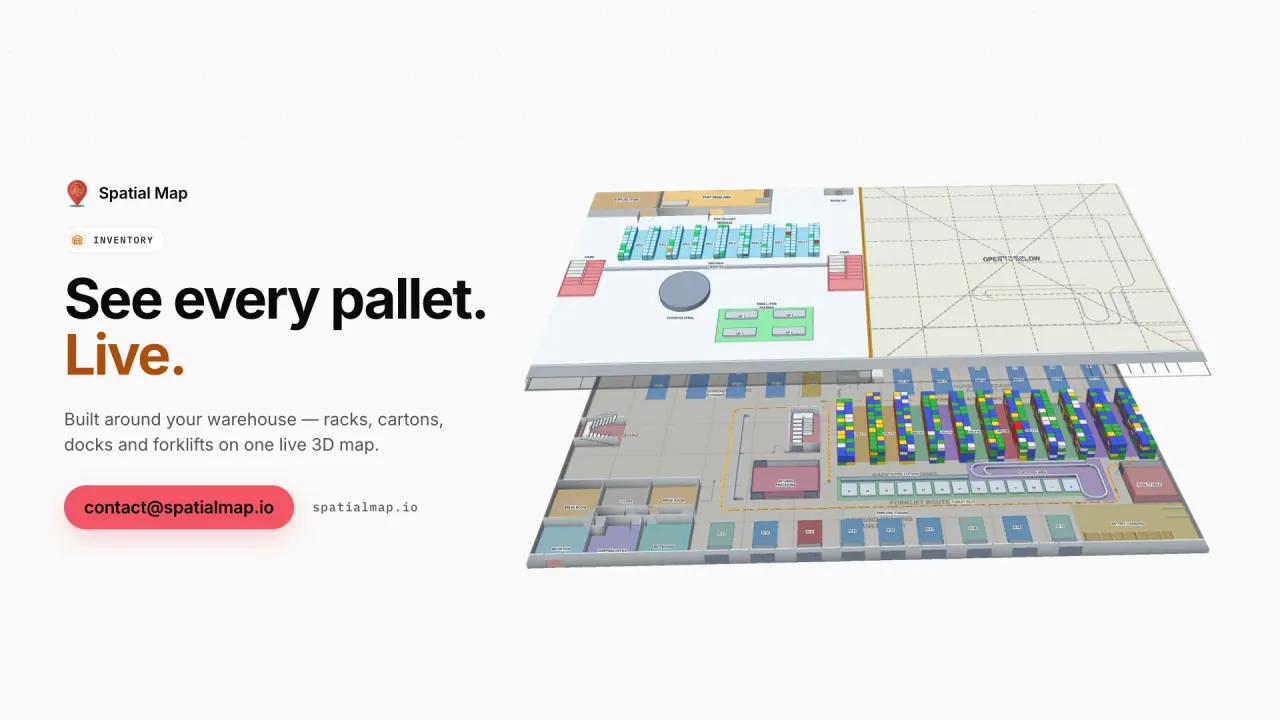
Logistics parks

Each warehouse traced from its drawings and grouped into one solution for the park.

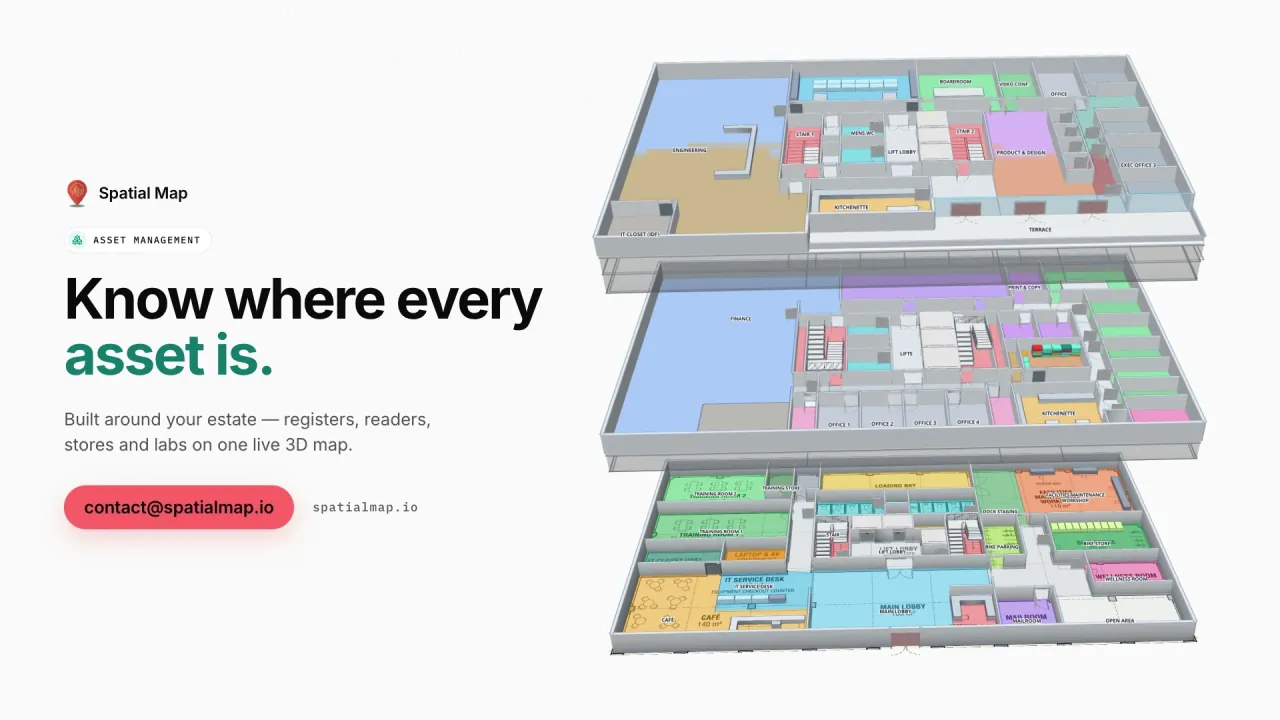
Offices and HQ buildings

Departments, meeting rooms and stores as the base for an asset register after handover.

See it on real demo facilities

Fictional names, real floor plans, live sensors, RFID, BLE tags and gateways — open any of them in the browser.

All 13 demo facilities

Indoor mapping in Saudi Arabia — questions we get

DWG files from AutoCAD R2004 to R2018, PDF sheets (scale is read from standard sheet sizes), and PNG or JPG images. DXF is not supported; export DWG or PDF instead.

Not today. The DWG is placed as a picture at its real-world units and rooms, walls and doors are traced on top with the drawing tools. An AI tool for detecting rooms and doors is announced as coming soon.

Yes, through a read-only share link with Navigate. The share page follows the phone’s browser language, so Arabic phones get the right-to-left interface. Routes stay on one floor; lifts, stairs and escalators are shown for changing floors.

Yes. Create a read-only share link with the floors and layers they need, an expiry date and a view cap, and revoke it when the review is done.

Yes. Floor-plan digitisation and data integration are offered as a fixed-price custom service, with a proposal within 3 business days. Our team works remotely, in Arabic or English.

Turn your handover drawings into a working map.

Start a free trial and import a floor yourself, or send us the DWG or PDF sheets and we will scope the whole building.