RFID · Tool & instrument tracking

RFID tool tracking: every tool, kit and instrument on the floor plan

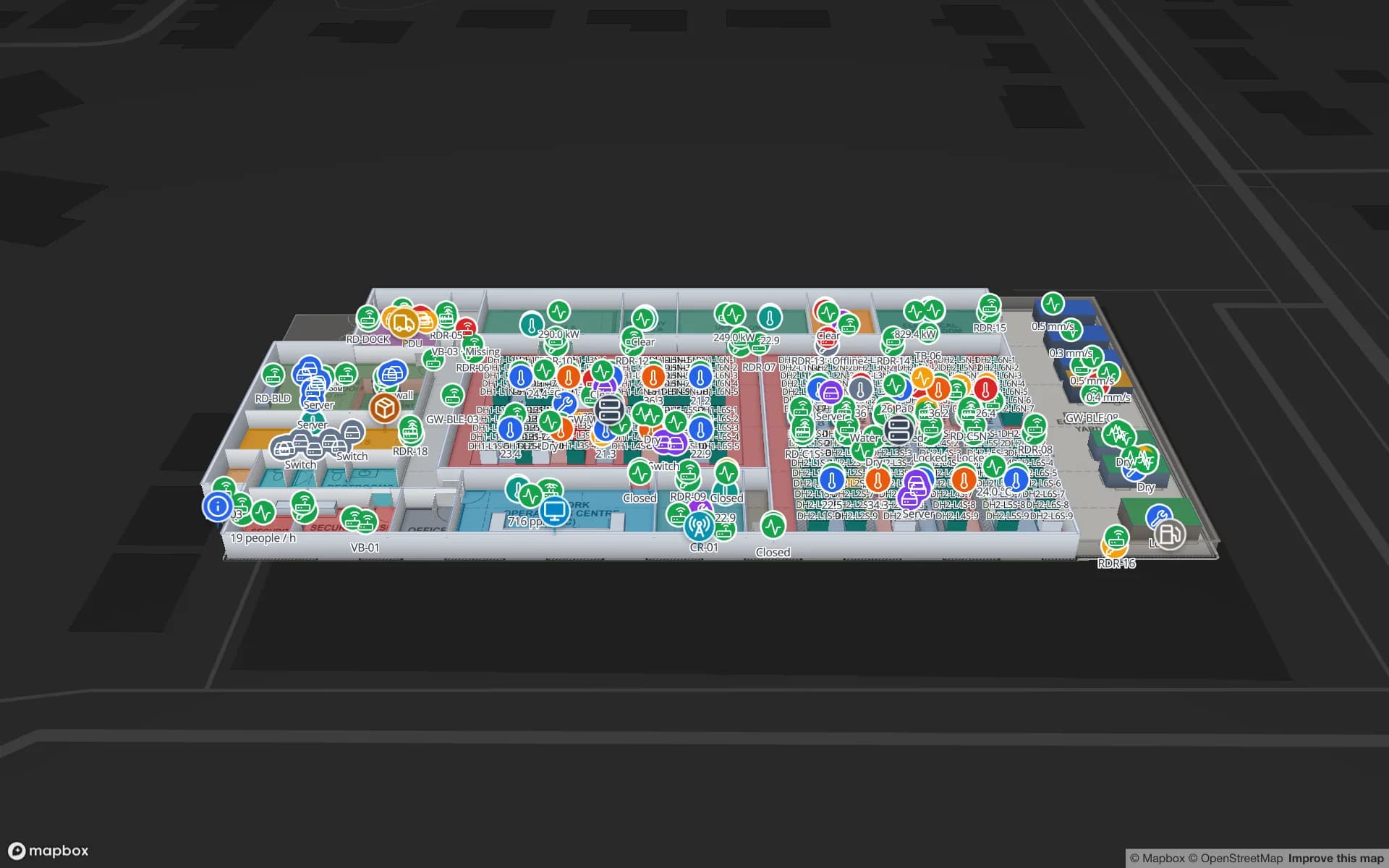
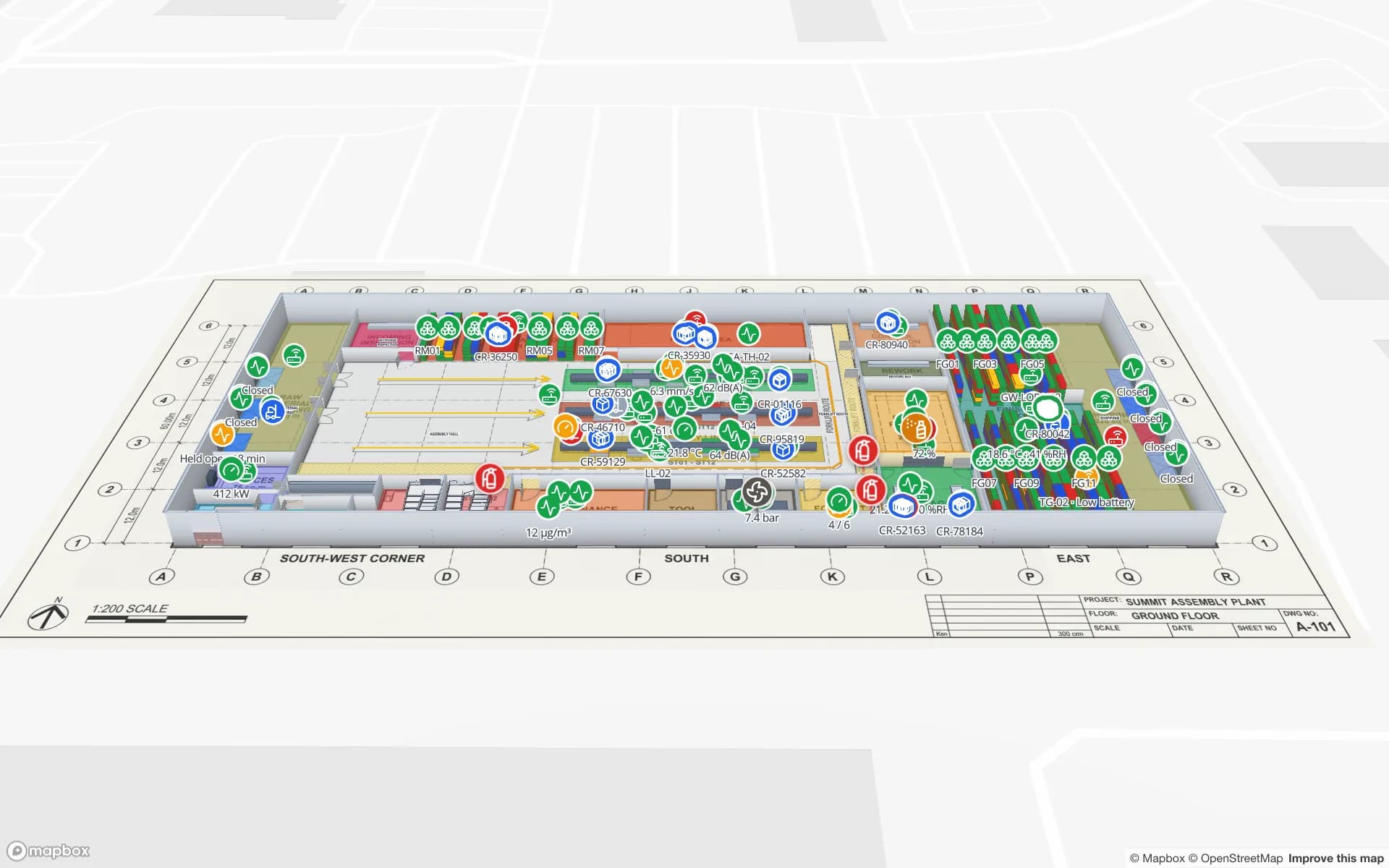
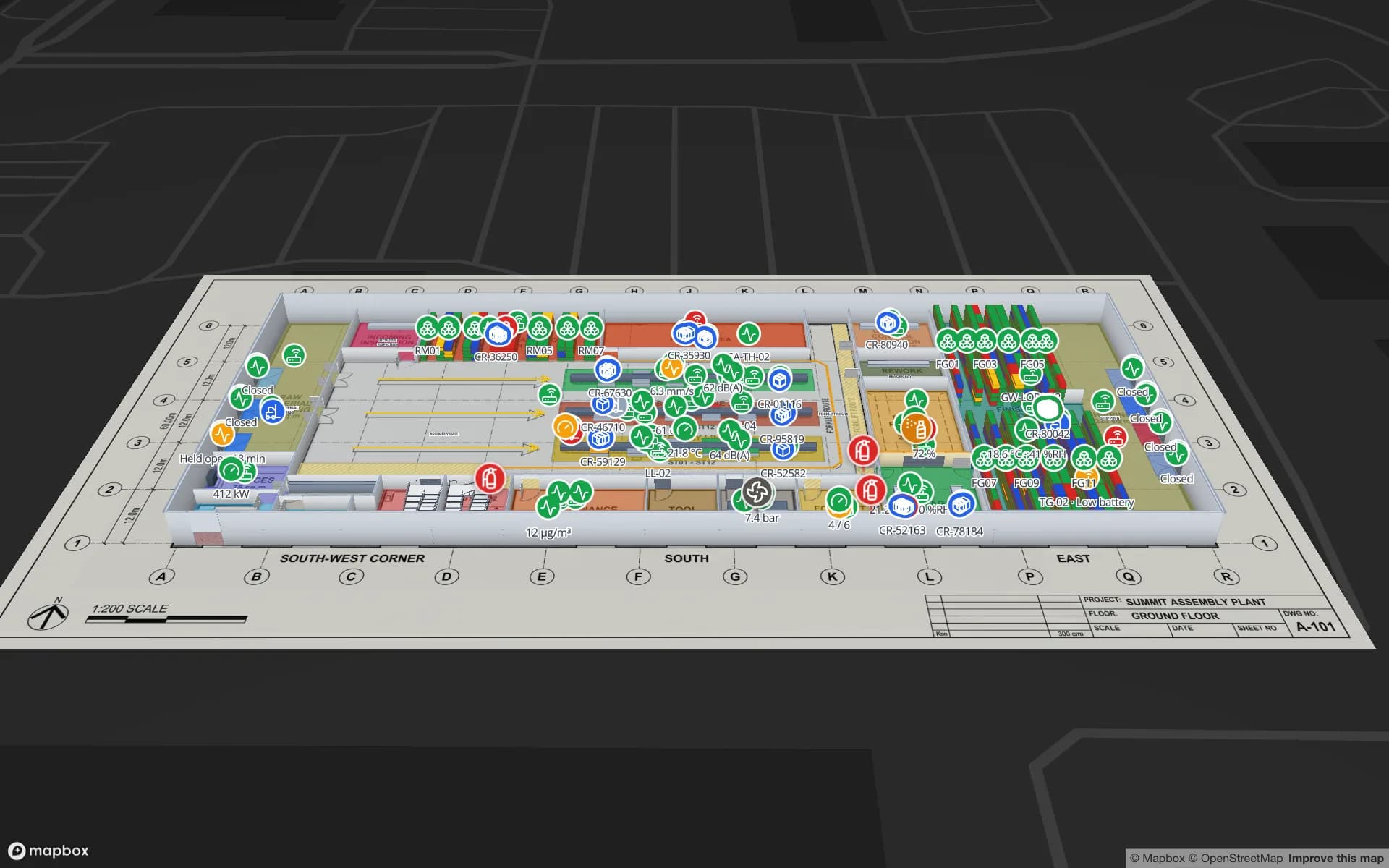
Spatial Map makes RFID tool tracking visible: tagged tools, kits and instruments shown at the crib, room or door that last read them, coloured by checkout status and calibration due date, on a live 3D floor plan of the plant, hangar, lab or site.

Last updated:

No credit card. Runs in the browser. Pro is $60/month for up to 4 facilities. Book a demo

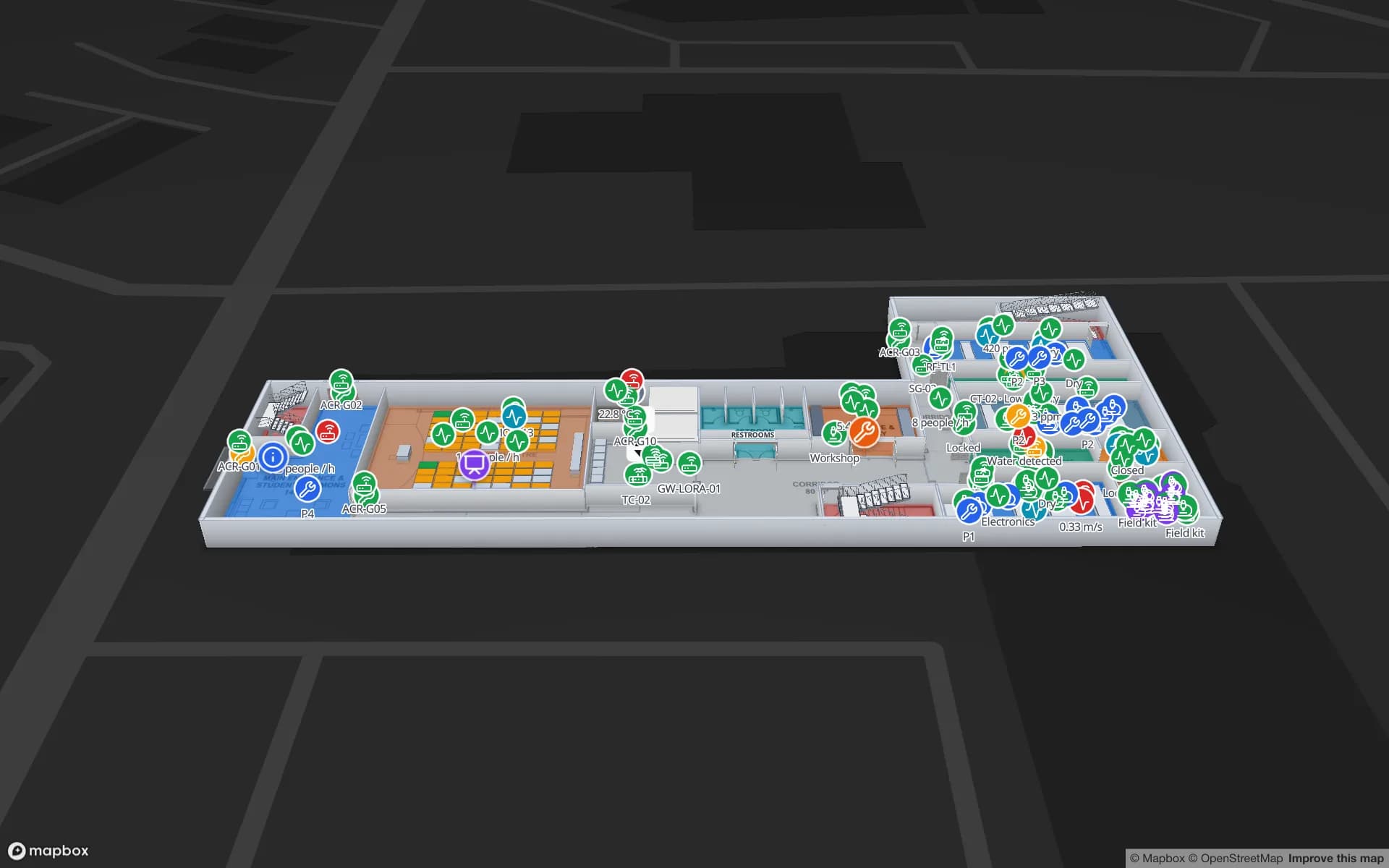
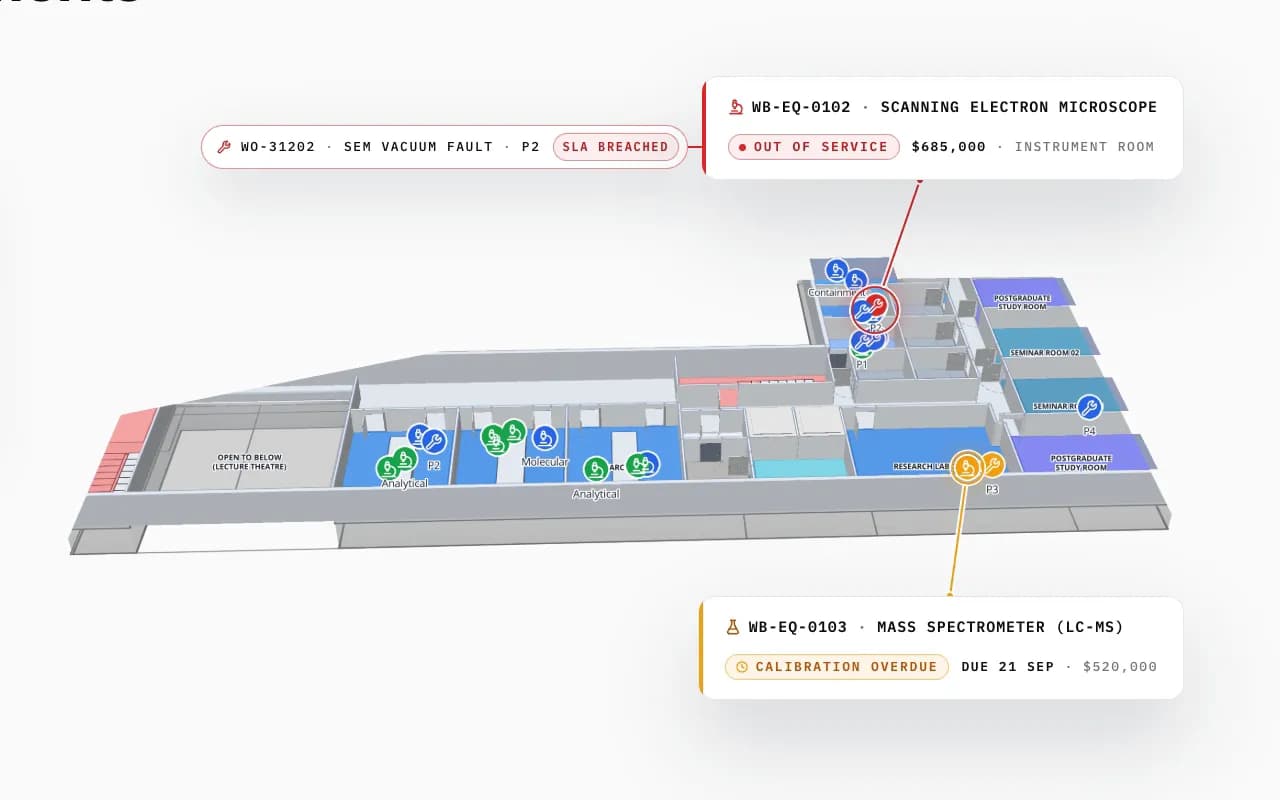
Westbrook University Science Building in 3D: an out-of-service electron microscope with a breached work order and a mass spectrometer overdue for calibration, called out in their rooms
Westbrook University — Science Building
Westbrook University Science Building (demo): an electron microscope out of service with an open work order and a mass spectrometer overdue for calibration, in their rooms.
Registered assets across the asset-management demos
796
Demo sites: office campus, data center, university lab
3
Built-in reports per facility
8
Free trial, no credit card
7 days

What RFID tool tracking solves

Tools go missing in small ways: a torque wrench left at a workstation, a kit taken to another bay, a calibrated gauge used after its due date. Barcode check-out at a tool crib works only as long as people scan. RFID removes the scan: a reader at the crib door or a smart cabinet records what left and came back, and handheld sweeps find what is still out.

The data is simple — tool ID, last reader or zone, who has it, calibration due — but it is only useful if someone can see it across the whole site.
Tools on the map, not in a list

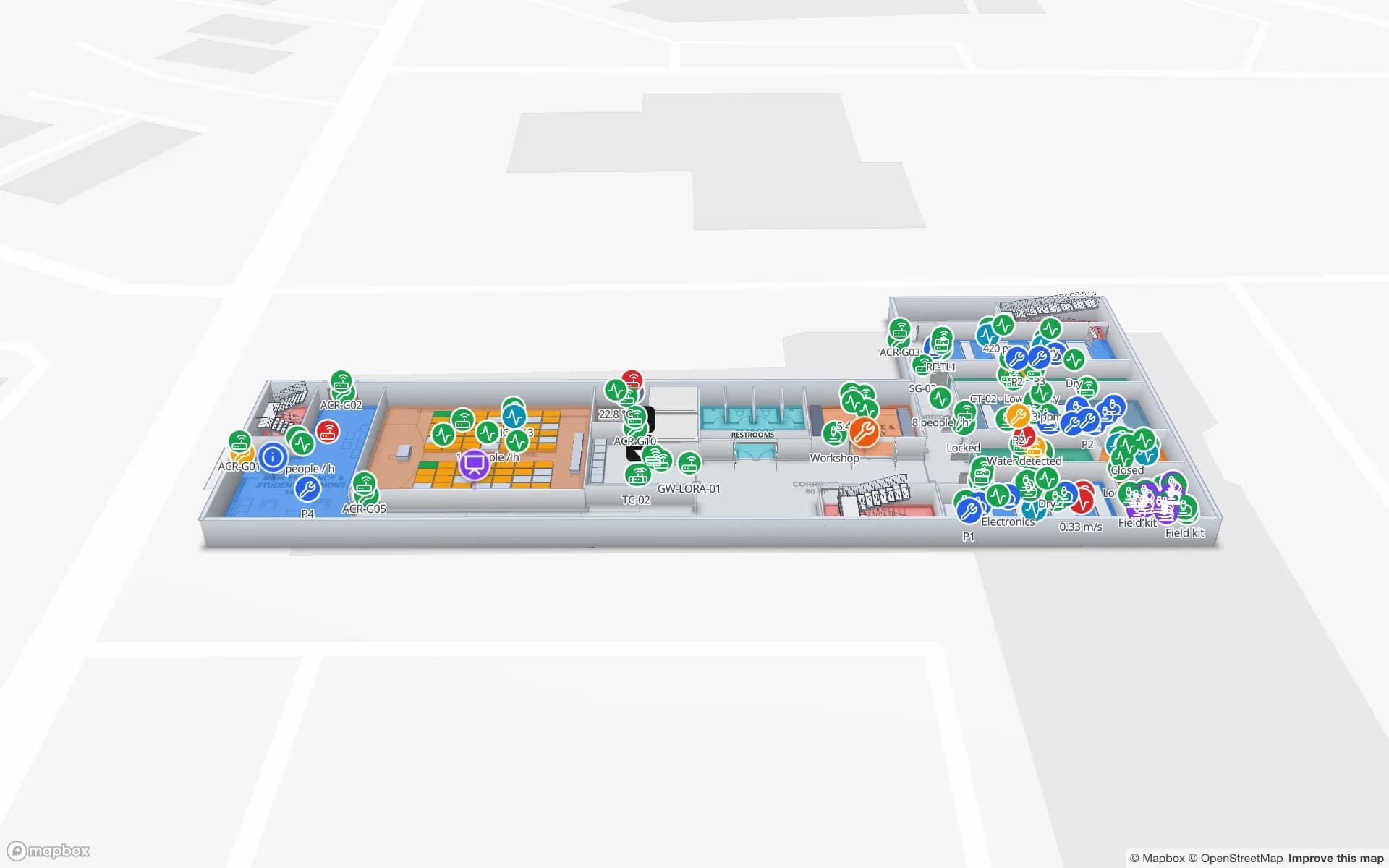
Spatial Map places each tool or kit at the crib, room, bay or door your reads report, on a 3D floor plan you build once. Style rules colour tools by status — in crib, checked out, overdue, out of calibration — and the shape detail drawer shows the record. Search a tool ID in the viewer to fly to it.

  • Crib and cabinet status — what is in, what is out, and since when.
  • Calibration — instruments coloured by due date from your maintenance system, so an overdue gauge is visible where it sits.
  • Exit reads — tools read at a site exit or hangar door appear at that door.
  • Audit trail — the History player replays a tool’s reads for an investigation or a FOD check.
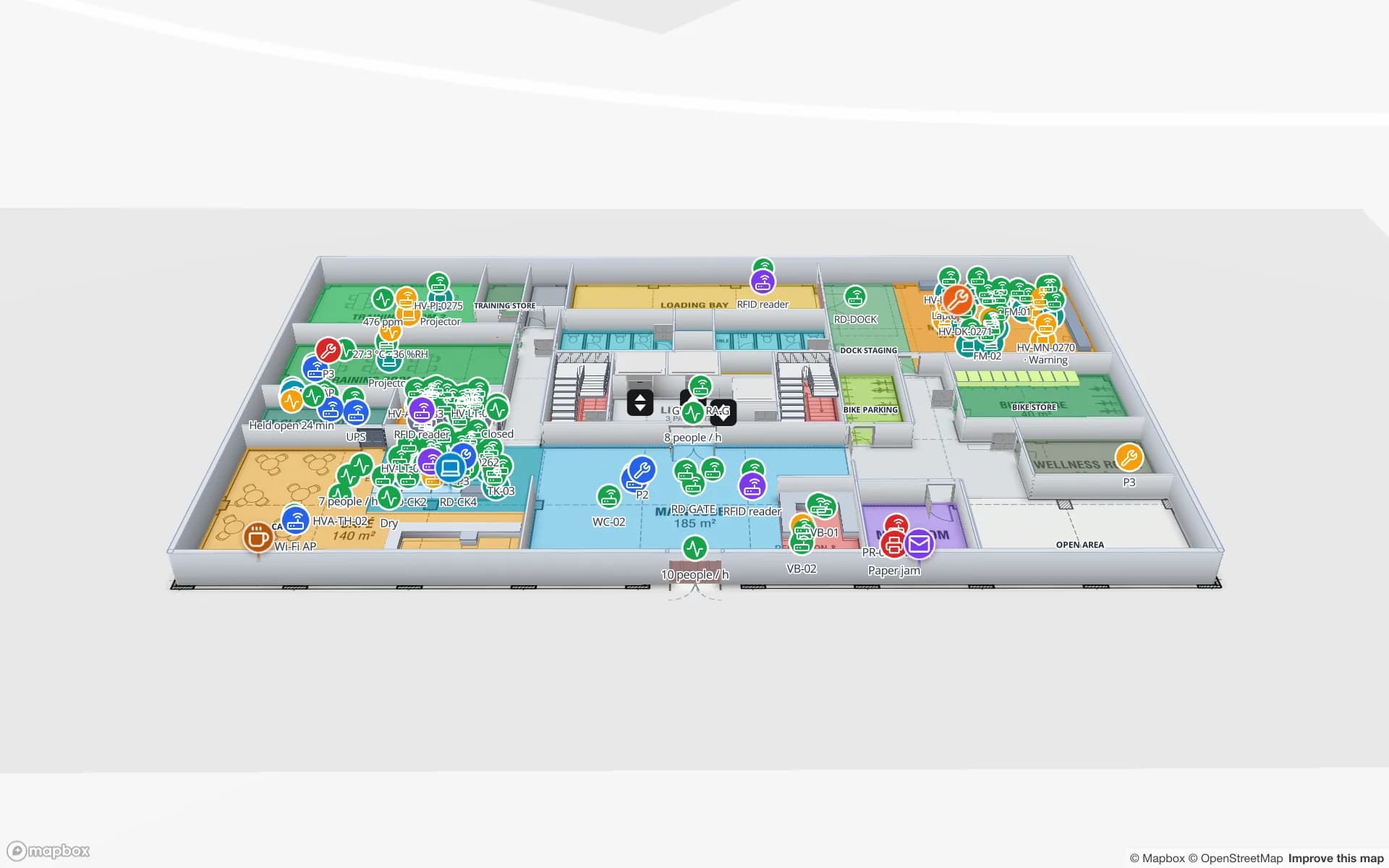
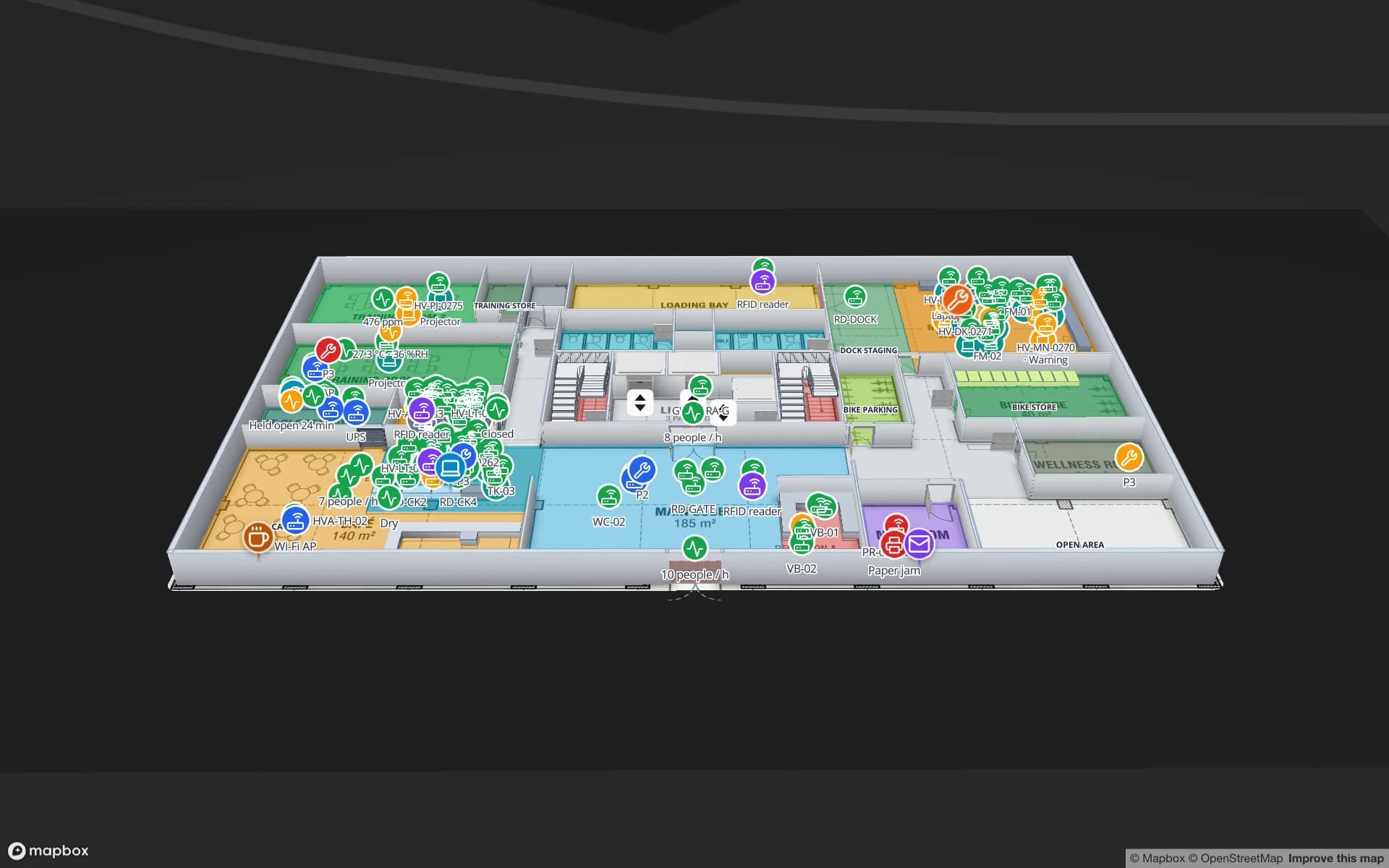
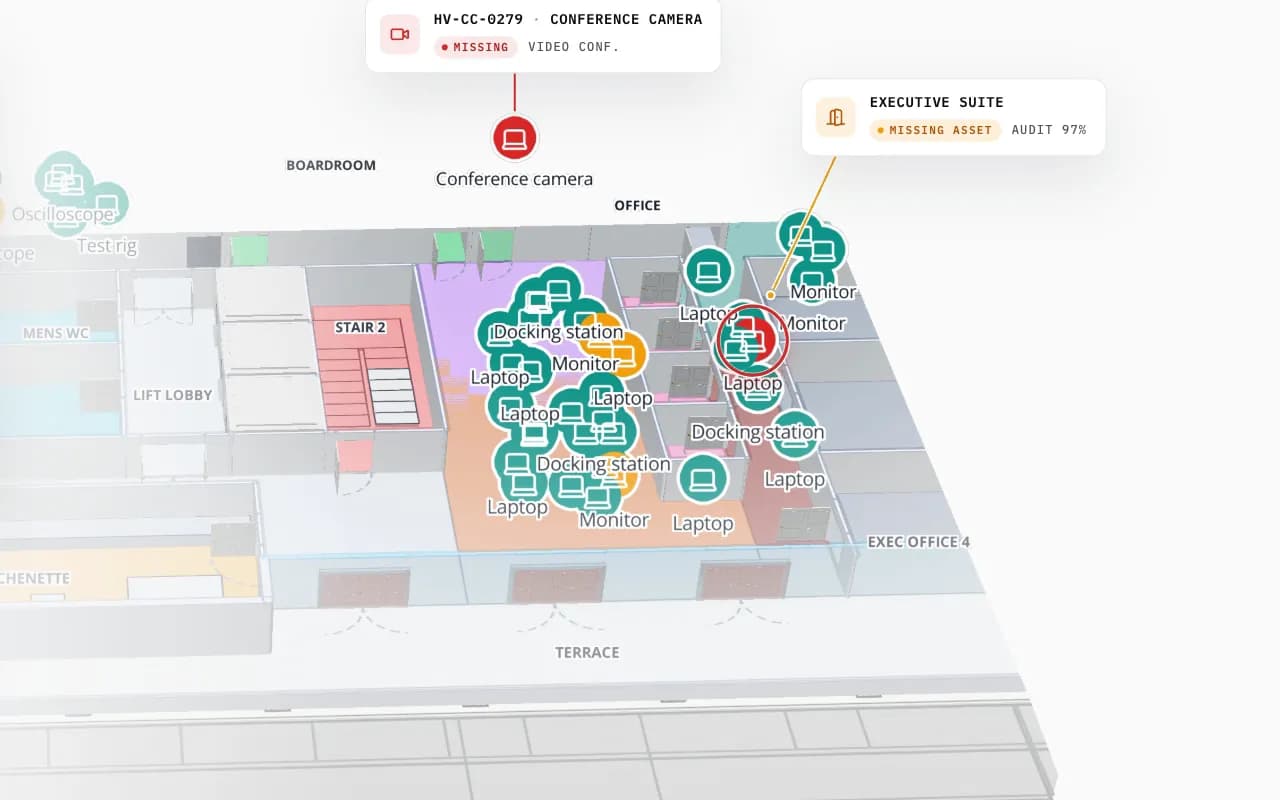
Harborview Corporate Campus in 3D: tagged office equipment by room, then the view zooms to the boardroom where a missing conference camera is marked
Harborview Corporate Campus — Building A
Harborview Corporate Campus (demo): tagged equipment by room on the second floor, and a missing conference camera pinpointed.

Tags for tools

Tools are metal, so standard paper inlays will not do: use on-metal UHF tags (rigid or flexible), embedded tags in a drilled pocket, or HF/NFC tags where read distance is only a few centimetres at a cabinet. Tag placement matters as much as tag choice — see RFID tags for metal, liquids and apparel.

Spatial Map does not supply tags or readers and has no reader drivers. Readers, smart cabinets and handhelds are covered on RFID hardware; a crib app or middleware can be built as custom development.

How Spatial Map does it

Tool tracking on a map in four steps

  1. 01

    Map the site

    Import the floor plan and trace cribs, bays, labs, rooms and exits.

  2. 02

    Tag and register

    Tag the tools and keep the register (ID, type, owner, calibration due) in a Spatial Map table or your CMMS.

  3. 03

    Send the reads

    Crib readers, cabinets or handheld sweeps post reads with the write API; or Spatial Map polls your CMMS.

  4. 04

    Colour and report

    Style rules by status and due date; reports for checkouts, overdue and missing tools.

Where tool tracking matters

Labs and instrument rooms

Instruments by room, out-of-service and calibration-overdue flags in place.

Offices and IT kit

Laptops, monitors and AV kit by room; missing items pinpointed.

Plants and maintenance

Tools and kits by line and crib in an assembly plant.

Data centers

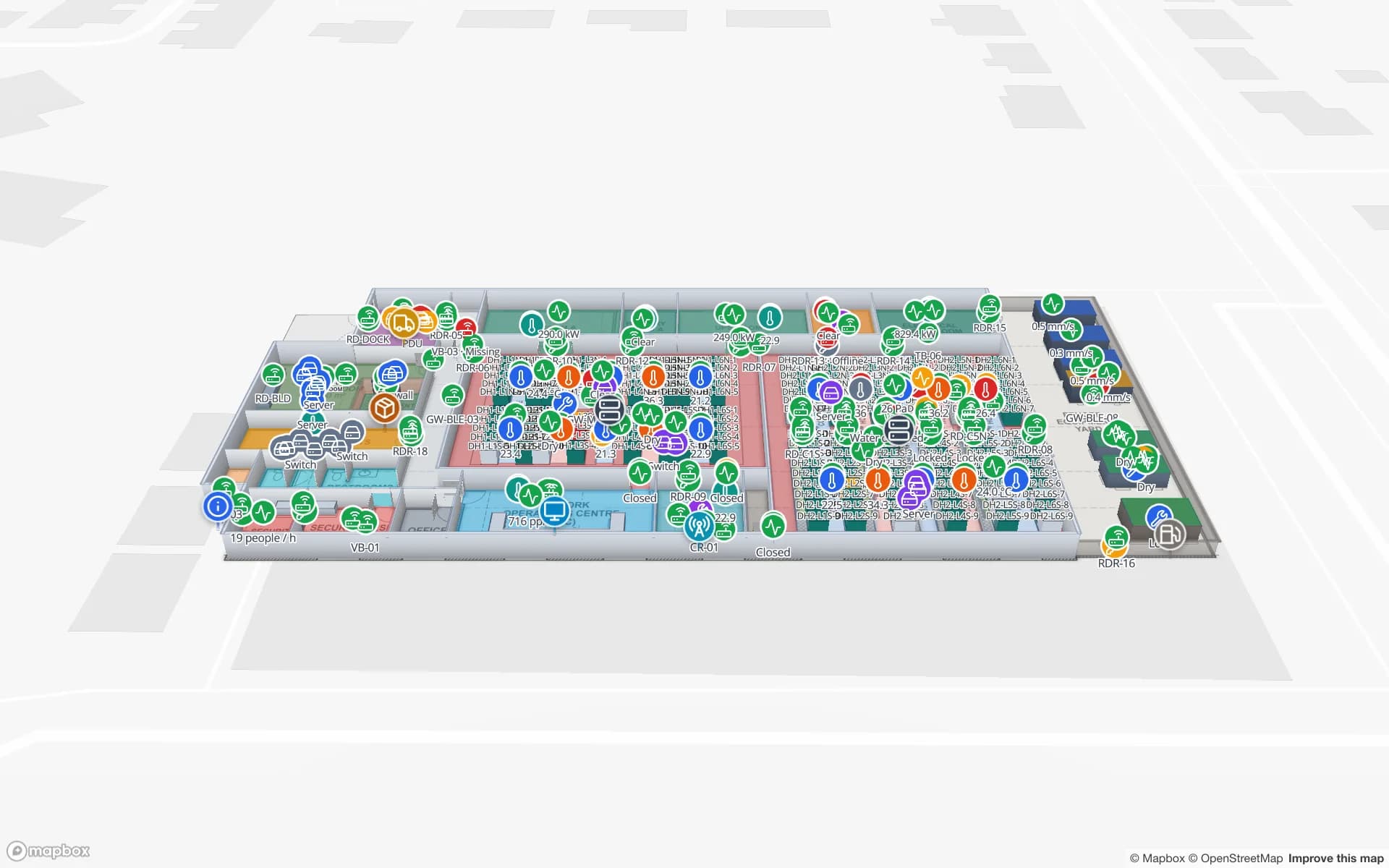
Spares and tools in stores and data halls; removal checked at the doors.

See it on real demo facilities

Fictional names, real floor plans, live sensors, RFID, BLE tags and gateways — open any of them in the browser.

All 13 demo facilities

RFID tool tracking — frequently asked questions

Passive RFID is cheap per tool and needs no battery, but only knows where a tool was last read. BLE tags cost more and need batteries, but report room-level location continuously. Many sites use RFID for tools and BLE for high-value mobile equipment; Spatial Map shows both. See BLE asset tracking.

Yes, as a field in the tool table (or pulled from your CMMS). Style rules colour instruments by how close they are to their due date; Spatial Map does not send reminders.

If the cabinet can export its in/out events as JSON or CSV, yes — the cabinet becomes a zone on the map and its contents a table.

If your checkout data includes the person or team, it appears in the tool’s detail drawer and in reports.

A 7-day free trial covers up to 5 facilities with no credit card. Pro is $60 a month or $600 a year for up to 4 facilities. Integration with your readers and middleware, and larger estates, are quoted as custom services or custom development.

Find every tool before the next shift needs it.

Start a free trial and open the asset-management demos, or send us your site plan and tool register — we will map your own cribs and bays.