
Warehouse sensor alerts: rules people don’t learn to ignore
Warehouse sensor alerts that work: thresholds with duration, stale-sensor rules, zone counts, severity, cooldowns and routing, mapped to in-app alert rules.
Why most warehouse sensor alerts get ignored
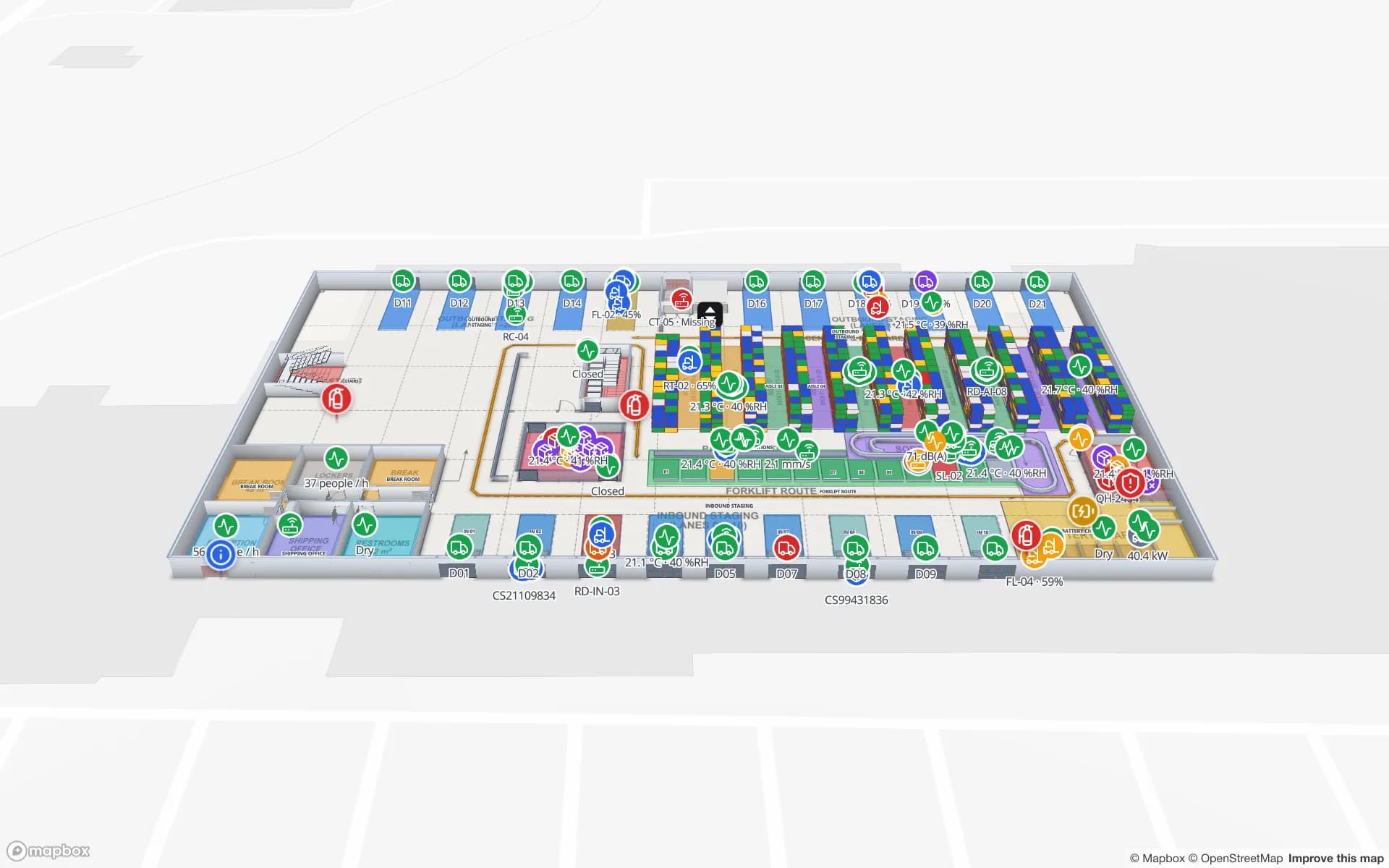
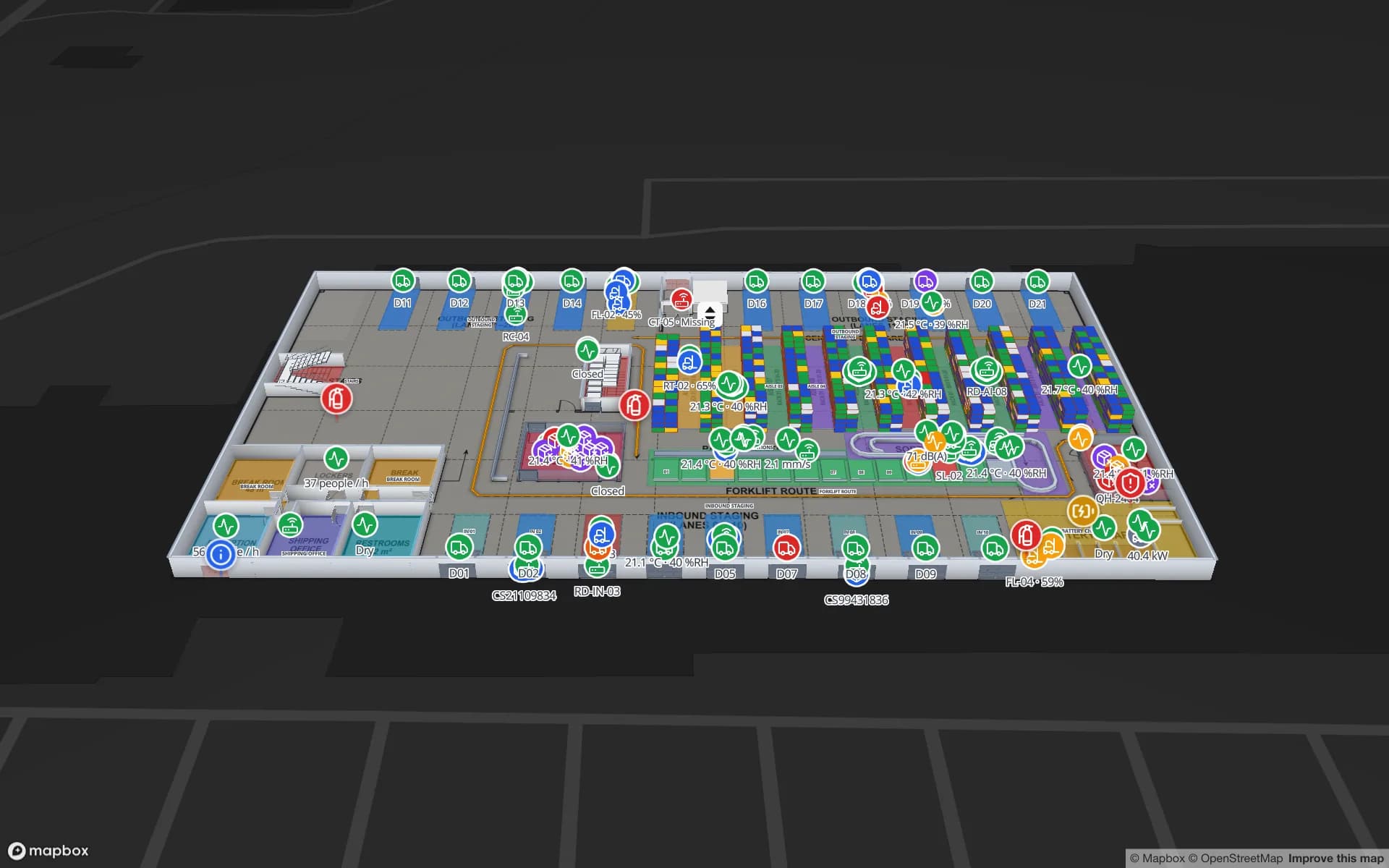
Spatial Map raises in-app alerts from rules on any facility table — sensor readings included — and shows each alert on the floor plan where it happened. Good warehouse sensor alerts are rarer than good sensors. Most sites that install temperature, humidity, door and leak sensors go through the same cycle: every threshold alerts, a door opening at the dock sends ten messages, a probe with a flat battery alerts all weekend, and within a month people mute the channel. That is alert fatigue, and it is a design problem, not a people problem.
What to alert on in a warehouse
| Signal | Rule that works | Why |
|---|---|---|
| Cold room or freezer temperature | Above the limit for 10–20 minutes | Door openings and defrost cycles cause short spikes that recover on their own |
| Ambient storage temperature | Above the range for 30–60 minutes | Large spaces change slowly; brief peaks rarely matter |
| Humidity | Above the range for an hour or more | Matters for paper, electronics, some foods and medicines — over time, not instantly |
| Cold-room door | Open for more than 5–10 minutes | Being open is normal; staying open is the problem |
| Leak or flood sensor | Wet — immediately | No reason to wait |
| Any sensor or gateway | Not updated for 2–3 reporting intervals | A dead probe is invisible until you alert on silence |
| Battery level | Below 20 %, low severity | Lets maintenance plan a round instead of reacting |
| Zone-level counts | More than N pallets in a staging lane, or more than N probes out of range in one room | One alert for the situation, not one per item |
The minutes are examples. Take your own from the product’s tolerance and from what your sensors actually do — a week of readings on a map shows quickly which probes spike at every door opening. For the temperature side in full, see warehouse temperature monitoring.
Seven rules for rules
- 1Thresholds with a duration
“Above 8 °C” alerts on every door opening. “Above 8 °C for 15 minutes” alerts when the cold room is really losing it.
- 2A stale-sensor rule for every sensor table
If a probe has not reported for three intervals, that is an alert in its own right. Otherwise a dead sensor looks exactly like a healthy one.
- 3Count when the problem is a zone
If ten probes in one freezer go high together, that is one freezer problem. A count rule says so once.
- 4Severity that means something
Critical: act now, product at risk. Warning: look this shift. Info: plan it. If everything is critical, nothing is.
- 5A cooldown
When a reading hovers around the limit, the alert opens and closes again and again. A “don’t reopen within” window turns that into one alert.
- 6The right people
The cold-chain lead gets temperature, maintenance gets batteries and offline gateways, security gets doors out of hours. Nobody wants all of it.
- 7A message that says what to do
Name the room, the reading and the limit: “Freezer F3 is at −12 °C (limit −18 °C)”. The person reading it should not need to open three screens.
How these map to Spatial Map alert rules
In Spatial Map, alert rules are set on a table — for one facility or workspace-wide — under Alerts → Rules → New rule. A rule is one of four types:
| Rule type (“Alert when…”) | What it does | Use it for |
|---|---|---|
| A row matches | Alerts as soon as an item matches the condition | Leak sensors, a door forced open, a critical status field |
| Matches for a while | Alerts when an item keeps matching for a set number of minutes | Temperature and humidity thresholds with a duration; doors left open |
| Not updated | Alerts when an item has not been updated or seen for a set time — by when the row last changed, or by a time field | Silent probes, offline gateways, a reader that stopped reading |
| Number of items | Alerts when the number of matching items crosses a threshold | Zone-level problems: probes out of range in one room, pallets in a lane, low batteries |
- Condition — optional; none means every item in the table. Combine fields, for example a unit type and a reading.
- Severity — Info, Warning or Critical.
- Message — can include any field of the row and the item’s name; left empty, it uses the rule’s name and the item.
- Notify — roles (owners, admins, editors, viewers) or specific people. Nobody picked means everyone. They get the bell badge and a pop-up; every member can see every alert on the Alerts page.
- Don’t reopen within (minutes) — the cooldown.
- Preview — while you edit, the rule shows how many items match now and whether it would alert now, so you can tune a threshold before saving.
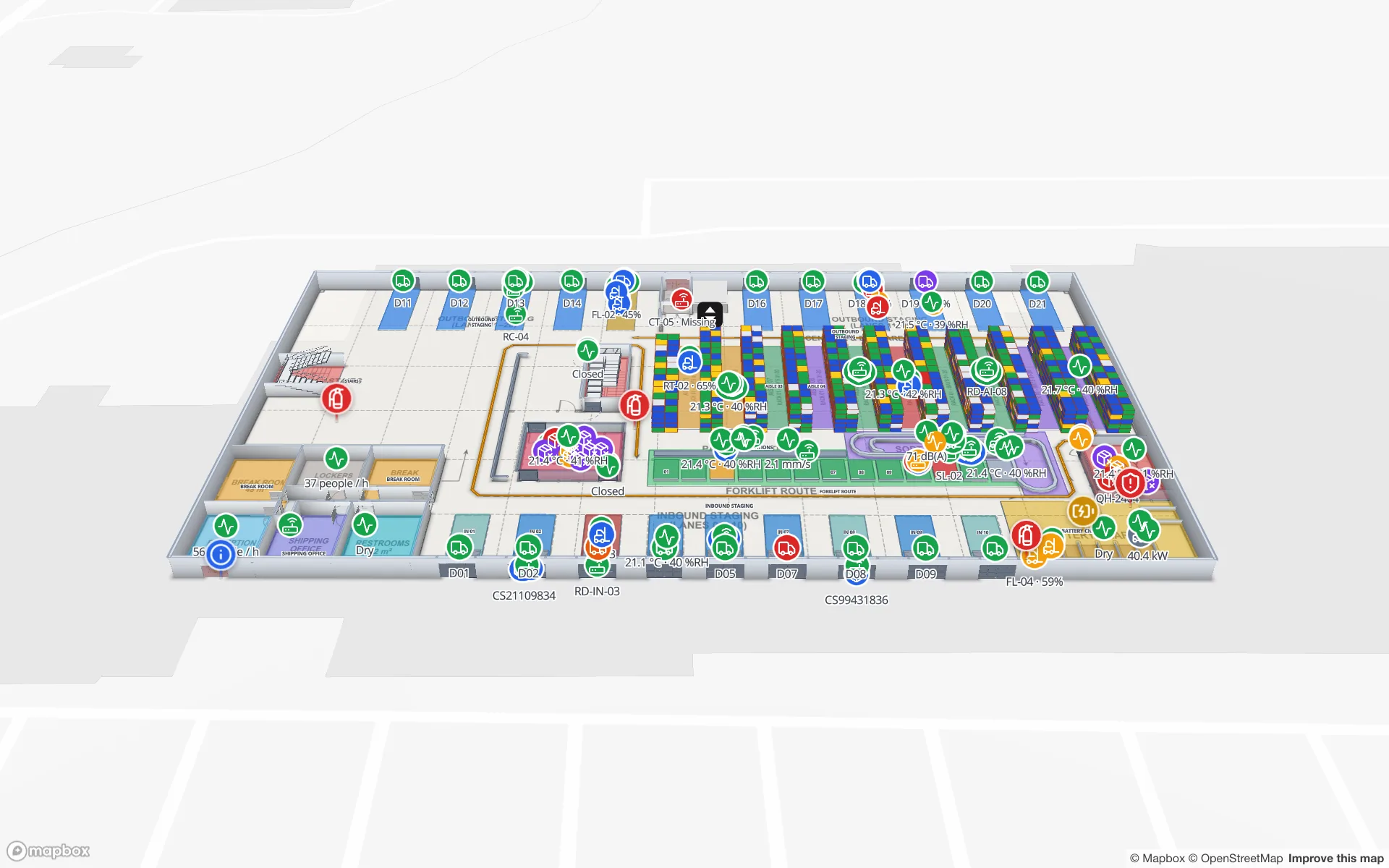
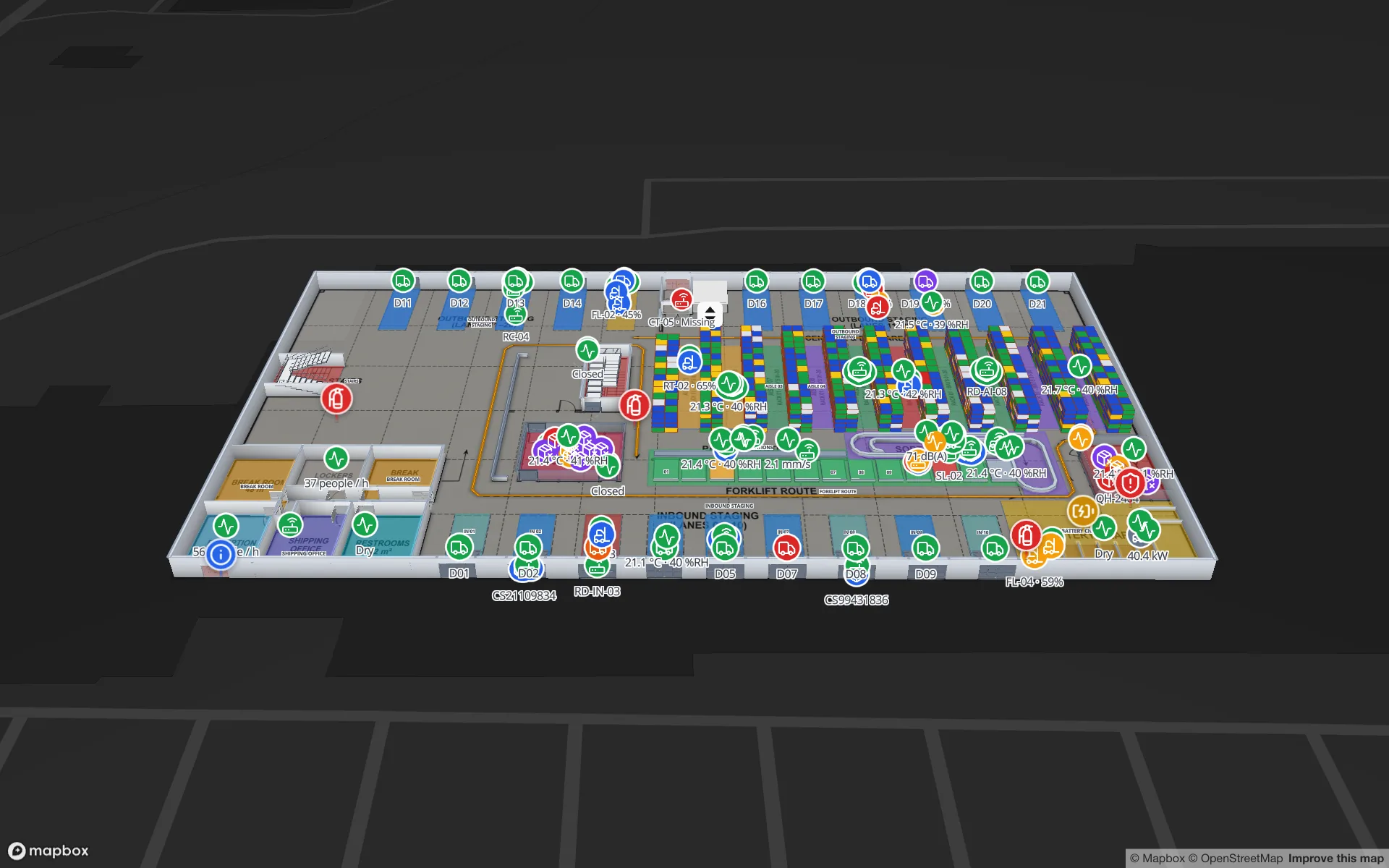
Rules are checked on the server every 15 seconds. An alert opens when an item breaches a rule and closes itself — “Back to normal” — when the item stops breaching it. People can Acknowledge or Resolve an alert, and Show on map opens the facility at the item, next to the rack, door or room it belongs to. More on the feature: IoT alerts on a floor plan.
A worked example: one cold store, five rules
| Rule | Type | Settings (illustrative) | Severity · Notify |
|---|---|---|---|
| Freezer excursion | Matches for a while | unit type = Freezer and temperature above −15 °C, for 15 minutes; don’t reopen within 30 | Critical · cold-chain leads |
| Chiller drift | Matches for a while | unit type = Chiller and temperature above 6 °C, for 20 minutes | Warning · shift leads |
| Probe silent | Not updated | not updated for 15 minutes (probes report every 5) | Warning · maintenance |
| Door left open | Matches for a while | door open = true, for 10 minutes | Warning · shift leads |
| Batteries low | Number of items | battery below 20 %, count above 3 | Info · maintenance |
The last rule is the quiet hero: instead of an alert per probe, maintenance gets one when enough batteries need changing to justify a round. The Polar Pharma demo has the tables to try rules like these on: temperature probes, excursions and cold-room door events.
Review the rules every month
- Which rules fired most? A rule that fires daily and is always acknowledged without action needs a longer duration or a higher limit.
- Which alerts were never acknowledged? They went to the wrong people, or nobody believes them.
- Which incidents had no alert? Add the rule that would have caught them.
- Which sensors are always silent or always noisy? Fix the hardware, not the rule.
Readings and alerts sit next to each other on the map and in reports, so this review takes minutes. For where sensors go and how readings reach the map, see IoT sensor floor plan monitoring. A 7-day free trial covers up to five facilities with no card; Pro is $60 a month or $600 a year for up to four.
Try the platform your data belongs on.
Spatial Map turns spreadsheets, sensor streams, and CAD drawings into one live 3D facility view — nothing to install, seven-day free trial.
Keep reading
- TutorialBLE gateway for asset tracking: placement, backhaul, MQTT and the mapGateways are where BLE tracking succeeds or fails. How to place them, connect them, turn their MQTT or HTTP messages into zones, and write the result to a live floor plan.
- TutorialHow to convert a PDF floor plan to a 3D map of a commercial buildingA PDF knows its paper size but not its scale. How to get the scale right, clean the sheet, align it to the site and turn walls, racks and floors into a true-scale 3D building.
- TutorialHow to digitize a paper floor plan: scan, scale, traceFrom an old blueprint or a photo of an evacuation plan to a usable digital plan: capture, perspective correction, scale, the CAD question, and the step to an indoor map.