
RFID read rate: why tags get missed and how to fix it
RFID read rate explained: why UHF tags get missed or read at the wrong door, a symptom-to-fix table, how to measure it properly and why reader health matters.
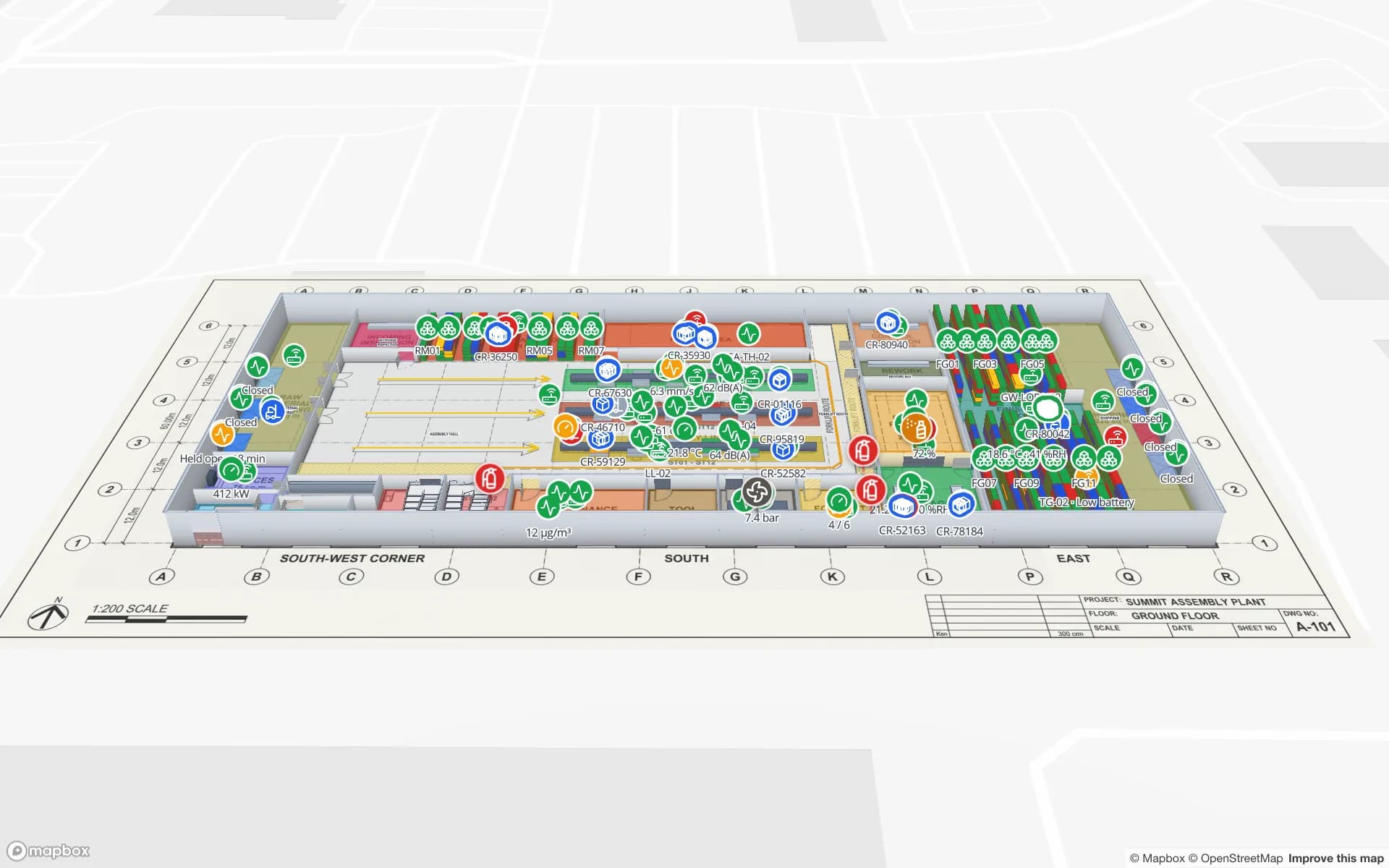
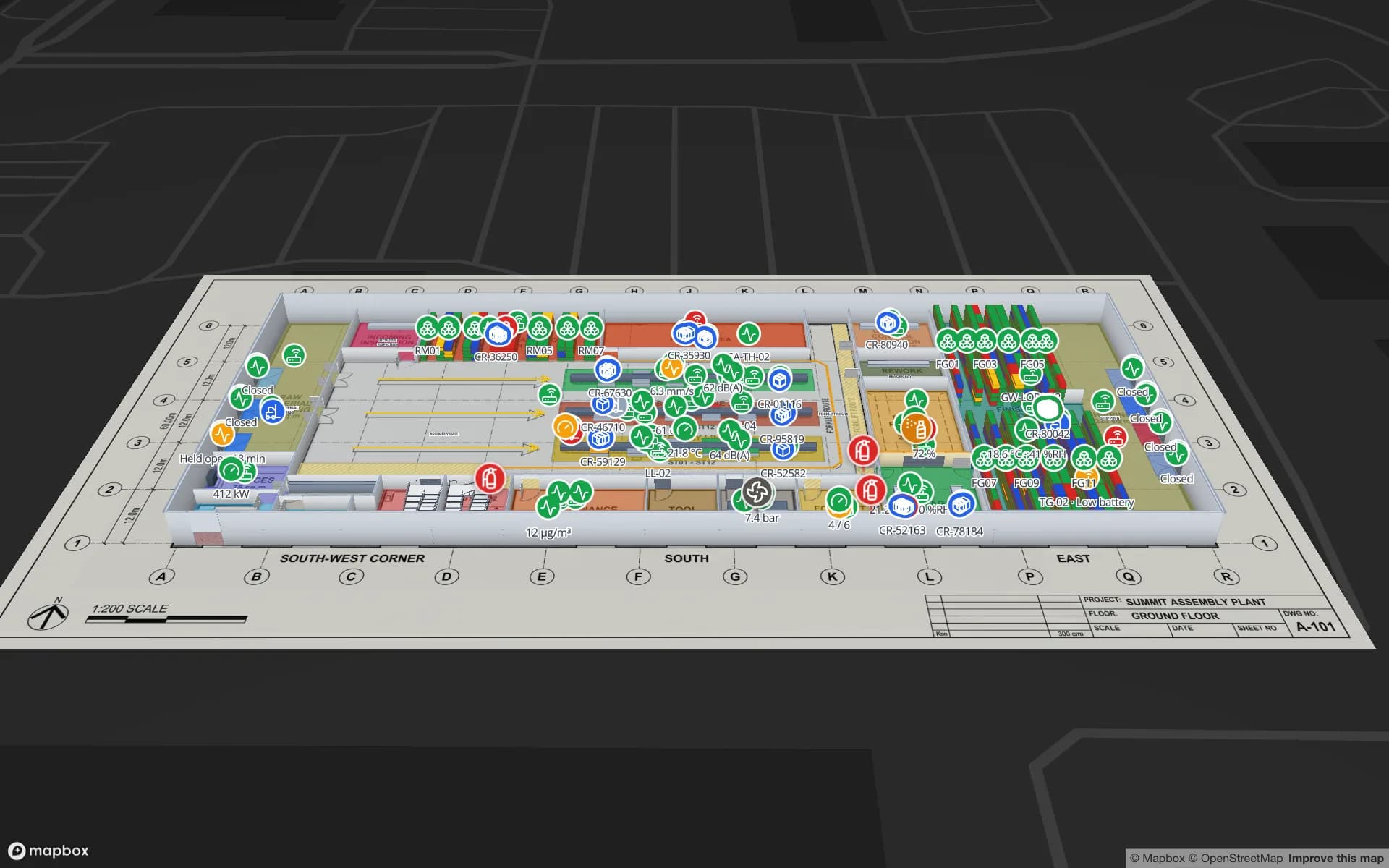
What read rate means
Read rate is the share of tags that were present and actually got read: 98 of 100 cartons through a dock door is a 98 % read rate. It is the number every RFID project lives or dies by — and the one most often quoted without saying how it was measured. Its mirror image, stray reads (tags read that were not meant to be), matters just as much at doors and gates.
Why tags get missed
- Material — metal detunes ordinary tags; water absorbs UHF. Use tags made for the surface; see RFID tags for metal, liquids and apparel.
- Orientation and polarisation — a tag edge-on to a linear antenna may not read; circular antennas are more forgiving.
- Shadowing and density — tags deep in a pallet or stacked flat against each other shield one another.
- Time in the field — fast forklifts and conveyors leave little time for inventory rounds; more antennas or slower passes help.
- Reader settings — power, session, target and Q settings that suit a count can be wrong for a portal, and vice versa.
- Interference — nearby readers on the same channels; dense-reader modes and channel planning matter in busy sites.
- Cabling and mounting — long or damaged antenna cables lose signal; antennas knocked off their aim by forklifts.
- Dead or badly encoded tags — damaged at application, or encoded with the wrong data and filtered out downstream.
- Over-eager filtering — middleware that drops “duplicates” or short reads can discard real events.
Symptom → likely cause → fix
| Symptom | Likely cause | First fix to try |
|---|---|---|
| One product line always low | Tag not suited to the product or placed badly | Re-test tag type and placement on that product |
| Pallet centres missing, edges fine | Shadowing in dense loads | Tags on outer faces; more antennas; slower pass |
| A door that read well now reads badly | Antenna moved, cable damaged, reader setting changed | Inspect mounting and cables; compare settings with a good door |
| Reads from the neighbouring door | Power too high or antennas aimed wide | Lower power, re-aim, add shielding, filter by antenna |
| Read counts drop at busy times | Reader-to-reader interference | Dense-reader mode, channel plan, stagger reader timing |
| Reads in the reader log but not downstream | Middleware filtering or encoding mismatch | Check filters and the EPC scheme the systems expect |
How to measure it properly
- 1Build a known population
A pallet, cart or shelf with a counted set of tagged items, including your hardest products.
- 2Repeat the real movement
Same forklift speed, same path, same height, at least 20–50 passes.
- 3Count misses and strays
Read rate = items read ÷ items present; stray rate = unexpected reads ÷ passes.
- 4Change one thing at a time
Tag, placement, antenna, power, session — and re-measure each change.
- 5Keep measuring after go-live
Track reads per door per shift; a sudden drop is a fault, not a quiet day.
Reader health is a read-rate problem too
The worst read rate is zero: a reader that was unplugged, lost its network or crashed. If nobody notices, a whole door reads nothing for a week and the inventory drifts. Middleware usually exposes a heartbeat or last-read time per reader; put it somewhere people look.
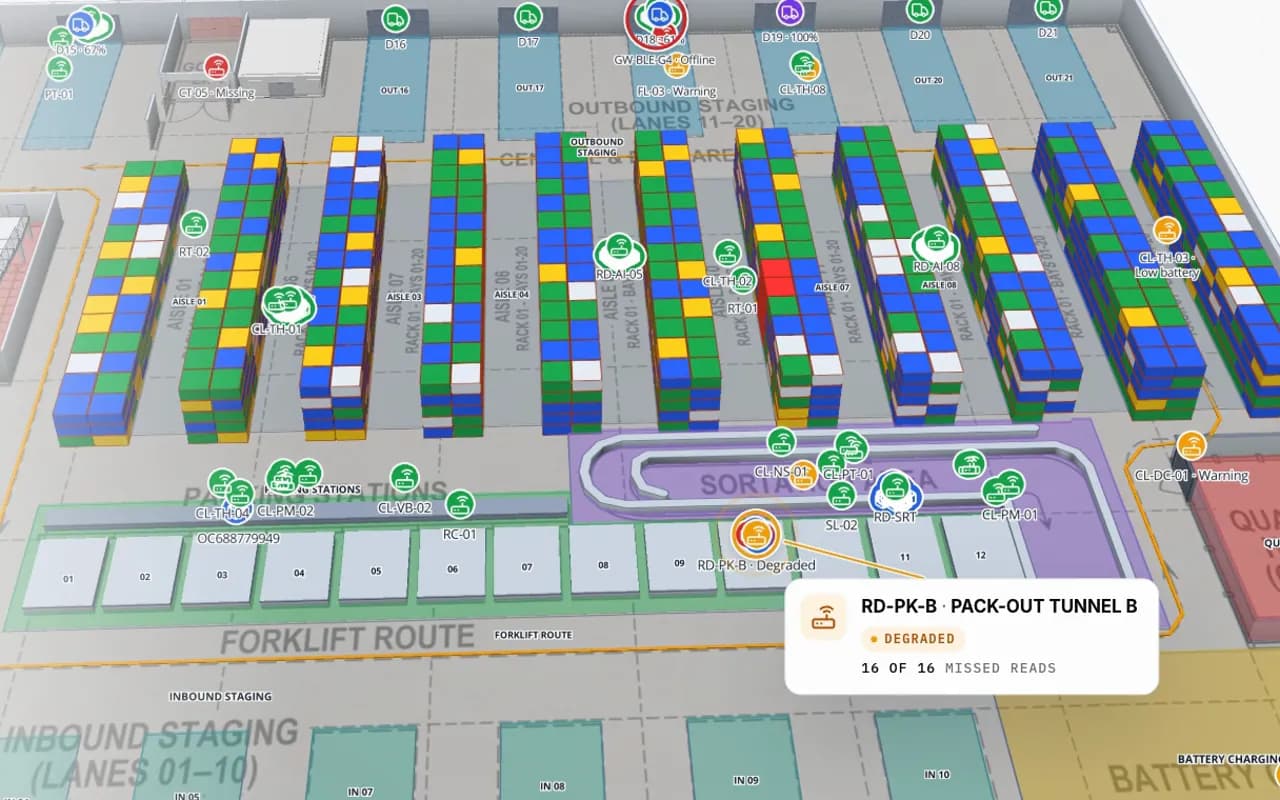
In Spatial Map, readers and gates are shapes on the floor plan coloured by their last-read time and read count, so a quiet portal stands out next to the busy ones. See the RFID gate system and RFID warehouse management pages. Hardware help is on RFID hardware; middleware that filters and reports reader health is custom development.
Try the platform your data belongs on.
Spatial Map turns spreadsheets, sensor streams, and CAD drawings into one live 3D facility view — nothing to install, seven-day free trial.
Keep reading
- Deep-diveHow RFID stock counting works (and how accurate it really is)An RFID count reads hundreds of tags a second, but “accurate” hides two different numbers. How counts work, what accuracy to expect, and how to measure your own.
- Deep-diveWhat is indoor mapping? A practical guide (2026)Indoor mapping turns a building’s floor plans into a structured, multi-floor digital map. This guide explains how indoor maps are made, how they become digital twins, and how to choose software.
- Deep-diveIndoor wayfinding software: turn-by-turn directions on your floor planGPS stops at the front door. Here’s how Spatial Map builds walking routes from the floor plan you already maintain, gives visitors turn-by-turn directions in the viewer, and, honestly, where floors, lifts and accessibility fit in today.