
Warehouse digital twin vs WMS: what a live map adds (and what it leaves to the WMS)
Digital twin vs WMS for warehouse leaders: what a live 3D map adds — bin-level visibility, share links, map reports — and what stays in the WMS.
The 60‑second answer
Where the divide actually falls
A WMS is, at heart, a transactional database with an excellent workflow engine. It knows what is in a bin, who touched it last and what should happen next. What it doesn’t know — and was never designed to know — is where that bin physically sits, what the aisle around it looks like, or which part of the building is filling up right now.
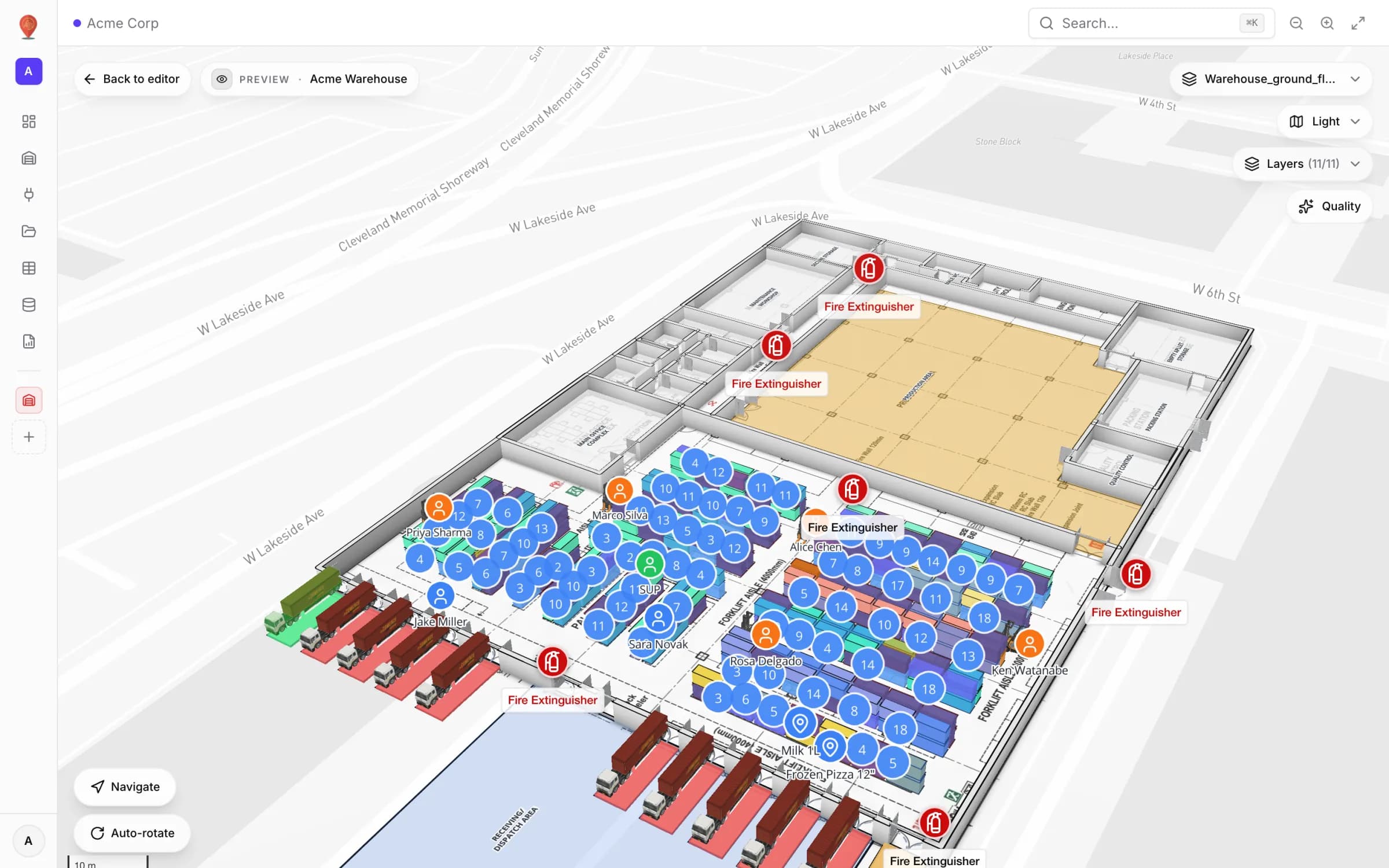
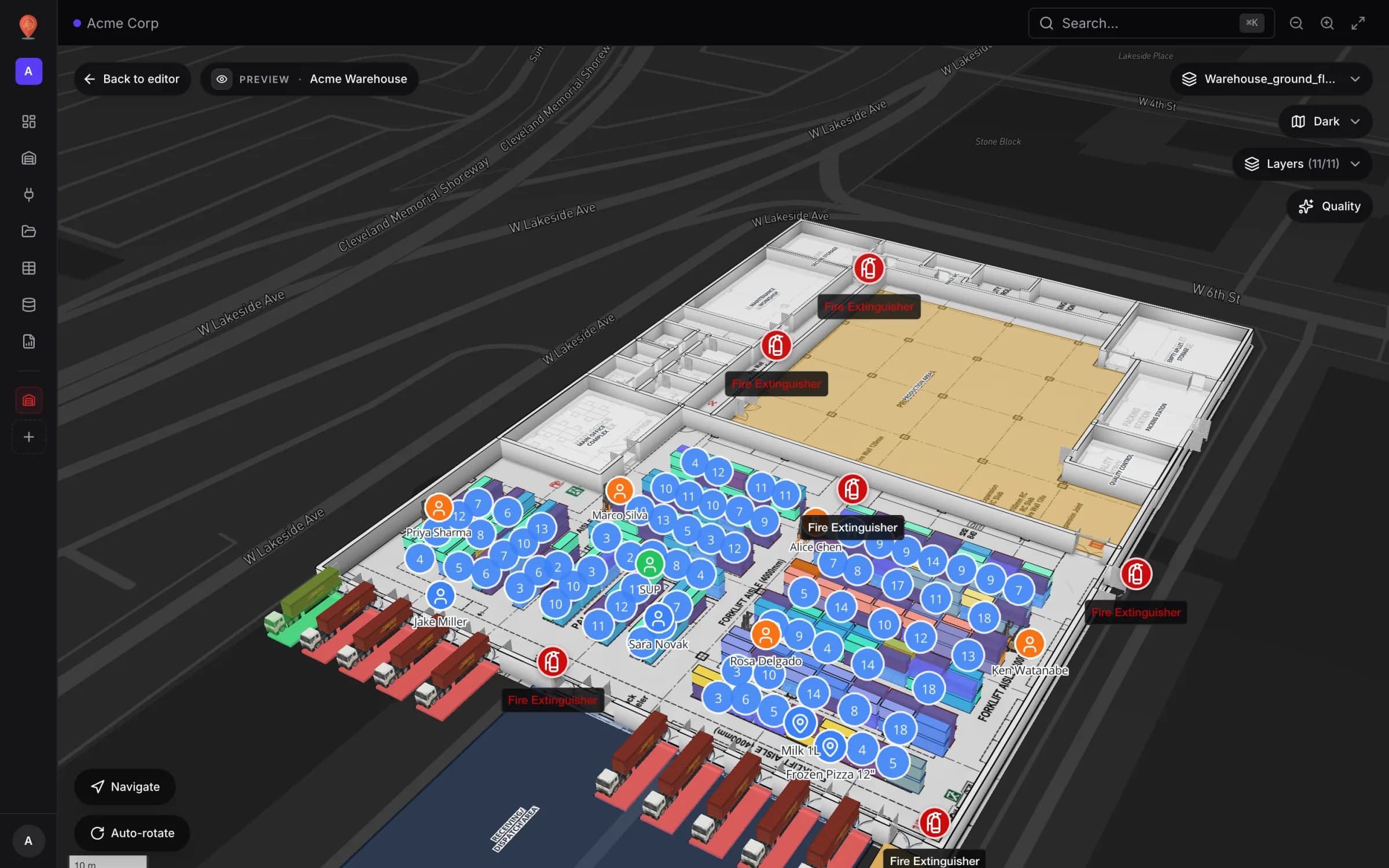
What that looks like: the Acme Warehouse demo
Our Acme Warehouse demo makes the boundary concrete. It has 17 racks with 314 bins, each bin carrying a code such as A-B01-L1. A Rack Inventory table holds one row per bin — status, SKU, ABC class, quantity, weight, expiry — exactly the fields a WMS would export. A data link colours every rack cell from that table, matching rows to cells by bin code, and five style rules paint the exceptions: Blocked bins, Expired stock, Expiring within 30 days, A-class fast mover and Empty pick-face.
Around the racks, a Warehouse Workers table places each person as a marker by coordinates, coloured by role, and a Pick Events log records picks, moves, sells and returns with the worker and forklift involved — the “events” half of the shared boundary. None of this changes how the WMS works; the twin only reads what the WMS already knows and puts it in place.
What a digital twin adds that a WMS can’t
- A live floor plan — racks, bins, walls, doors and stairs on a real map, in real coordinates, viewable in 3D.
- Live layers from your own systems: rack cells tinted by bin status, people and equipment as markers, activity heatmaps and movement trails (data links).
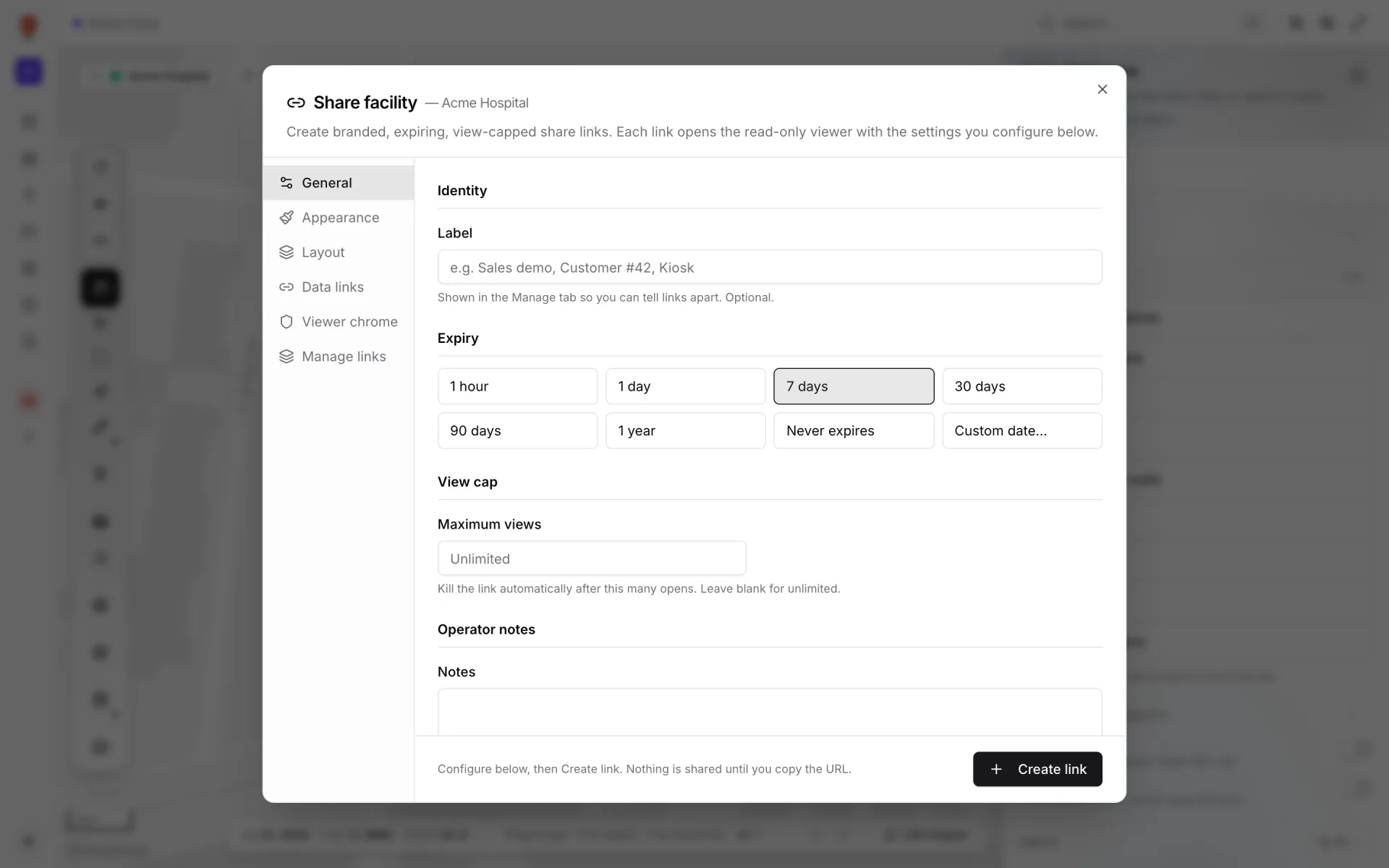
- Read-only share links with an expiry date and an optional view cap, so contractors, insurers and auditors see the site without a WMS licence (share links).
- Style rules that recolour bins and zones from live data — the WMS reports a KPI, the twin shows where it is happening.
- Layout what-ifs — duplicate the facility and move an aisle in the copy while the WMS stays untouched.
- Walking routes and safety flow — a route preview worked out from the walls, doors and racks already drawn (one floor at a time; see the wayfinding docs), plus evacuation paths and forklift lanes you draw with the Route tool.
- Reports with a live map next to the numbers — every facility starts with eight built-in reports, including Racks and Walls & doors, and every table you link gets a report of its own (reports).
How WMS data reaches the map
There is no packaged connector for a particular WMS. Instead there are three general ways in, and one of them fits almost any system:
- REST API — Spatial Map pulls JSON from an endpoint your WMS (or middleware) exposes, on a schedule (integrations).
- Upload file — a CSV, XLSX, JSON or GeoJSON export, matched to rack cells or shapes; good for a weekly bin snapshot.
- Table — your own schema with a write API and a bearer token per table, so your systems push rows as things change (tables).
For a step-by-step version of the file route, read CSV bin inventory to a live rack map.
What a digital twin should NOT do
When a twin is worth it
Three symptoms usually show up together: stand-ups turn into debates about where things are, WMS reports are unreadable to anyone outside the building, and a contractor visit needs an escort because there is no view you can share. If any of them sounds familiar, a live map is worth a trial. Seven days — no card, up to five facilities — is enough to draw one site, connect one source and send one share link. After that, Pro is $60 a month or $600 a year for up to four facilities; the warehouse solution shows what a finished set-up looks like.
Try the platform your data belongs on.
Spatial Map turns spreadsheets, sensor streams, and CAD drawings into one live 3D facility view — nothing to install, seven-day free trial.