
How RFID stock counting works (and how accurate it really is)
RFID inventory accuracy explained: how a UHF stock count works, read rate vs inventory accuracy, typical figures, what causes misses and how to test your own.
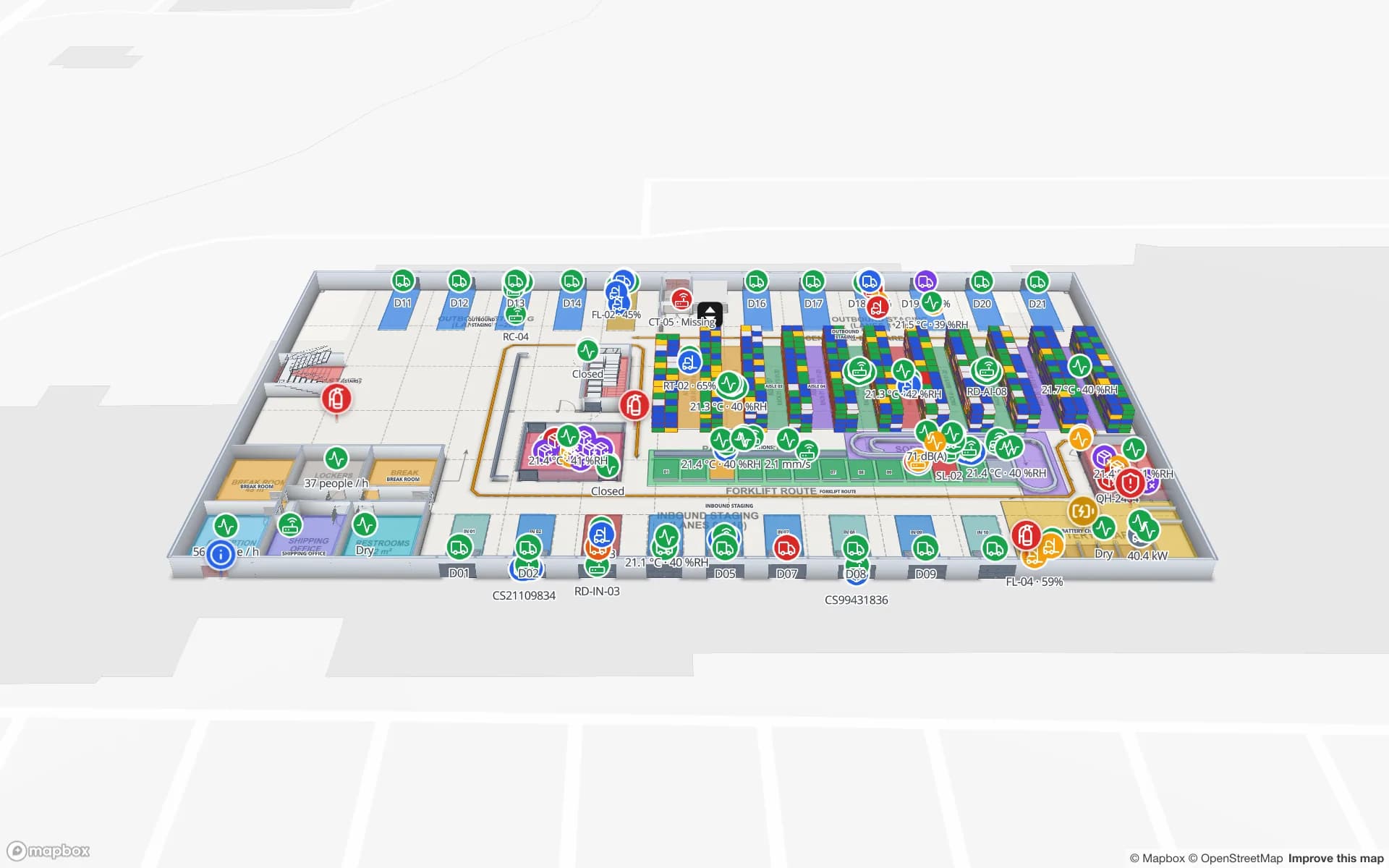
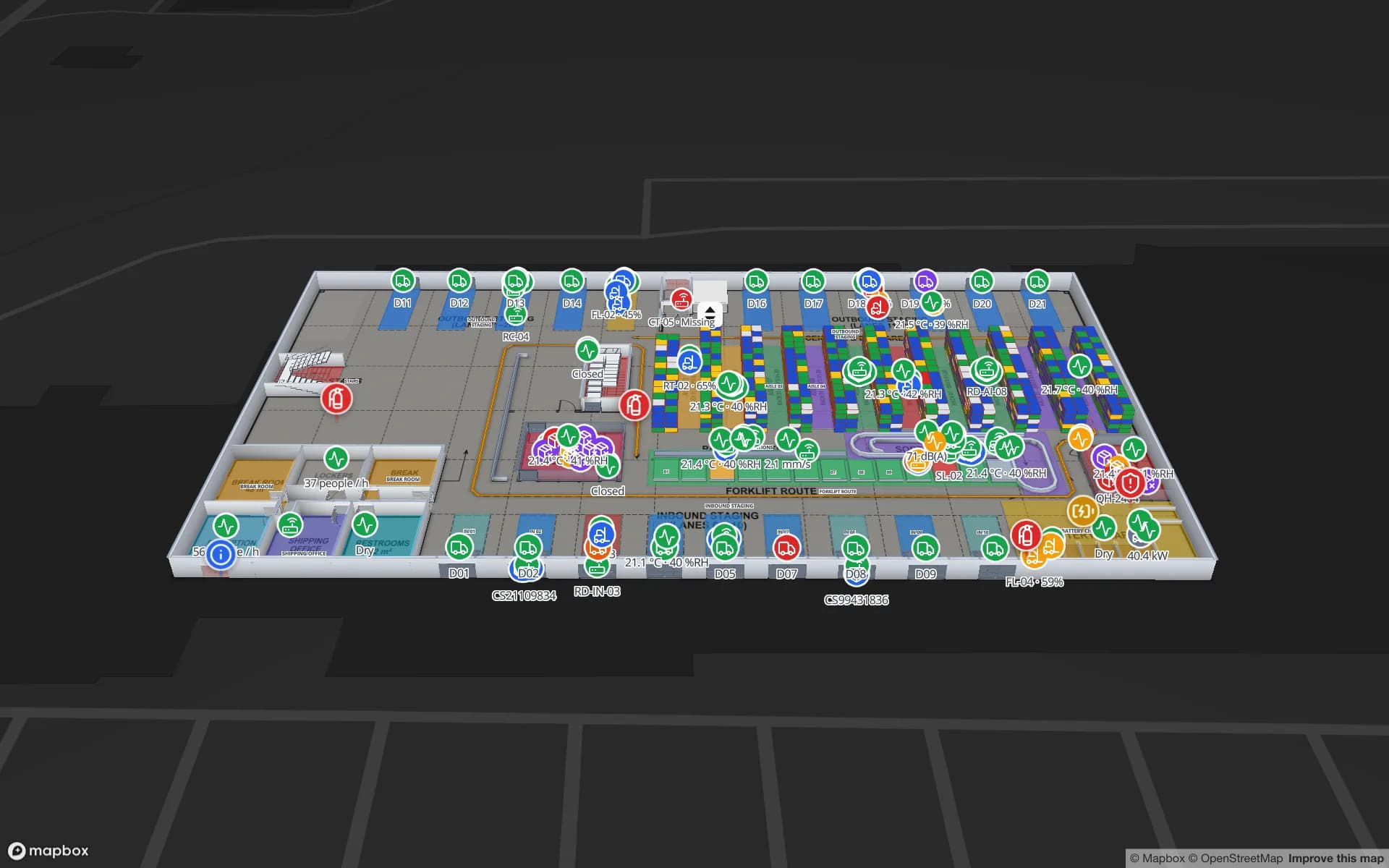
The short version
An RFID stock count is a person walking a zone with a UHF handheld that reads every tag in range — hundreds per second, without line of sight — and an app that compares what was read with what the system expects. It is far faster than scanning barcodes, and in well-run stores it is far more accurate. But “accurate” hides two different numbers, and most disappointing projects confuse them.
What happens during an RFID count
- 1Load the expected stock
The counting app pulls the expected items for the zone — by EPC, or by SKU and quantity — from the store system or WMS.
- 2Walk the zone
The counter sweeps every fixture high and low at a steady pace. The reader runs continuous inventory rounds; each tag in the field replies with its EPC.
- 3Singulate and de-duplicate
The EPC Gen2 protocol (ISO/IEC 18000-63) lets the reader separate hundreds of tags. Using session S2 or S3 with a single target, each tag answers once and then stays quiet, so the reader can reach the weak tags.
- 4Compare and reconcile
The app marks each item found, missing or unexpected (read here, booked elsewhere). Missing items in a small zone trigger a targeted recount before the result is posted.
- 5Post the result
Counts go back to the system of record; adjustments are approved there, not in the handheld.
Read rate vs inventory accuracy
Vendors quote read rates; retailers care about inventory accuracy. They move together but are not the same:
| Measure | Question it answers | How to measure it |
|---|---|---|
| Read rate | Of the tagged items physically here, how many did the count read? | Seed a zone with a known population and count it repeatedly |
| Inventory accuracy | For how many SKUs does the system quantity equal the physical quantity? | Independent manual count of a sample of SKUs vs the system |
| Location accuracy | Is each item in the zone the system says? | Unexpected reads per zone, checked by hand |
A 99 % read rate can still leave inventory accuracy at 90 % if 10 % of items were never tagged, were booked to the wrong location or left without being sold. Conversely, a slightly lower read rate with frequent counts usually beats a perfect count done once a year.
So how accurate is it, really?
Published retail studies — the most cited come from Auburn University’s RFID Lab — typically report item-level inventory accuracy somewhere around 60–70 % before RFID and 95 % or better after it, with counts going from a few times a year to weekly or more. Treat those as directional: they come from apparel-heavy pilots with good tagging discipline.
For a single count, disciplined UHF handheld counts commonly read the high 90s per cent of tagged soft goods. Expect lower figures, until the tags and the walk are adjusted, for:
- Metal — cans, tools, electronics in metal housings, products on metal shelving. Standard inlays detune; use on-metal tags.
- Liquids — bottles and pouches absorb UHF energy; place the tag on the cap, neck or an air gap.
- Dense stacks — folded denim in the middle of a pile, cartons deep in a pallet.
- Small tags — tiny inlays for jewellery or cosmetics have short range by design.
Tag choice for each of these is covered in RFID tags for metal, liquids and apparel.
What drags accuracy down — and the fix
| Symptom | Likely cause | Fix |
|---|---|---|
| Same few SKUs always missing | Untagged deliveries, dead or badly encoded tags | Check tagging at source and at receiving; re-tag |
| Whole shelf missing | Skipped fixture, metal shelf, too fast | Walk pattern, slower pace, closer antenna |
| Items “found” in the wrong zone | Stray reads through walls or from the stockroom | Lower reader power in tight zones; count away from open doors |
| Counts drift week to week | Process gaps: transfers, returns, theft | Count more often; investigate by zone, not by total |
Read-rate problems have their own guide: RFID read rate: why tags get missed.
Handheld technique that holds up
- Count zones in a fixed order, and one zone at a time, so a missed shelf shows up as a gap in that zone.
- Keep the antenna within arm’s reach of the fixture and sweep high, middle and low; tags face every way.
- Walk at a steady, slow pace; rushing is the most common cause of missed tags.
- Use the reader’s power setting: full power for big open floors, reduced power in tight stockrooms to avoid reading next door.
- Recount small zones with missing items before closing the count — it is minutes, not hours.
Measure your own accuracy
- 1Seed a test zone
Put a known set of tagged items, including hard ones (metal, liquids, dense piles), in one fixture.
- 2Count it ten times
Different people, different times of day. Read rate = average found ÷ known.
- 3Audit a SKU sample
Hand-count 50–100 SKUs across the store and compare with the system after an RFID count.
- 4Track it by zone
Accuracy by department or rack row tells you where to fix tags or process.
Putting counts on a map
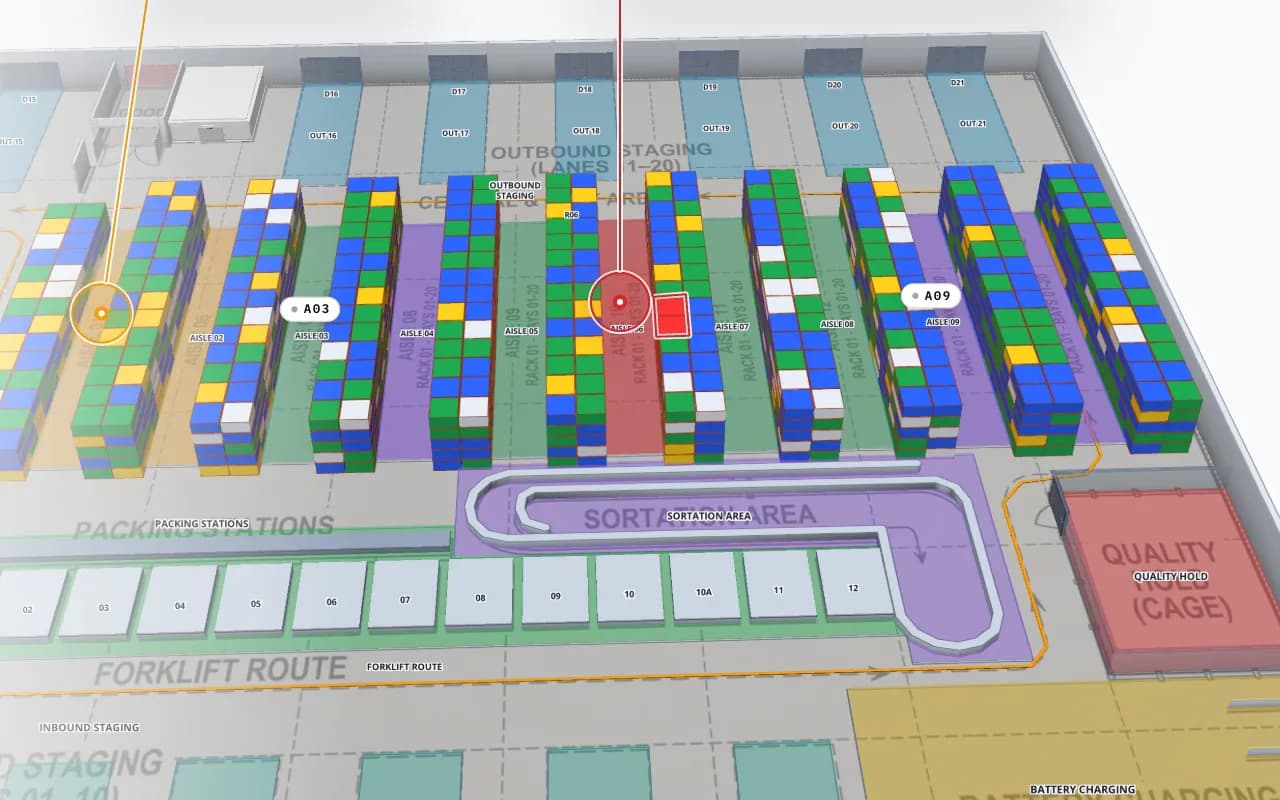
A count report says “97.2 %”. A map says where the other 2.8 % are: one aisle nobody walked, one metal fixture, one stockroom booked as a separate location. Spatial Map colours each zone, rack or department by found, missing and unexpected stock from your counting app’s results — see RFID stock counting and the wider RFID inventory management system.
Choosing handhelds or fixed readers? See RFID handheld vs fixed reader vs gate and the hardware we work with — e.g. readers from Zebra, Chainway, SATO or Sanray (trademarks of their owners). Need a counting app or middleware built for your readers? That is custom development.
Try the platform your data belongs on.
Spatial Map turns spreadsheets, sensor streams, and CAD drawings into one live 3D facility view — nothing to install, seven-day free trial.
Keep reading
- Deep-diveRFID read rate: why tags get missed and how to fix itRead rate decides whether an RFID project works. The usual causes of missed tags and stray reads, a symptom-to-fix table and a proper way to measure it.
- Deep-diveRFID tags for metal, liquids and apparel: how to chooseMost RFID read problems start with the wrong tag. How metal and water affect UHF tags, which tag types fit tools, servers, bottles, apparel and pallets, and how to test.
- Deep-diveWhat is indoor mapping? A practical guide (2026)Indoor mapping turns a building’s floor plans into a structured, multi-floor digital map. This guide explains how indoor maps are made, how they become digital twins, and how to choose software.