Kuwait · Indoor mapping

Indoor mapping in Kuwait for malls, terminals and public buildings

Kuwait’s biggest malls are destinations in their own right, a new passenger terminal is rising at Kuwait International Airport, and the capital’s cultural centres draw full houses for concerts and exhibitions. All of them are large, multi-level buildings that visitors find hard to read. Spatial Map turns their drawings into a 3D map in the browser that operations teams run with live data and visitors open from a link, in Arabic or English.

No credit card. Runs in the browser. Pro is $60/month for up to 4 facilities. Book a demo

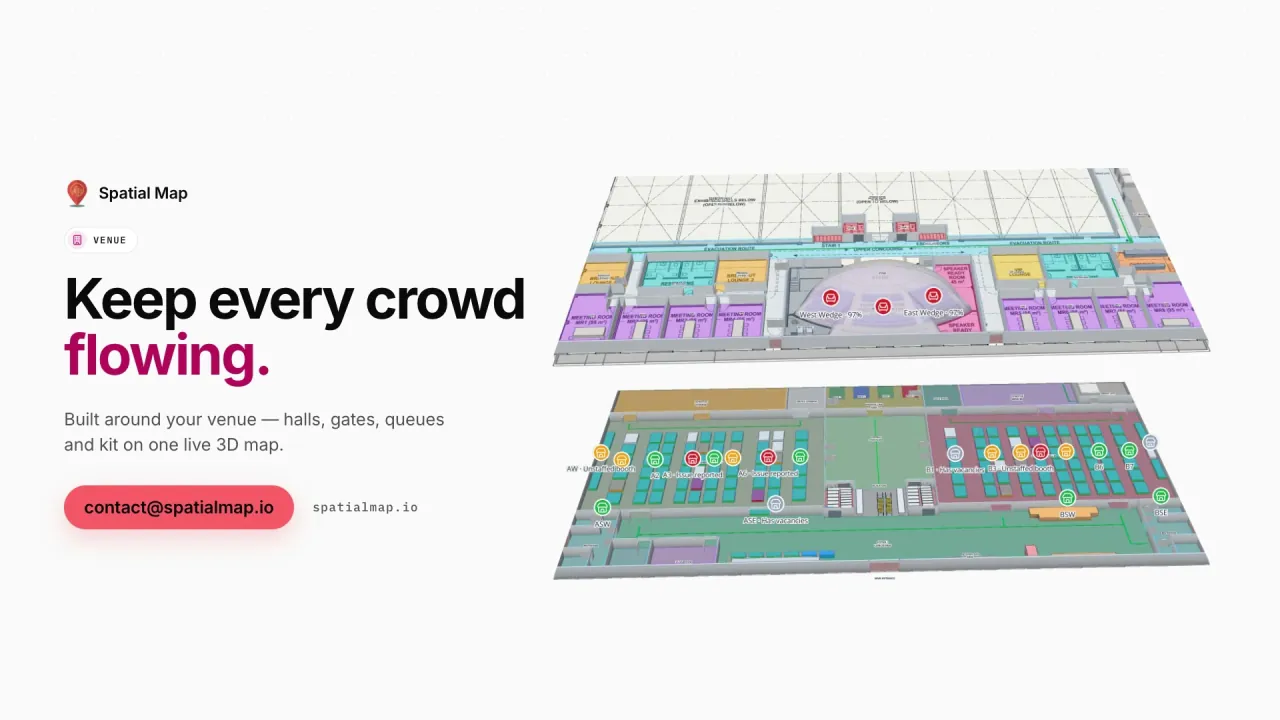
Venue film: “Keep every crowd flowing” beside two floors of Lakeside Convention Center in 3D
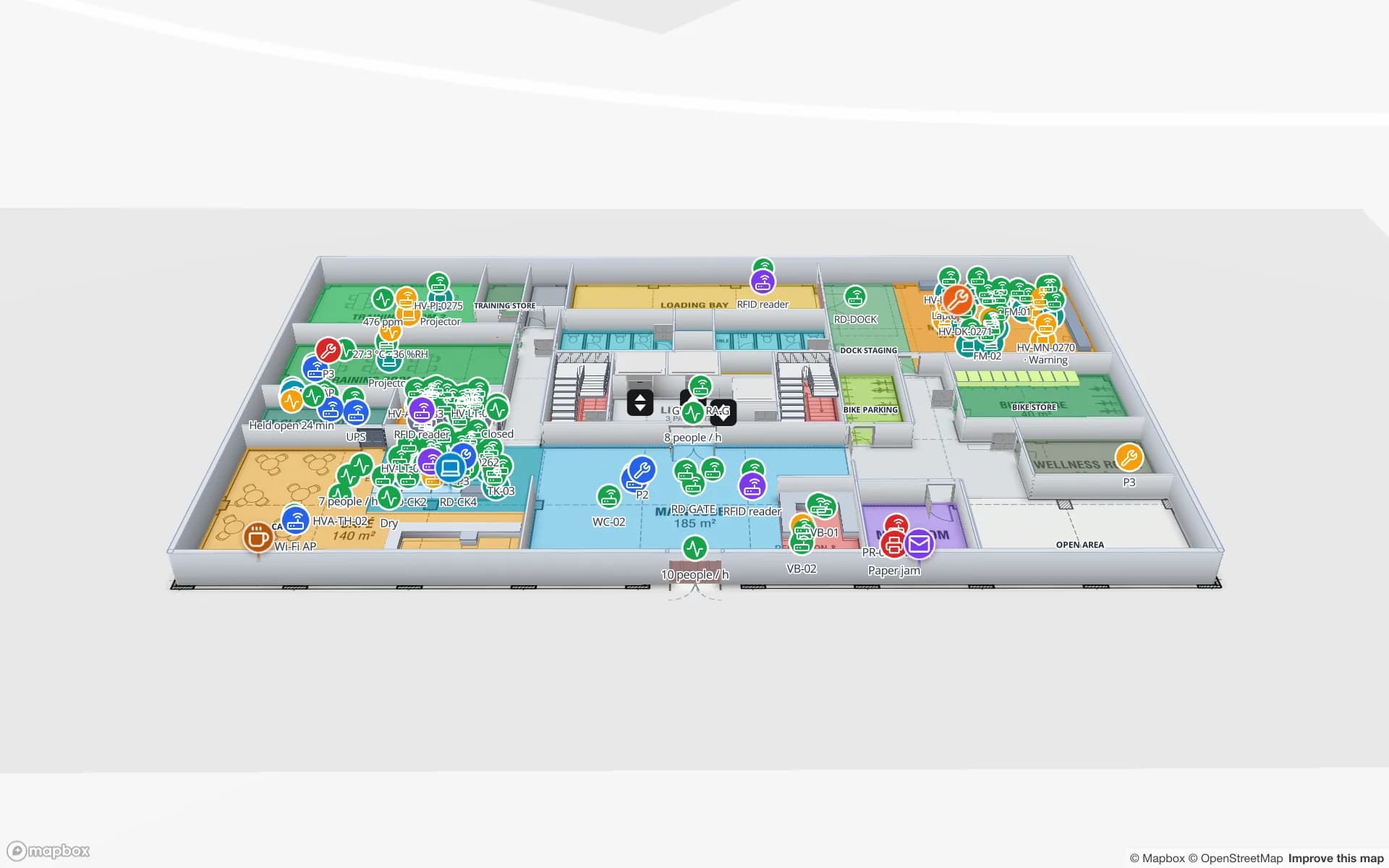
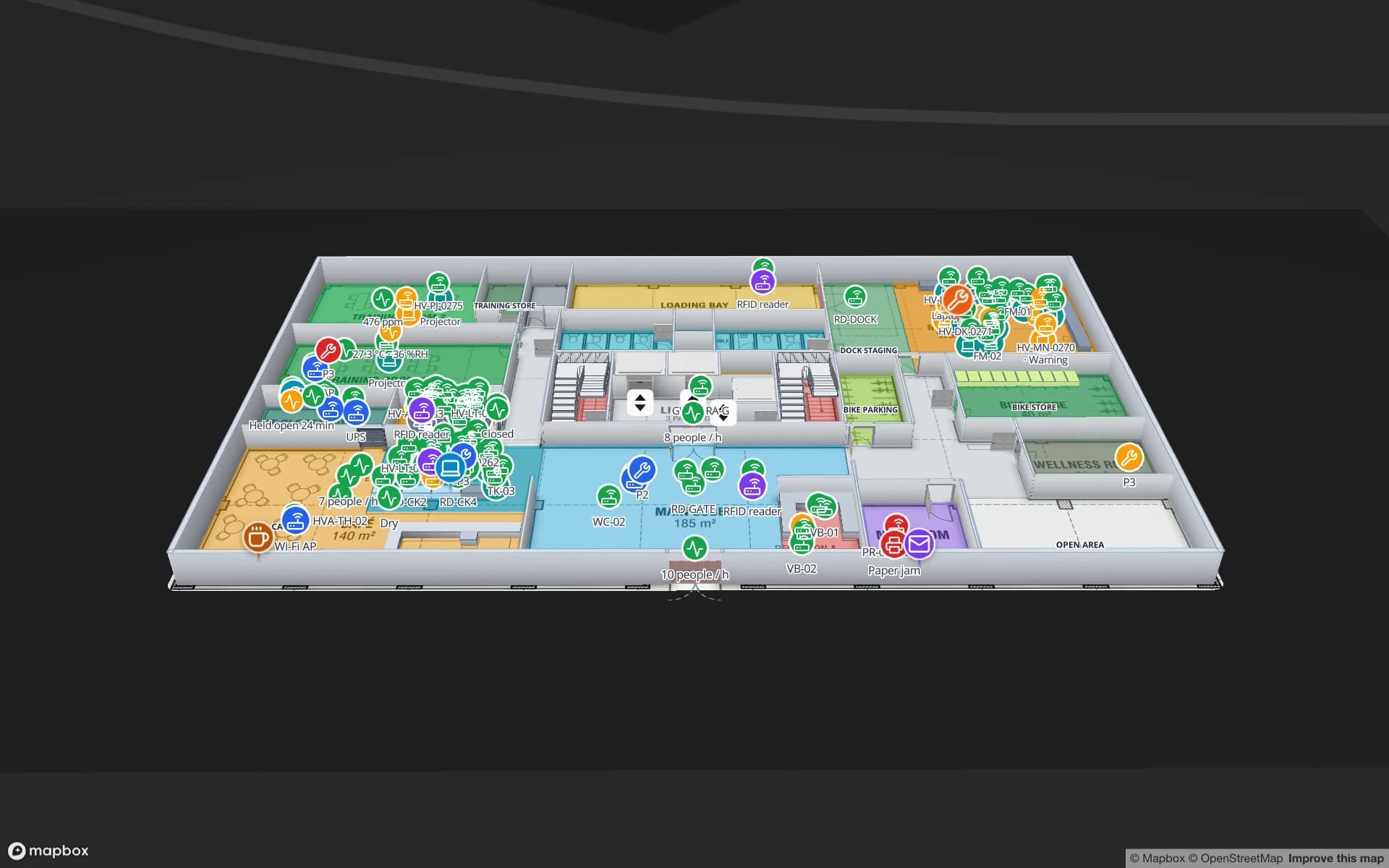
The Venue film: Lakeside Convention Center, Silverbay Airport Terminal 2 and Crown Park Stadium on one live map, from crates at the dock to rooms over capacity.
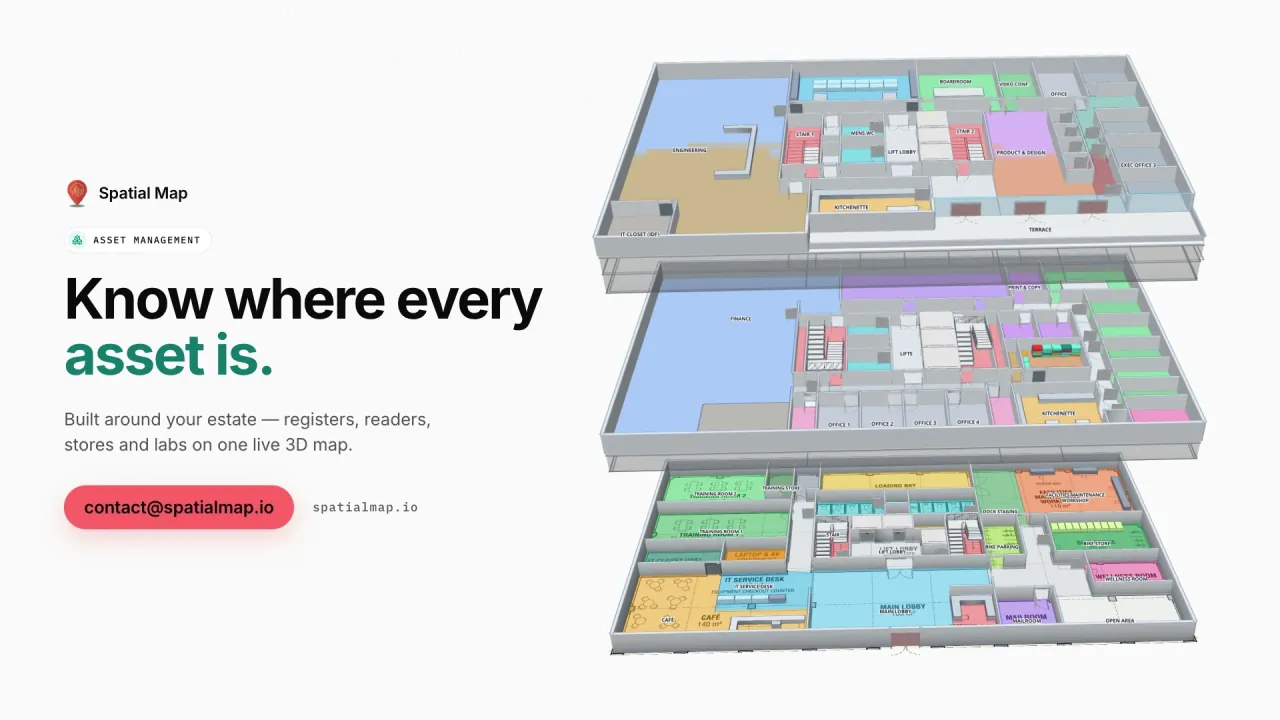
Floors in the Retail Mart demo, joined by escalators and lifts
3
Reports in the Silverbay airport-terminal demo
21
AutoCAD DWG versions you can import
R2004–R2018
Arabic interface with full right-to-left layout
العربية

Malls you can get lost in

Kuwait has some of the largest malls in the region: several levels, wings that look alike, car parks on different floors, cinemas, food courts and family entertainment. Visitors look for a shop, a prayer room or the lift to their parking level. The operations team looks for something else — tenant units in fit-out, service corridors, loading bays and the cleaning crew.

In Spatial Map both audiences use one facility. Each unit is an area named after its tenant, escalators and lifts join the levels, and a simple table — open, in fit-out, vacant — colours units for leasing and operations, while the visitor link shows only the public layers. Indoor mapping explains the general approach; this page is about Kuwaiti buildings.
A new terminal: plan the map with the building

A new passenger terminal is under construction at Kuwait International Airport. Projects like that are the best moment to start an indoor map, because the drawings already exist and the operations team is preparing for a building it has never worked in. Import each level from the current DWG or PDF issue, draw check-in, security, gates and reclaim, and update the shapes that change as the design is revised.

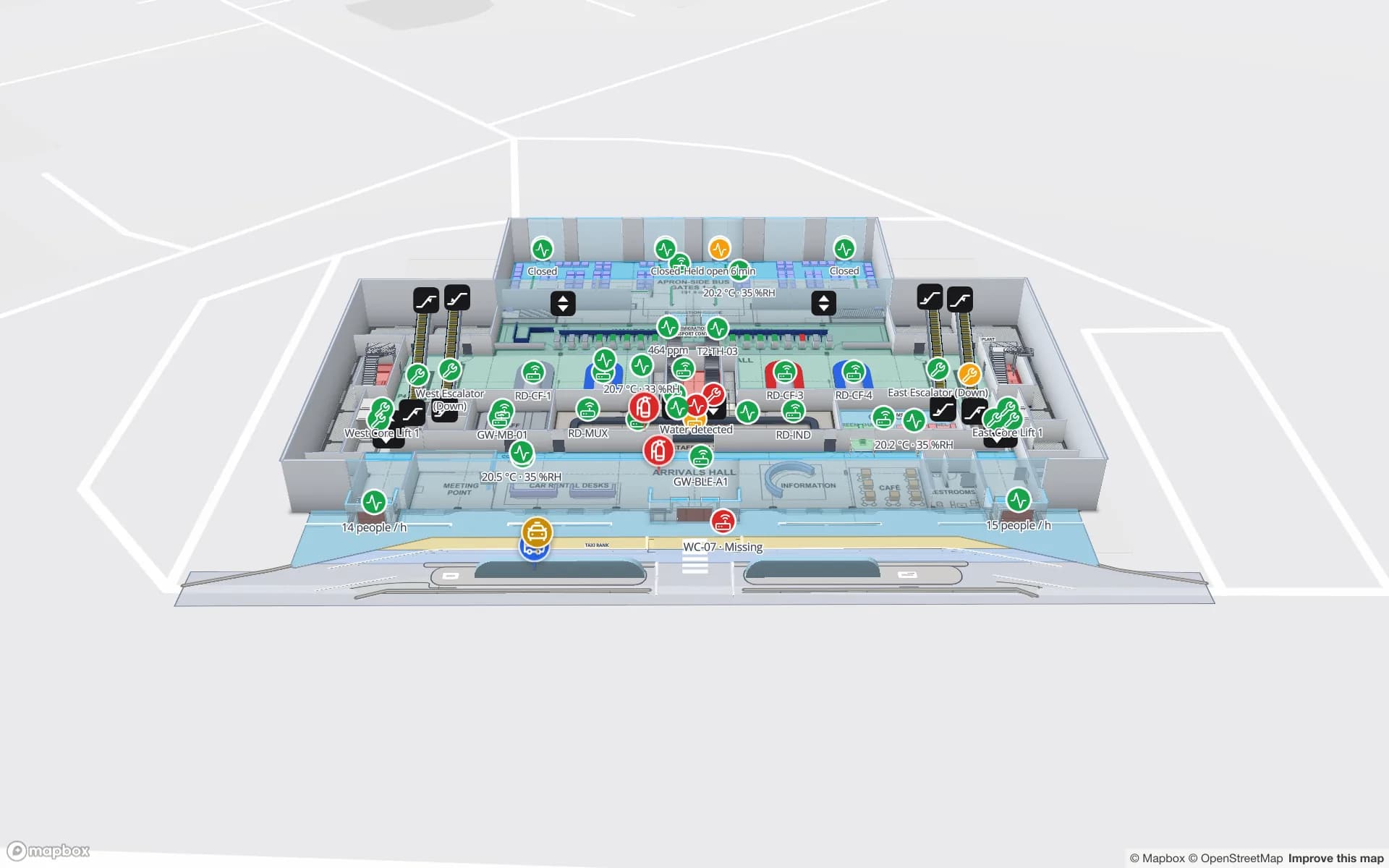
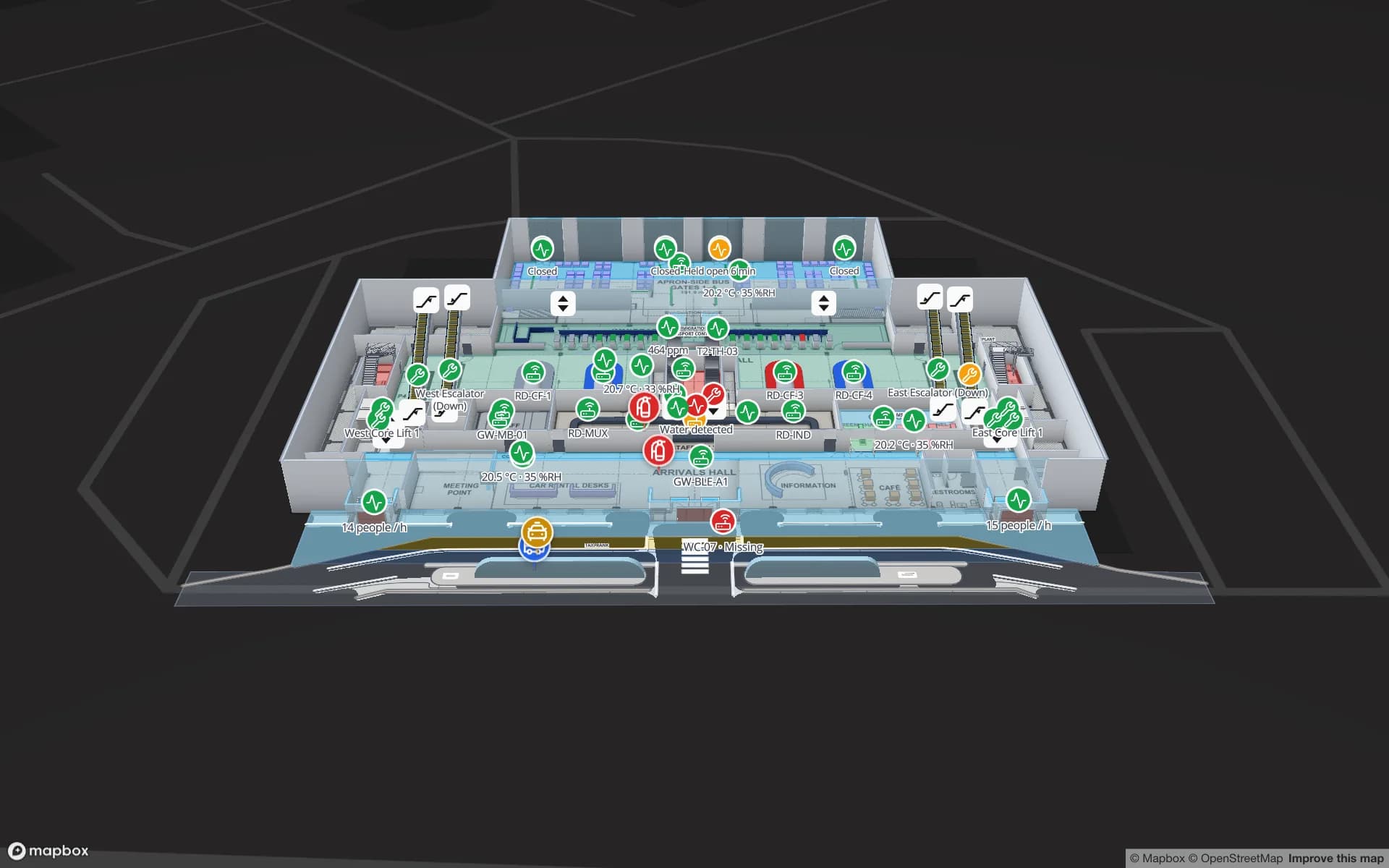
Read-only, expiring share links let consultants and operational-readiness teams walk the plan without an account. The Silverbay Terminal 2 demo shows where a terminal map ends up: queues, crowding and loan wheelchairs across two floors, with 21 reports. Spatial Map is not part of the airport project; it is a product any operator can use on its own building.

Cultural centres and venues

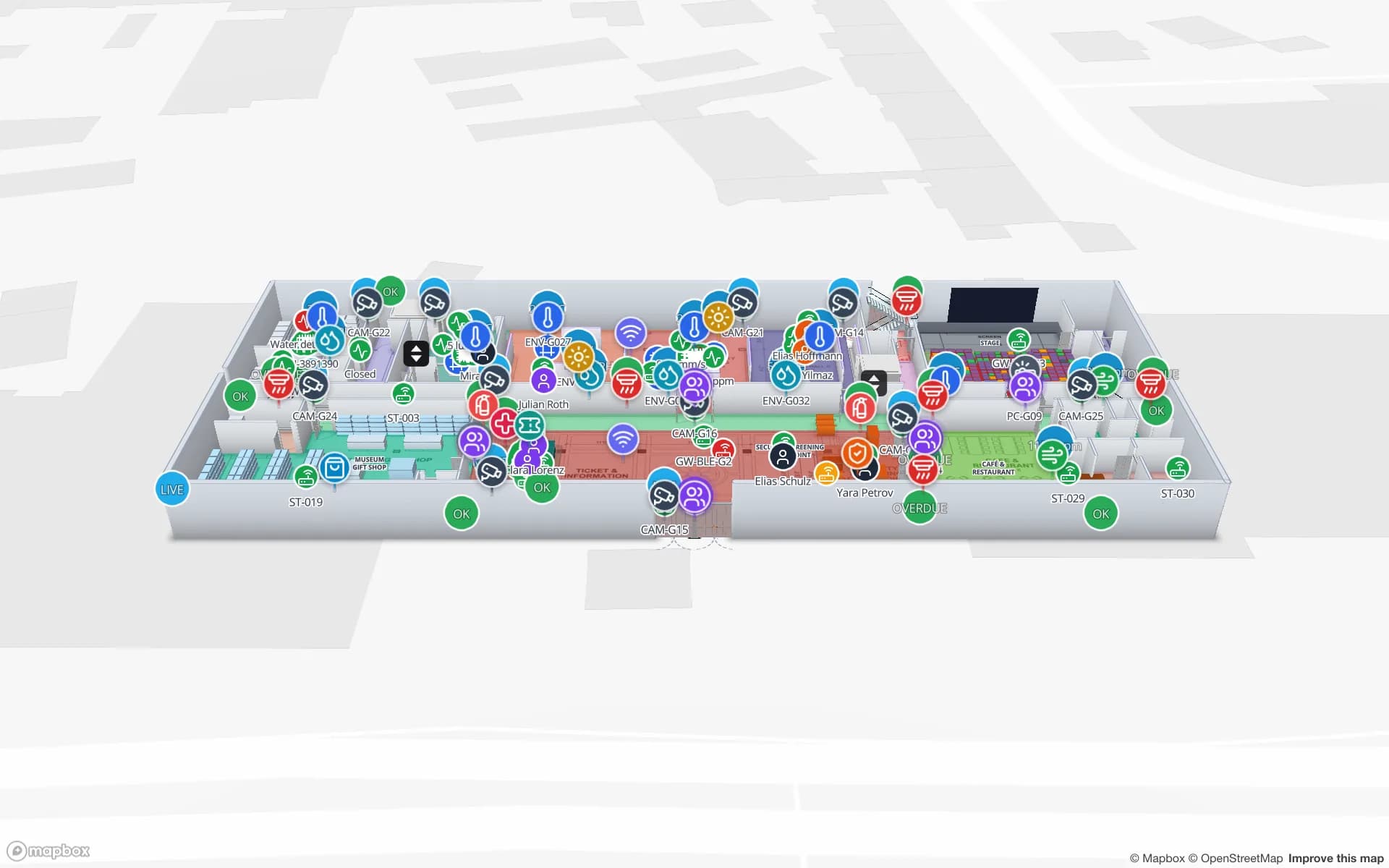
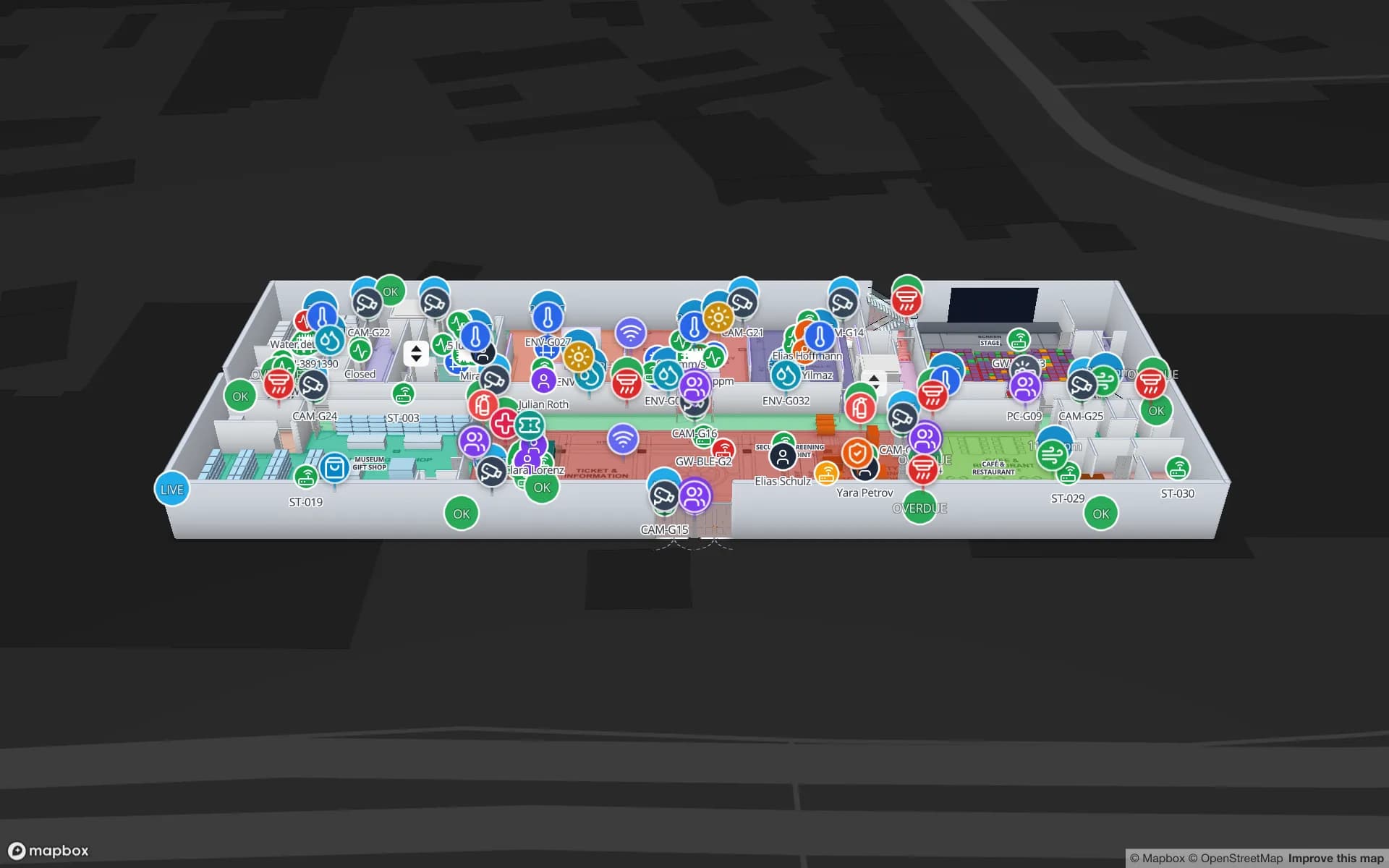
Kuwait City’s cultural centres, such as the Sheikh Jaber Al-Ahmad Cultural Centre, combine theatres, concert halls, galleries and museum spaces under one roof, with audiences arriving in waves before a performance. A map that shows halls, foyers, exits and lifts — with visitor counters and climate sensors as live layers — helps front-of-house and collections teams alike. The three-floor Production Museum demo shows galleries, exhibits and visitor numbers on the same map.

Ministries, offices and universities

Government and corporate office buildings in Kuwait receive a steady flow of visitors who need one service counter on one floor. A share link with Navigate gives them a walking route around walls and through doors on their phone, while the facilities team works from the same map: departments, meeting rooms and tagged equipment, as in the Harborview demo.

University campuses are larger versions of the same problem, with labs and shared instruments added. The Westbrook University demo maps labs, classrooms and instrument calibration on two floors.

Co-op supermarket layouts

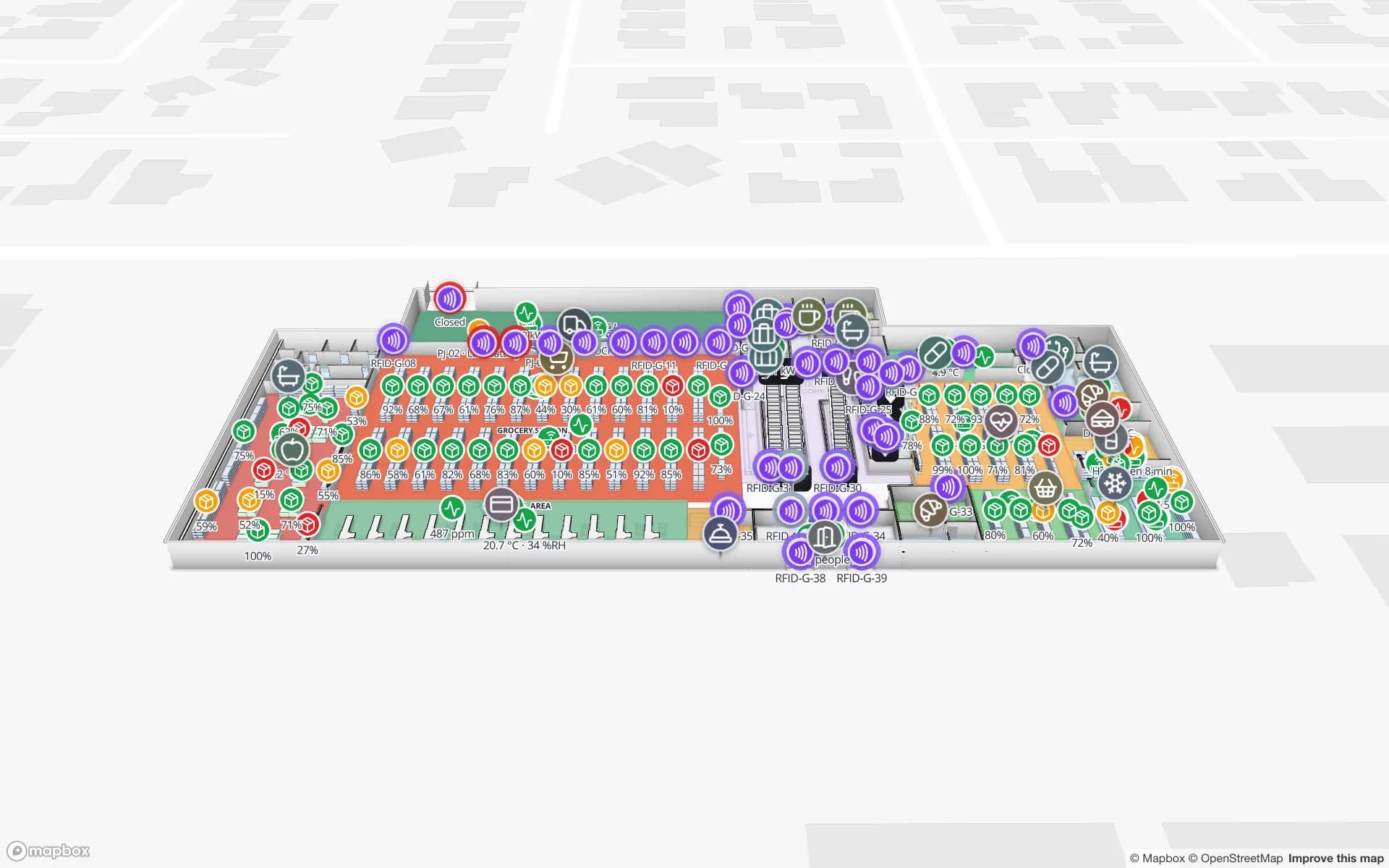
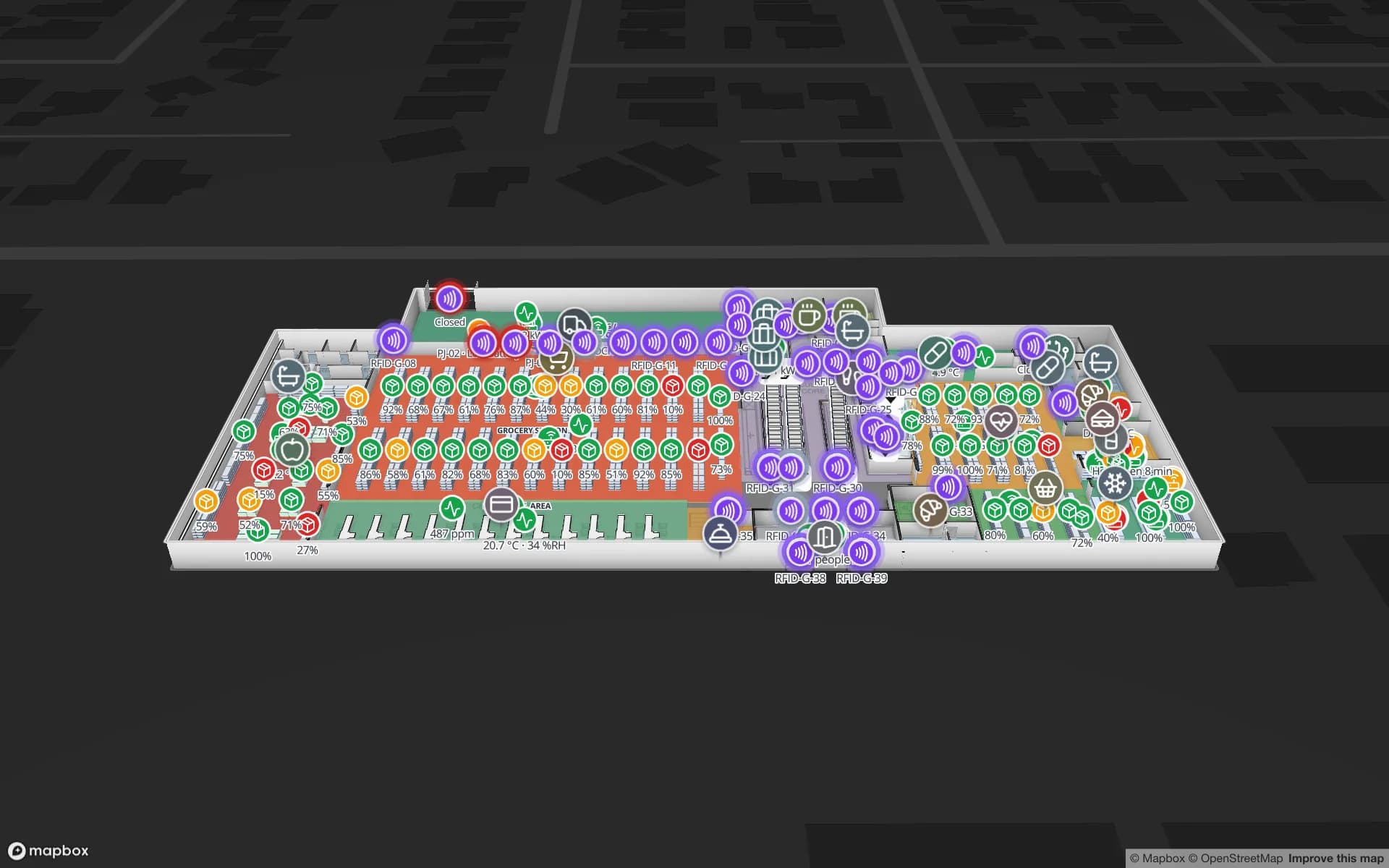
The cooperative societies run supermarkets in nearly every residential area, and their main markets and branches are each laid out a little differently. Map each store as a facility — departments, shelf runs, cold rooms, stockroom and receiving door — group them into one solution, and colour departments by stock or sales from a weekly CSV export to compare branches. When RFID comes next, the reads land on the same shapes; see RFID tracking in Kuwait.

  • Bilingual names work as typed: “Dairy · الألبان”.
  • Routes stay on one floor; lifts, stairs and escalators carry wayfinding icons for changing levels.
How Spatial Map does it

From drawings to a building people can find their way around

  1. 01

    Import every level

    One DWG (AutoCAD R2004–R2018), PDF, PNG or JPG per floor, placed at real-world scale. DXF is not supported.

  2. 02

    Draw and name

    Units, halls, counters, doors, lifts and escalators, with names in Arabic, English or both.

  3. 03

    Add live layers

    Bind tenant status, occupancy, visitor counts or stock tables to the shapes with data links and style rules.

  4. 04

    Publish for visitors

    Share a read-only link with Navigate; it follows each visitor’s browser language.

What Kuwaiti operators map

Large malls

Levels, tenant units by status, service routes and a public visitor view.

Airport terminal projects

Check-in, security, gates and reclaim drawn from the design issue, ready for live layers at opening.

Cultural centres and museums

Halls, galleries and foyers with visitor counts and climate sensors.

Ministries and offices

Service counters for visitors, departments and equipment for facilities teams.

University campuses

Labs, lecture halls and shared instruments on every floor.

Co-op supermarkets

Store layouts per branch, grouped in one solution and coloured by stock.

See it on real demo facilities

Fictional names, real floor plans, live sensors, RFID, BLE tags and gateways — open any of them in the browser.

All 13 demo facilities

Indoor mapping in Kuwait — questions we get

Yes. Import each level from the current DWG or PDF issue and draw the spaces. When a revised issue arrives, import it and adjust the shapes that changed; names stay the same, so any data links you have added keep working.

No. Routes are calculated on one floor at a time, around walls and through doors. Lifts, stairs and escalators are shown with wayfinding icons, and visitors switch floors with the floor switcher.

Yes. The interface follows each user’s or visitor’s language, with Arabic fully right-to-left, and shape names are your own text, so a shop or hall can carry both names.

No. Spatial Map is an independent, building-level product sold online. Any owner or operator can use it for their own building.

No. Our team works with customers remotely, by video call and through the contact form, in English or Arabic, and can map a building for you as a fixed-price custom service.

The same as everywhere, in US dollars: a 7-day free trial for up to 5 facilities, then Pro at $60 a month or $600 a year for up to 4 facilities. Larger estates are quoted as custom services.

Map your mall, venue or new building in Arabic and English.

Start a free trial and import a floor yourself, or send us your drawings through the contact form and we will scope the whole building.