Australia · Indoor mapping, set up remotely

Indoor mapping software for Australian shopping centres, stadiums and campuses

Australia’s big buildings are far apart, and often far from the people who look after them. A centre manager runs shopping centres in several states, a university has campuses across a city and in the regions, and the consultant who drew the plans may be interstate. Spatial Map suits that: plans go in through the browser, the 3D map is set up remotely, and anyone you choose opens it from a link.

No credit card. Runs in the browser. Pro is $60/month for up to 4 facilities. Book a demo

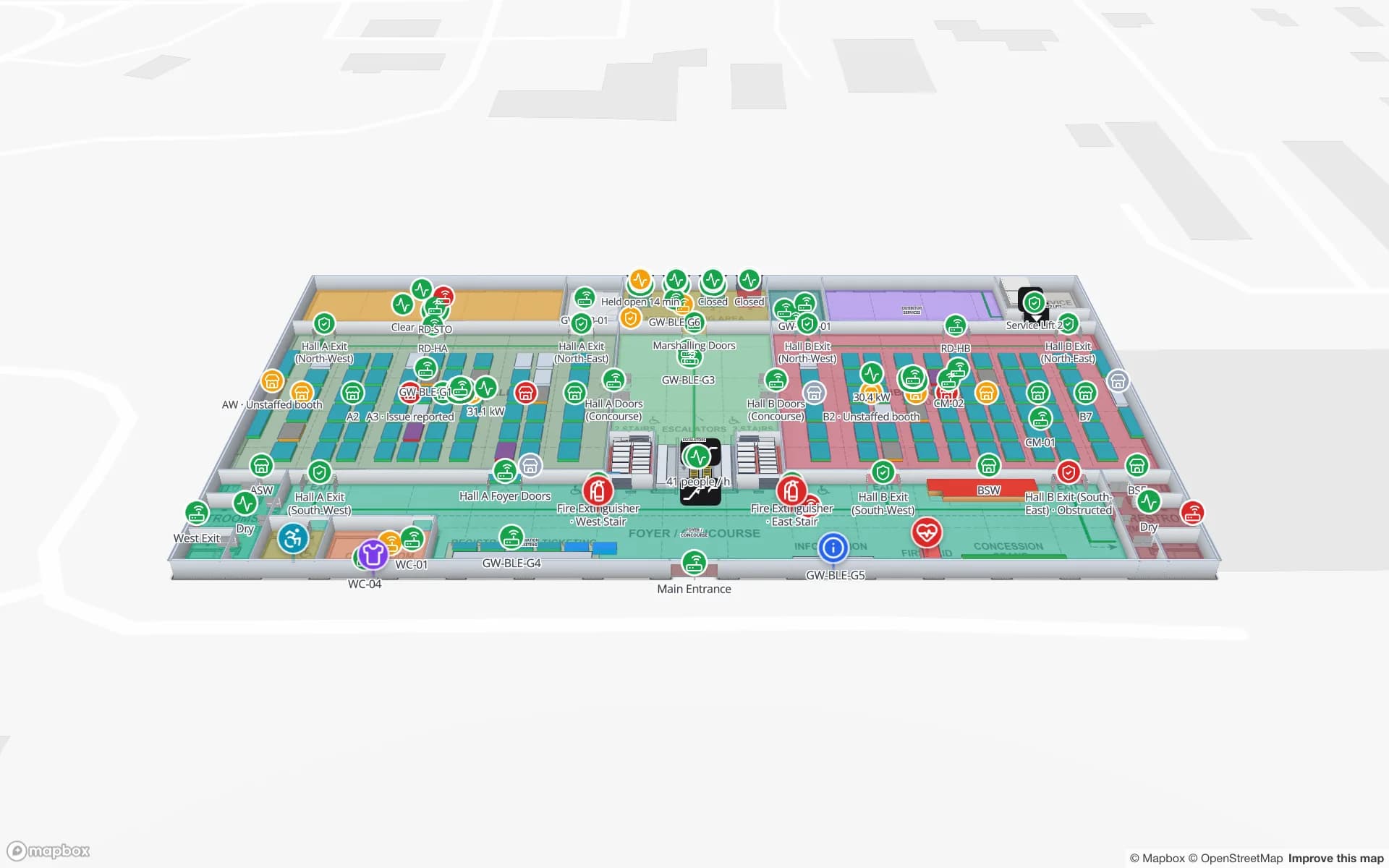
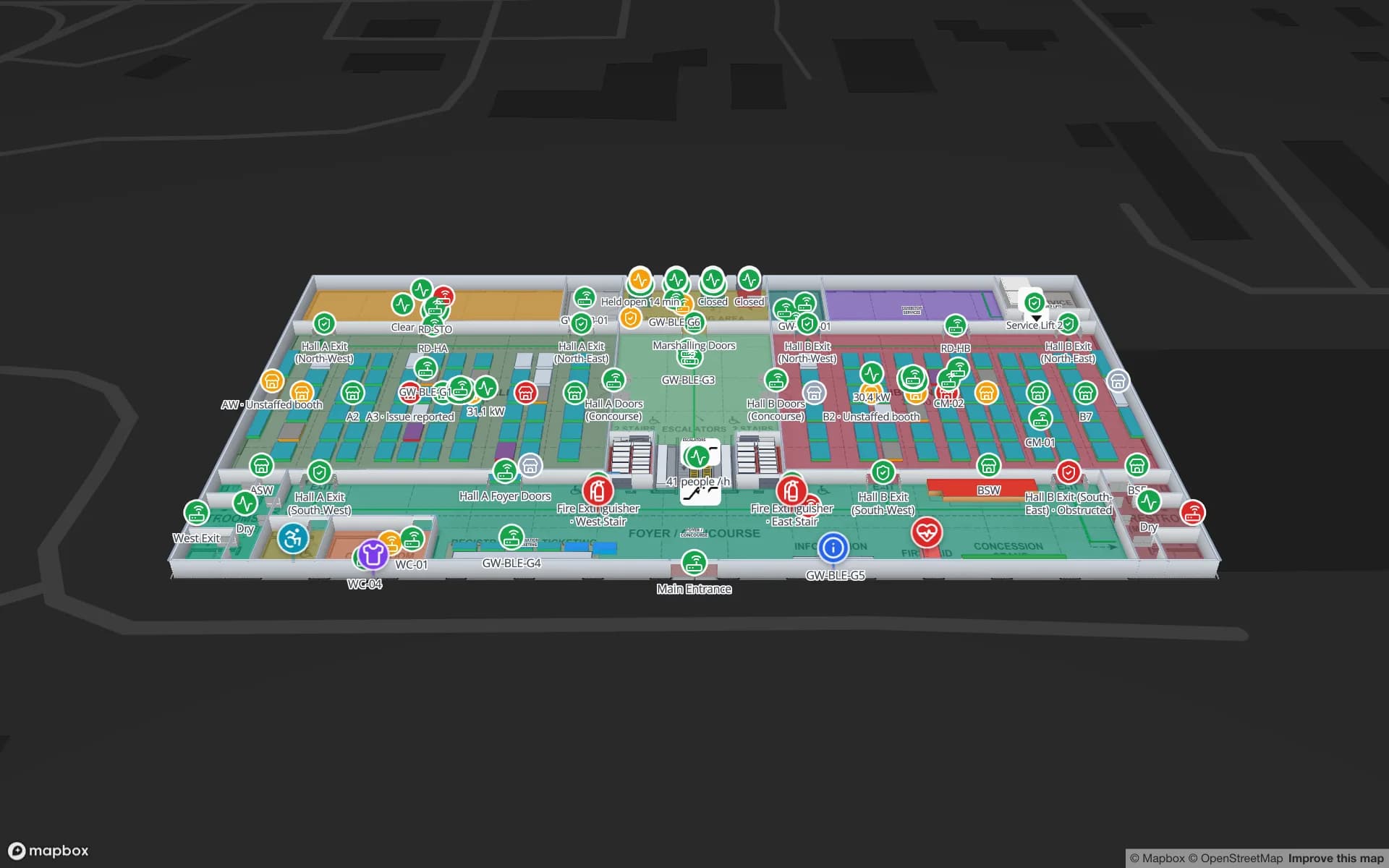
Lakeside Convention Center, a convention center demo, in the Spatial Map 3D viewer with live device markers
Lakeside Convention Center
Lakeside, a two-floor demo convention centre: exhibition halls with booth blocks, session rooms, registration and freight docks with live occupancy.
Demo facilities to explore in the browser
13
Reports in the Lakeside convention demo
21
Site visits needed to build the map
0
Free trial, no credit card
7 days

Built remotely, from the plans you already have

Spatial Map is built for teams that cannot all be in the same building. Upload a DWG (AutoCAD R2004 to R2018), which is placed at true size in metres or millimetres, or a PDF sheet, matched to its paper size so you can pick the scale or enter a known width. Scanned PNG or JPG plans work too. DXF needs to be saved as DWG or plotted to PDF. Our indoor mapping software page covers the general workflow.

If you would rather not draw it yourselves, our services team maps the building from your plans and connects your data as a fixed-price custom service, usually with a proposal within three business days. Reviews happen over video call with the map on screen, so a centre in Perth and a stakeholder in Sydney see the same thing at the same time.
Shopping centres

Large Australian shopping centres combine department-store anchors, supermarkets, specialty shops, food courts and several car park levels, joined by escalators and lifts. Centre management needs more than the shopper directory: loading docks and service corridors, vacant tenancies, fit-out works in progress and footfall by entrance. Each tenancy is an area on the map, and a simple status table — trading, in fit-out, vacant — colours it for leasing and operations, while footfall from your people counters can show as a heatmap by entrance or mall.

For a group with centres in several states, every centre is a facility in one workspace, and the Retail Mart demo shows the multi-level pattern: three floors around an escalator core and lifts.

Stadiums and sports precincts

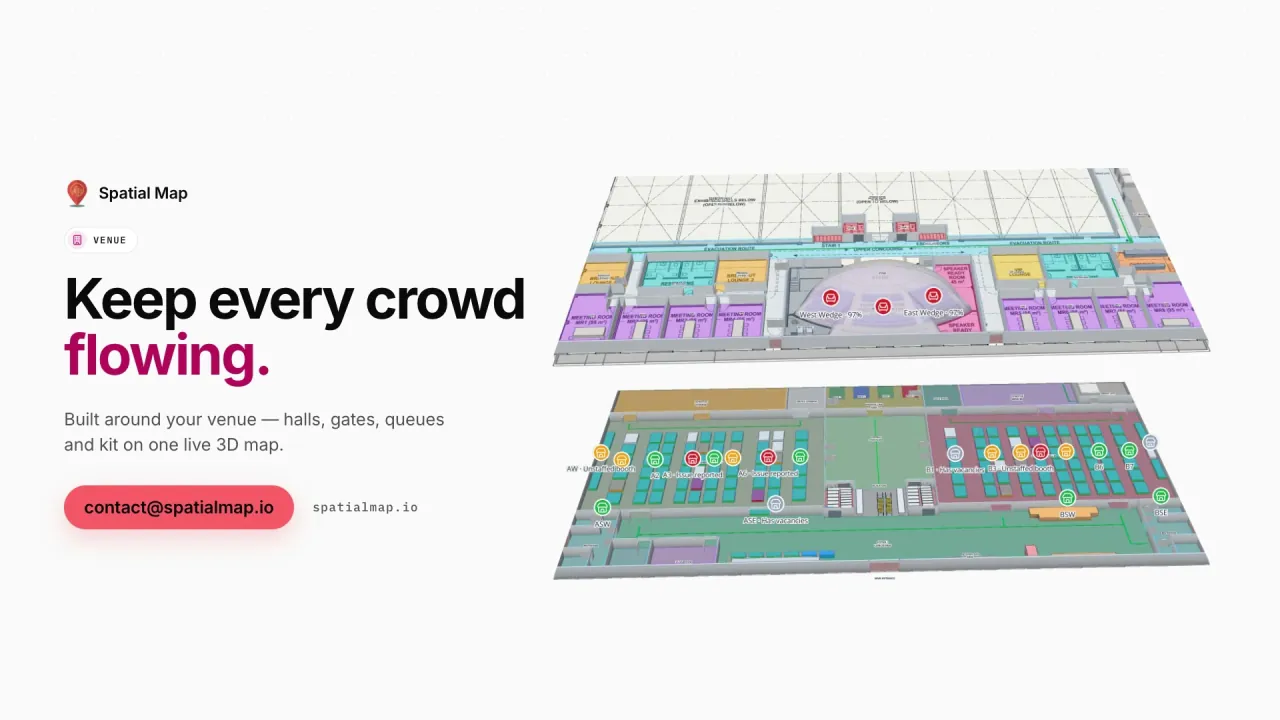
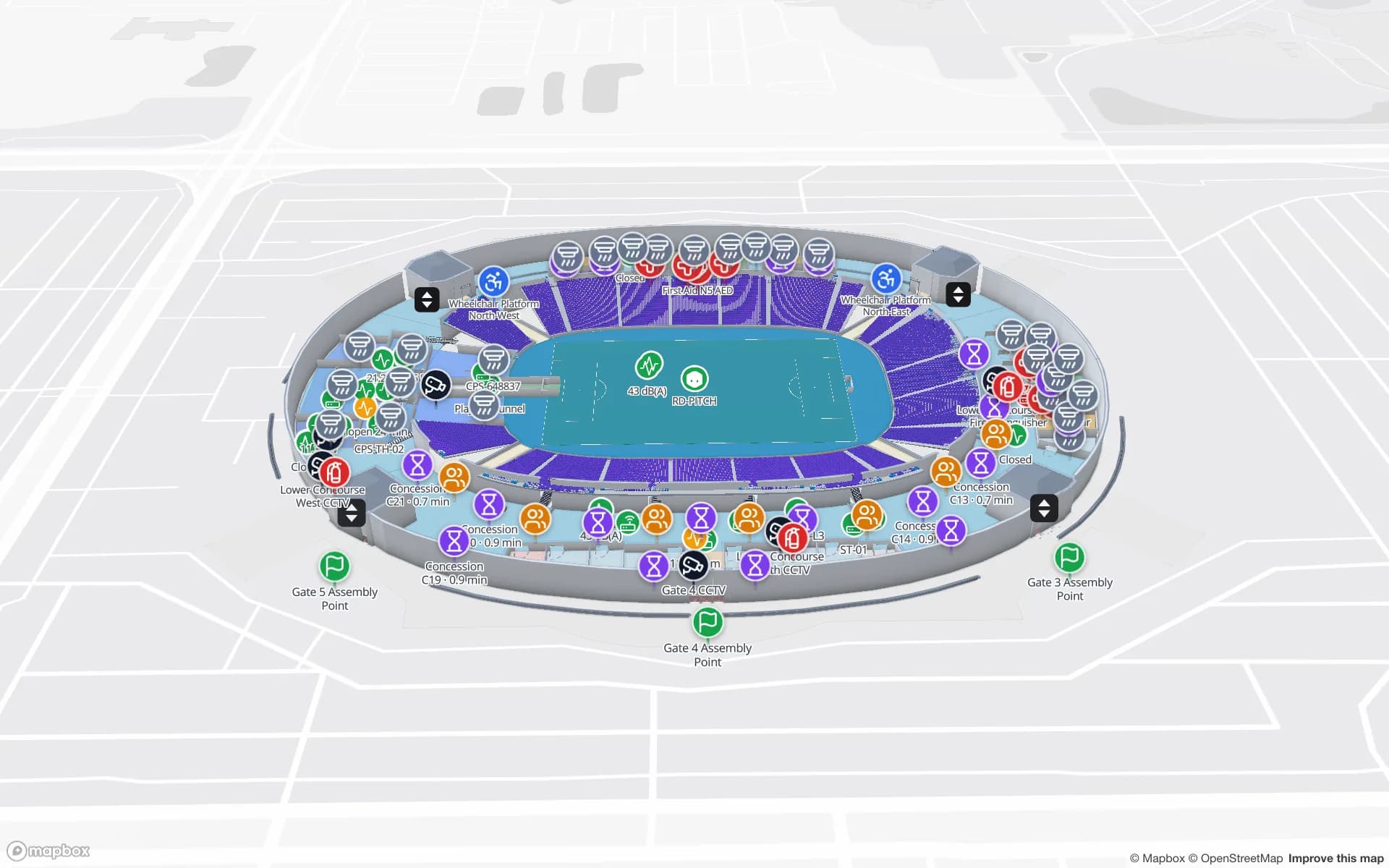
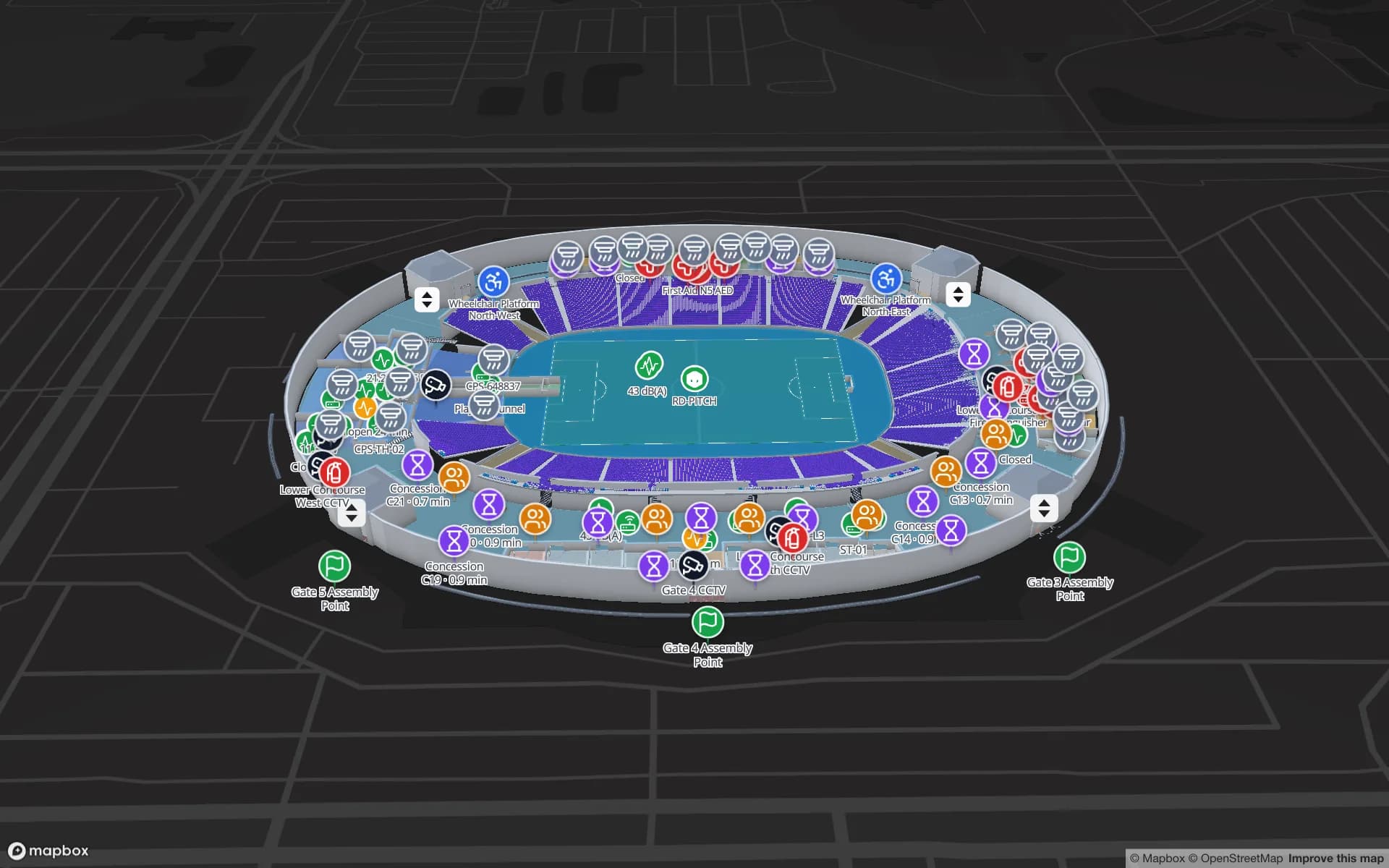
Sports precincts bring together a stadium, indoor arenas, training facilities and car parks, and event days add hundreds of casual staff who may never have worked the venue before. The Crown Park demo maps 30,513 seats across two concourses, with gates, turnstiles, concessions and safety points bound to live data. A share link per event gives casual staff and contractors the layers they need on their phone; the Navigate button builds turn-by-turn walking routes around walls and through doors on one floor, with lifts and stairs shown by icon for changing level.

Campuses, convention centres and airport terminals

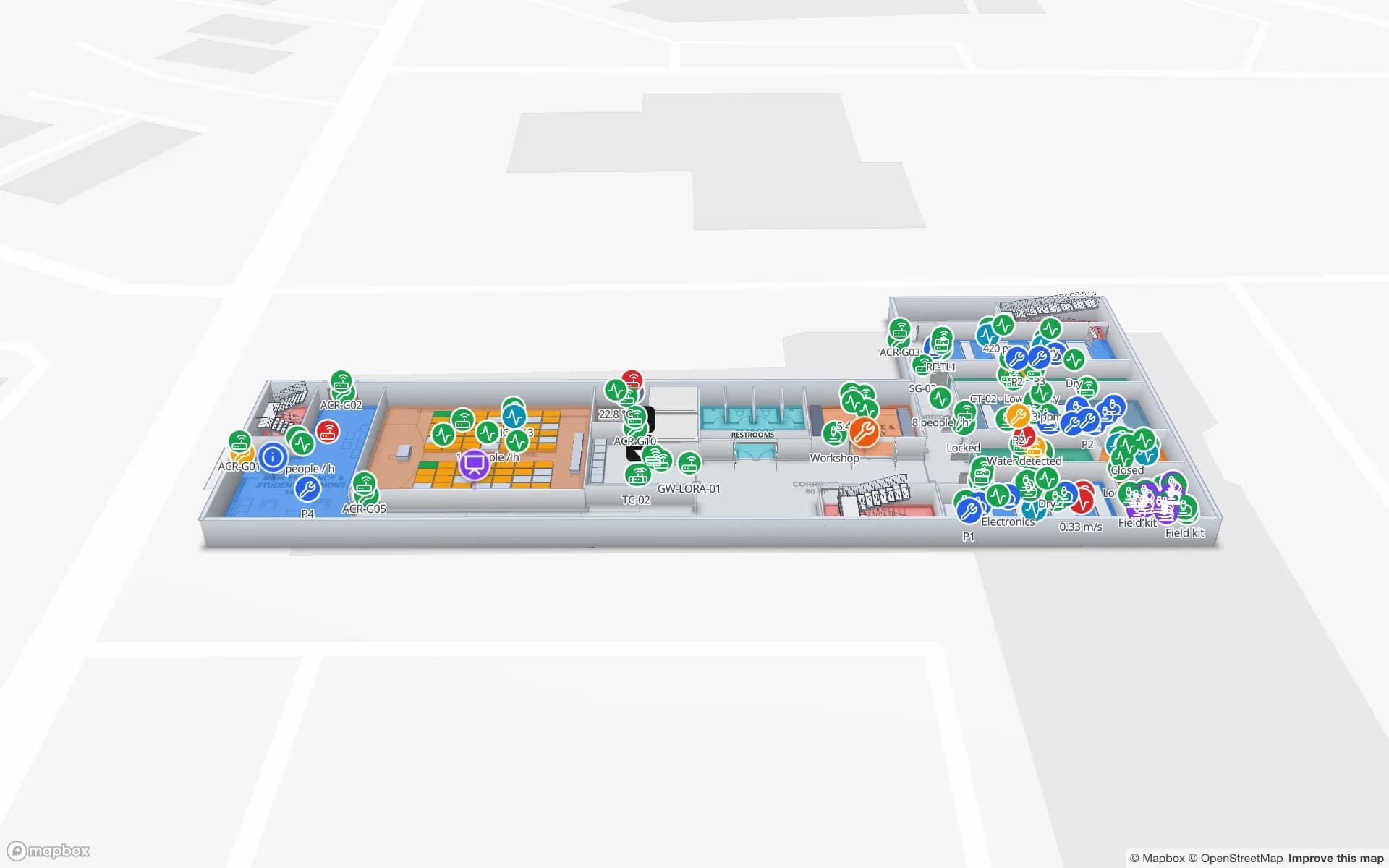
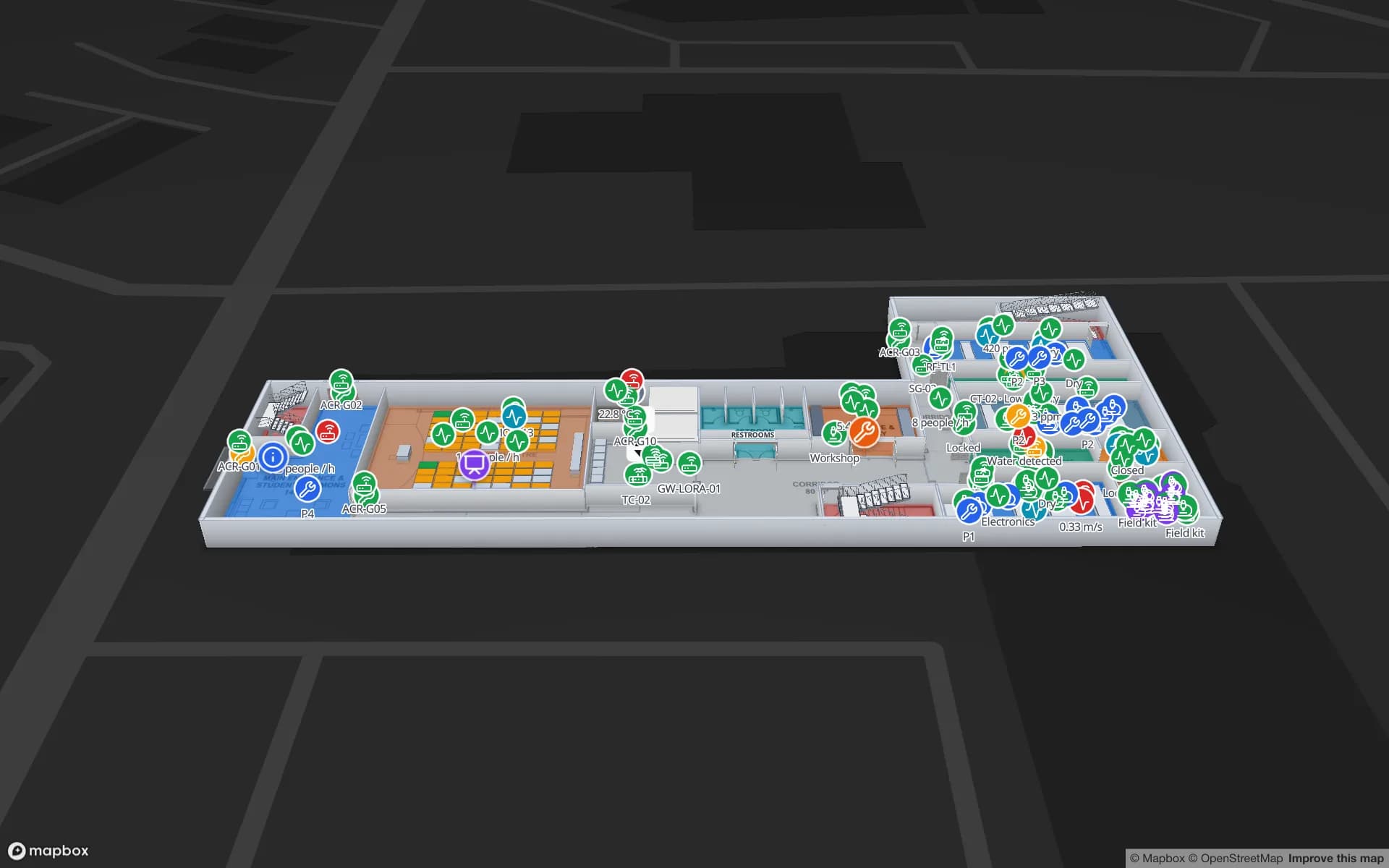
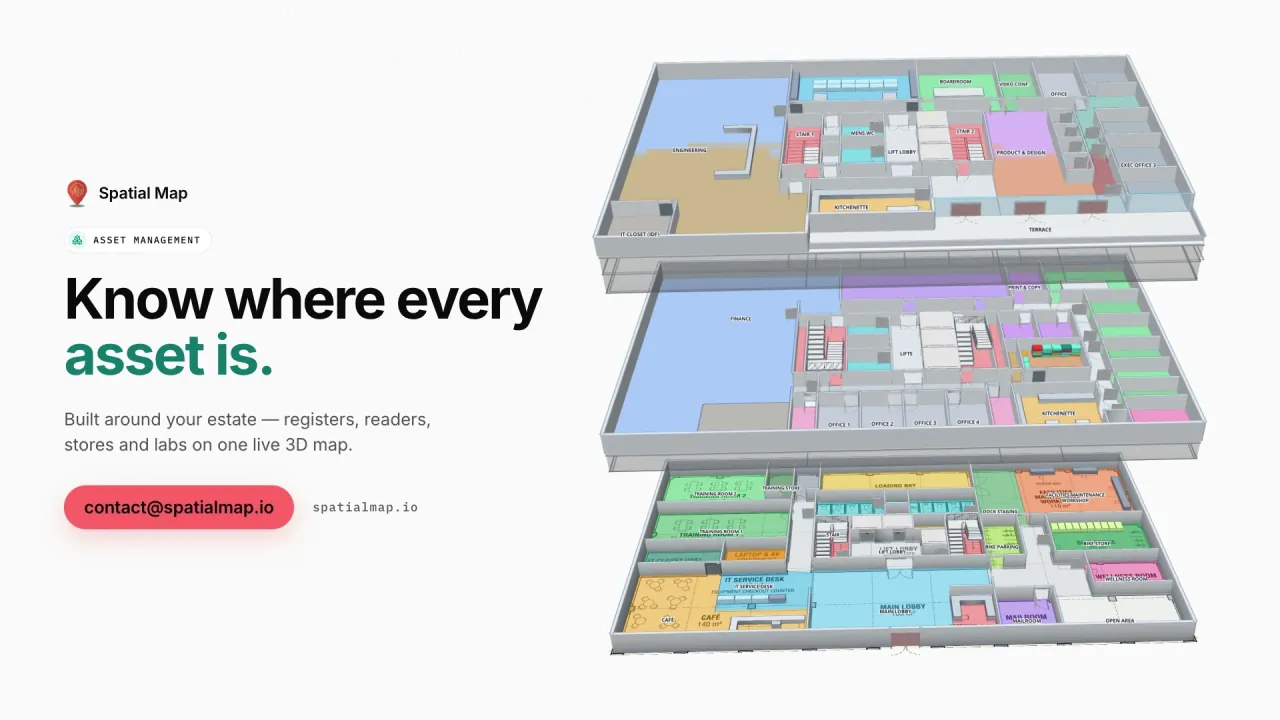
Universities often run a main campus plus satellite and regional campuses. Each building becomes a facility, and solutions group them by campus or faculty, so an estates team in one city can manage teaching rooms, labs and equipment in another — the Westbrook demo shows labs, equipment bookings and chemical stores on two floors.

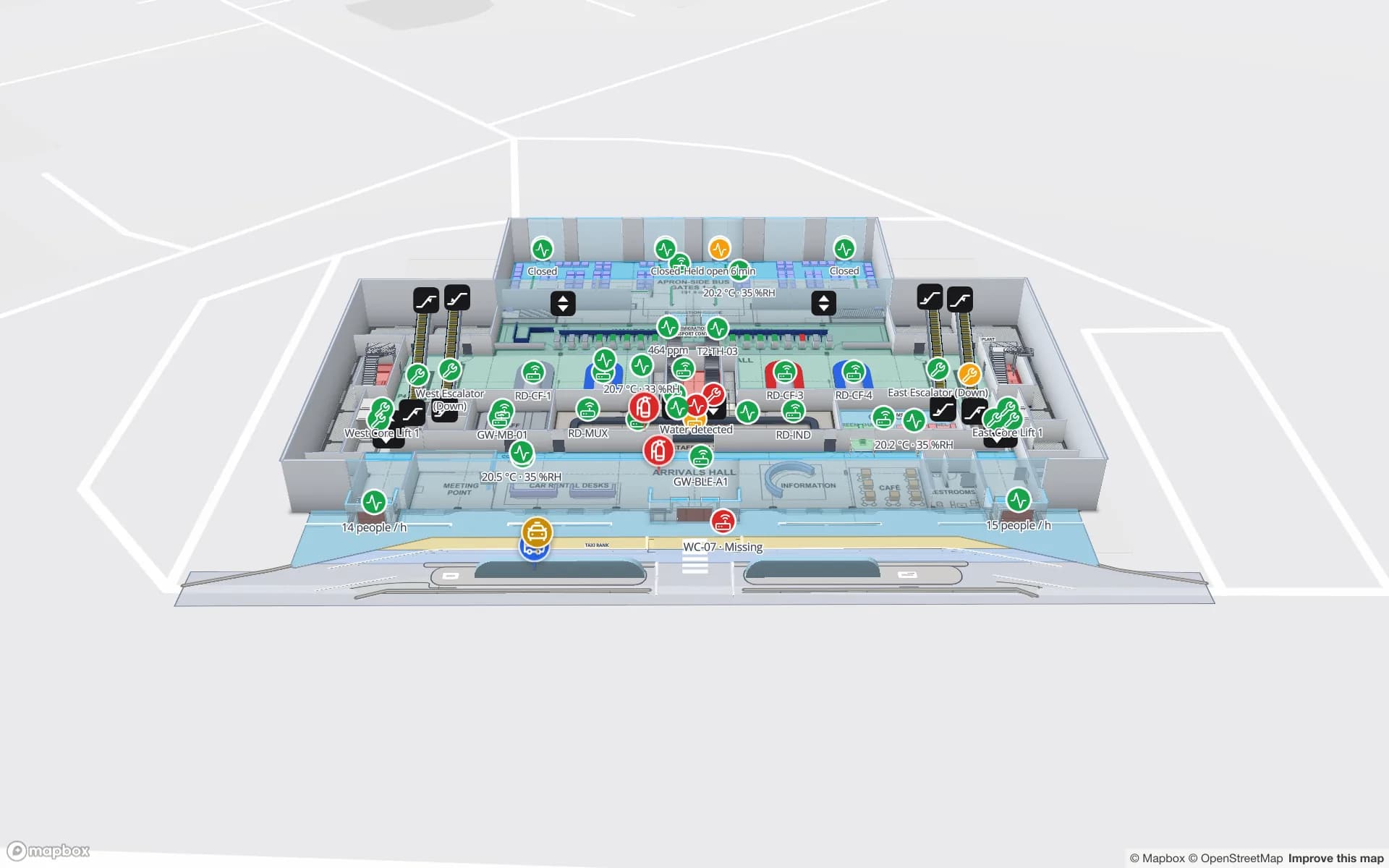
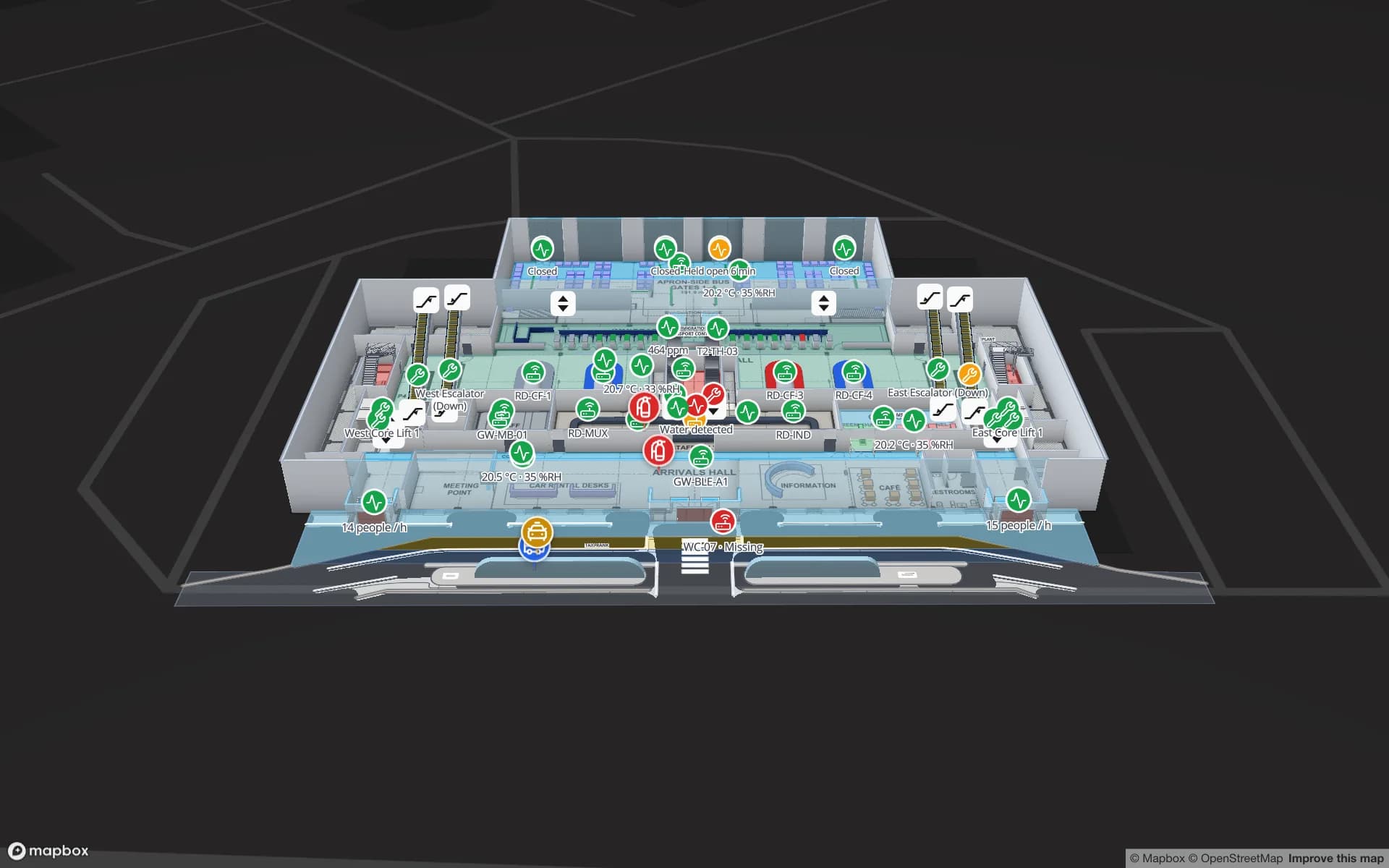
Convention centres host organisers and exhibitors from interstate and overseas. Halls, docks and registration stay fixed while booth blocks change per event, and the organiser gets a read-only link to their own show. Airport terminals follow the same idea at a larger scale: check-in, security, gates and reclaim drawn once, with queues and crowding on top, as in the Silverbay demo.

Share links for interstate contractors, and privacy context

Contractors in Australia are often not local: a fire-services contractor from another state, an audiovisual crew touring the convention circuit, a fit-out company working across several centres. A read-only share link gives them the floors and layers you choose without an account in your workspace, with an expiry date, a view cap and the option to revoke it when the job ends.

Indoor maps usually carry building data, not personal data, and share-link viewers do not sign up. Footfall and crowd counts from people counters are normally aggregate. If you link map data to identifiable people, the Privacy Act 1988 and the Australian Privacy Principles are the context to review with your legal advisers; our DPA describes how Spatial Map processes your data.

How Spatial Map does it

From plans in one state to a map everywhere

  1. 01

    Send the plans

    Upload DWG, PDF or scanned plans per floor, or send them to our team to map for you.

  2. 02

    Draw the levels

    Trace tenancies, halls, gates, doors, lifts and escalators on every floor.

  3. 03

    Add live layers

    Bind footfall, occupancy, tenancy status or bookings with data links and style rules.

  4. 04

    Share across states

    Send contractors, organisers and centre teams read-only links with an expiry date.

What Australian teams map

Shopping centres

Tenancies coloured by status, footfall by entrance, car park levels and service corridors.

Stadiums and sports precincts

Gates, turnstiles, concourses and seating, with a link per event for casual staff.

Convention centres

Fixed halls and docks, booth blocks per event and a read-only link for the organiser.

Airport terminals

Check-in, security, gates and reclaim with queues and crowding across two floors.

University campuses

Teaching rooms, labs and equipment across campuses, grouped into solutions.

See it on real demo facilities

Fictional names, real floor plans, live sensors, RFID, BLE tags and gateways — open any of them in the browser.

All 13 demo facilities

Indoor mapping in Australia — frequently asked questions

No. Spatial Map is sold online and our team works with Australian customers remotely, by video call and through the contact form. Maps are built from your plans, so no site visit is needed.

Yes. Send DWG, PDF or scanned plans and we map the building remotely as a fixed-price custom service, with a proposal usually within three business days. You can also import the plans and draw the map yourselves.

Yes. A read-only share link opens in any browser, shows only the floors and layers you choose, and can have an expiry date and a view cap or be revoked when the work is done.

Routes from the Navigate button go around walls and through doors on one floor, with turn-by-turn directions. Lifts, escalators and stairs are shown with wayfinding icons, and visitors change level with the floor switcher.

The same worldwide, in US dollars: a 7-day free trial for up to 5 facilities with no credit card, then Pro at $60 a month or $600 a year for up to 4 facilities. Larger portfolios are quoted as custom services.

Map your centre, stadium or campus from wherever you are.

Start a free trial and open the Lakeside and Crown Park demos, or send us your plans and we will propose a fixed price for the building.