UK · Indoor mapping for venues, campuses and museums

Indoor mapping for UK stadiums, conference centres, campuses and museums

British venues and campuses are often old and new at once: a Victorian museum with a modern wing, a stadium rebuilt one stand at a time, a university estate with buildings from six different decades. Spatial Map turns whatever drawings the estates team holds into one multi-floor 3D map in the browser, which operations teams use with live data and which stewards, contractors and visitors open from a link.

No credit card. Runs in the browser. Pro is $60/month for up to 4 facilities. Book a demo

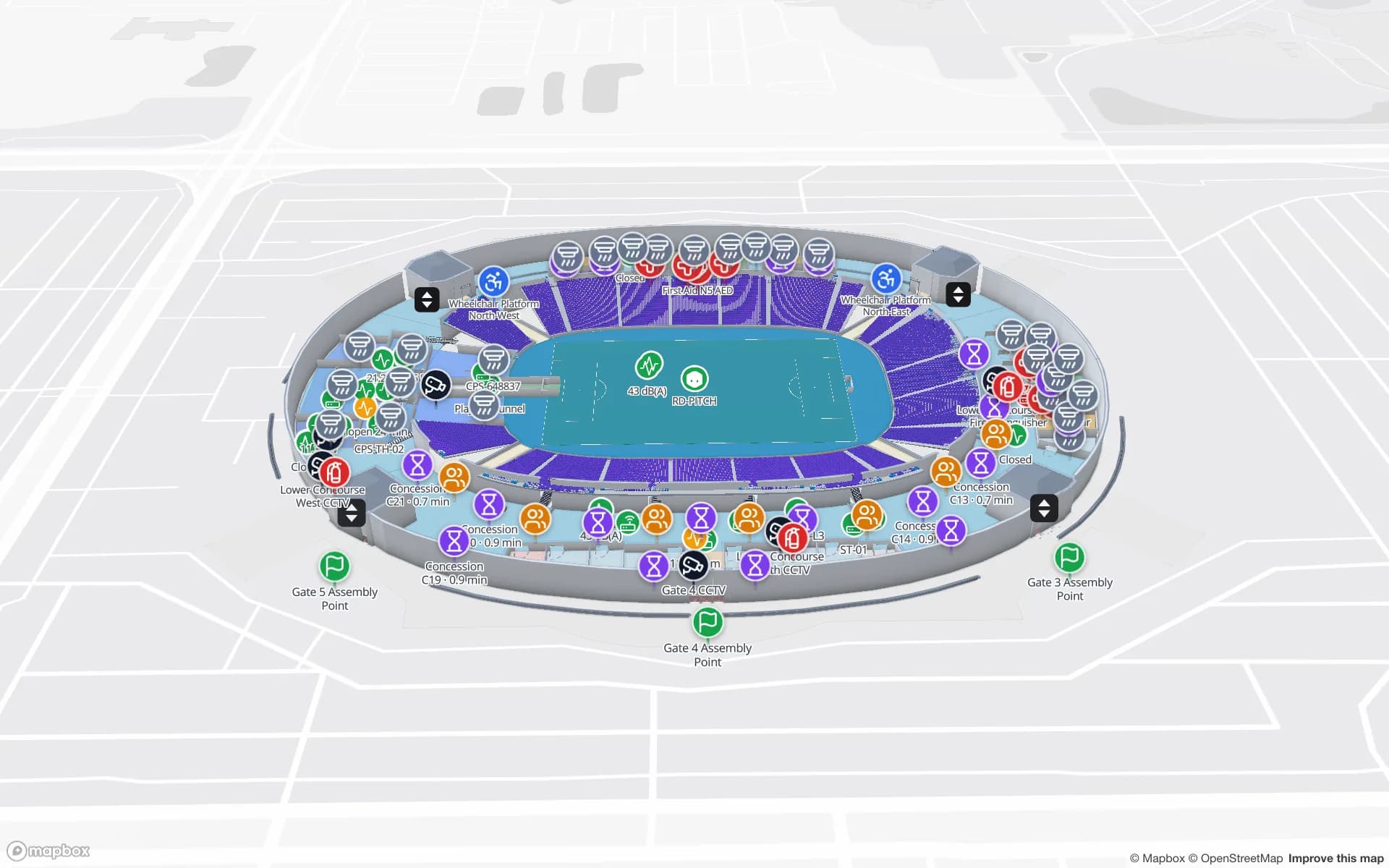
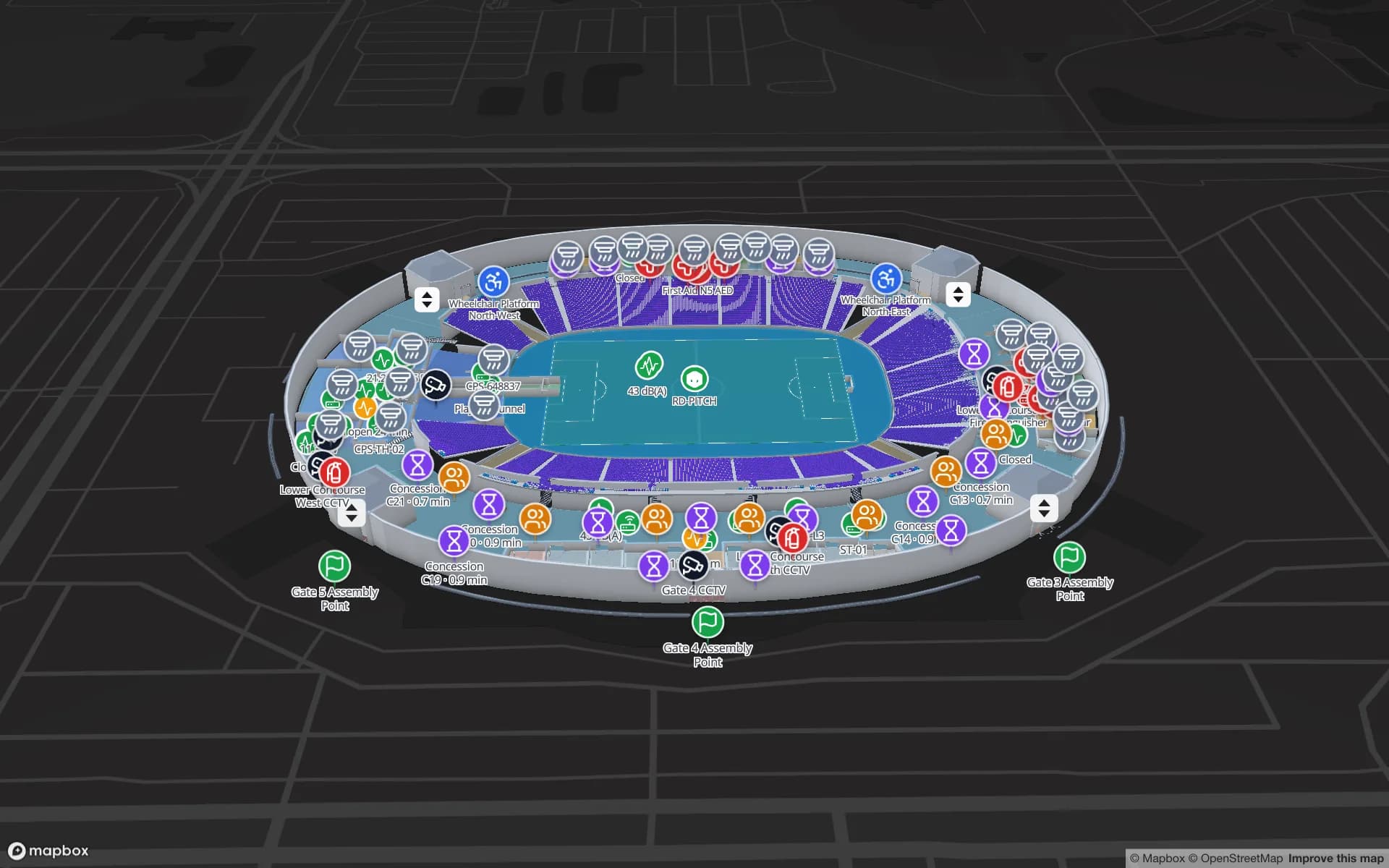
Crown Park Stadium, a stadium demo, in the Spatial Map 3D viewer with live device markers
Crown Park Stadium
Crown Park Stadium, a demo venue: 30,513 seats on two concourses, with turnstiles, crowd counters, concessions and safety points.
Seats in the Crown Park stadium demo
30,513
Floors in the Production Museum demo
3
App interface languages
6
Apps for visitors to install
0

Start from the drawings the estates office holds

A UK estate rarely has one tidy set of plans. Newer buildings come with DWG files from the architect or the fit-out contractor; older ones may exist only as PDF sheets, and a listed building’s best plan can be a scan. Spatial Map takes all three. A DWG (AutoCAD R2004 to R2018) is placed at true size in metres or millimetres. A PDF sheet is matched to its paper size, such as A1 or A3, and you pick the drawing scale or enter a known width. A PNG or JPG scan is sized to the building’s real dimensions. DXF needs to be saved as DWG or plotted to PDF first.

On top of the plan you draw what visitors and staff need: rooms, halls, doors, walls, stairs, lifts and escalators, on every floor. The general workflow is on our indoor mapping software page; this one is about the buildings UK teams map.
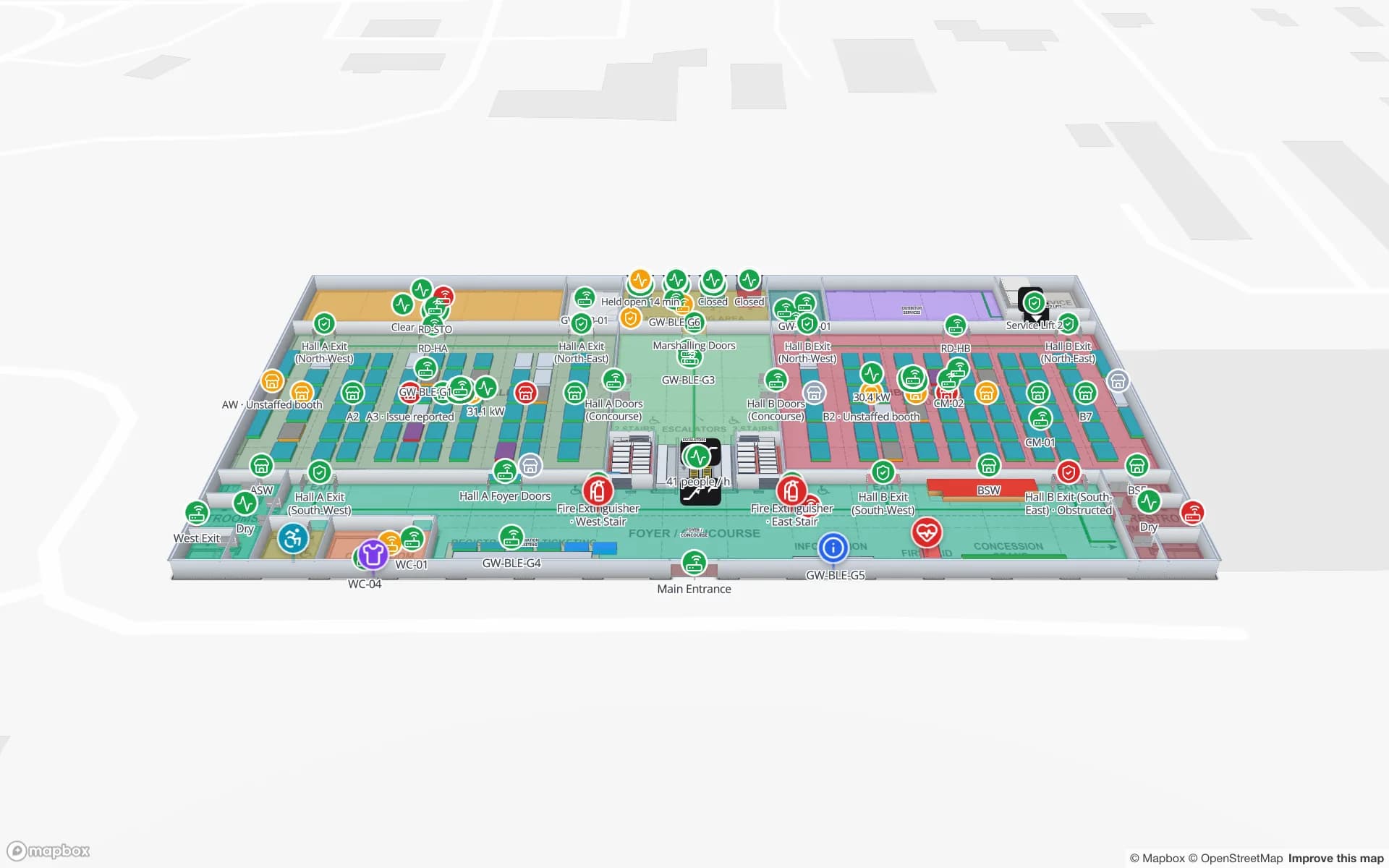
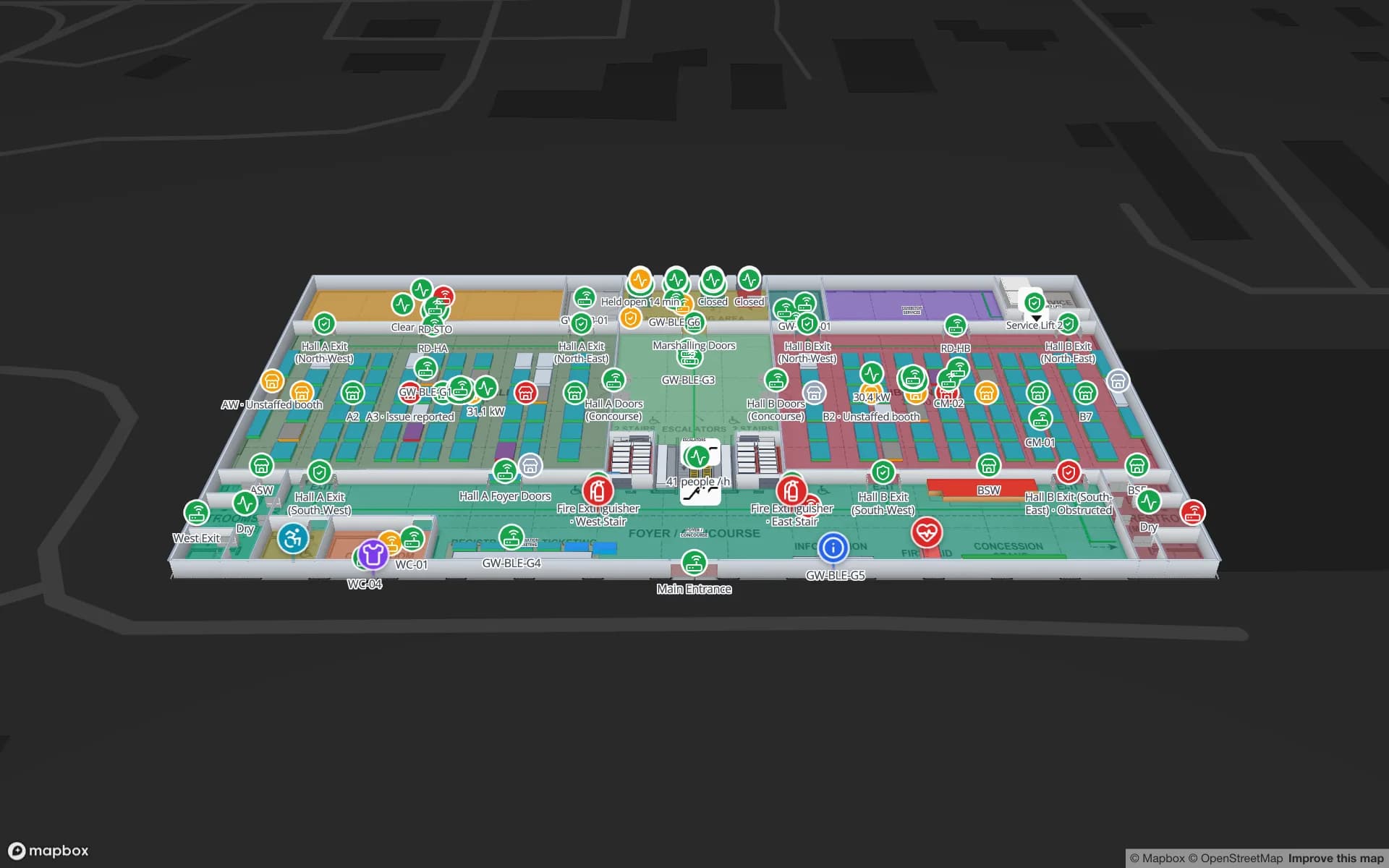
Stadiums, arenas and exhibition centres

On a matchday or concert night, the map has to work for people who do not know the building: stewards on their first shift, catering agency staff, contractors. A share link opens in any phone browser with the floors and layers you choose — gates, turnstiles, first-aid points, concessions — and expires after the event. Operations keep the full map with turnstile scans and crowd counters bound to the gates and concourses, as in the Crown Park demo.

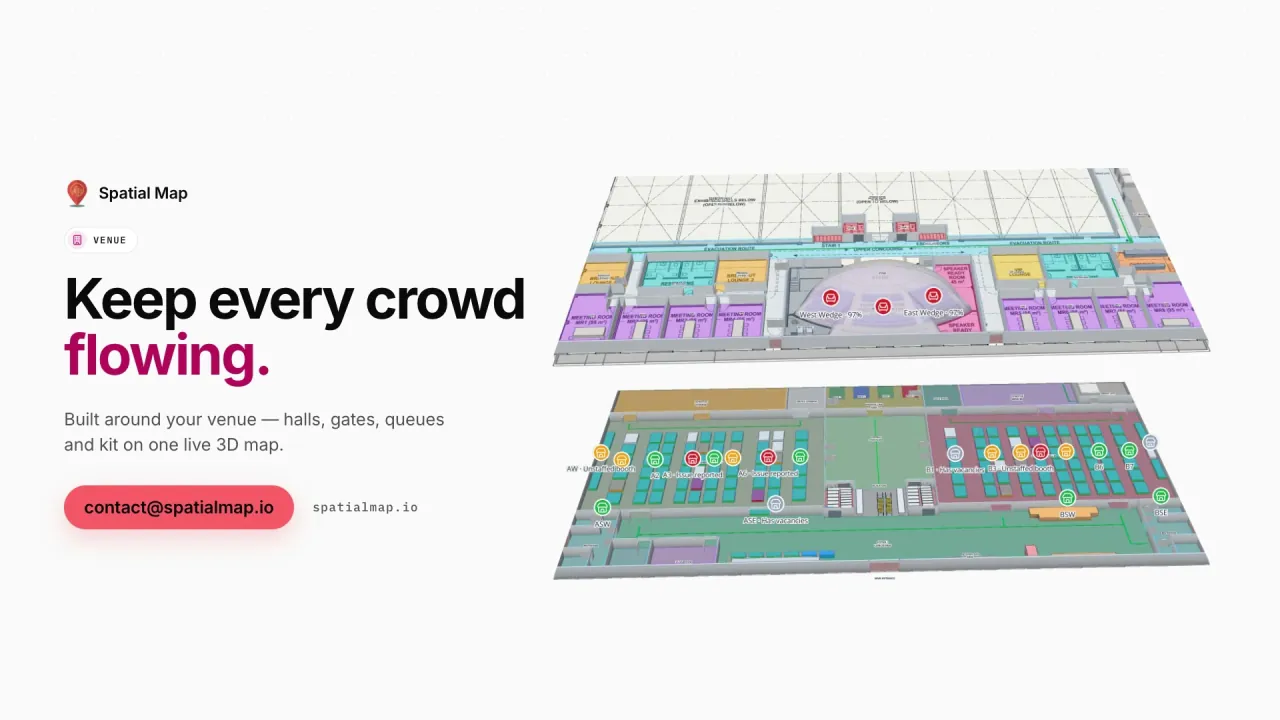
Conference and exhibition centres change between build-up and breakdown. Keep halls, loading bays and registration as permanent shapes and redraw the booth blocks for each show, so exhibitor bookings and session-room occupancy bind to the current layout, as in the Lakeside demo.

Universities and offices

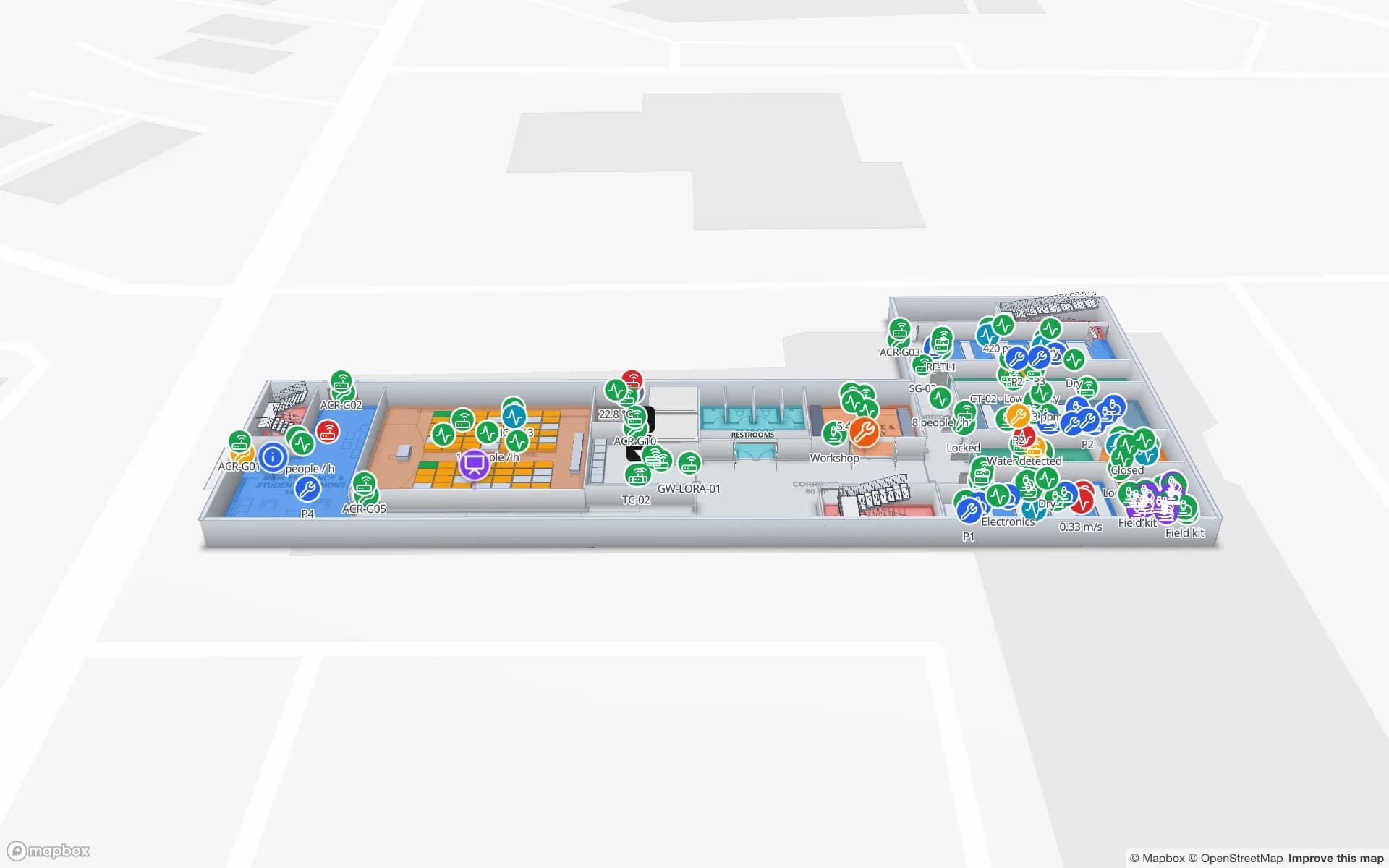
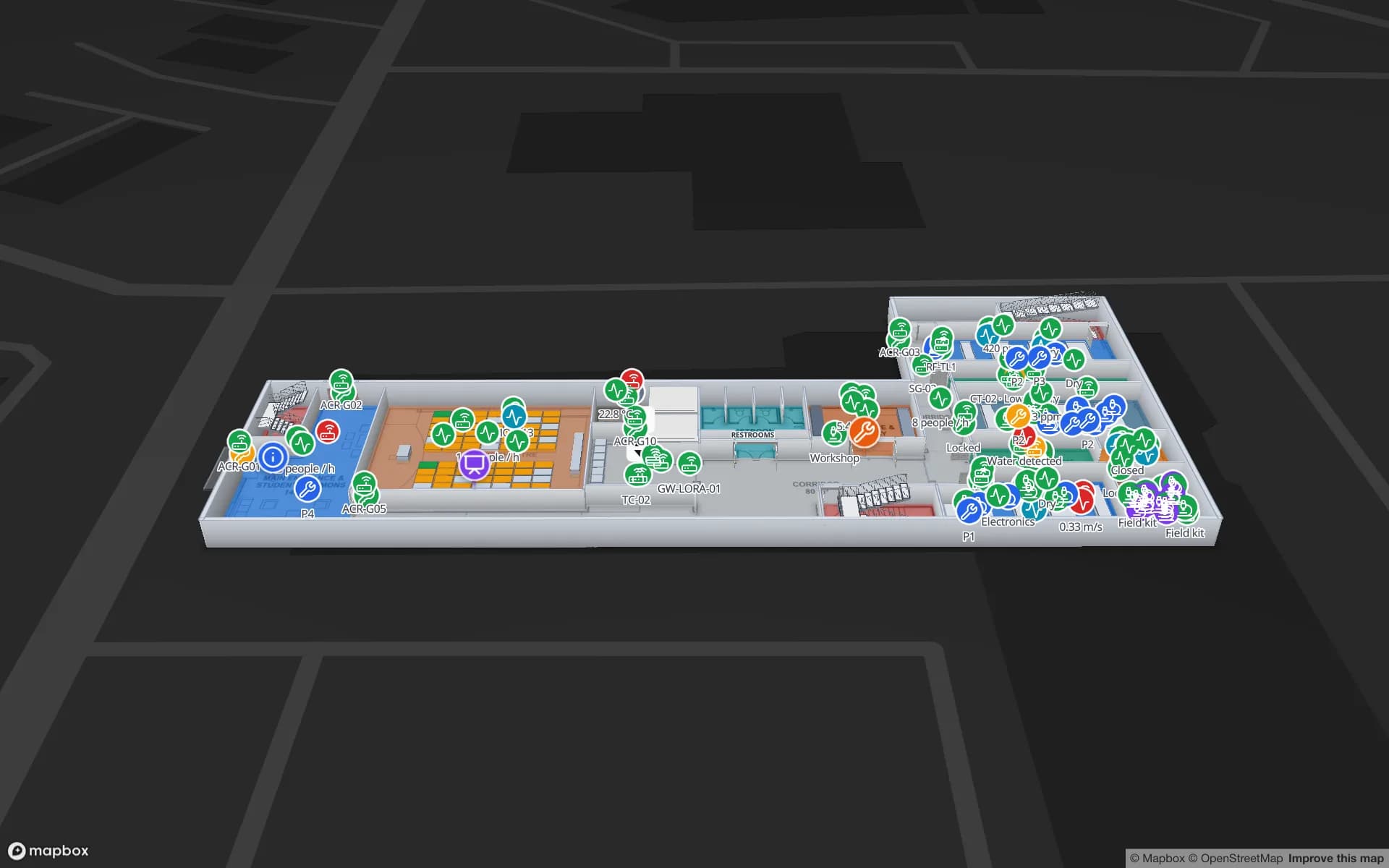
University estates teams look after teaching rooms, labs, prep rooms and stores spread across many buildings. In Spatial Map each building is a facility in one workspace; rooms carry their timetable, lab equipment its bookings and chemical containers their store, as in the two-floor Westbrook University demo. The same map serves open days, where a share link helps visitors find a lecture theatre.

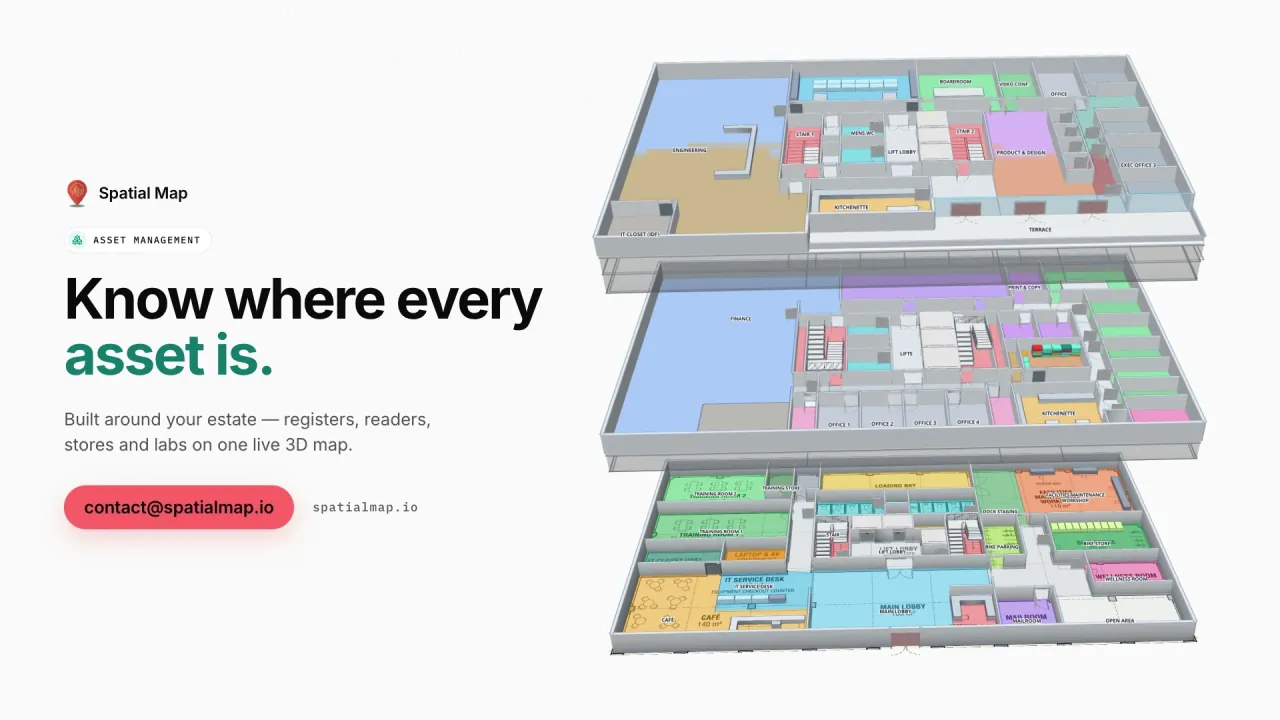
In offices, hybrid working has turned meeting rooms and shared equipment into the questions facilities teams get most. The Harborview demo shows a three-floor office with meeting rooms and space use, an asset register, equipment check-out and work orders on one plan.

Shopping centres and museums

A shopping centre map serves two audiences. Shoppers want units, toilets, exits and the lift to their car park level; centre management wants service corridors, delivery yards, vacant units and footfall by entrance. Both live in one facility: public layers on the visitor link, operational layers for the team.

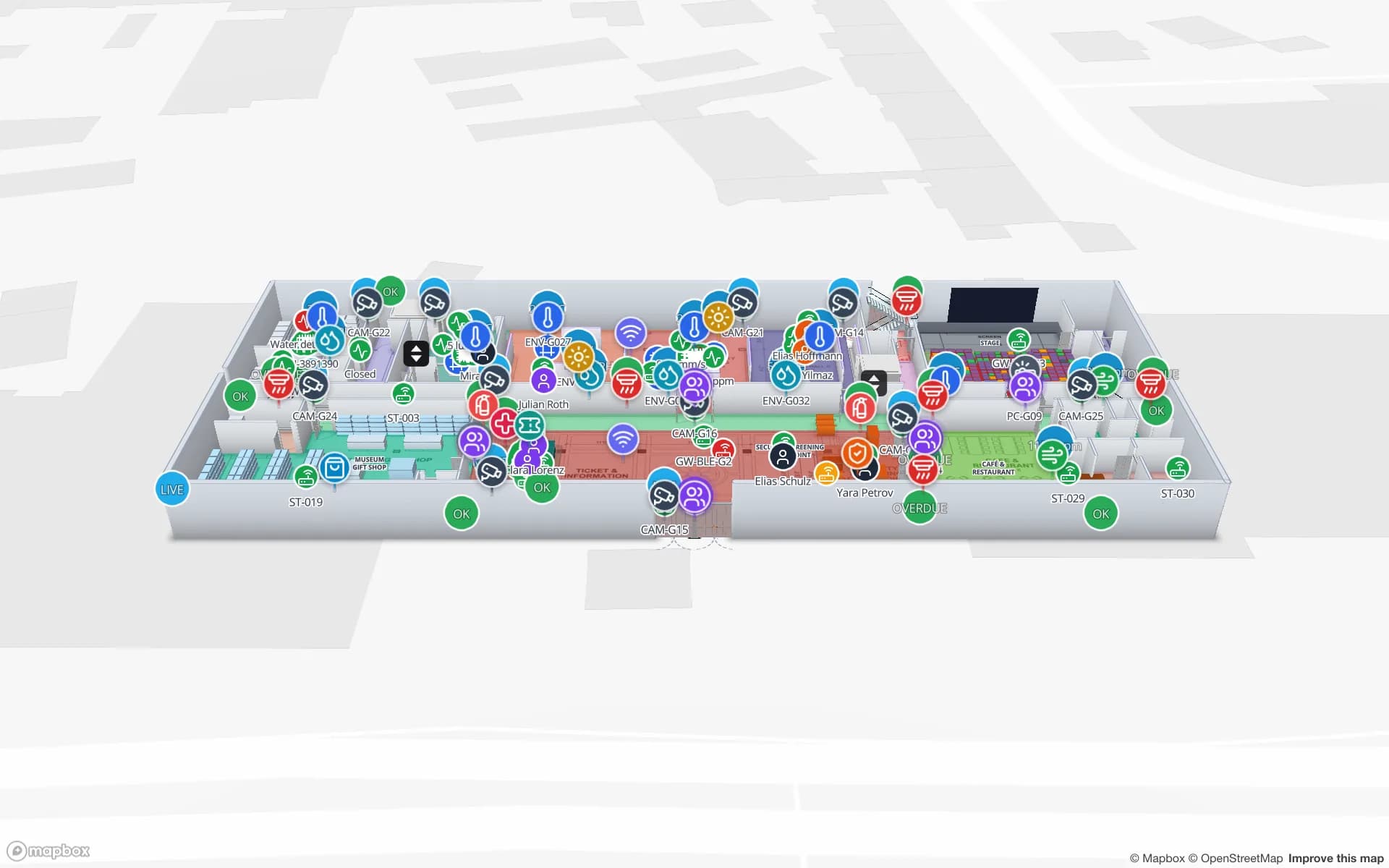
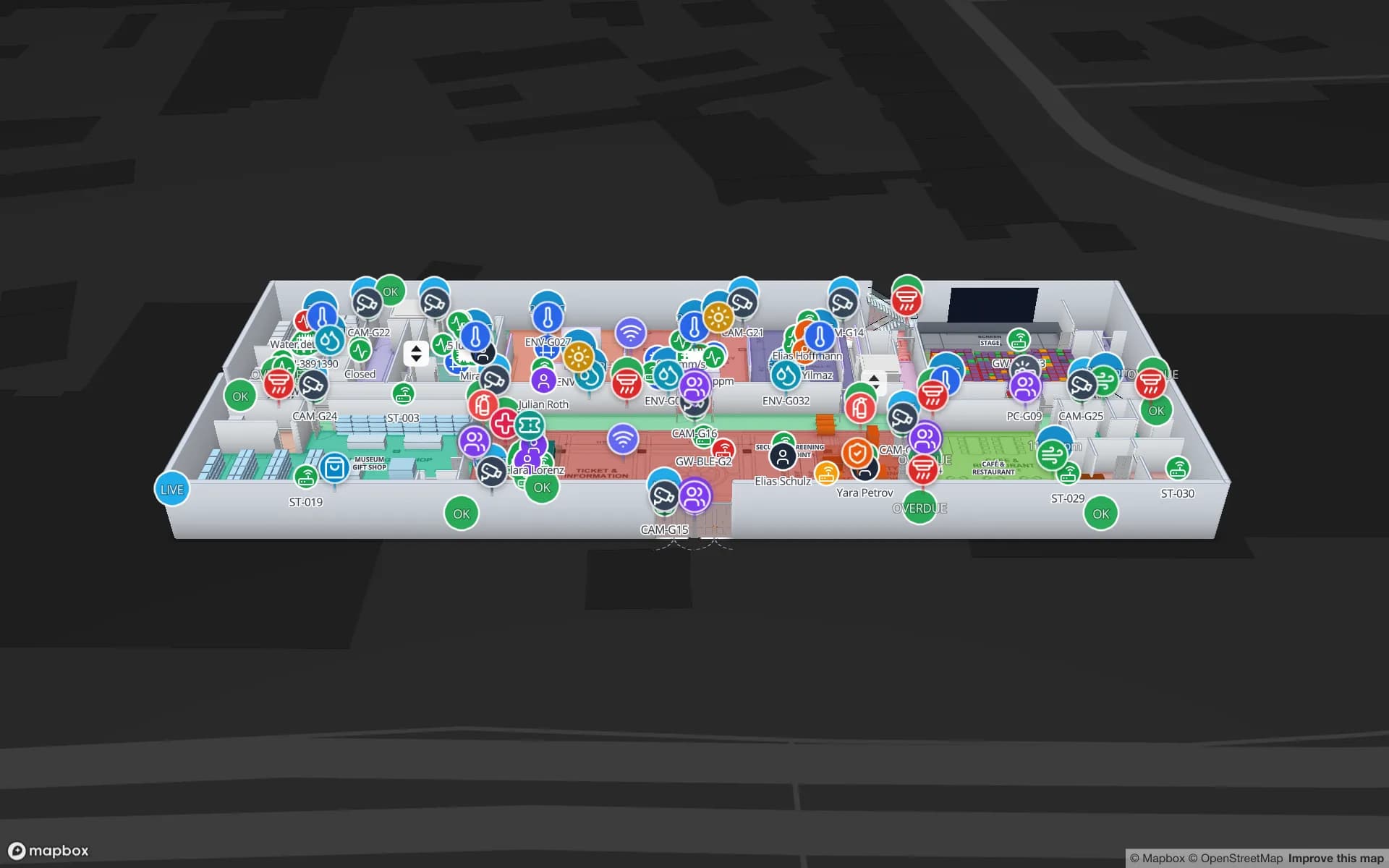
Museums add conservation. The three-floor Production Museum demo colours galleries by occupancy and climate, places tagged objects and shows cameras and safety equipment on the same floors. Lenders often ask for environmental records when they loan objects; Spatial Map keeps every reading as row history and exports reports, while your collections and conservation systems remain the record.

Accessible routes: what wayfinding does and does not do

The Navigate button builds a walking route around walls and through doors with turn-by-turn directions, in the viewer and on share links. Routes stay on one floor. Lifts, stairs and escalators are drawn in 3D and shown with wayfinding icons, so a visitor can see where the lift is and switch levels with the floor switcher. Spatial Map does not plan step-free journeys between floors, and we would rather say so than overpromise.

What you can do is make access information visible: draw and name accessible toilets, Changing Places facilities, quiet rooms, accessible entrances and the lifts that serve each level, so the map shows visitors where they are. See the docs on wayfinding and lifts and escalators.

How Spatial Map does it

From estates drawings to a shared venue map

  1. 01

    Gather the plans

    Upload DWG files, PDF sheets or scans, one per floor, each placed at real-world size.

  2. 02

    Draw every level

    Trace halls, rooms, doors, stairs, lifts and accessible facilities, named the way visitors read them.

  3. 03

    Bind live layers

    Connect turnstiles, occupancy, bookings or climate readings with data links and style rules.

  4. 04

    Share by audience

    Send stewards, contractors and visitors read-only links with only the layers each one needs.

What UK teams map

Stadiums and arenas

Gates, turnstiles, concourses and seating sections, with a steward link per event.

Conference and exhibition centres

Permanent halls and loading bays, booth blocks redrawn for each show.

University estates

Teaching rooms, labs, equipment bookings and chemical stores, building by building.

Offices and headquarters

Meeting rooms and space use, the asset register and work orders across three floors.

Museums and galleries

Gallery occupancy and climate, tagged objects and safety equipment on three floors.

Shopping centres

Units, lifts and escalators across levels, with public and operational layers kept apart.

See it on real demo facilities

Fictional names, real floor plans, live sensors, RFID, BLE tags and gateways — open any of them in the browser.

All 13 demo facilities

Indoor mapping in the UK — frequently asked questions

No. Spatial Map is sold online and our team works with UK customers remotely, by video call and through the contact form. Maps are built from your drawings, so no survey visit is needed.

Not as a routing option. Navigate builds walking routes around walls and through doors on one floor. Lifts are shown with wayfinding icons and visitors change level with the floor switcher. You can draw and name accessible toilets, entrances and lifts so they are easy to find.

Yes. PNG and JPG scans import alongside PDF sheets and DWG files (AutoCAD R2004 to R2018). A scan is sized to the building’s real dimensions and traced with the drawing tools. DXF needs to be saved as DWG or PDF first.

Yes. A read-only share link opens in any browser, shows only the floors and layers you choose, and can have an expiry date and a view cap or be revoked after the event.

Prices are the same worldwide, in US dollars: a 7-day free trial for up to 5 facilities with no credit card, then Pro at $60 a month or $600 a year for up to 4 facilities. Larger estates are quoted as fixed-price custom services.

Map your stadium, campus or museum.

Start a free trial and import a floor plan yourself, or send us the estates drawings and we will propose a fixed price for the whole site.