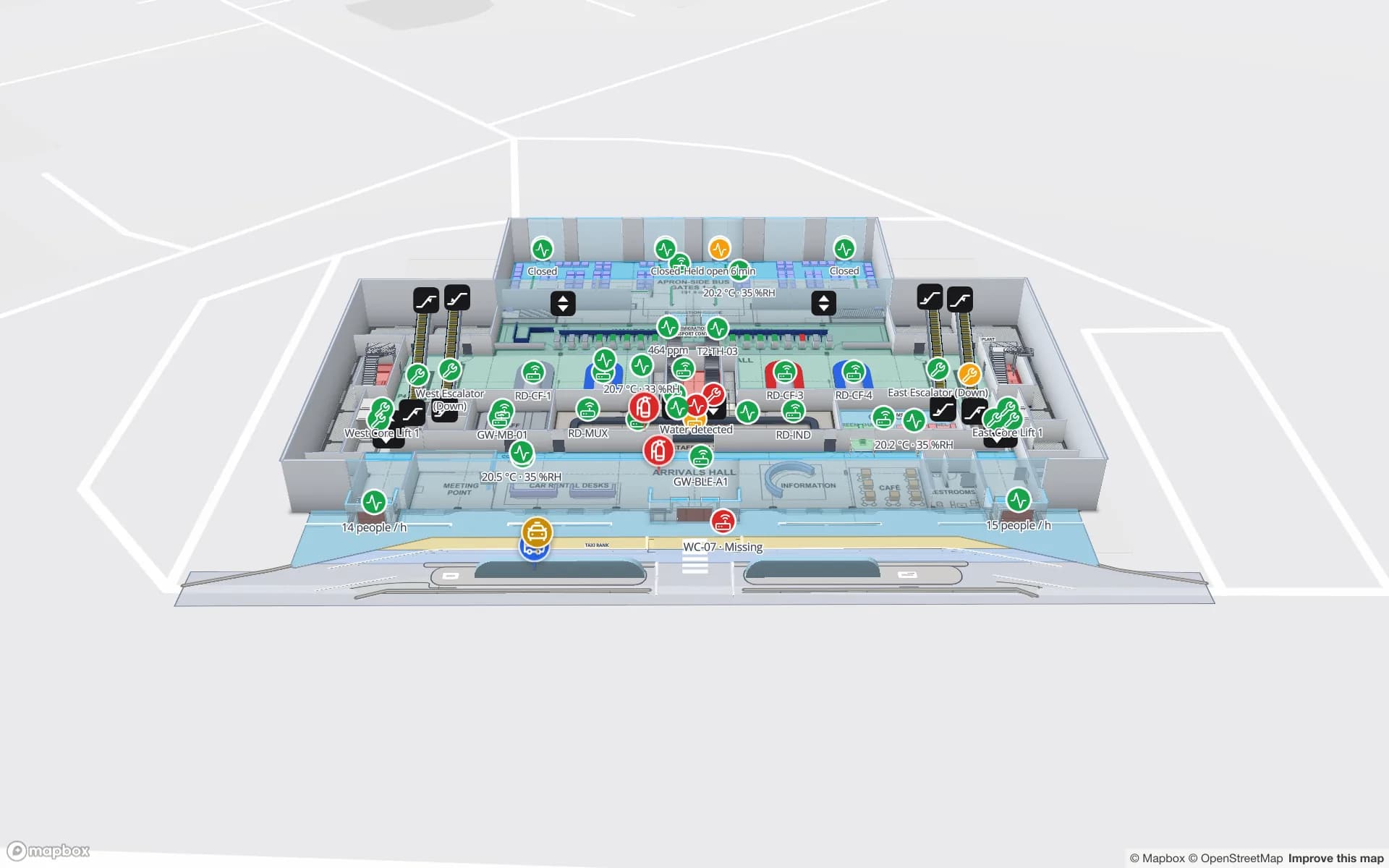
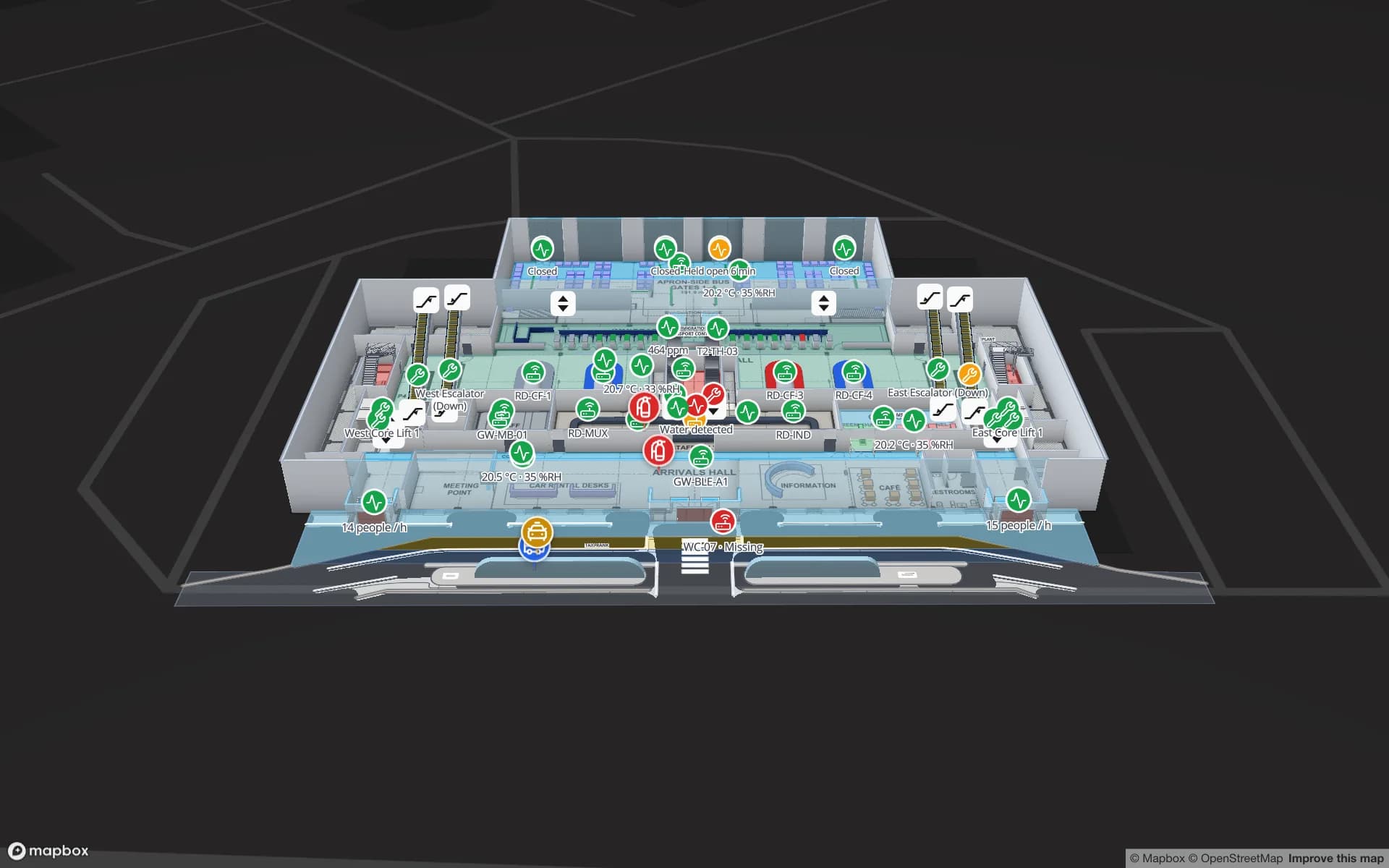
Plans in feet and inches, straight from your drawing set
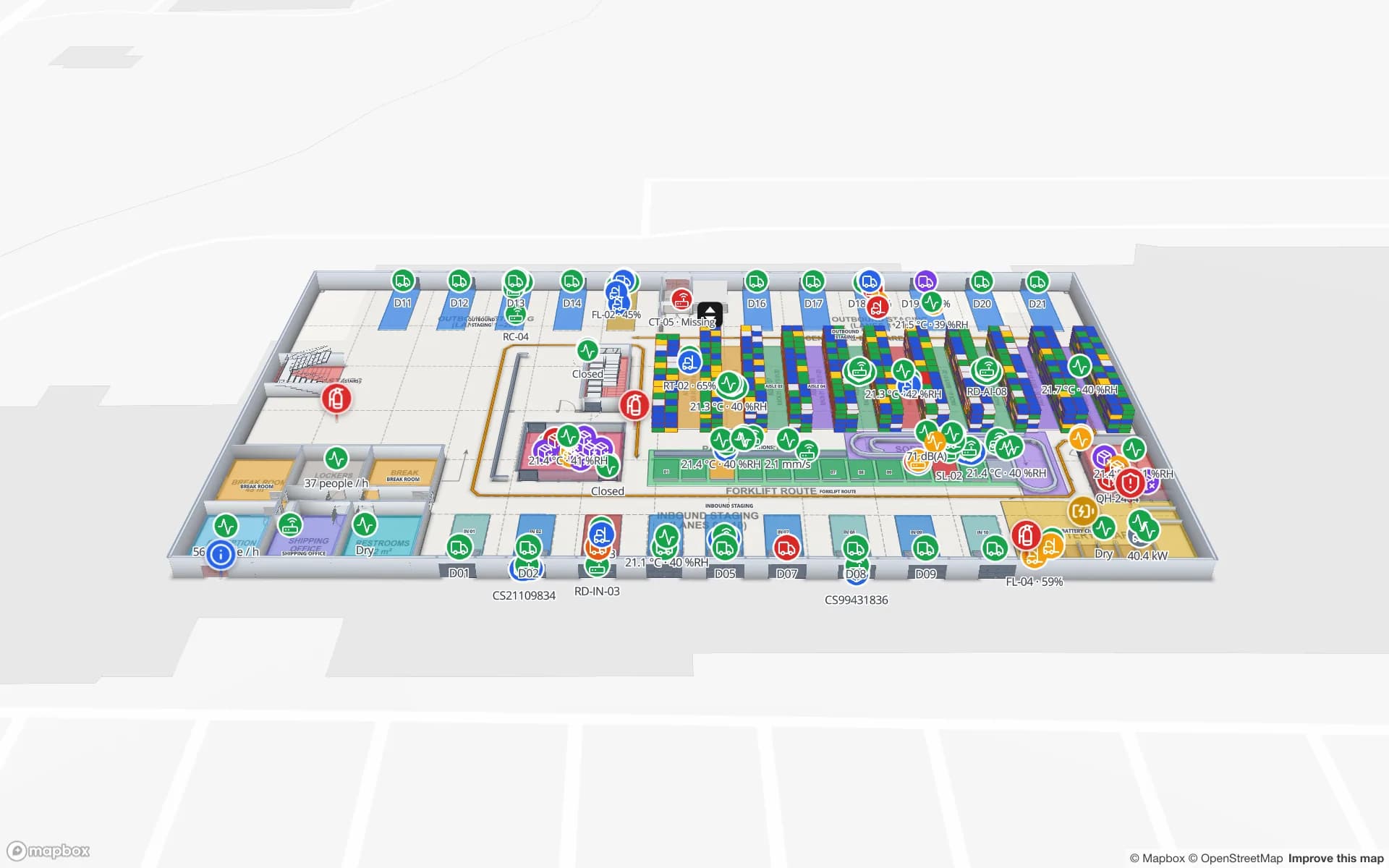
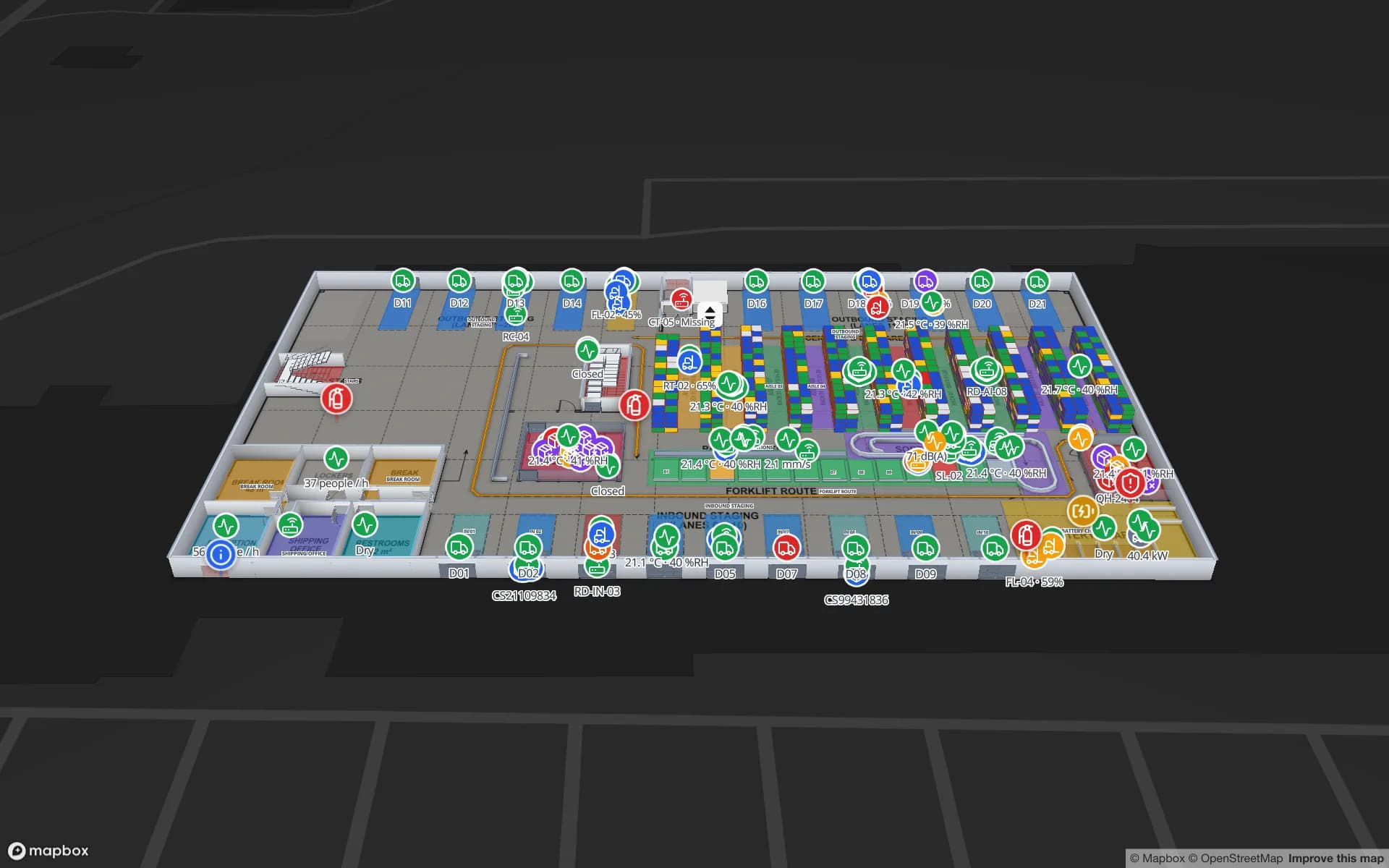
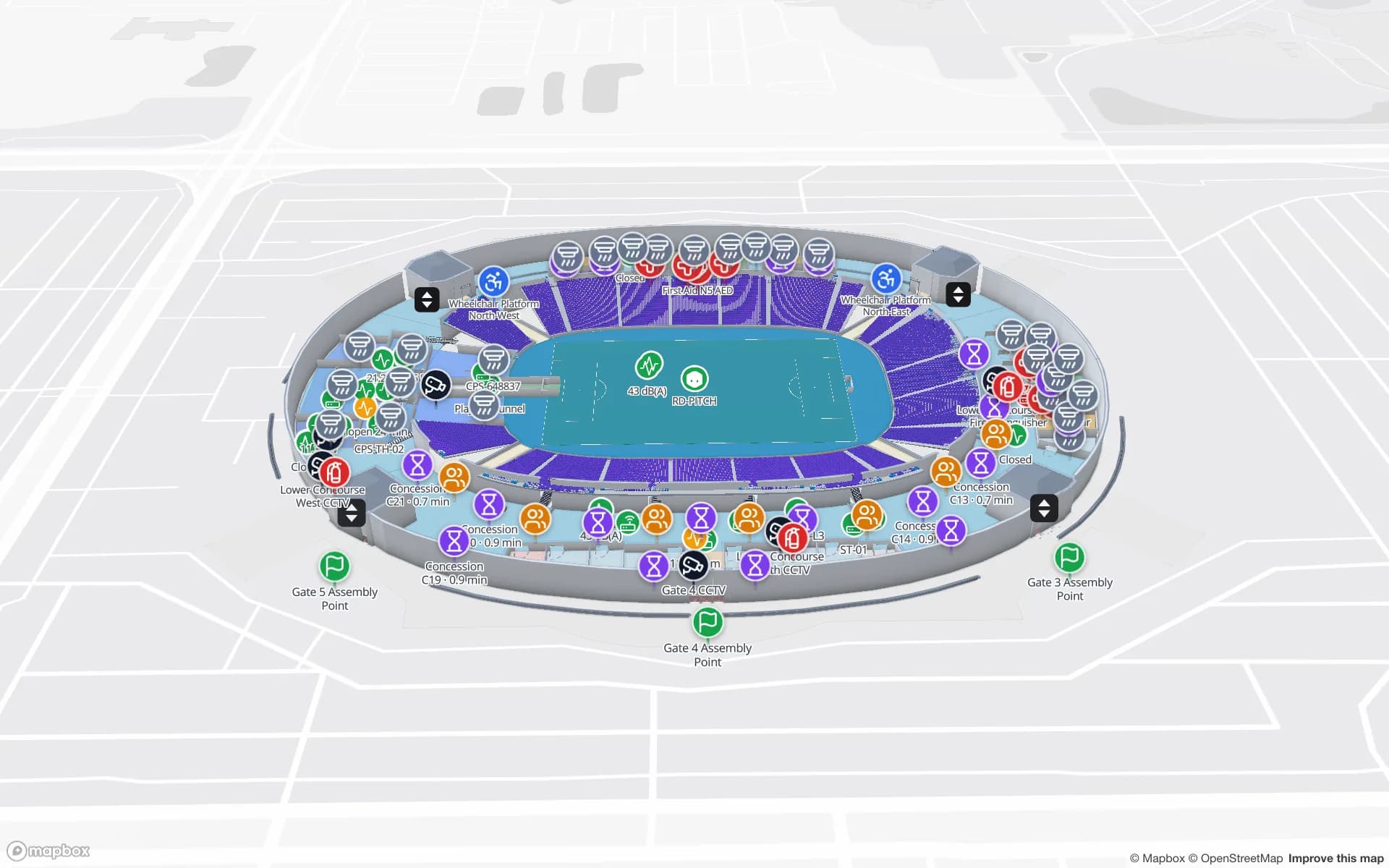
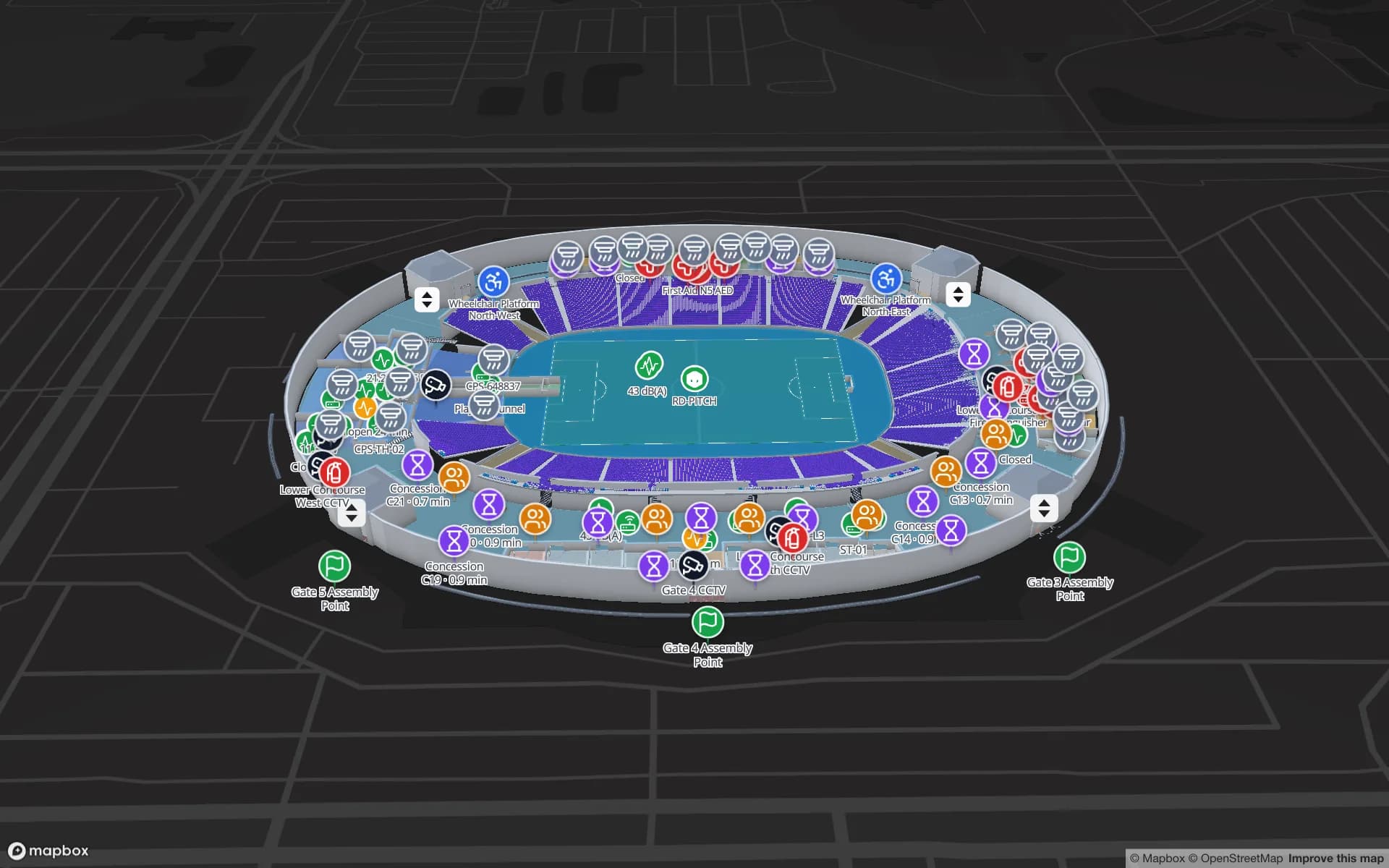
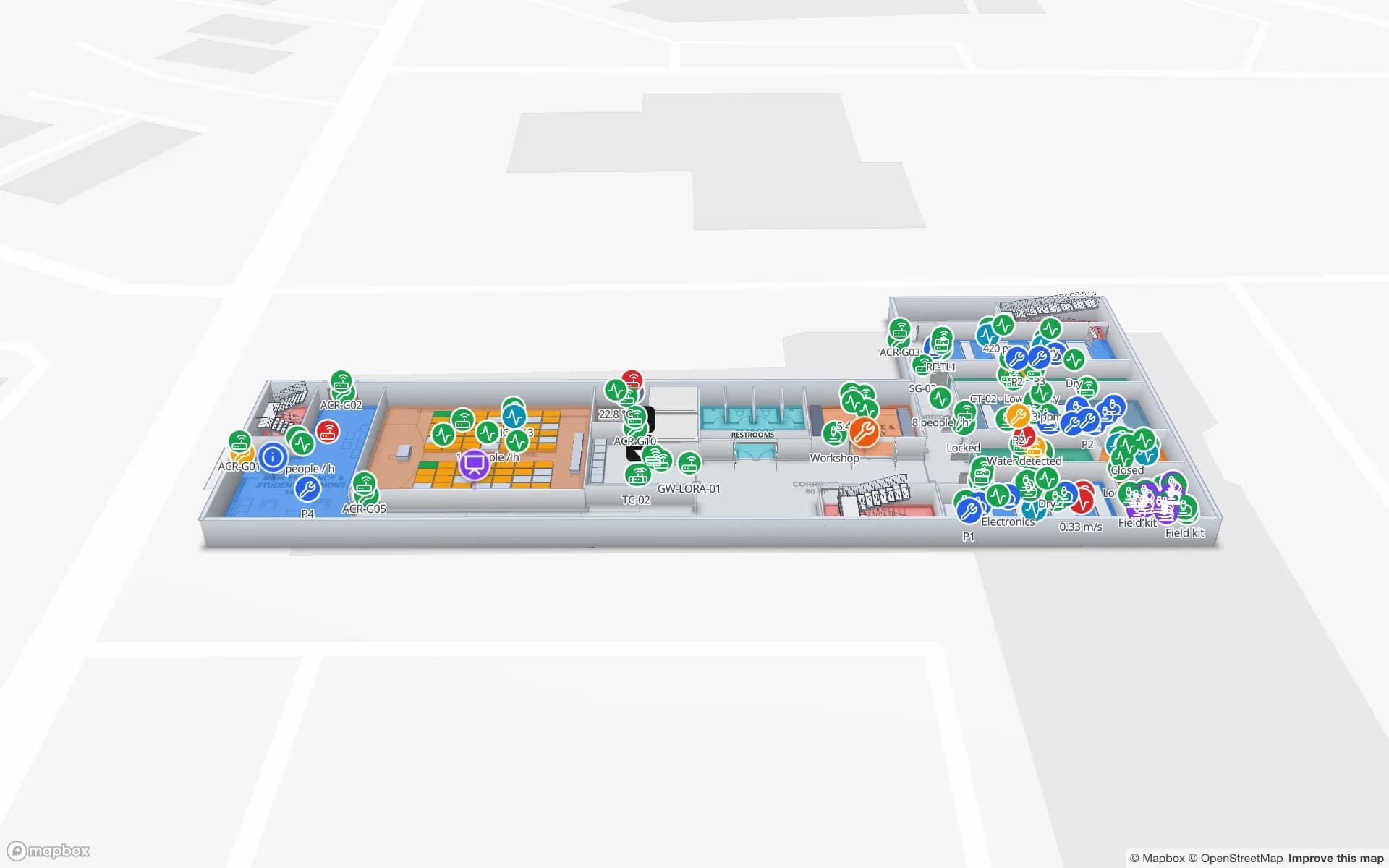
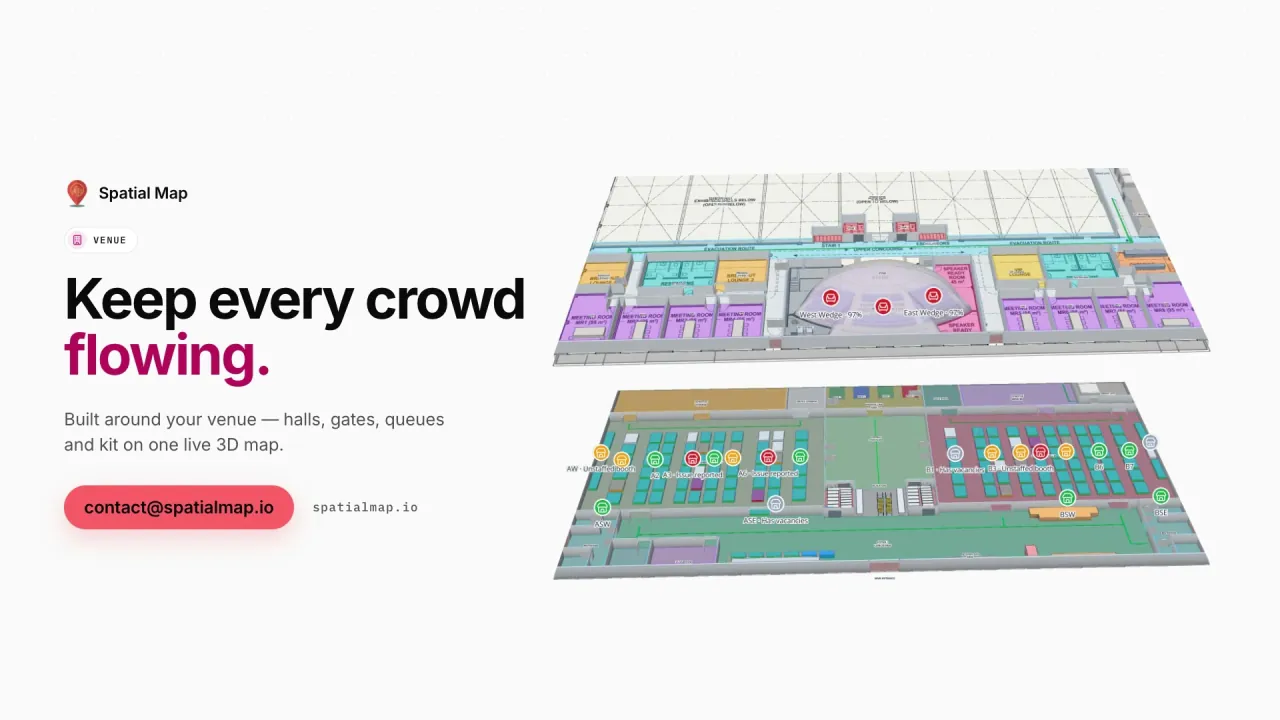
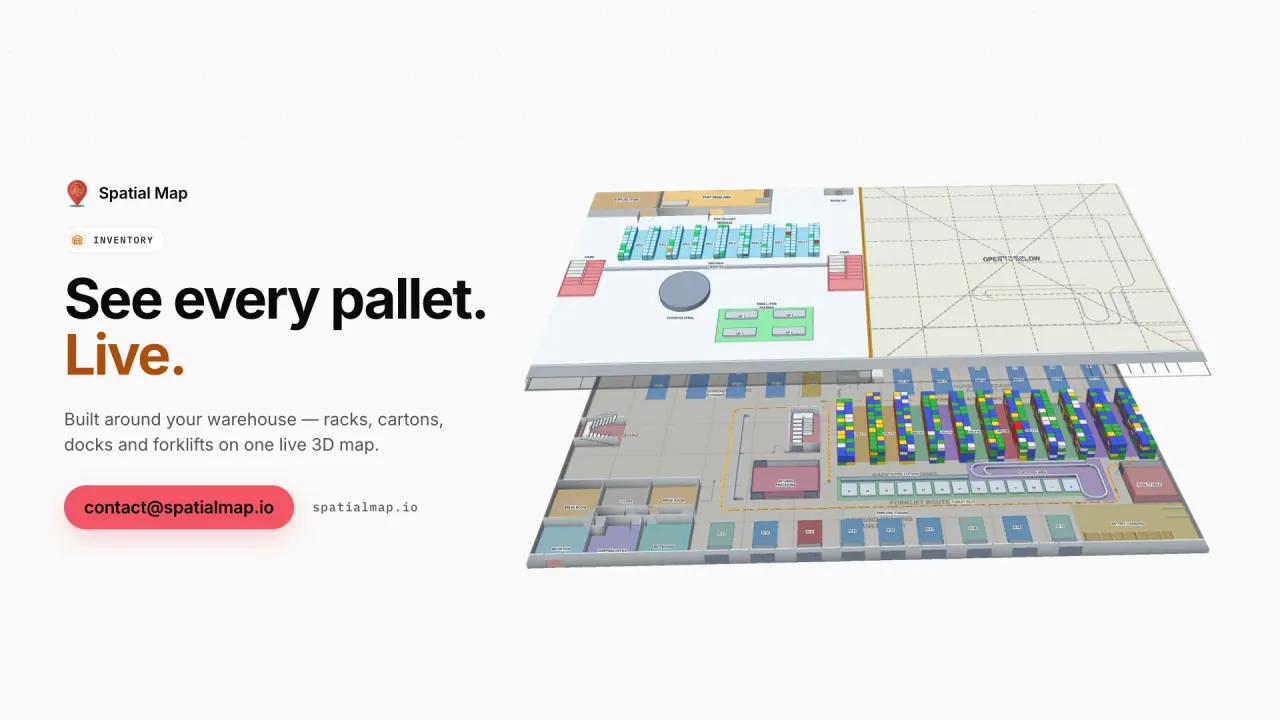
US plan sets are drawn in imperial units, and Spatial Map reads them that way. Import a PDF sheet and pick the architectural scale — such as 1/8" = 1'-0" — or enter a known width; import a DWG (AutoCAD R2004 to R2018) and confirm feet or inches, choose the layers, and it is placed at true size. DXF files need to be saved as DWG or plotted to PDF first. The plan becomes a scaled picture you trace over: rooms and areas, racks with bin locations, walls, doors, stairs, lifts and escalators, aisles and routes. The general workflow is on our indoor mapping software page; this page is about how US teams use it.