Germany · Plant and warehouse digital twin

Indoor mapping software for German plants, warehouses and offices

German engineering runs on drawings: hall layouts in AutoCAD, plant layouts maintained by facility management, PDF plan sets from the architect. Spatial Map uses those drawings as the starting point for a multi-floor 3D digital twin that runs in the browser — and that your own teams, contractors and auditors can actually open.

No credit card. Runs in the browser. Pro is $60/month for up to 4 facilities. Book a demo

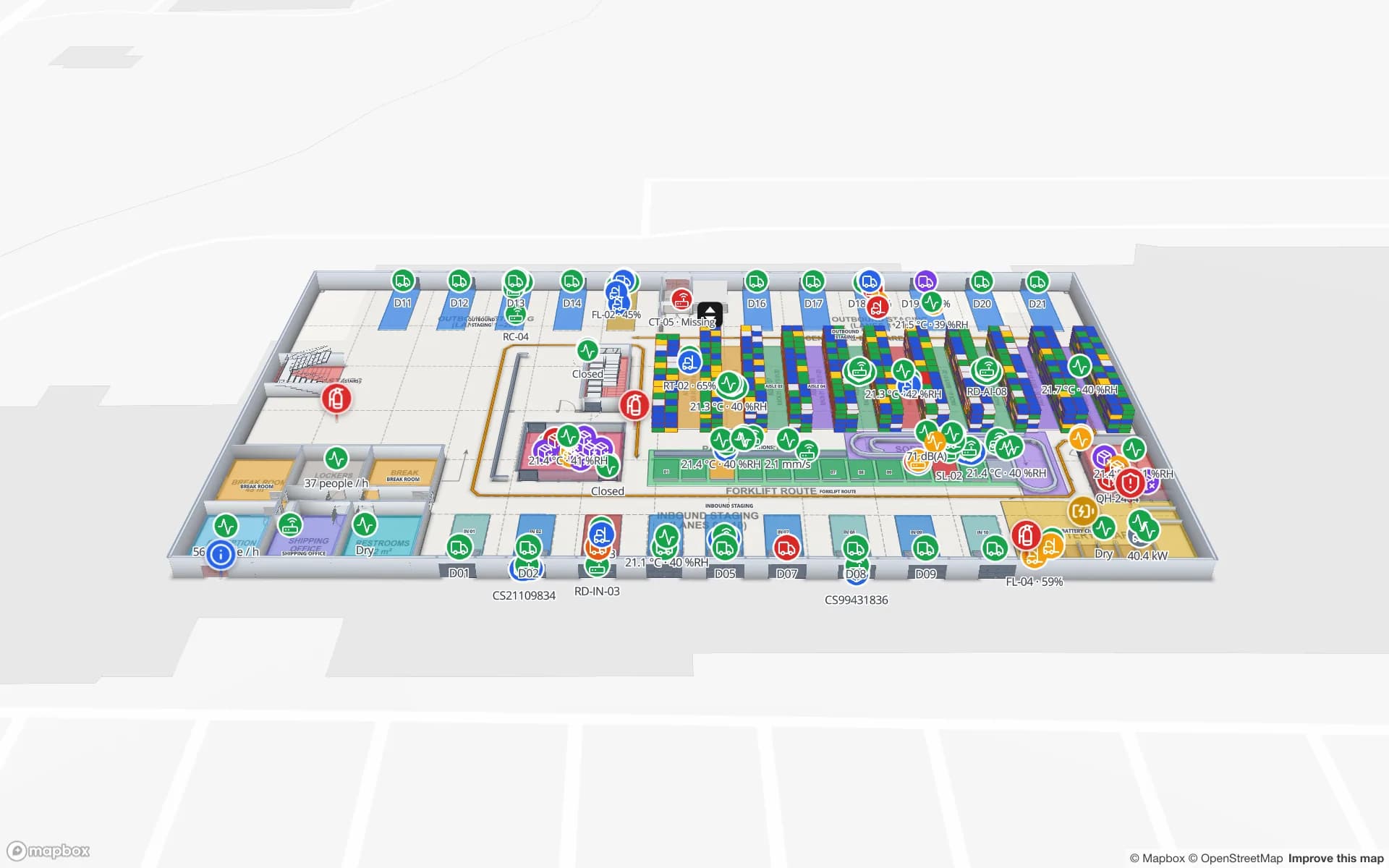
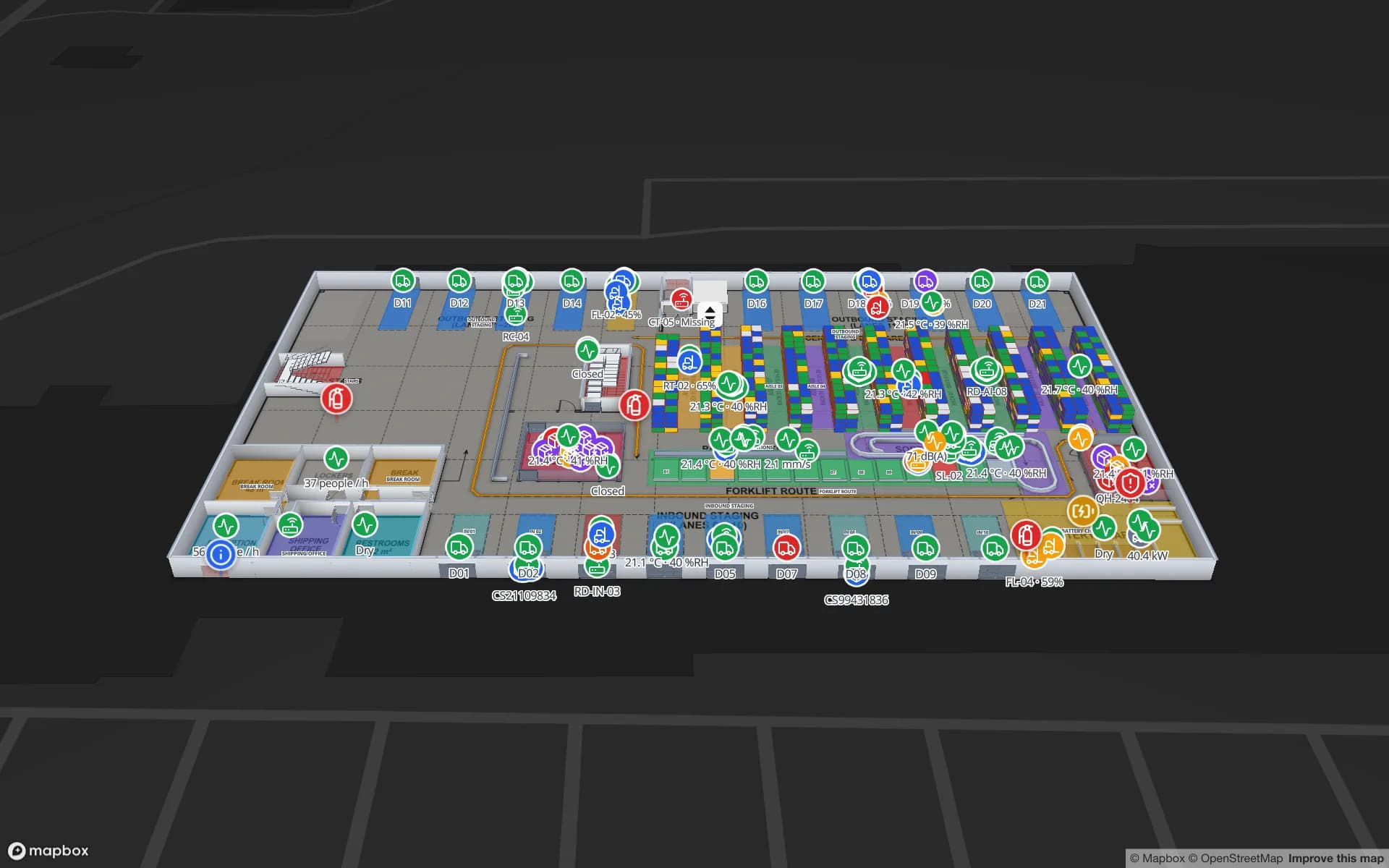
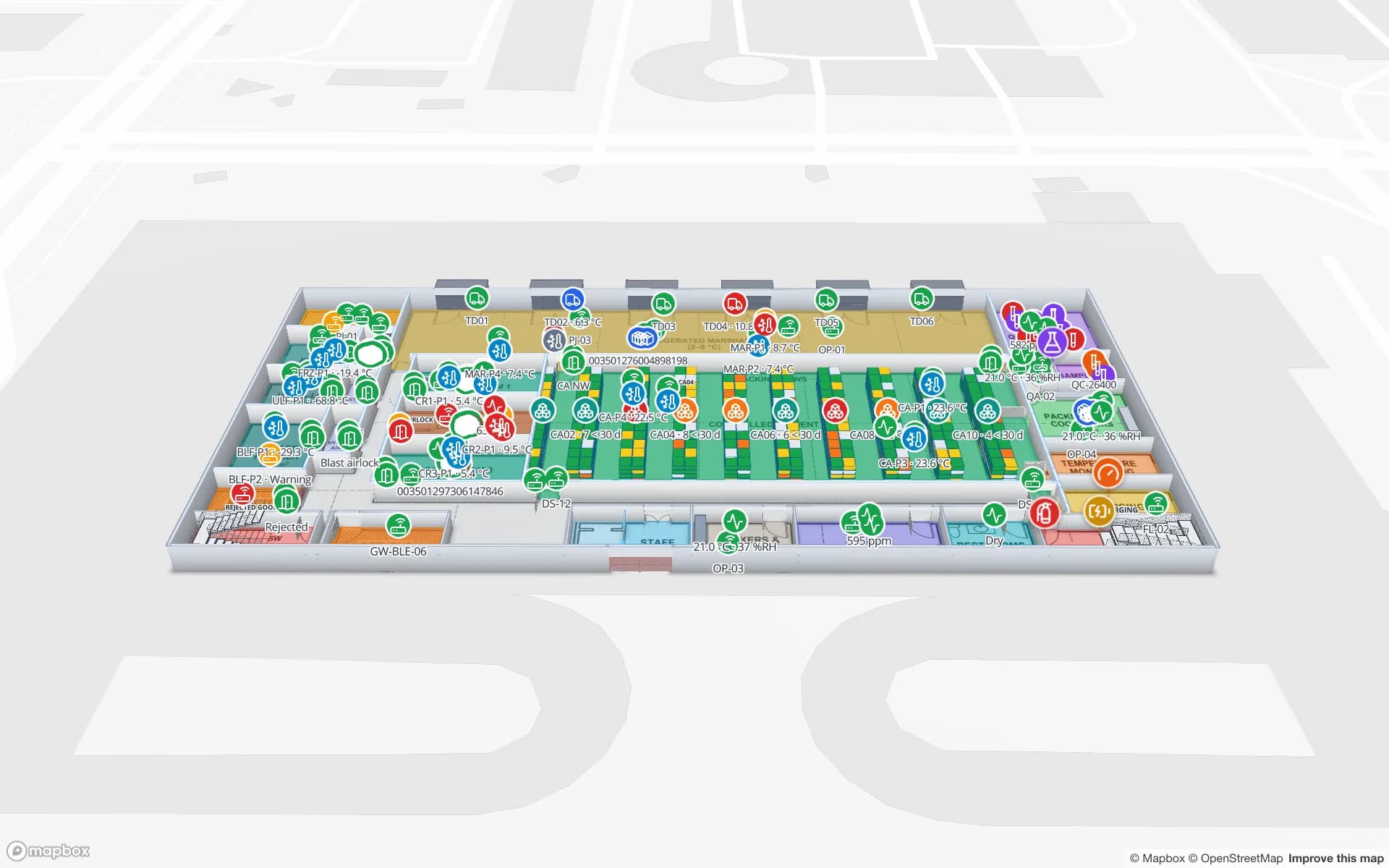
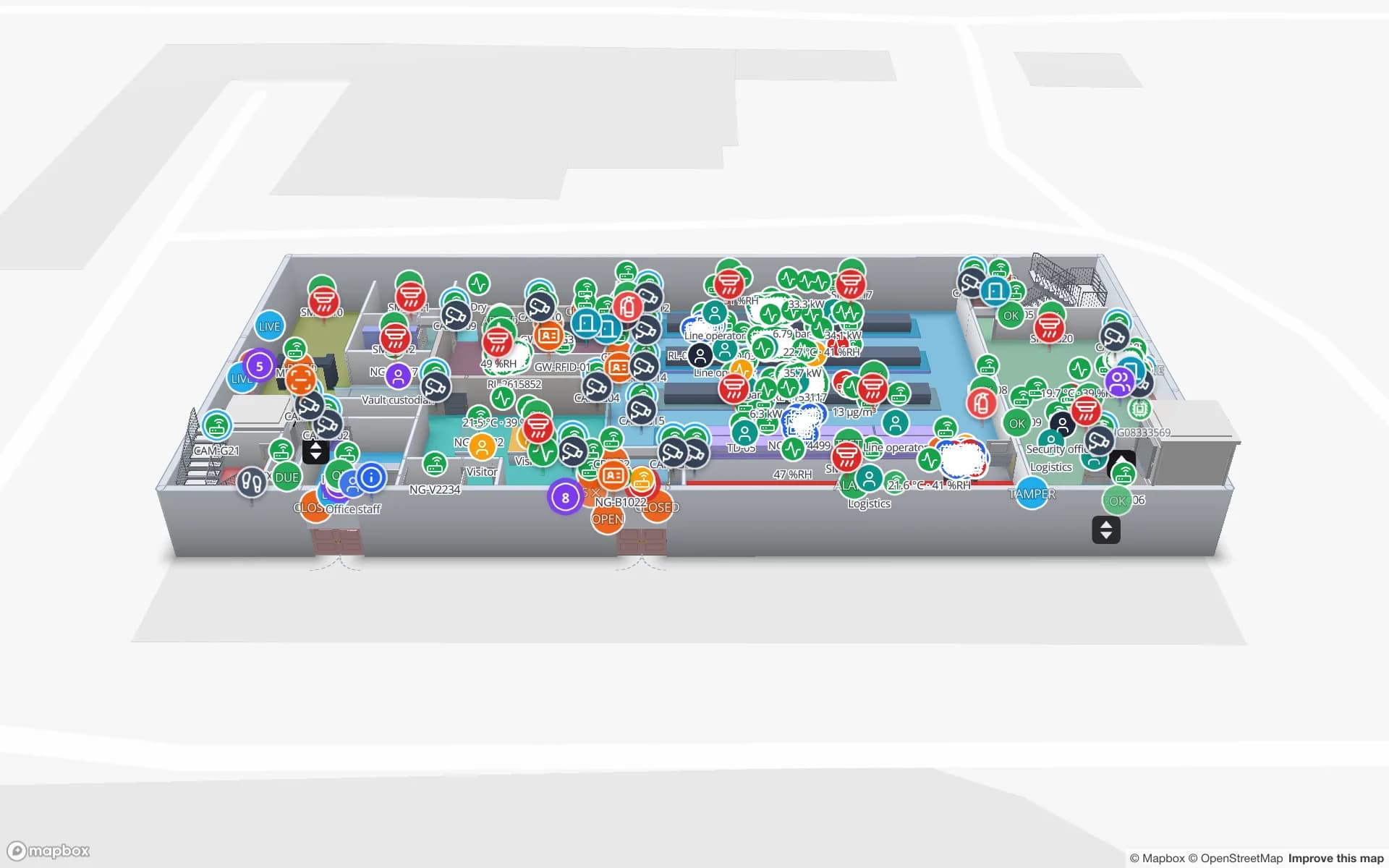
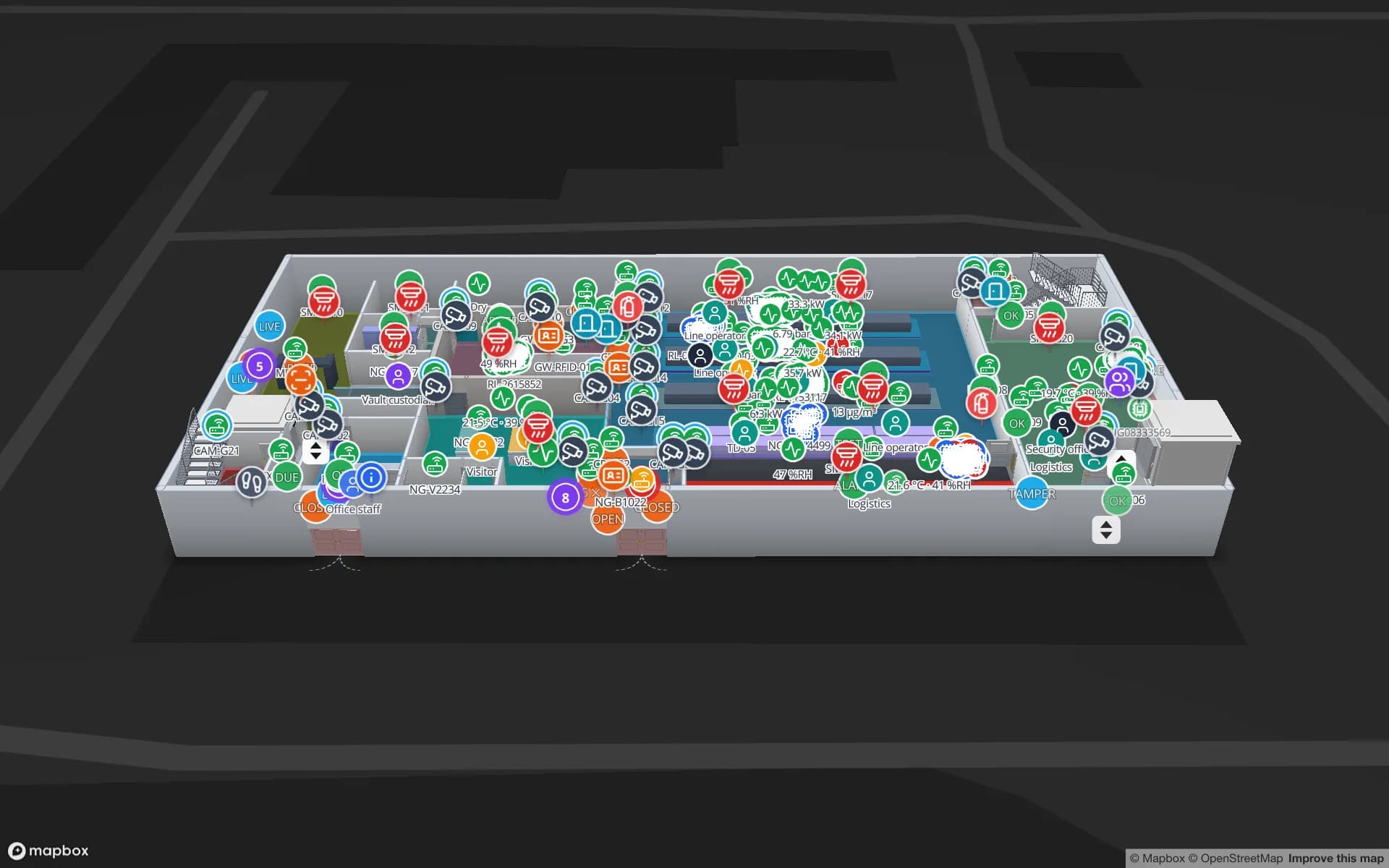
Northgate Electronics — Assembly & Secure Store, a electronics assembly & secure store demo, in the Spatial Map 3D viewer with live device markers
Northgate Electronics — Assembly & Secure Store
Northgate Electronics, a two-floor demo plant: assembly lines, secure store, vault and cages, with security zones and live device data.
AutoCAD R2004–R2018, placed at real-world units
DWG
Metric drawing scales read from PDF sheets
1:100
German interface, one of six languages
Deutsch
Software to install
0

Start from the drawings you already maintain

Most German plants and warehouses have an up-to-date layout drawing somewhere — usually a DWG kept by facility management or plant engineering, plus PDF plan sets for each building. Spatial Map imports both. A DWG (AutoCAD R2004 to R2018) is placed at true size because it is drawn in real-world units; you confirm millimetres, centimetres or metres and choose the layers to show. A PDF sheet is matched to its paper size and you pick the drawing scale, such as 1:100, or enter a known width in metres. DXF is not read directly — save it as DWG or plot it to PDF. The details are in the CAD and PDF import docs.

The imported plan is a picture at the right scale. On top of it you trace what matters operationally: halls and rooms, racks with bin locations, walls, doors, stairs, lifts and aisles. For the general workflow see indoor mapping software.
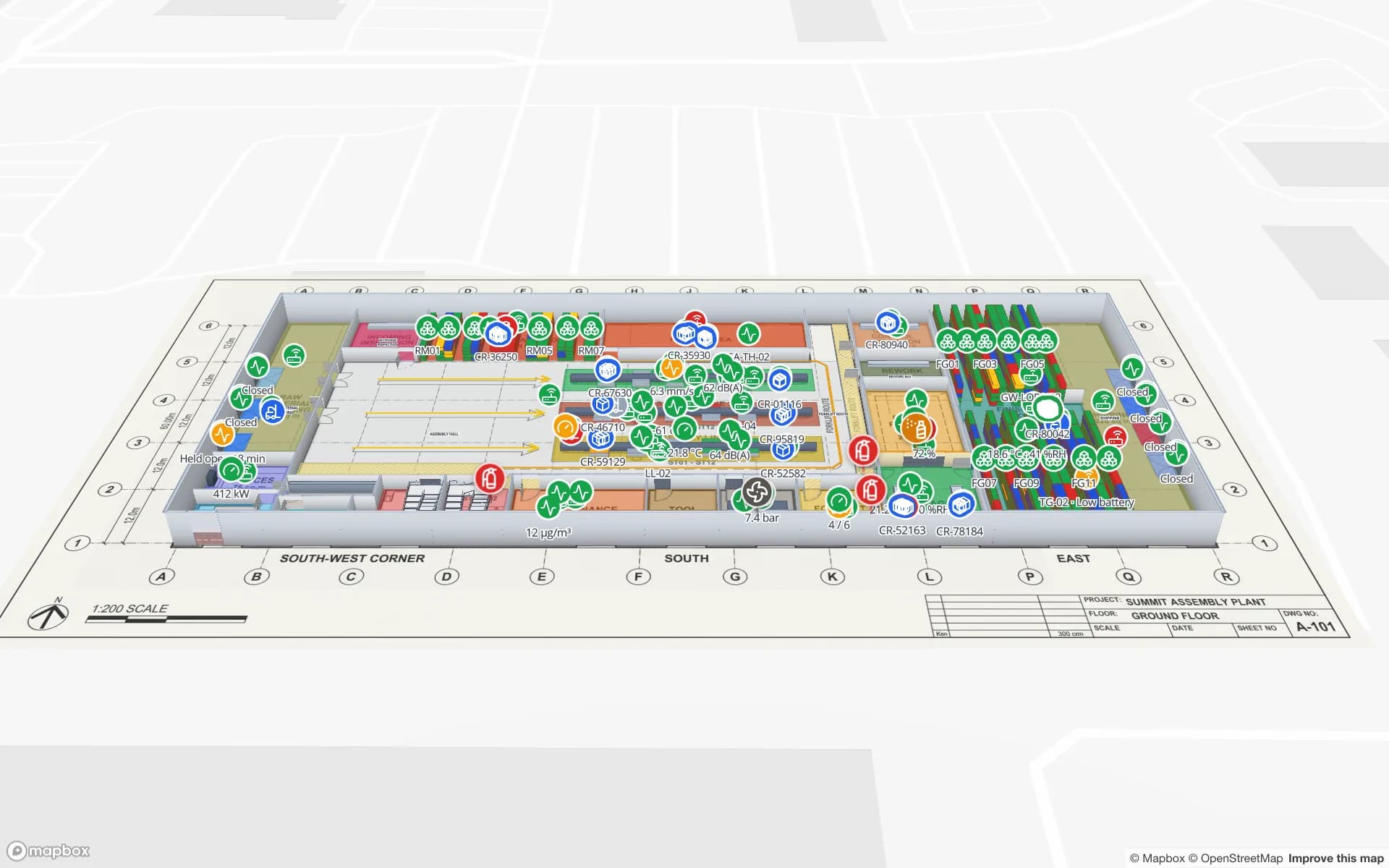
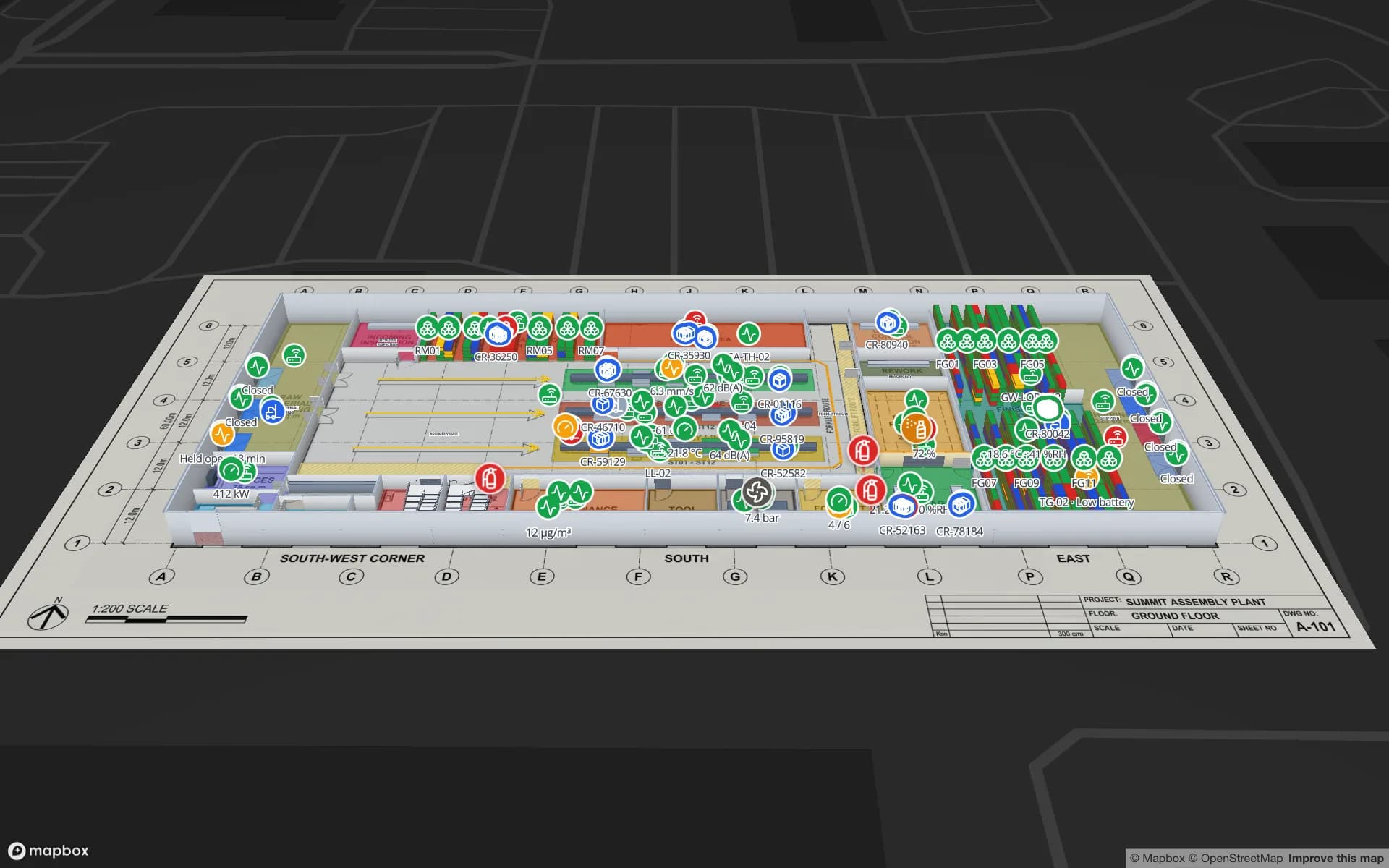
Multi-floor production and logistics buildings

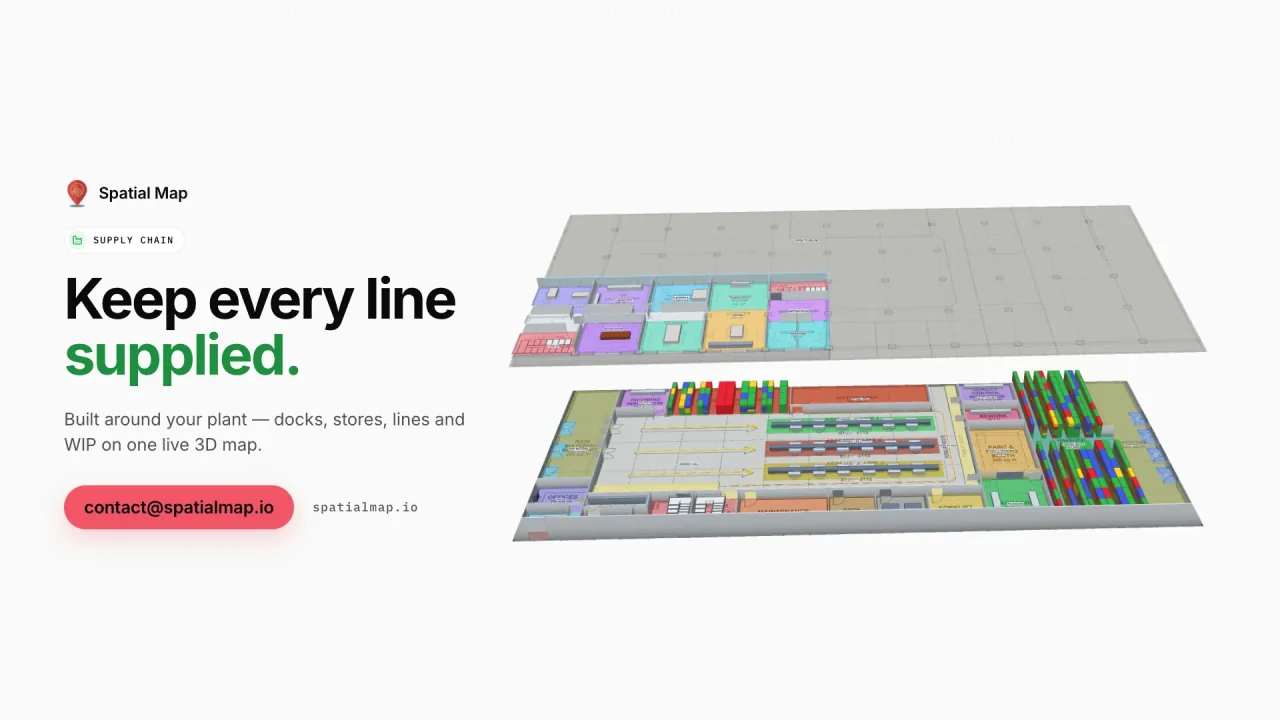
German production sites are often grown, multi-storey buildings: mezzanines above the line, offices over the warehouse, a second production floor reached by goods lifts. Spatial Map models every floor in 3D with the stairs, lifts and escalators that connect them, so a hall on level 2 is no longer a separate PDF. Racks get real locations, which means stock by bin can be coloured from your ERP or WMS data, and production areas can be coloured by line status or order from your MES — via a REST endpoint Spatial Map polls, a file upload or the table write API.

  • Plants — lines, workstations, quality areas, raw-material and finished-goods racks, docks.
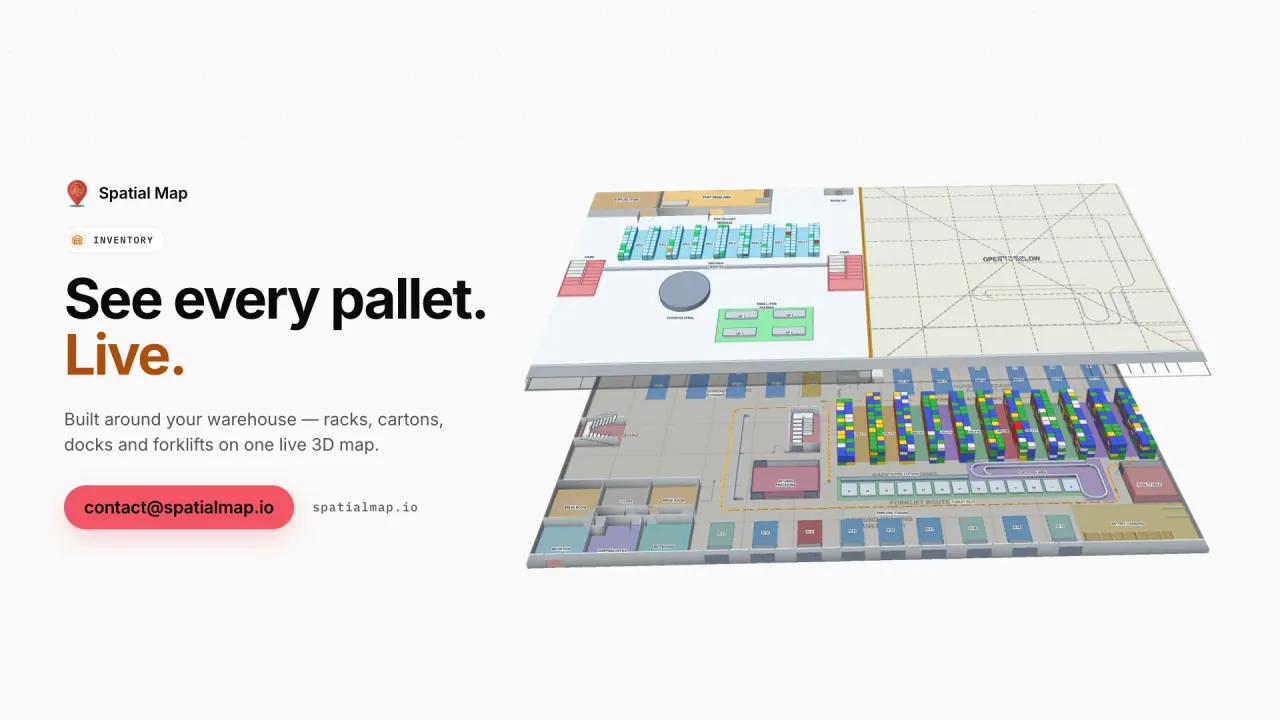
  • Warehouses — high-bay and small-parts storage, picking, packing, goods receipt and shipping.
  • Offices and R&D — floors, meeting rooms, labs and equipment stores.

Share the twin with contractors and auditors

A digital twin is only useful if the people who need it can open it. Read-only share links let you send one facility — with the layers and floors you choose, an expiry date and a view cap — to a maintenance contractor, a logistics service provider, a customer auditor or the landlord. They open it in the browser without an account, and you can revoke the link at any time. The Navigate button builds walking routes around walls and through doors on a floor, which helps a visiting technician find the right hall.

Inside your company, four roles (Owner, Admin, Editor, Viewer) separate the people who edit the layout from those who only view it, and every workspace is isolated from the others.

German interface, international teams

The app is fully available in German, so plant engineers, facility managers and shift leads can work in their own language, while colleagues at a foreign subsidiary use English, French, Spanish or Chinese on the same twin. If you would rather not trace the layout yourself, our team digitises floor plans as a fixed-price custom service — usually proposed within three business days — and works with you remotely in German or English.

How Spatial Map does it

From drawing to digital twin

  1. 01

    Import DWG or PDF

    Confirm units and layers for a DWG, or the sheet and 1:100-style scale for a PDF, and place it.

  2. 02

    Trace the building

    Draw halls, rooms, racks, walls, doors, stairs and lifts on every floor in 3D.

  3. 03

    Add live data

    Bind ERP, WMS, MES or sensor data via REST polling, uploads or the table write API.

  4. 04

    Share and report

    Send read-only links to contractors and auditors and export reports to PDF or Excel.

What German teams map first

Assembly and production plants

Lines, workstations, quality areas and material racks on a live plant map.

Electronics plants with secure areas

Two floors with secure store, vault, cages and security zones.

Warehouses and contract logistics

Racks with real bin locations, packing, staging lanes and the yard.

Pharma and food cold stores

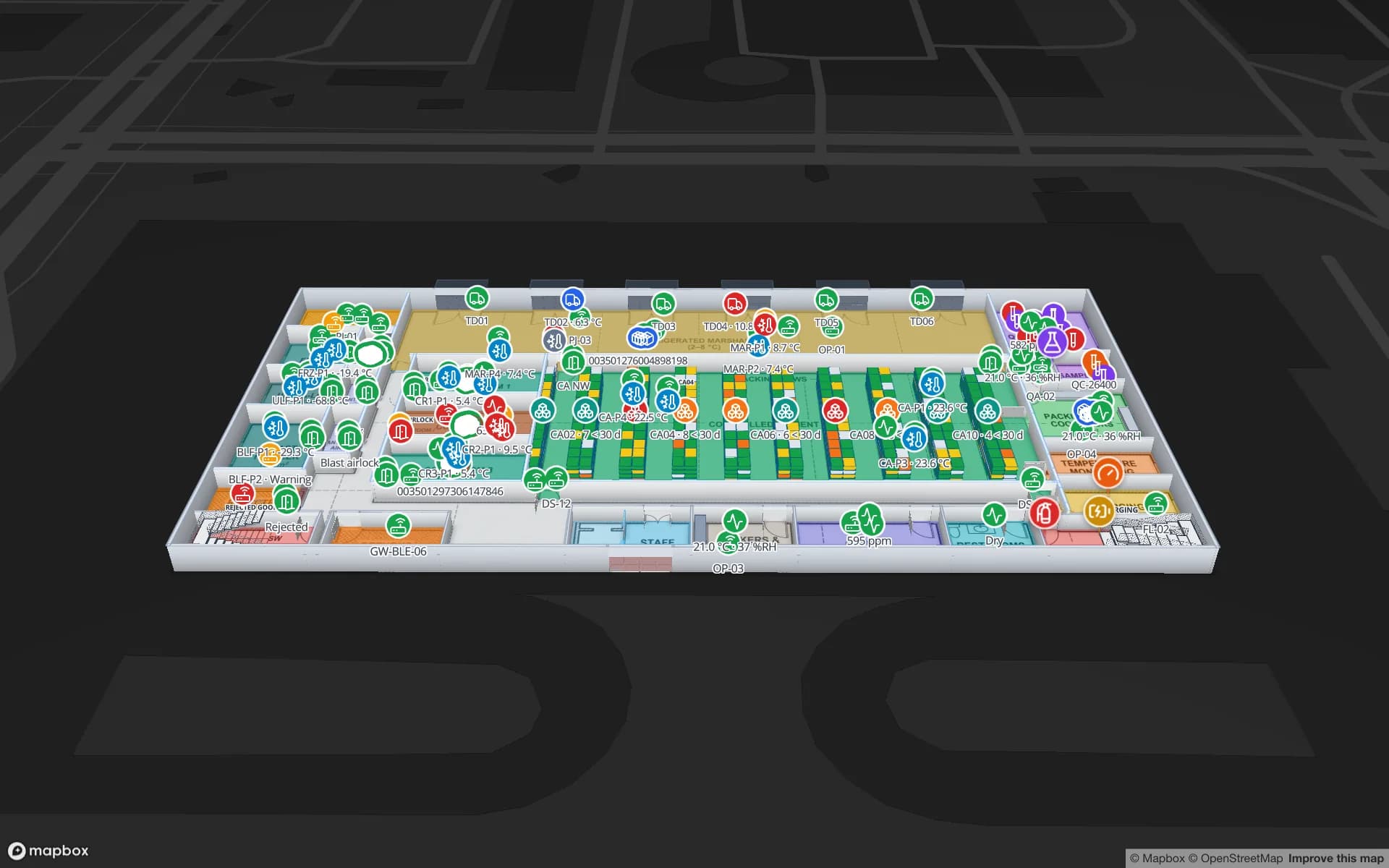
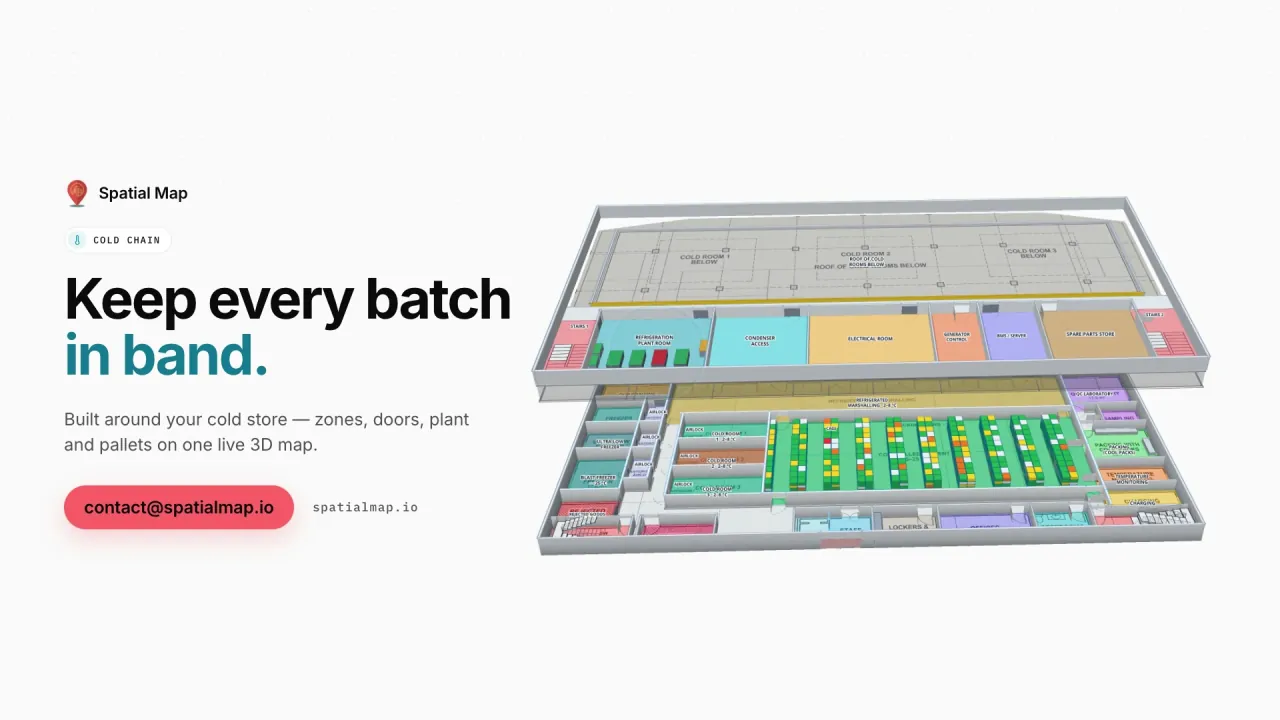
Cold rooms, freezers and controlled-ambient zones coloured by live temperature.

Office and R&D buildings

Departments, meeting rooms and equipment stores across several floors.

See it on real demo facilities

Fictional names, real floor plans, live sensors, RFID, BLE tags and gateways — open any of them in the browser.

All 13 demo facilities

Indoor mapping in Germany — frequently asked questions

AutoCAD DWG from R2004 to R2018, placed at true size from its drawing units, and PDF sheets with a chosen scale such as 1:100. DXF is not read directly; save it as DWG or plot it to PDF. PNG and JPG images work too.

No. The drawing is placed as a picture at real-world scale, and you trace rooms, racks, walls, doors, stairs and lifts on top of it with the drawing tools — or our team does it for you as a custom service.

Yes. A read-only share link shows the floors and layers you choose, can expire and have a view cap, and can be revoked at any time. The viewer opens it in the browser without signing up.

Yes. The app is available in German, English, Spanish, French, Arabic and Chinese, and every user picks their own language.

Yes. Every floor is modelled in 3D with the stairs, lifts and escalators between them. Walking routes from the Navigate button stay on one floor.

Turn your layout drawing into a live twin.

Start a free trial and import a DWG or PDF yourself, or send us the drawings and we will propose a fixed price for the setup.