UAE · Indoor mapping & wayfinding

Indoor mapping and wayfinding for Dubai and Abu Dhabi buildings

Malls with several levels, airport terminals and exhibition centres in the UAE are large, busy and used by visitors from everywhere, who expect to read the building in Arabic or English. Spatial Map turns their floor plans into a multi-floor 3D map that operations teams use with live data — and that visitors open from a link, in their own language, without installing anything.

No credit card. Runs in the browser. Pro is $60/month for up to 4 facilities. Book a demo

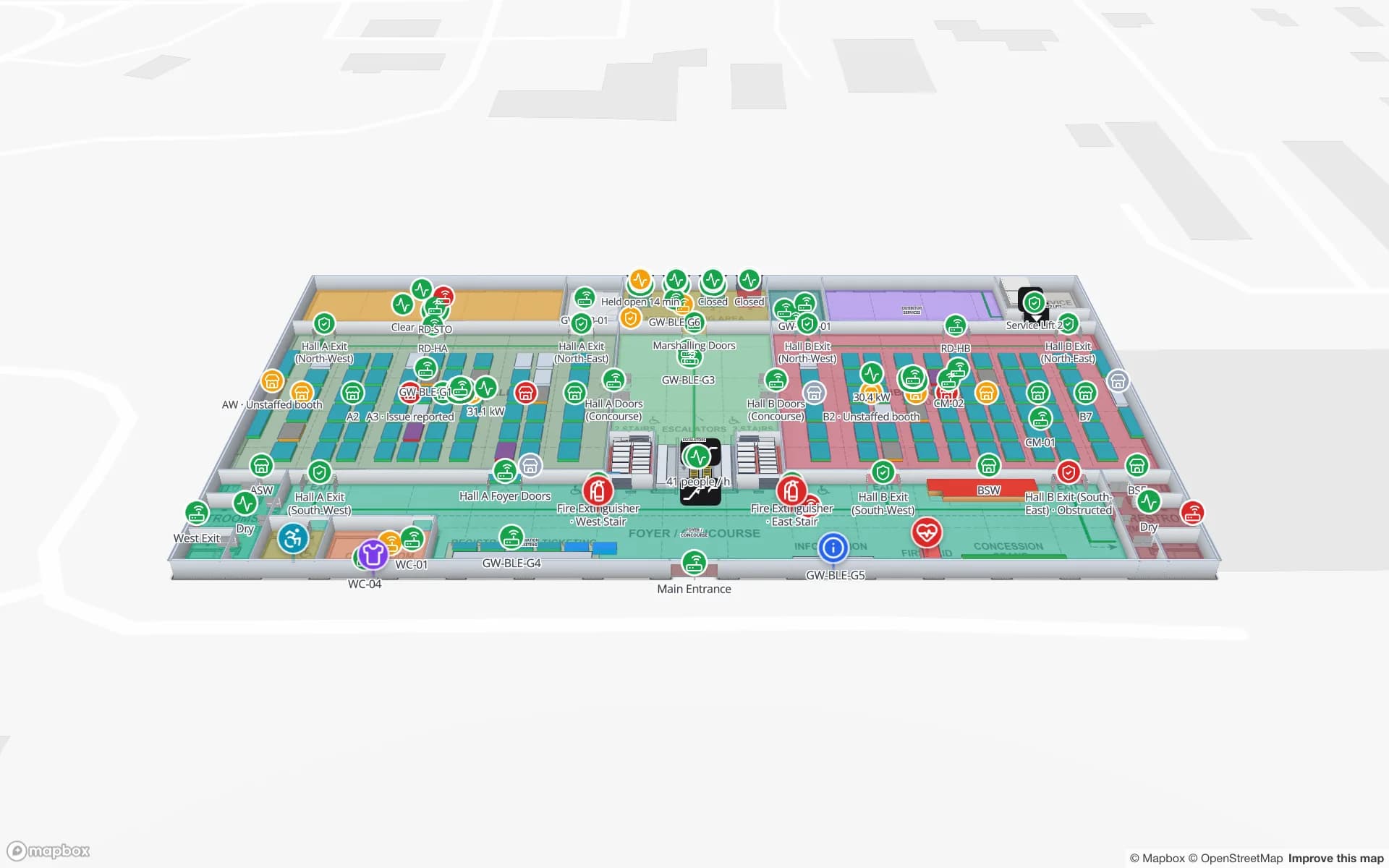
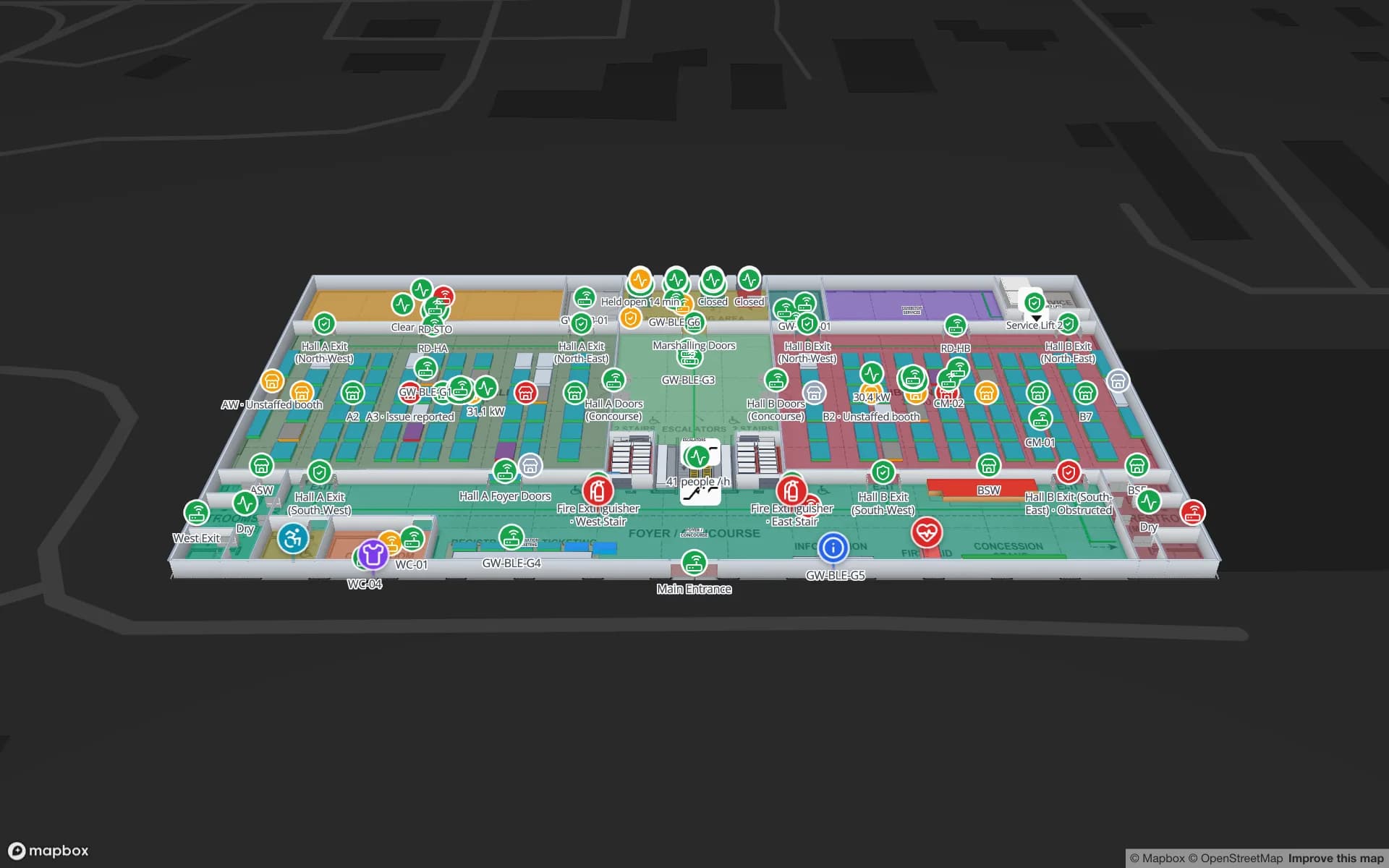
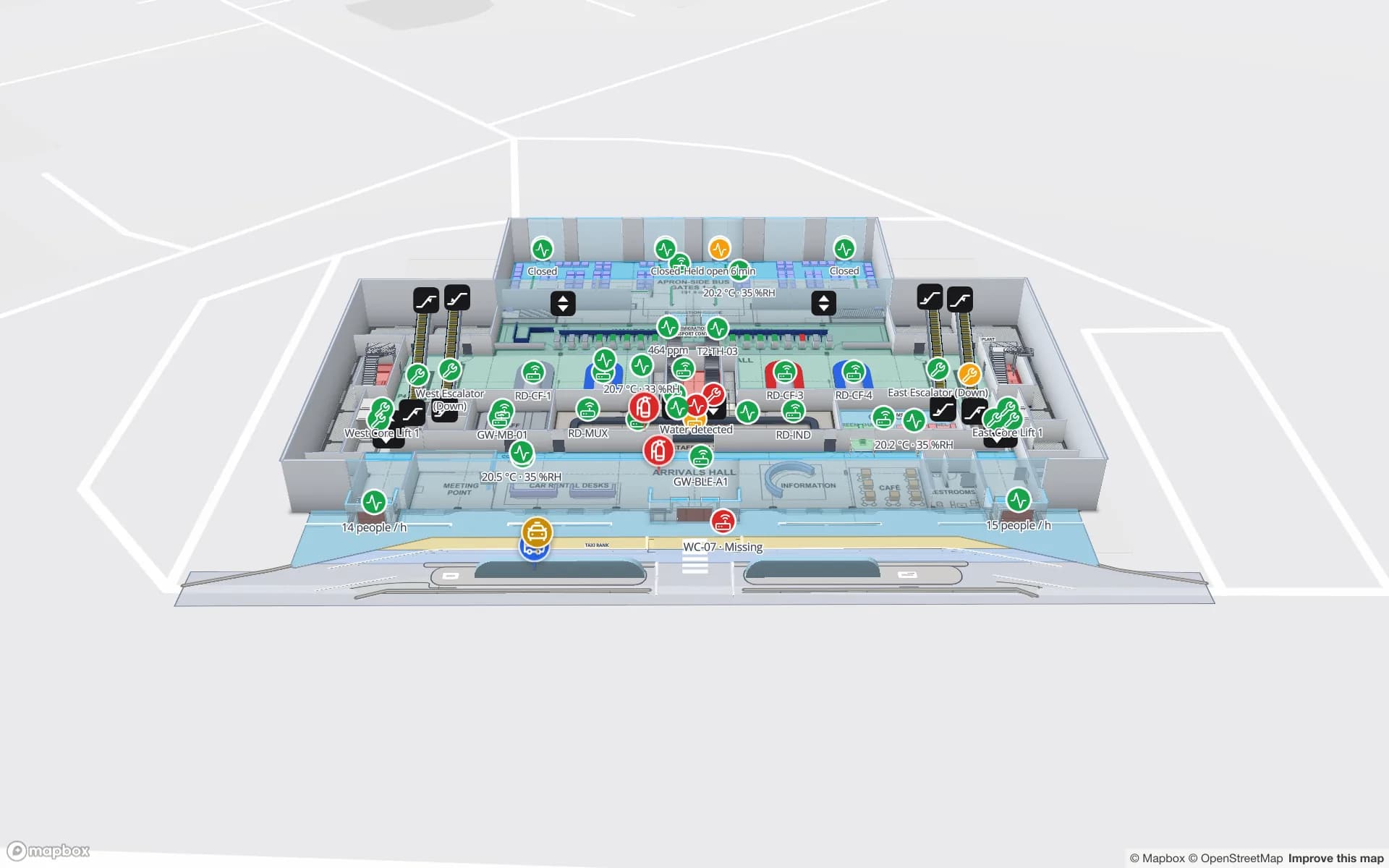
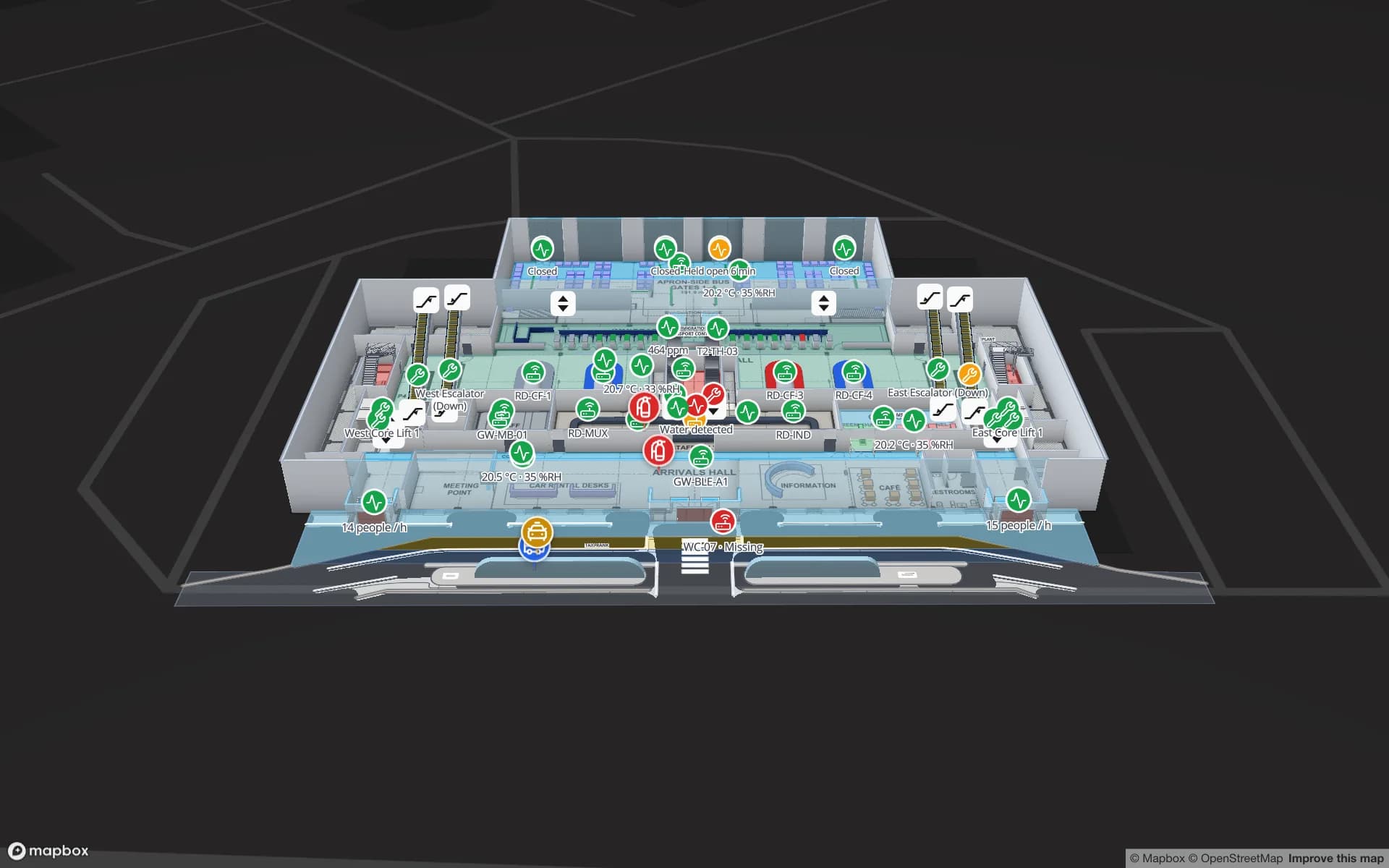
Silverbay International Airport — Terminal 2, a airport terminal demo, in the Spatial Map 3D viewer with live device markers
Silverbay International Airport — Terminal 2
Silverbay Terminal 2, a two-floor demo airport: check-in, security, gates and reclaim with lifts, escalators and live crowding.
App languages, including Arabic (right-to-left) and English
6
Reports in the Silverbay airport demo
21
Floors in the Retail Mart demo, with escalators and lifts
3
Apps for visitors to install
0

Big, busy, multi-level buildings

The UAE’s signature buildings are hard to read from the inside: malls with several retail levels and car parks, terminals with departures and arrivals on different floors, exhibition centres whose halls change layout from one show to the next. Most of them already sign everything in Arabic and English, and visitors increasingly expect the same of anything on their phone.

Our indoor mapping page covers how floor plans become a 3D map in general. This page is about the buildings that dominate UAE projects and what bilingual visitors need from the map.
Malls: levels, tenants and service routes

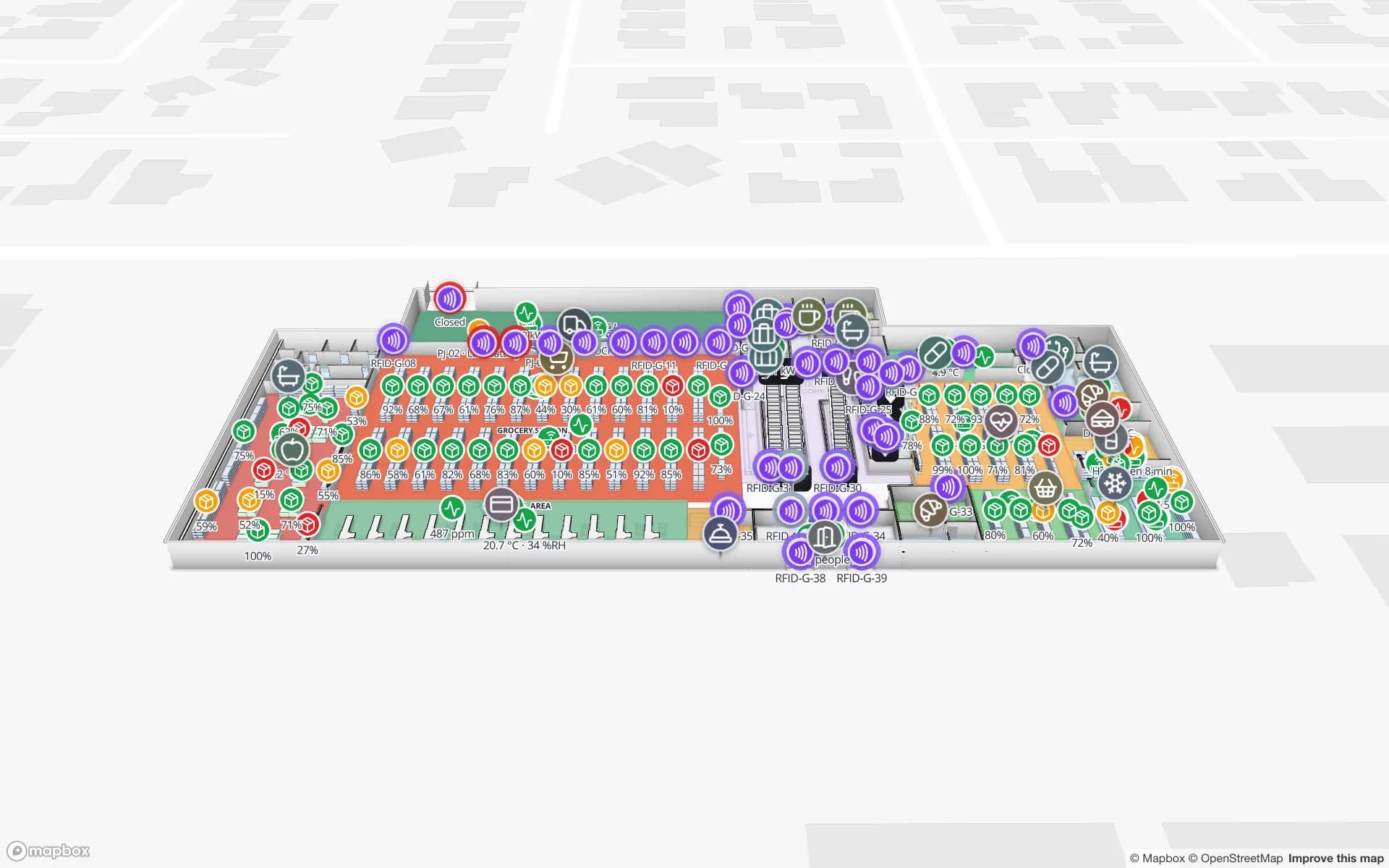
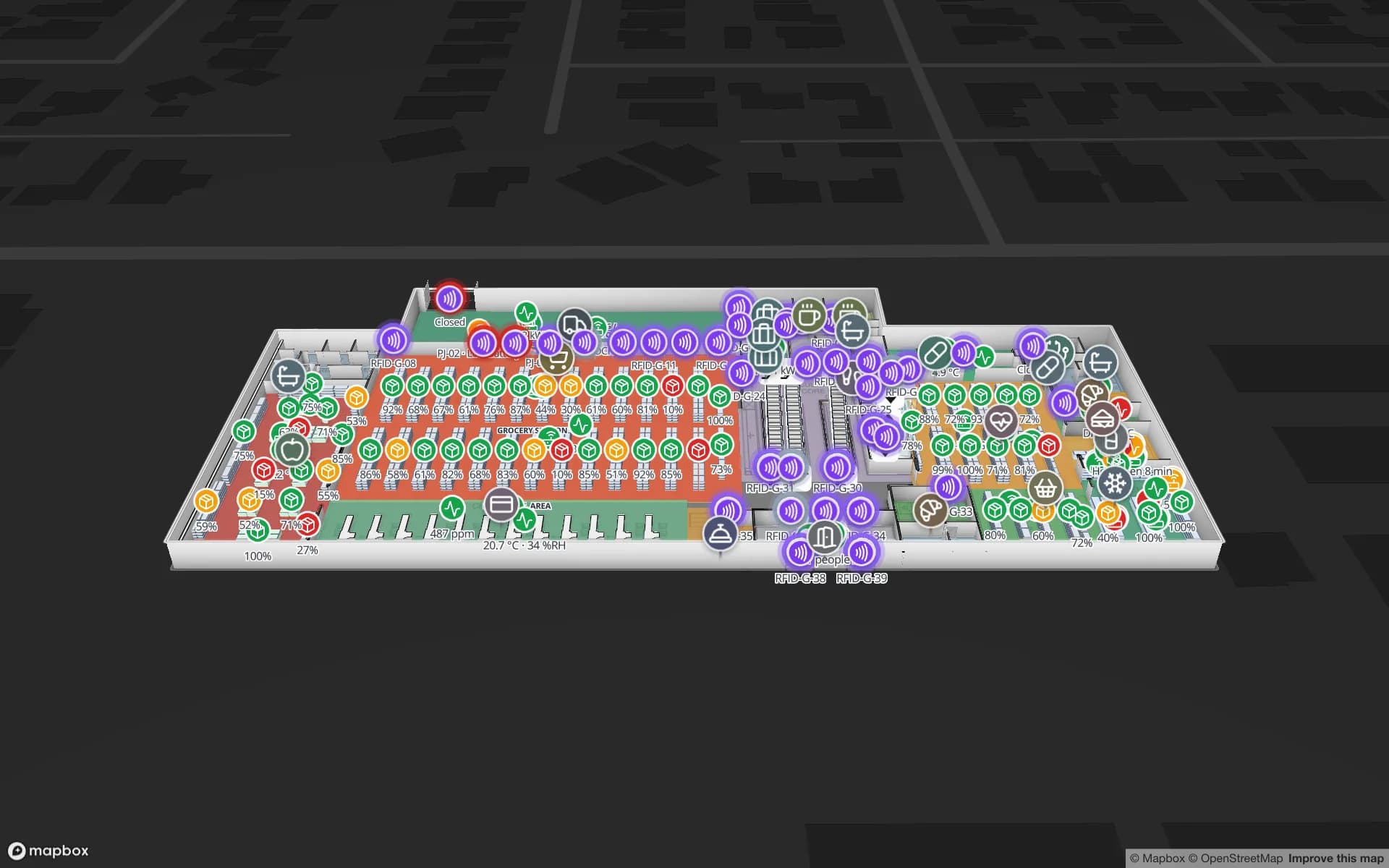
A mall map has two audiences. Visitors want shops, restrooms, prayer rooms, exits and the lift to their car park level. Operations want tenant units, fit-out status, service corridors and loading bays. In Spatial Map both live in one facility: each unit is an area named after the tenant, escalators and lifts join the levels, and a simple table — open, in fit-out, vacant — colours units for the leasing or operations team while the visitor share link shows only the public layers.

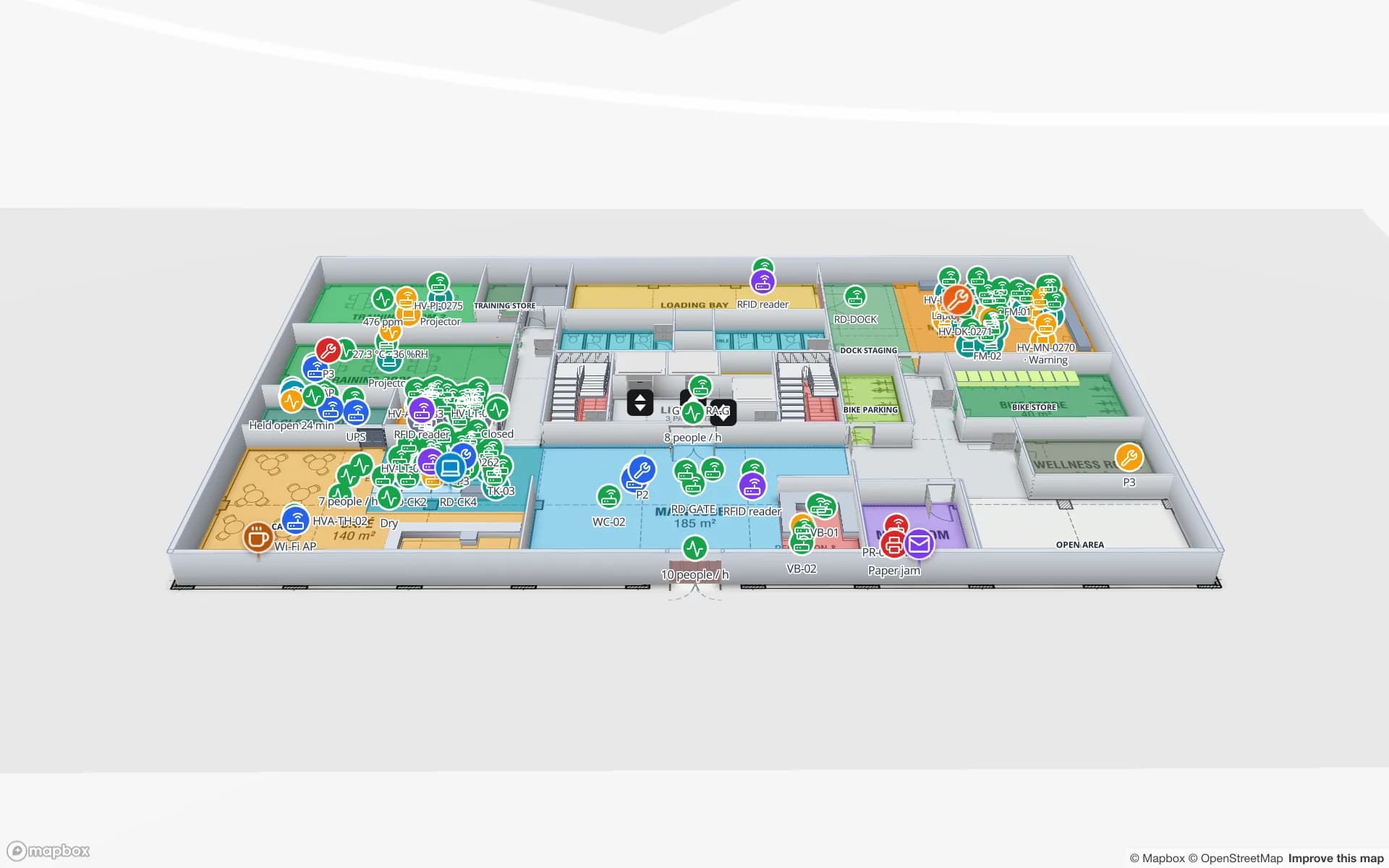
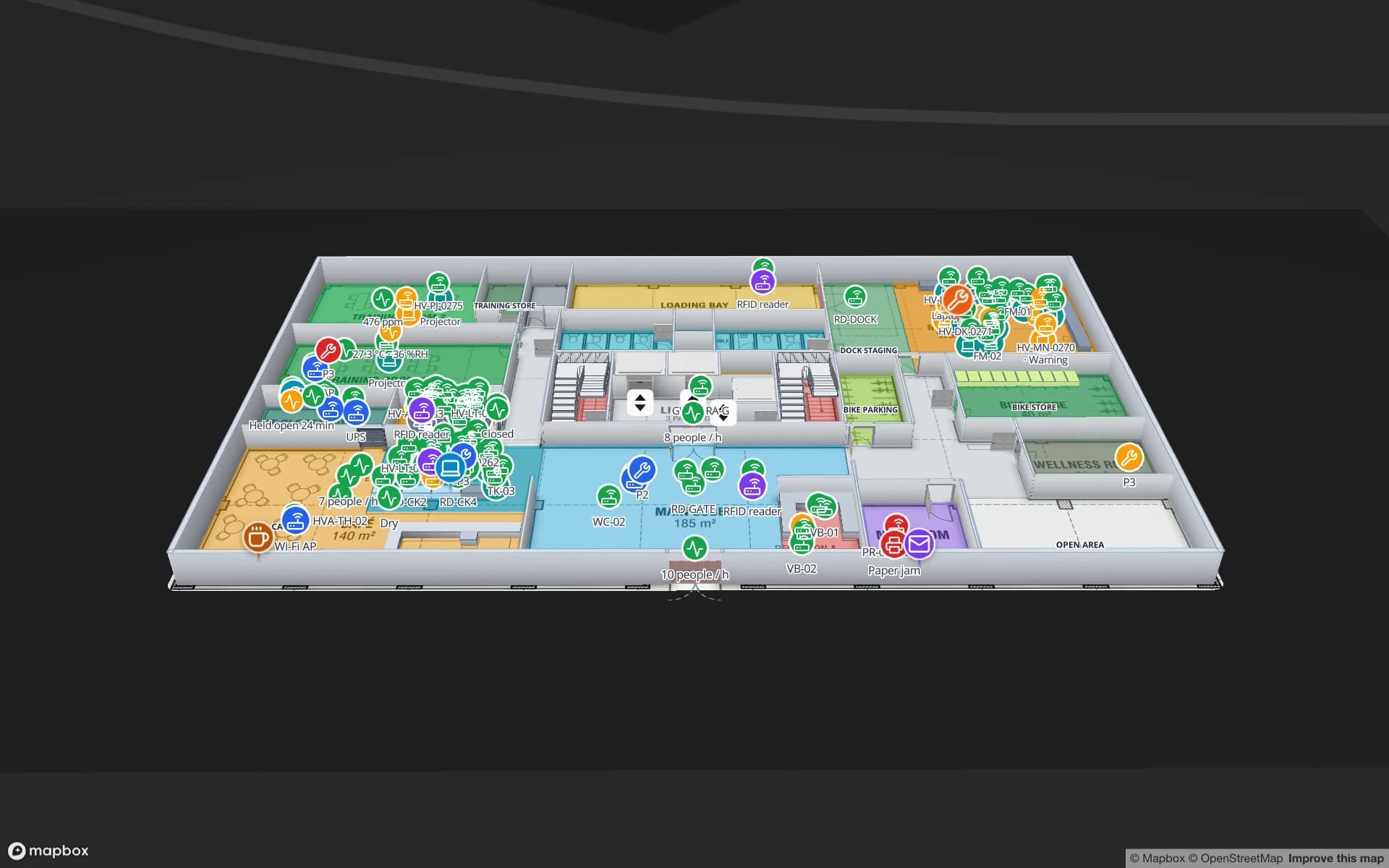
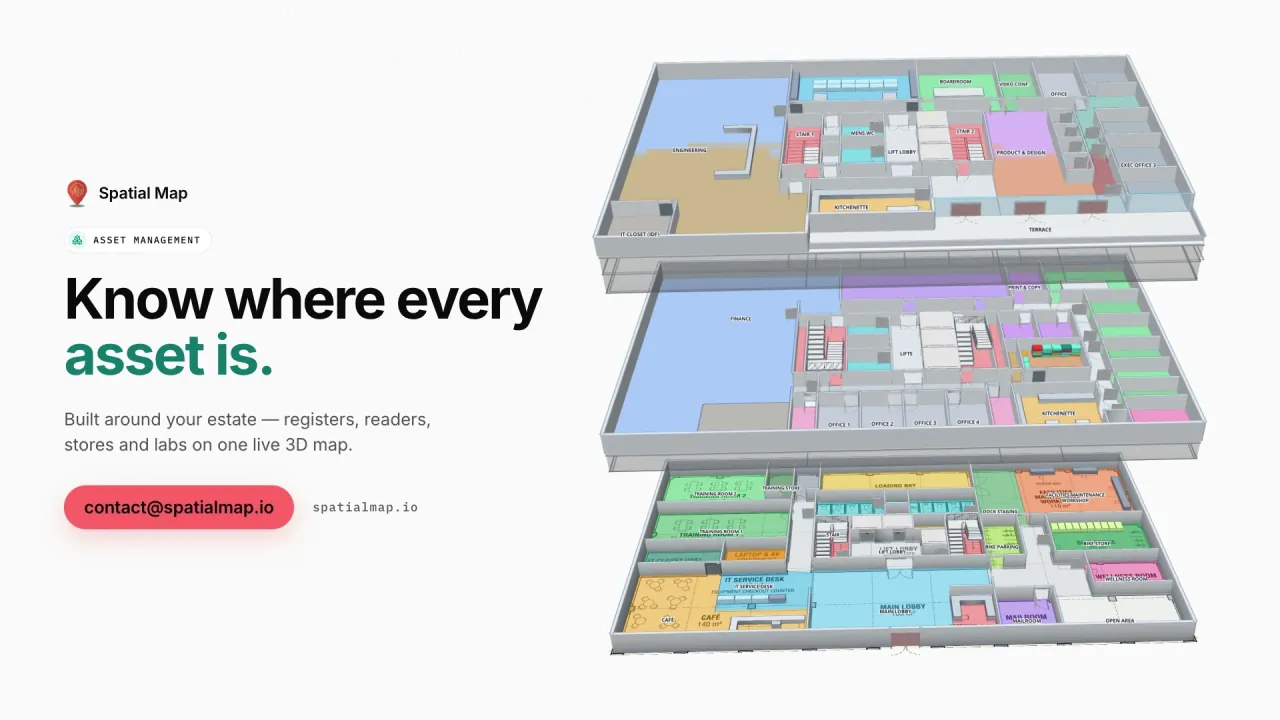
The Retail Mart demo shows the multi-floor pattern: three levels around an escalator core and lifts, with live layers per floor.

Airports and exhibition venues

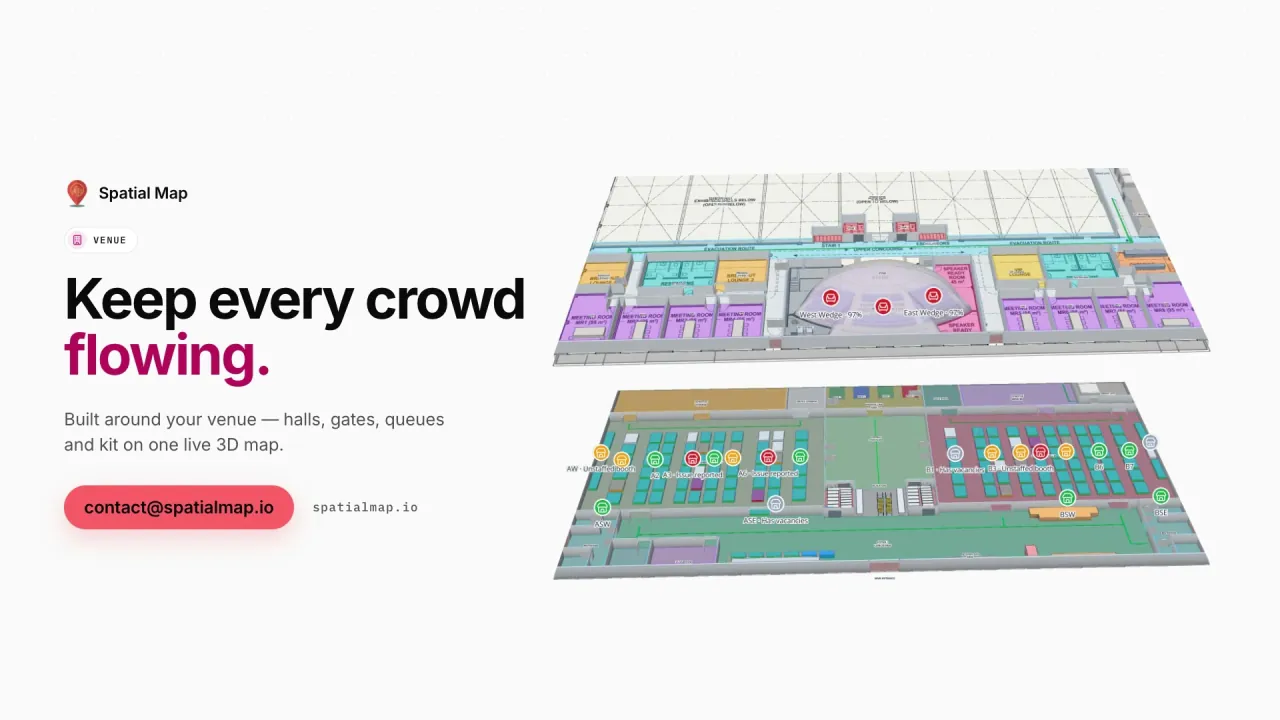
In a terminal, the permanent building — check-in, security, immigration, gates, reclaim — is drawn once, and live layers sit on top: queue throughput, zone crowding, departures per gate. The Silverbay demo has 21 reports built from exactly that.

Exhibition venues change every week. Keep the halls, docks, registration and services as permanent shapes, and update the booth blocks for each event; booths, session rooms and badge scans then bind to the current layout, as in the Lakeside demo. Visitors get a share link for that show, set to expire when it ends.

Bilingual Arabic and English wayfinding

Navigate builds a walking route around walls and through doors with turn-by-turn steps, in the viewer and on share links. The share page follows the visitor’s browser language: Arabic phones get a right-to-left interface, English phones an English one. Shop, gate and hall names are your own text, so you can write them bilingually — “Gate B · البوابة ب” — and they appear that way on the map.

Routes are calculated on one floor at a time. Lifts, stairs and escalators carry wayfinding icons, and the visitor switches levels with the floor switcher — clear enough for a mall level or a terminal pier, and honest about where the route stops.

Smart-city and digital twin programmes

Digital Dubai leads the emirate’s digital-government and smart-city agenda, and Abu Dhabi runs its own digital transformation programmes; digital twins of buildings and districts feature in that thinking. Spatial Map is not part of those programmes and makes no claim to be. It is a building-level tool: an owner or operator gets a live indoor twin of their own facility, fed by their RFID, BLE and sensor systems through the table write API or REST polling, with reports exported to PDF, Excel, CSV or JSON for whoever needs them next.

How Spatial Map does it

From floor plans to a bilingual building map

  1. 01

    Import every level

    One PDF or DWG per floor — mall levels, terminal floors, hall plans — placed at real-world scale.

  2. 02

    Draw and name

    Trace units, halls, gates, doors, lifts and escalators, with names in Arabic, English or both.

  3. 03

    Add live layers

    Bind occupancy, queue, booth or tenant-status tables to the shapes with data links and style rules.

  4. 04

    Publish for visitors

    Share a read-only link with public layers and Navigate; it follows the visitor’s language.

What UAE operators map

Shopping malls

Levels, tenant units coloured by status, service routes, and a public visitor view.

Airport terminals

Check-in, security, gates and reclaim with crowding and queue throughput across floors.

Exhibition centres

Permanent halls and docks, booth blocks updated per show, a share link per event.

Office towers and HQs

Departments, meeting rooms and assets on every floor for facilities teams.

Logistics and free-zone sites

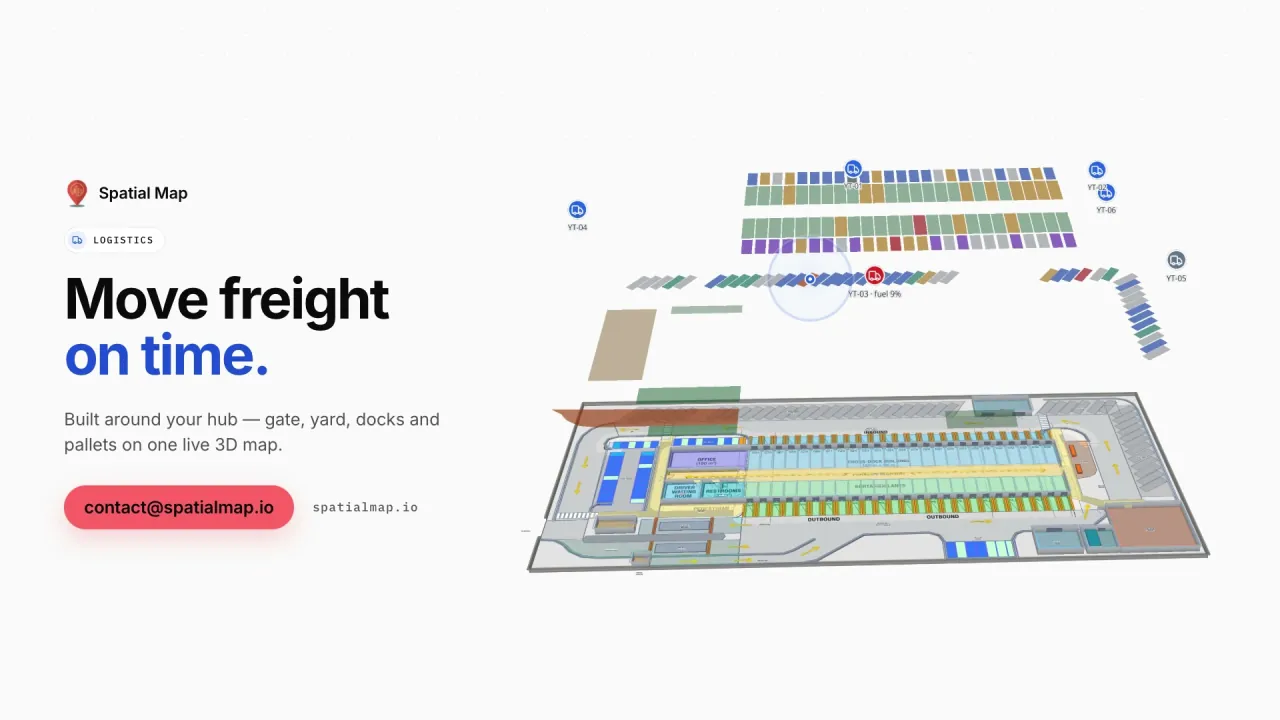
Docks, yard and sortation lanes mapped as one site with live freight.

See it on real demo facilities

Fictional names, real floor plans, live sensors, RFID, BLE tags and gateways — open any of them in the browser.

All 13 demo facilities

Indoor mapping in the UAE — questions we get

Yes. Each user or visitor sees the interface in their own language, with Arabic fully right-to-left. Shape names are your own text, so you can write each shop, gate or hall name in both languages and it appears that way on the map.

No. Routes are calculated on one floor at a time, around walls and through doors. Lifts, stairs and escalators are shown with wayfinding icons, and visitors switch floors with the floor switcher.

No. A read-only share link opens in any modern phone browser. You choose which floors and layers it shows, and can set an expiry, a view cap, or revoke it.

No. Spatial Map is an independent, building-level product sold online. It gives owners and operators a live indoor map of their own facilities.

DWG files from AutoCAD R2004 to R2018, PDF sheets and PNG or JPG images all import. DXF does not; ask for DWG or PDF. Each floor is placed at real-world scale and traced with the drawing tools.

Map your mall, terminal or venue in Arabic and English.

Start a free trial and open the Silverbay and Retail Mart demos, or send us your floor plans and we will scope the whole building.